ModsCraft » MCPE » Minecraft: Java Edition on Android
Minecraft: Java Edition on Android

Minecraft: Java Edition on Android
14:38, 6 Aug 2021 (updated on: 15:12, 29 Jul 2025) 1 811 324

Have you ever wanted to run Minecraft: Java Edition with mods directly on your Android device? Now you can with PoJavaLauncher, which lets you run any PC version of the game right on your phone or tablet!

PoJavaLauncher

The primary launcher that all others are based on. It stopped receiving updates in January 2025.

MojoLauncher

A launcher based on PojavLauncher. It supports all the same features as the original but is maintained by third-party developers.

Pojav Glow·Worm

Also based on PojavLauncher and developed by Chinese developers.

How to Use?

The launchers are very similar, and the setup process is nearly identical across them.

  • On the main screen, you can choose an existing installation or create a new one.
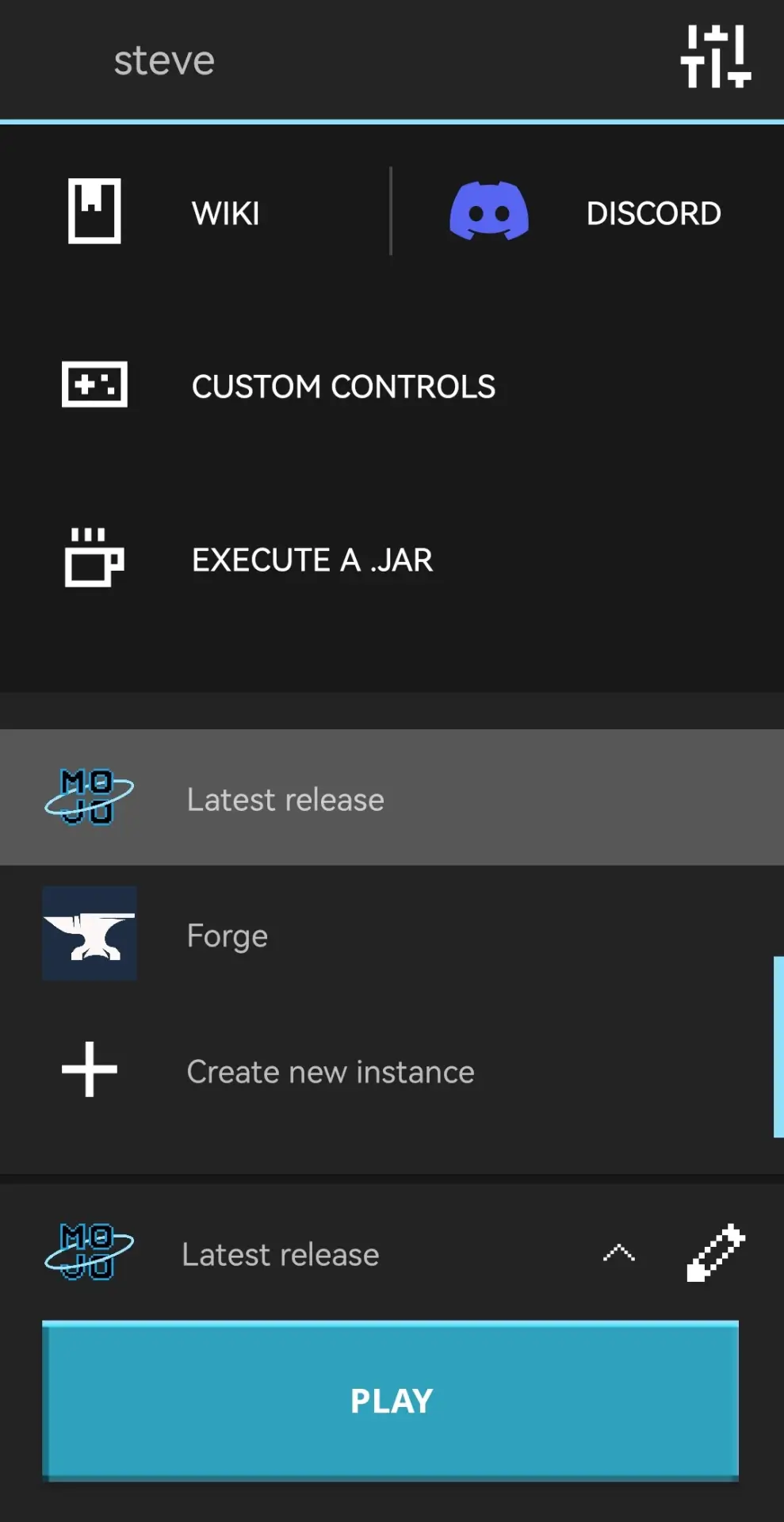
MojoLauncher main menu

  • You can choose Vanilla, OptiFine, Fabric, Forge, and other versions.
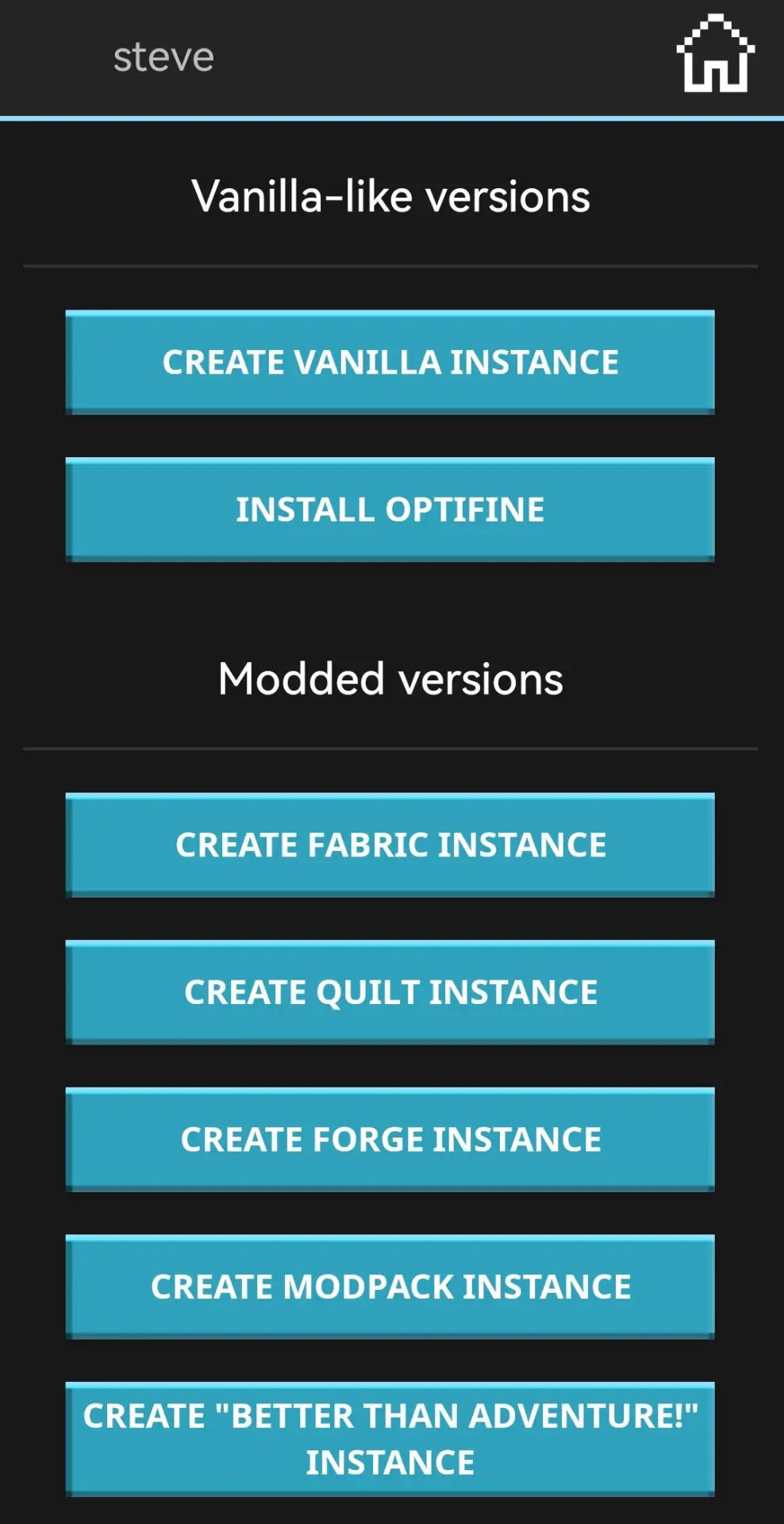
Select Vanilla or modded version

  • For example, choosing Vanilla lets you play early Alpha builds or the latest snapshots.
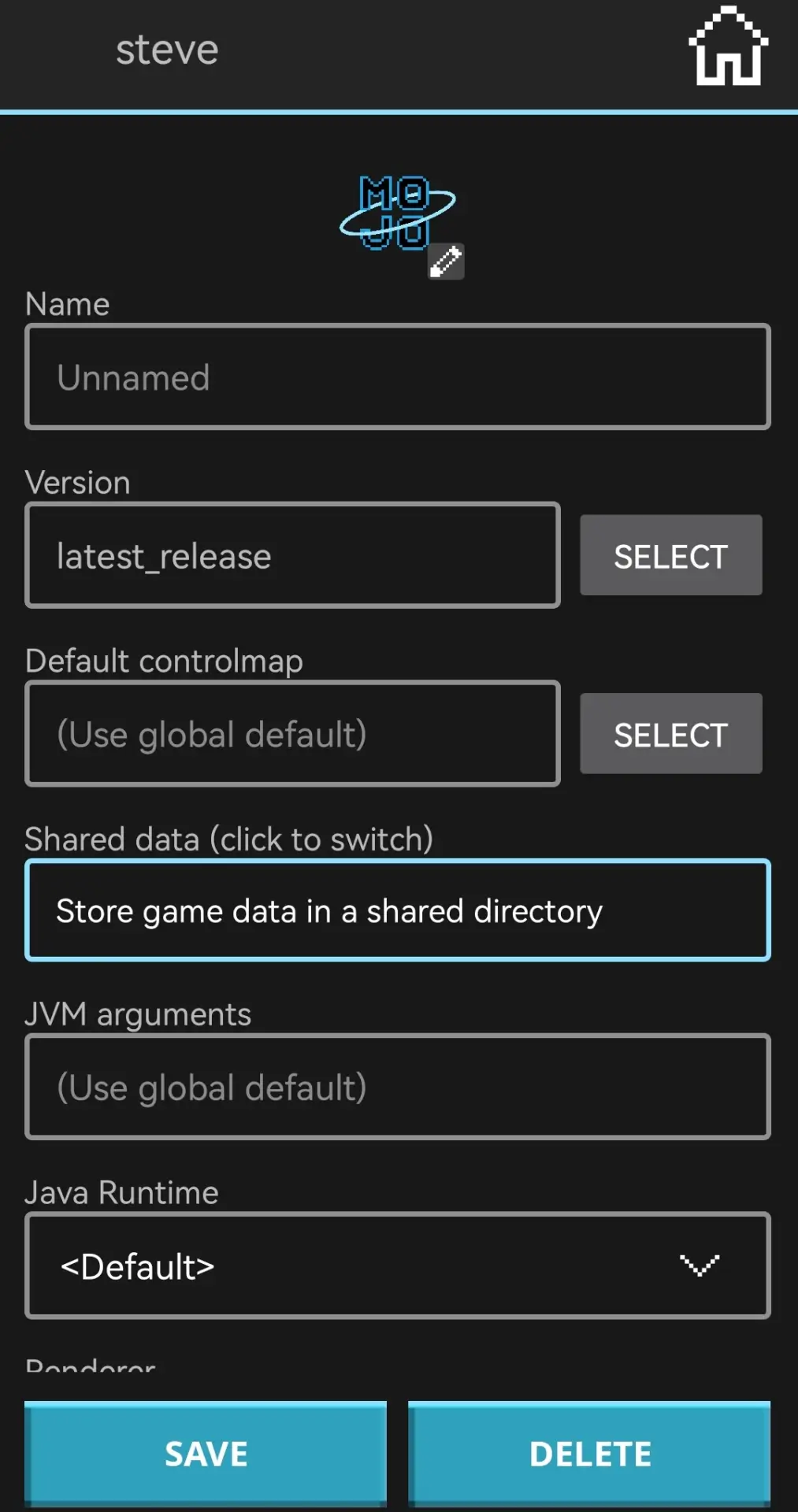
Create installation in launcher

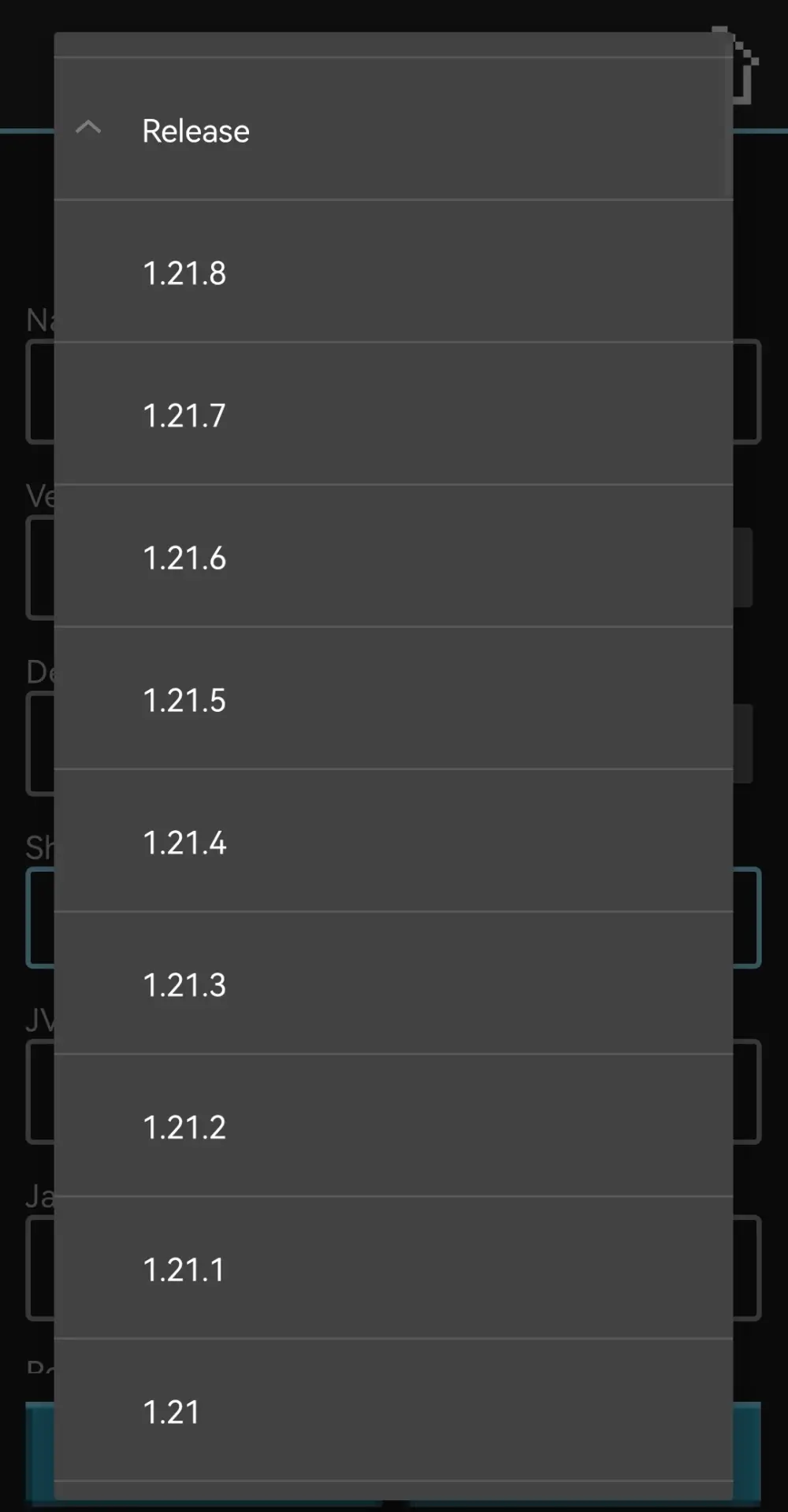
Select Minecraft version in launcher

  • Select the version, wait for installation, and launch the game.
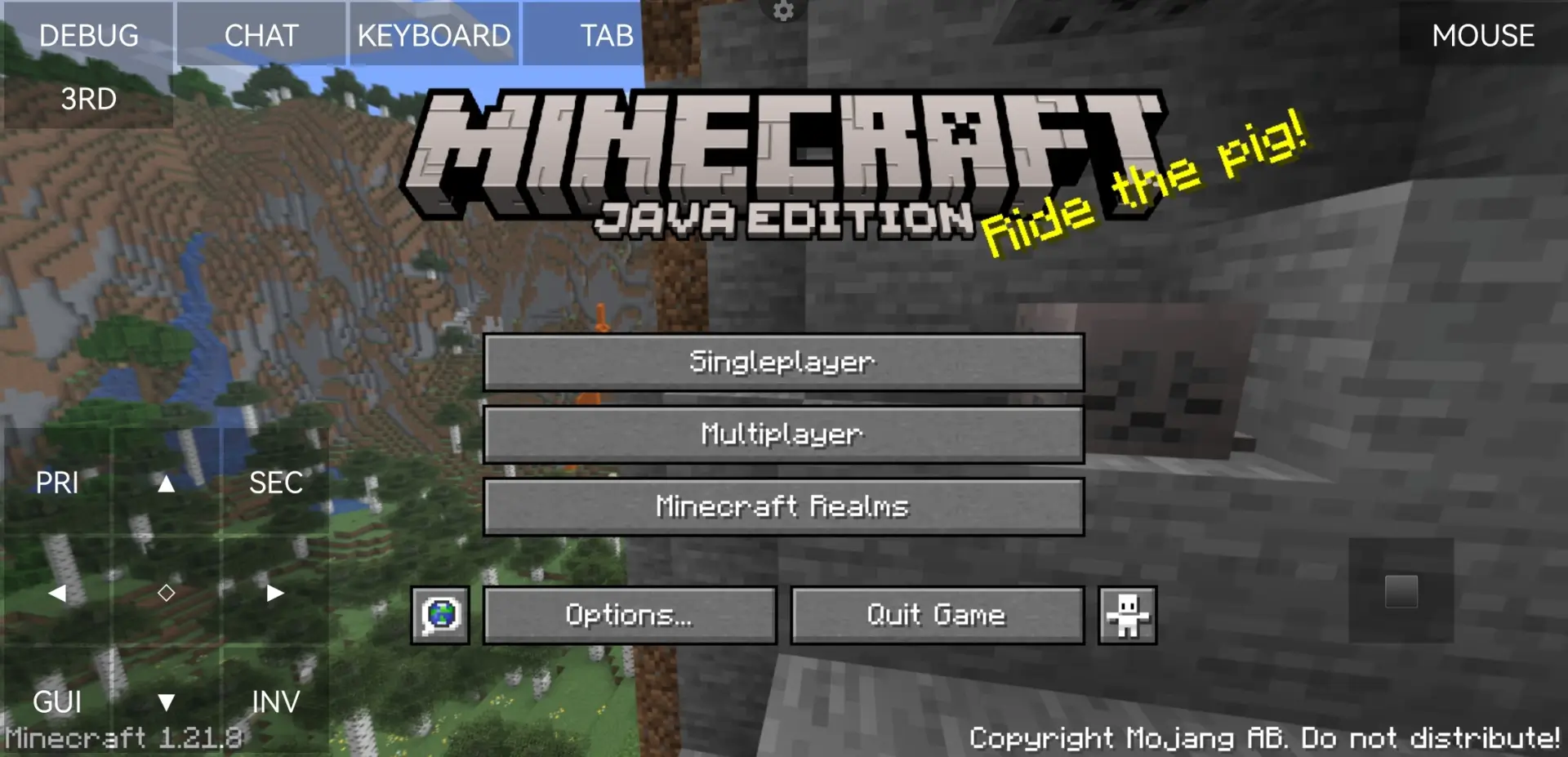
Java Edition main menu on Android

  • Enjoy the game 😀

Alex in a cave with a torch

Warning

If you search for a launcher online, chances are that some of the top results will point to domains with similar names. Do NOT download or install anything from these sources. The same goes for links in YouTube video descriptions or other random sites.

These sites often pose as official projects, but no one knows what their APKs contain or what they might install on your device.

Only follow links from official project pages or trusted platforms like 4PDA.


«Download» implies the possibility of switching to Google Play or another service. You will need a purchased game license to install the update.
Get Minecraft
Buy Minecraft on Google Play
912 comments
  1. Аватарка гостя
    Sonic
    19:15 21 Dec 21
    Просто нас соврали!
    1. Аватарка гостя
      tails
      11:31 23 May 22
      А вот ты где соник
  2. Аватарка гостя
    File Bil
    14:30 19 Dec 21
    положение идяльно
  3. Аватарка гостя
    Анонимный доброжелатель
    2:39 18 Dec 21
    Вроде всё ок, но я не понимаю как писать(адрес сервера). Можете ответить в коментариях пж!
    1. Аватарка гостя
      Андрей
      1:56 5 Jan 22
      Клаву сверху тыкни
      1. Аватарка гостя
        Дебио
        11:36 7 Jan 22
        Она сразу закрывается
        1. Аватарка гостя
          Sleweron
          3:38 23 Jan 22
          Как-бы нет, надо просто нажимать только на буквы, а не на другие зоны экрана
  4. Аватарка гостя
    Kirill
    10:17 16 Dec 21
    Мне нравица Майнкрафт но уминя ошибка скодо приложэние 1
    1. Аватарка гостя
      Настя
      16:37 27 Dec 21
      Нужно нажать ШТО би ти бил офлайн
  5. Аватарка гостя
    Марик
    16:26 15 Dec 21
    Понял
  6. Аватарка гостя
    Ralam55
    13:35 13 Dec 21
    Запускаю майнкрафт и он вылетает
    1. Аватарка гостя
      Азиза
      11:45 15 Dec 21
      Это зовисит от техники
      1. Аватарка гостя
        Я
        23:25 2 Jan 22
        Интересно удалять или
        Майн джава или не нет?
  7. Аватарка гостя
    Марик
    22:22 12 Dec 21
    Отличный майнкрафт мне понравился
  8. Аватарка гостя
    Али
    19:18 11 Dec 21
    Круто
  9. Аватарка гостя
    Зефирчик
    8:55 9 Dec 21
    Ужас нет модов
  10. Аватарка гостя
    Илья Кульмашев
    19:43 8 Dec 21
    Как называется Машины в Москве
    1. Аватарка гостя
      Даникош Кантай
      17:49 23 Dec 21
      Ну что аааааааааааааааа
Privacy Feedback About Sitemap

THIS SITE IS NOT A MINECRAFT PRODUCT AND IS NOT AFFILIATED WITH MOJANG.

Minecraft is copyright Mojang Studios and is not affiliated with this site