Mod: Furnicraft
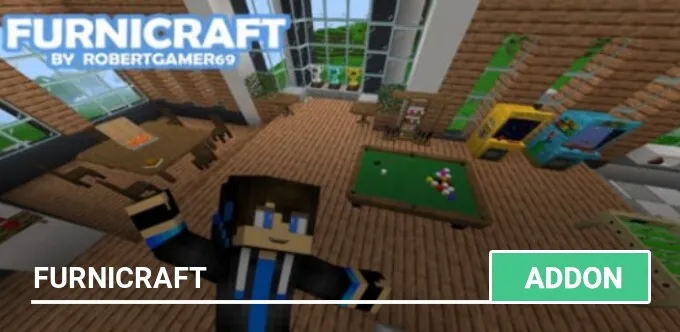
The Furnicraft mod adds a wide variety of furniture, decorative blocks, new items, and even residents to Minecraft PE! This mod has everything you need for furnishing your kitchen, bedroom, yard, and more in your own game world. Don't forget to activate Experimental Gameplay to fully enjoy it.
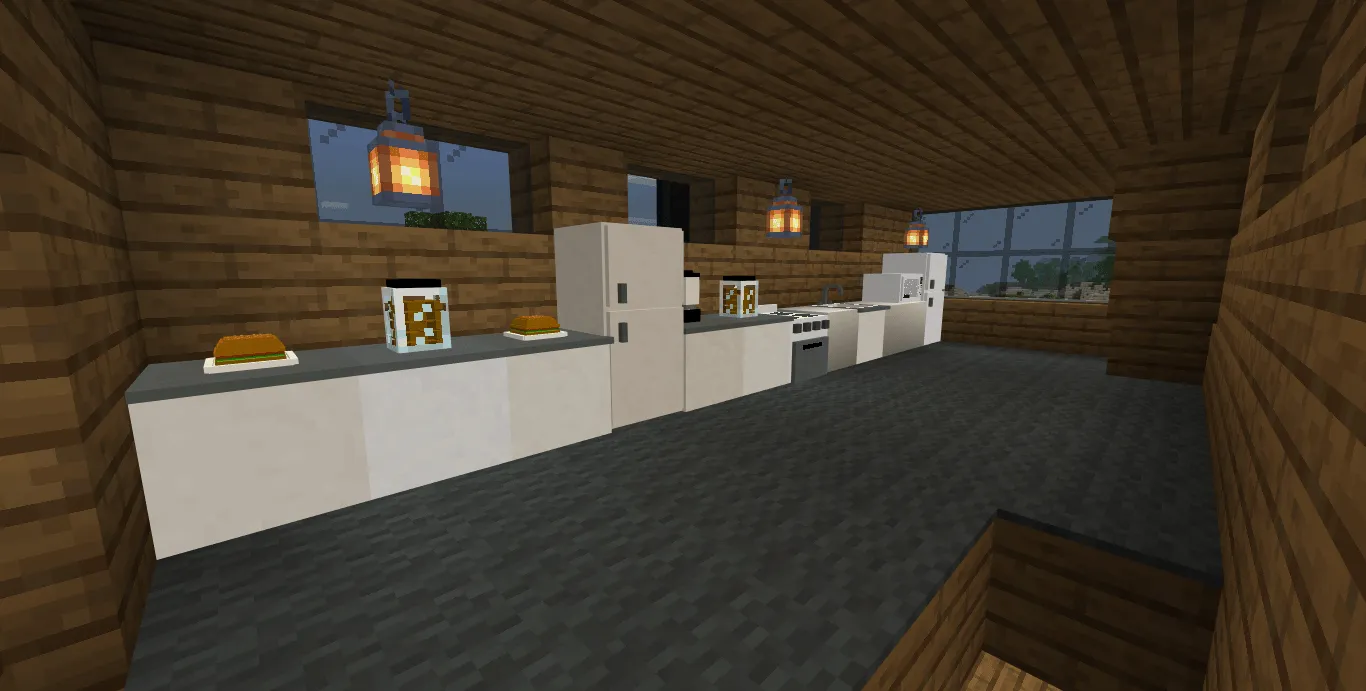
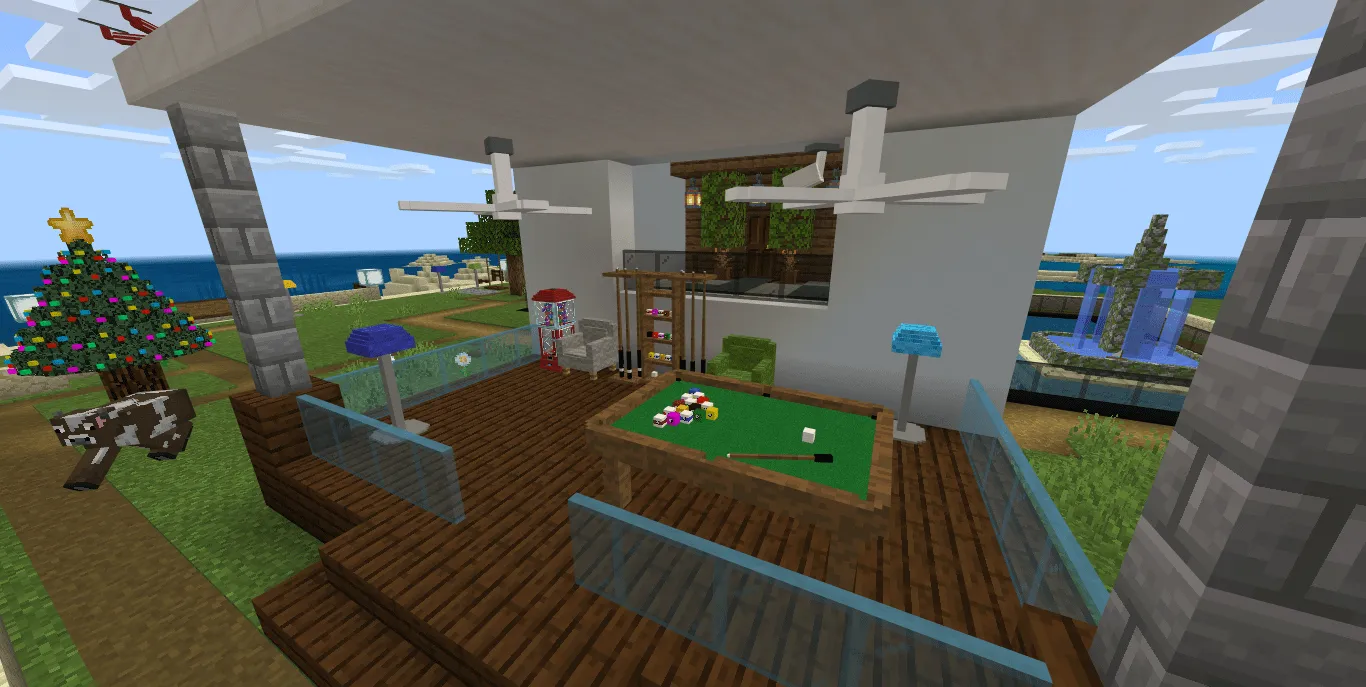
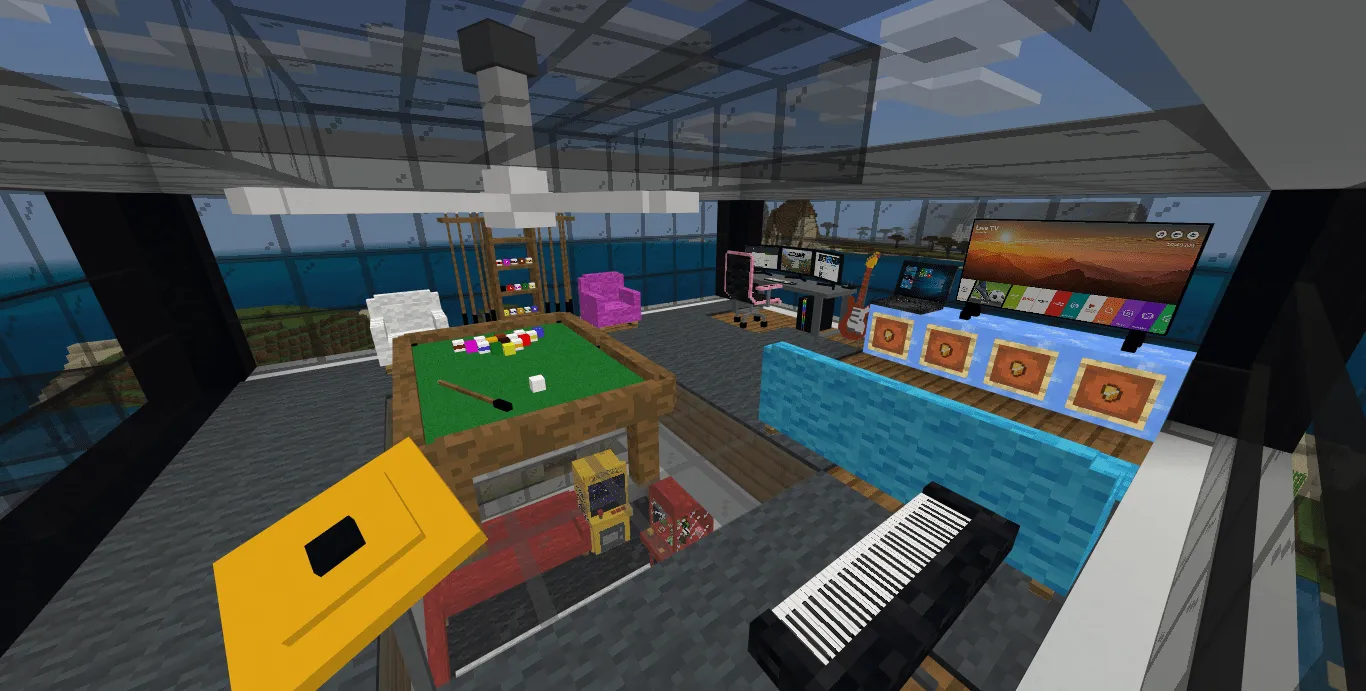
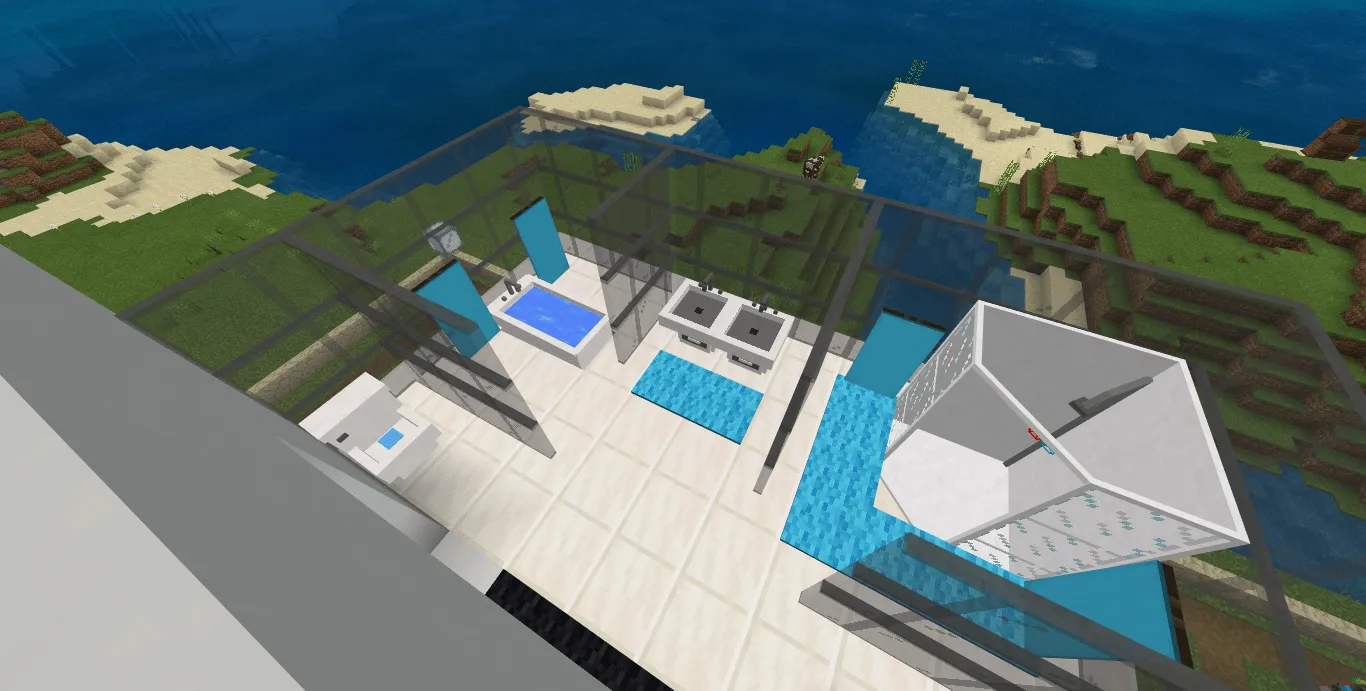
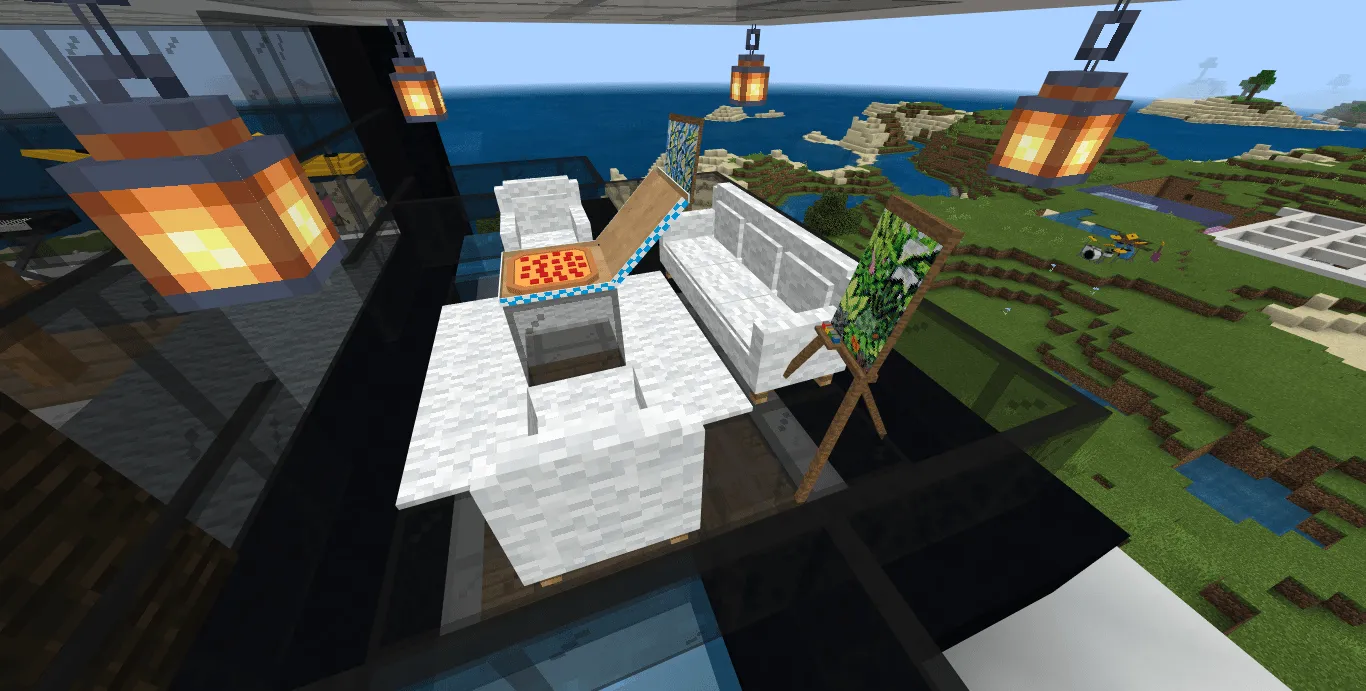
The mod introduces a range of furniture blocks such as trampolines, TVs, gaming PCs, stoves, billiard tables, chairs, sofas, pianos, 3D colored beds, tables, kitchen furniture, blocks of luck, Christmas trees, toilets, and many more. Starting from version 8, each block has its own spawn egg. Keep in mind that the mod is intended for Minecraft 1.8.0 and higher.
Don't forget to activate Experimental gameplay.
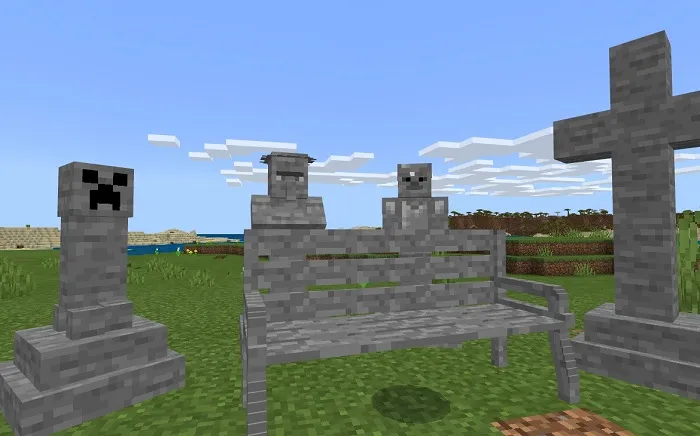
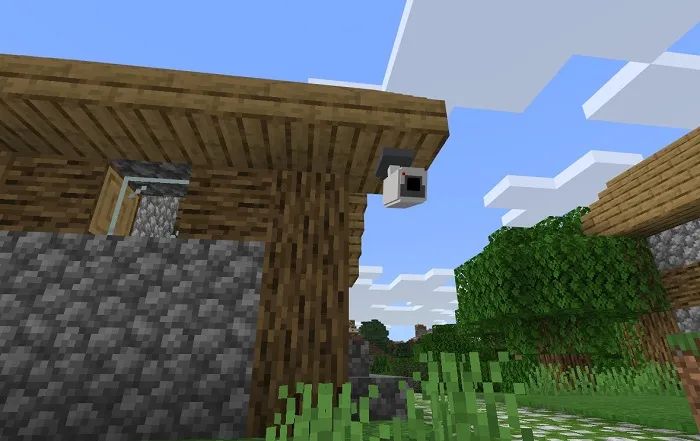
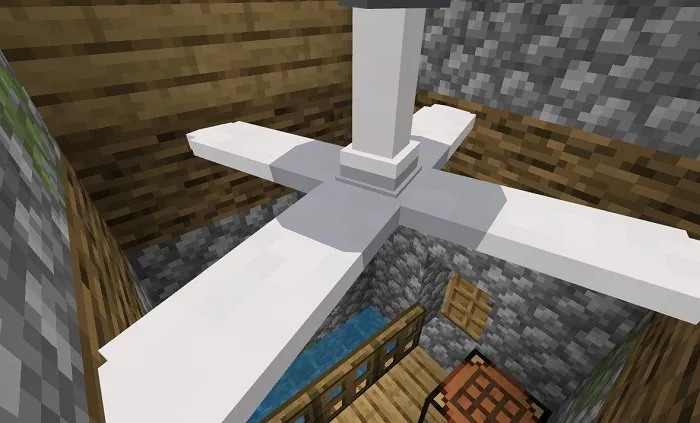
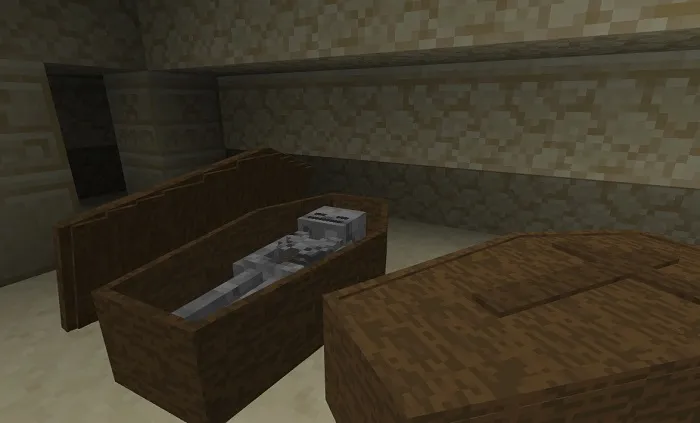
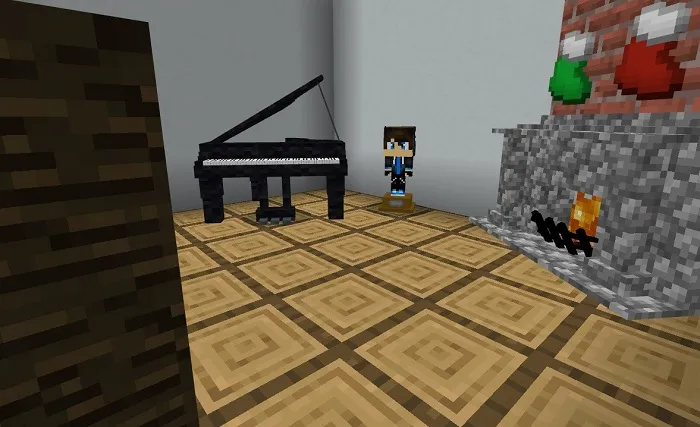
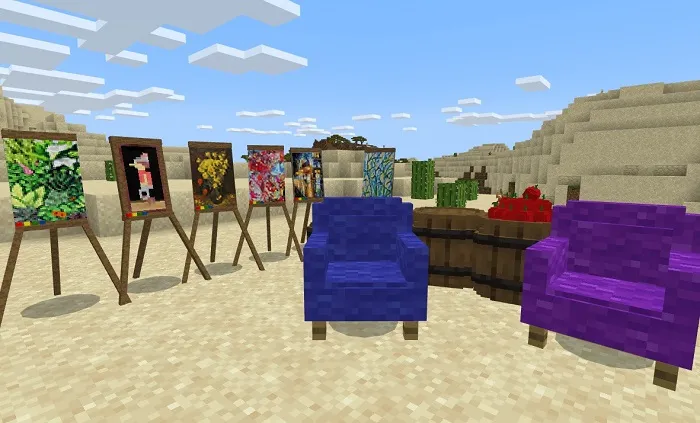
List of furniture blocks:
- Trampoline
- TV
- Gaming PC
- Stove
- Billiard table
- Chair and sofa
- Piano
- 3D colored beds
- Table
- Kitchen furniture
- Blocks of Luck
- Christmas Tree
- Toilet
- etc.
Since version 8, each block has its own spawn egg, but remember that this version is intended for Minecraft 1.8.0 and higher!
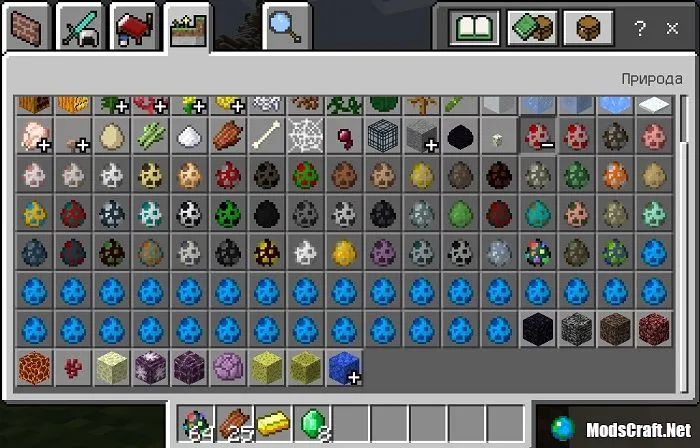
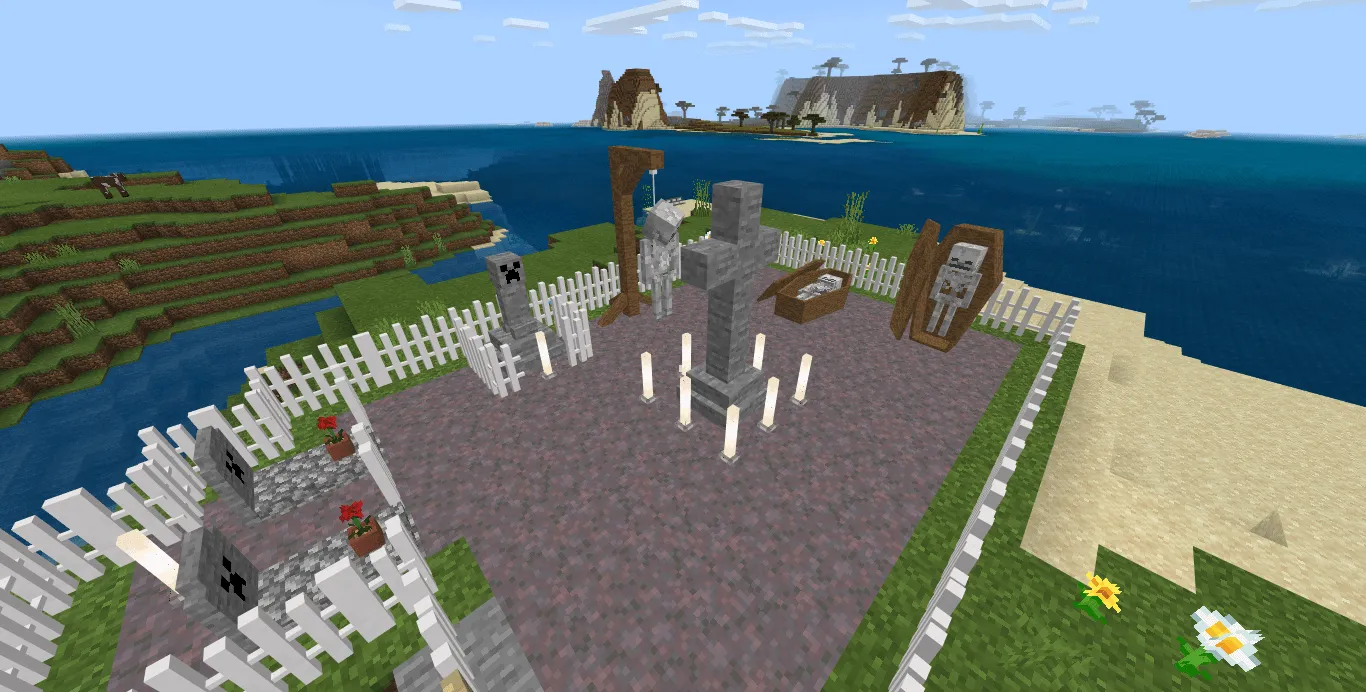
New furniture v11.9! In the new version of the mod, more than 80 blocks of new furniture have been added to decorate your home.
- TV
- TV shelf
- Fireplace
- Clothes drawer
- Baby cot
- Table (small/large)
- Toilet
- 3D colored beds
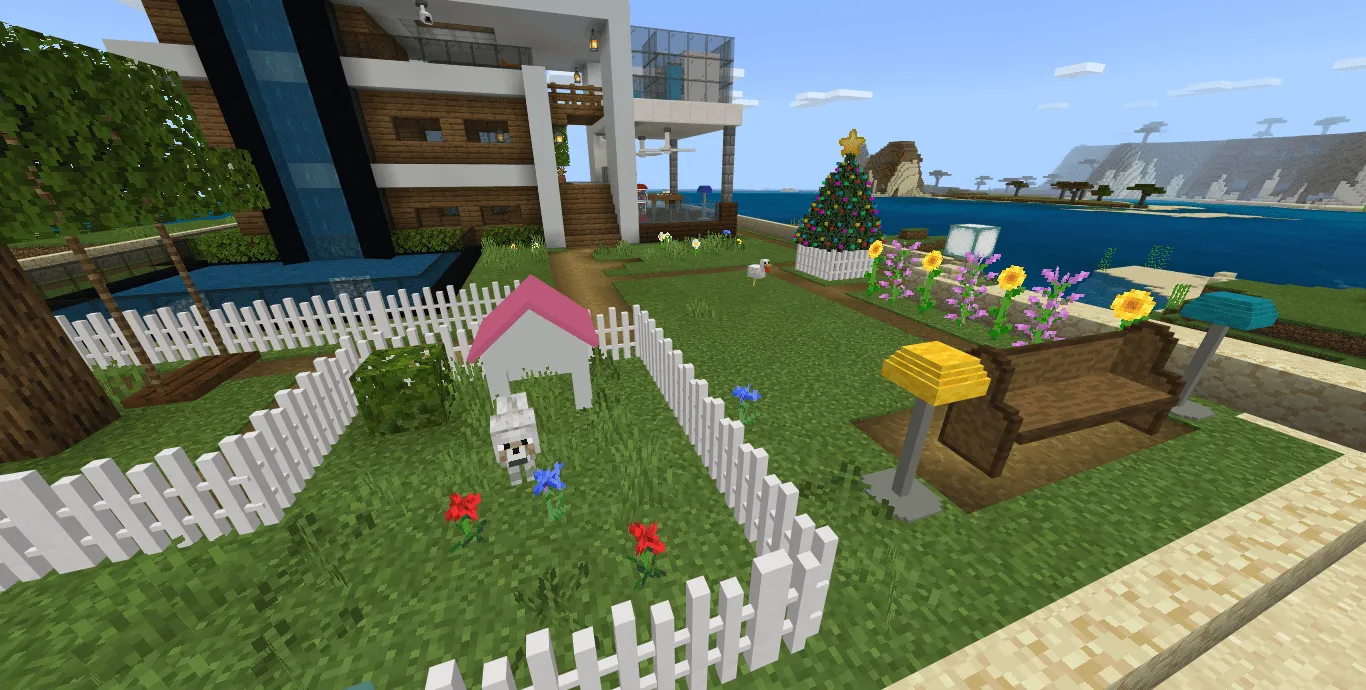
- Decorated Christmas Tree
- Gifts
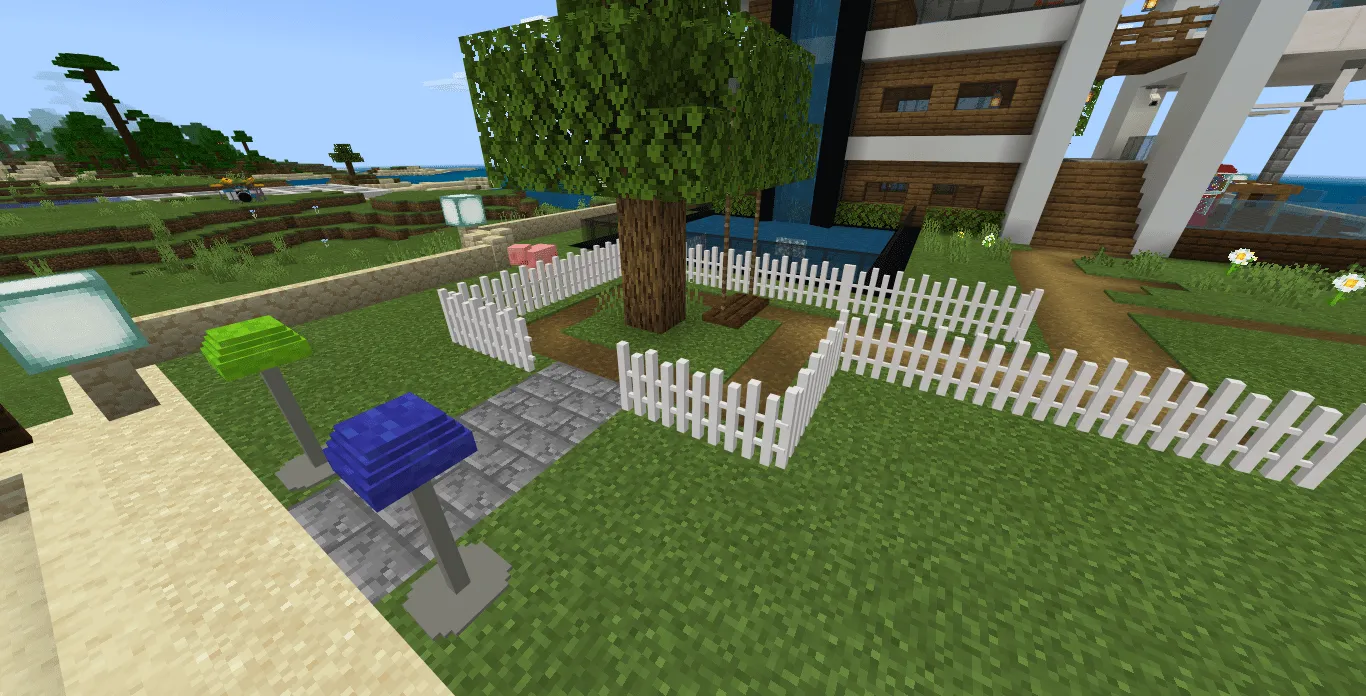
- There are two types of benches
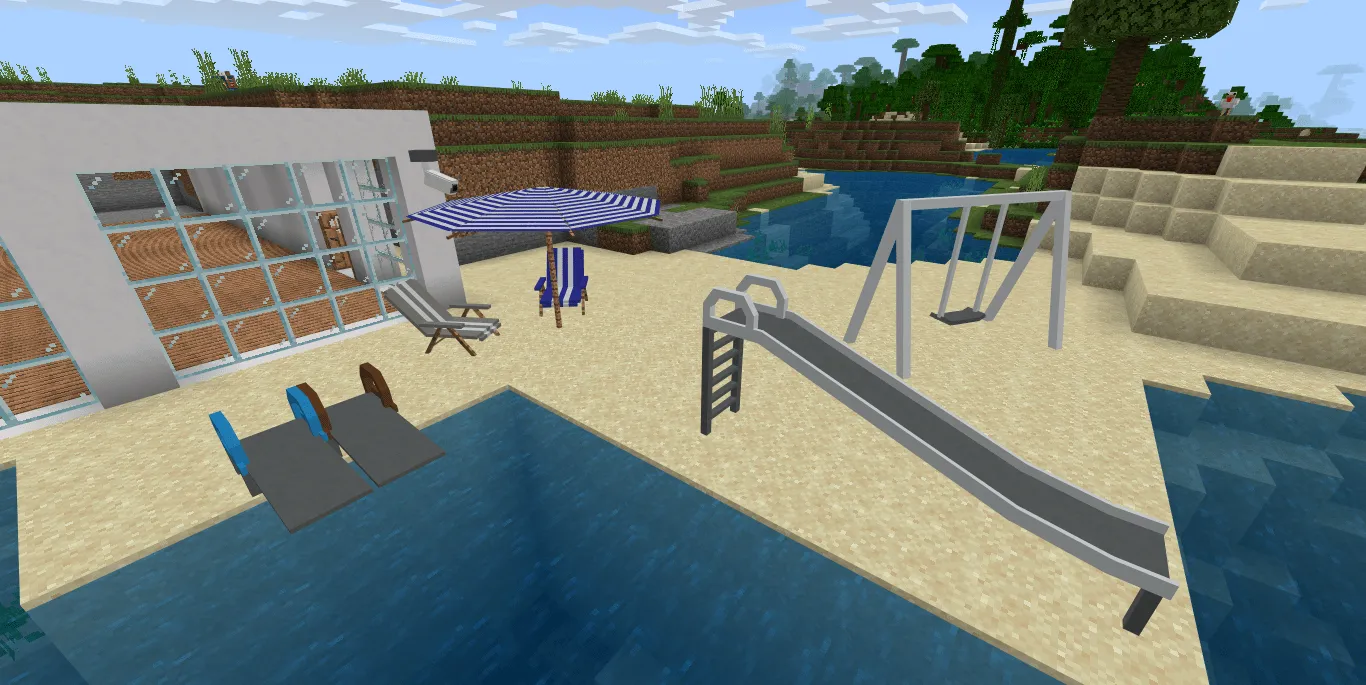
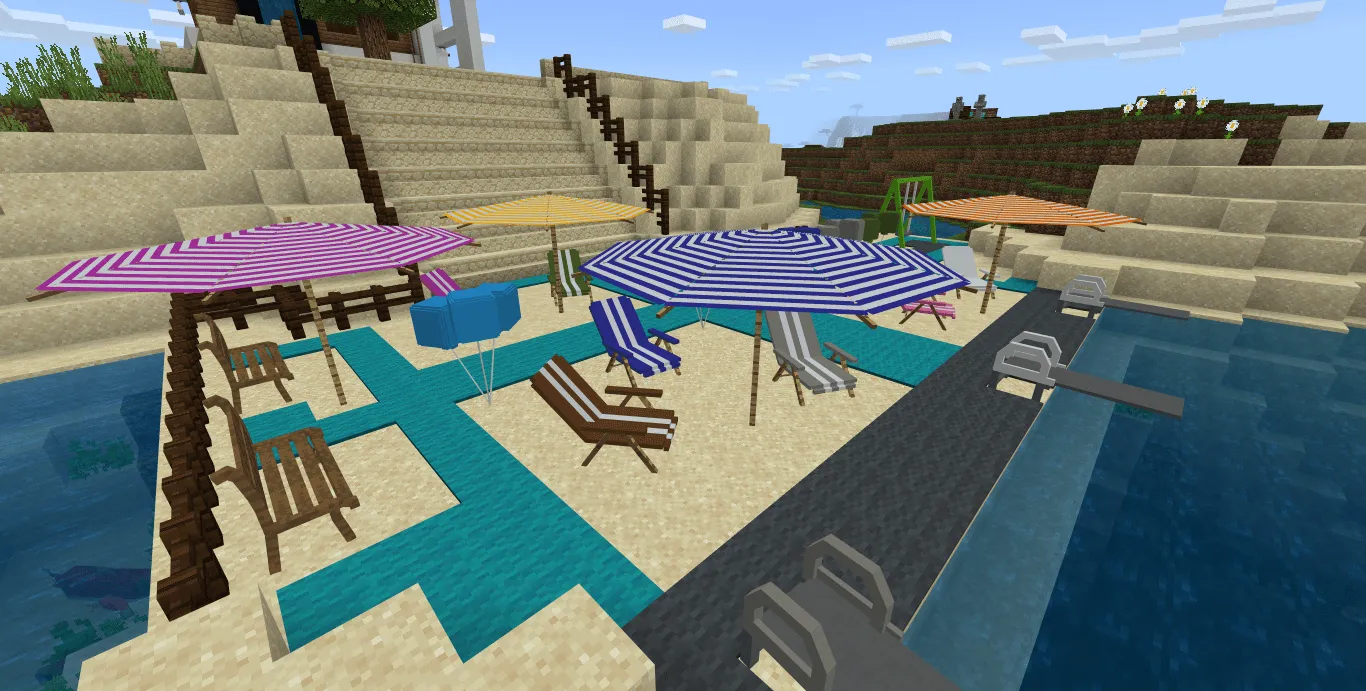
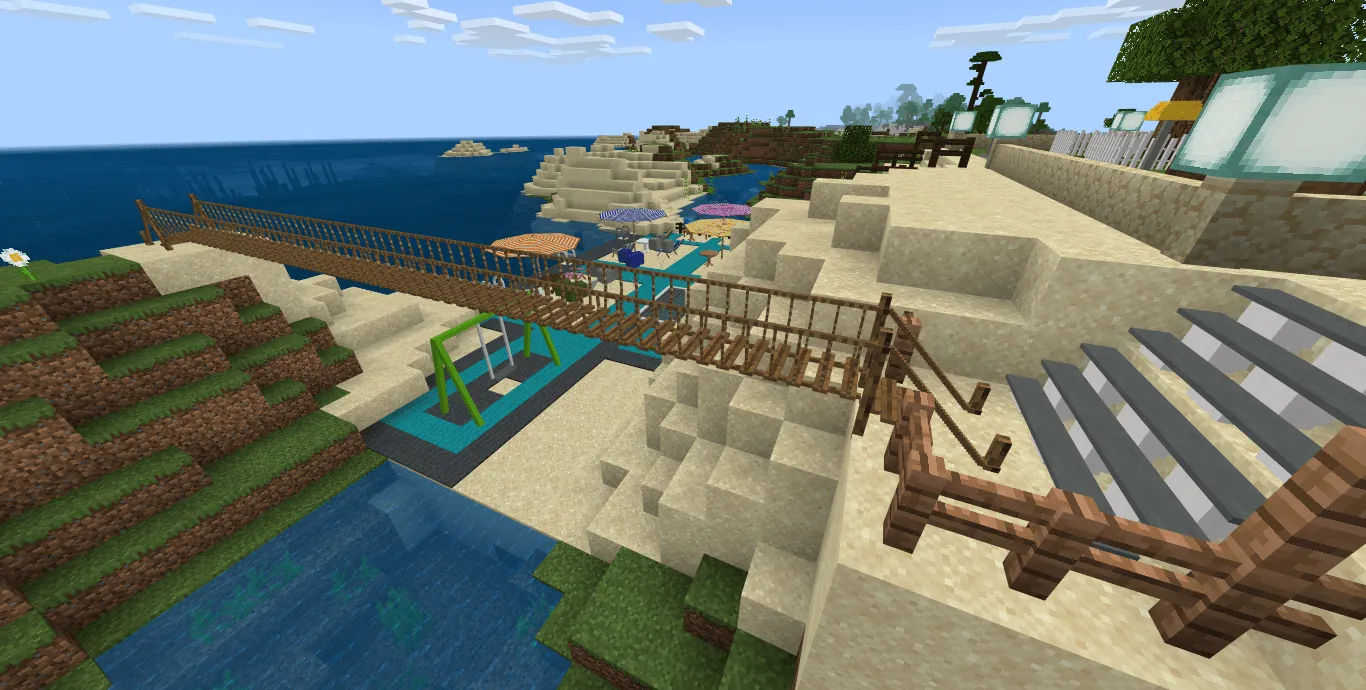
- Beach umbrella
- Beach chairs
- Big swing
- Swing for trees
- Balls
- Chairs (16 colors)
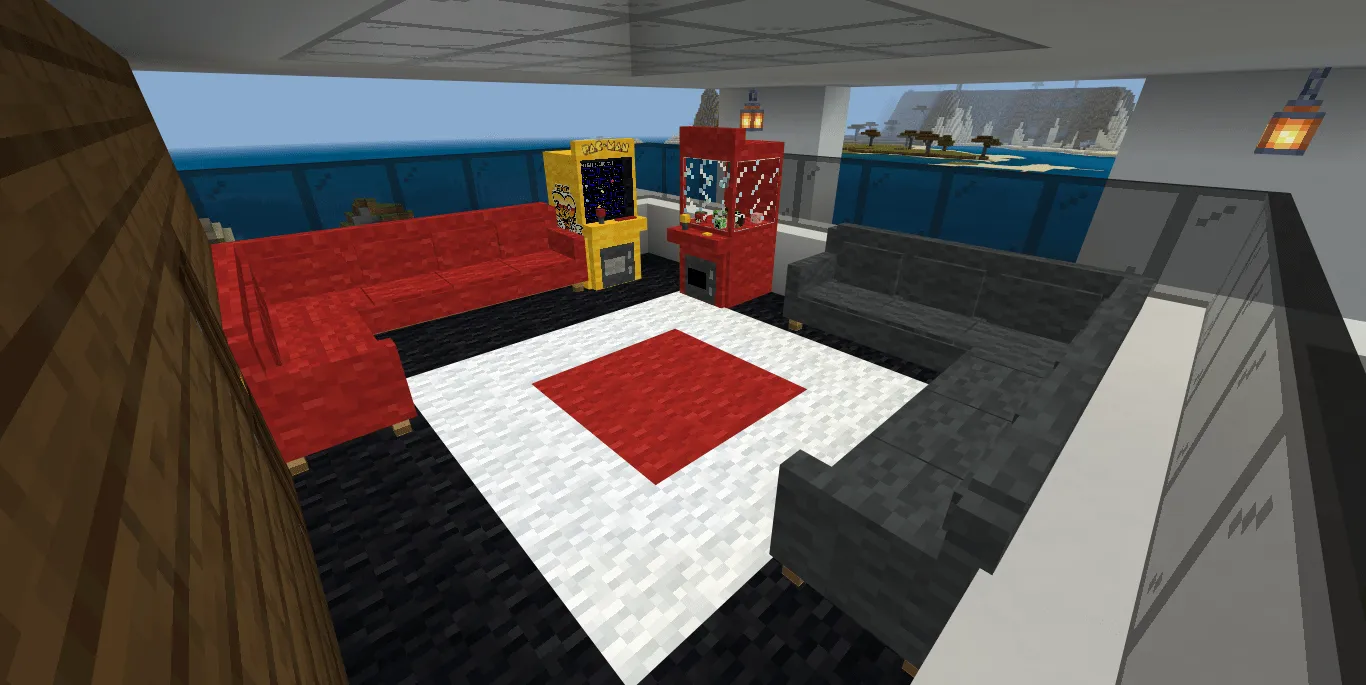
- Large corner sofa
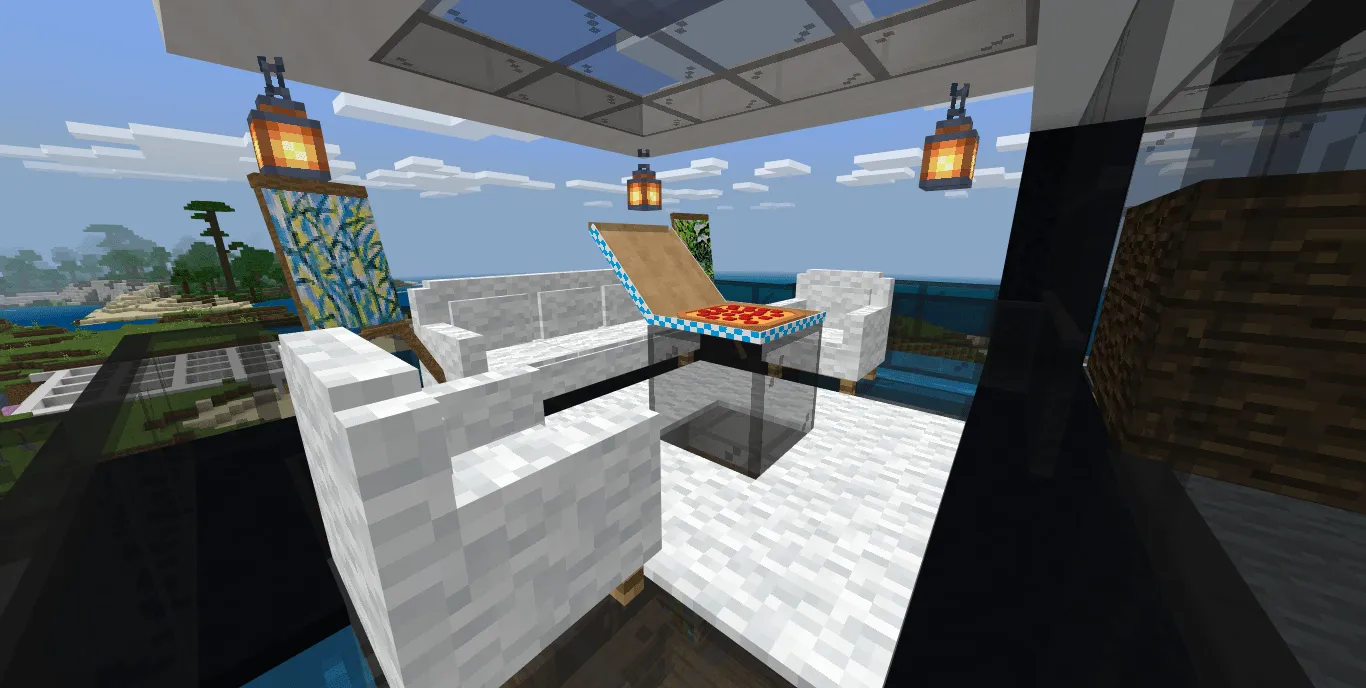
- Double sofa
- Trampoline
- Slide
- Springboard for the pool
- Billiard table and counter to it
- Table football
- Computer (assembled as a set and separately)
- A laptop
- Chewing Gum machine (small/large)
- 2 slot machines
- Shower cabins
- Bath
- Sink
- Fridge
- Nuke
- Kitchen cabinets and shelves
- Stove with oven
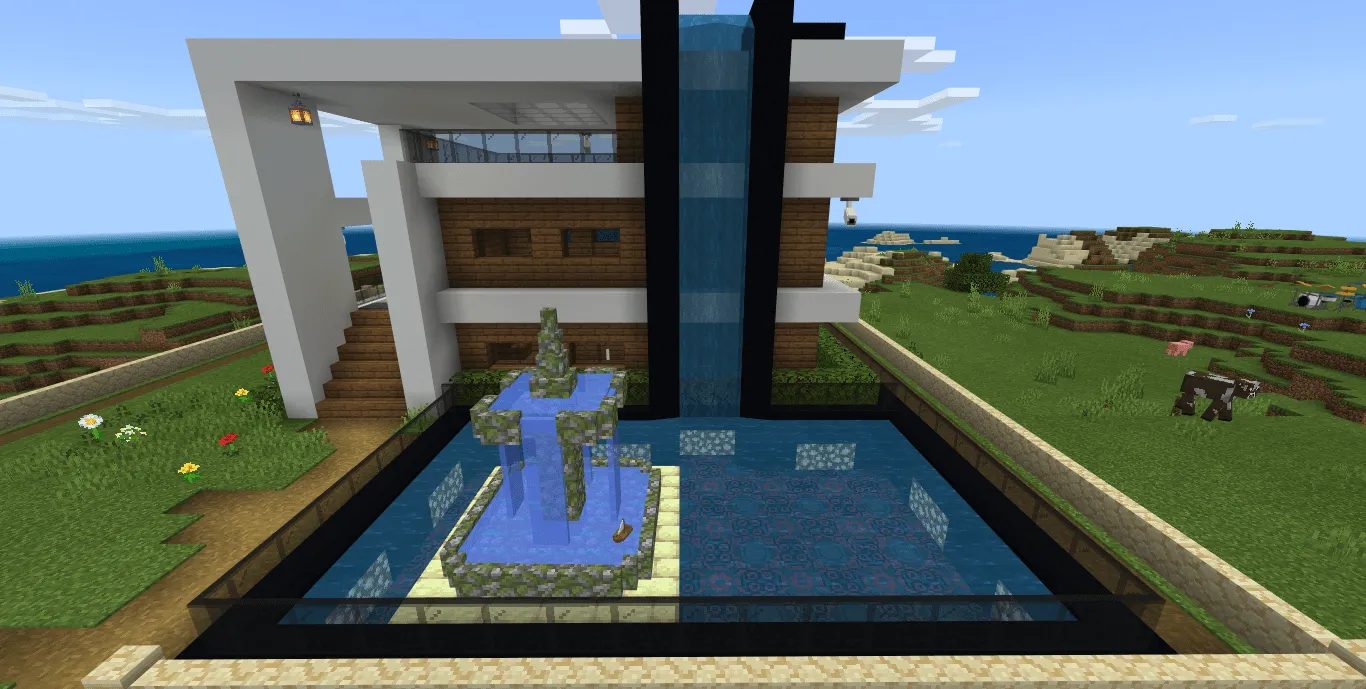
- Big Fountain
- Security cameras
- Lamps
- Ceiling fans
- Musical instruments (drums, synthesizer, guitar, piano, microphone)
- Garden fence (replaces mob skulls)
- Bridge (replaces mob skulls)
- Doghouse
- Easel
- Pizza Box
- Various graves
- Much more
Upholstered furniture, tables, chairs, beach chairs, etc. are available in 16 different colors.
How to get furniture?
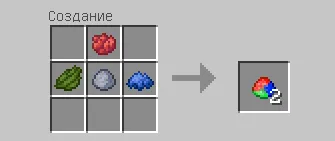
The universal method of obtaining any furniture block in the "Furnicraft" fashion is to craft a special item, the recipe of which is shown in the picture below (1 Clay + 1 Red dye + 1 Green dye + 1 Blue dye):
The next thing you need to do is place this item in the Workbench to get any furniture block.
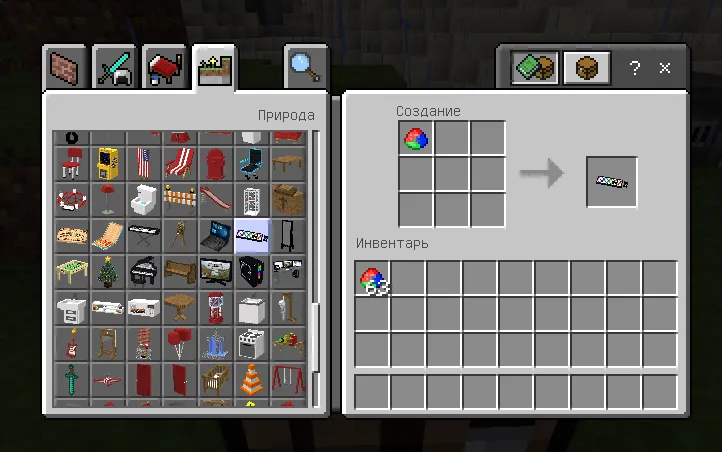
Another option is to get new furniture through inventory in creative mode, there you will find everything you need to build your dream house in Minecraft!
How to start a family?
To start a family, the player needs to go to villages where special NPCs will spawn. Each player can bargain with an NPC until a child appears in the buy and sell slot.
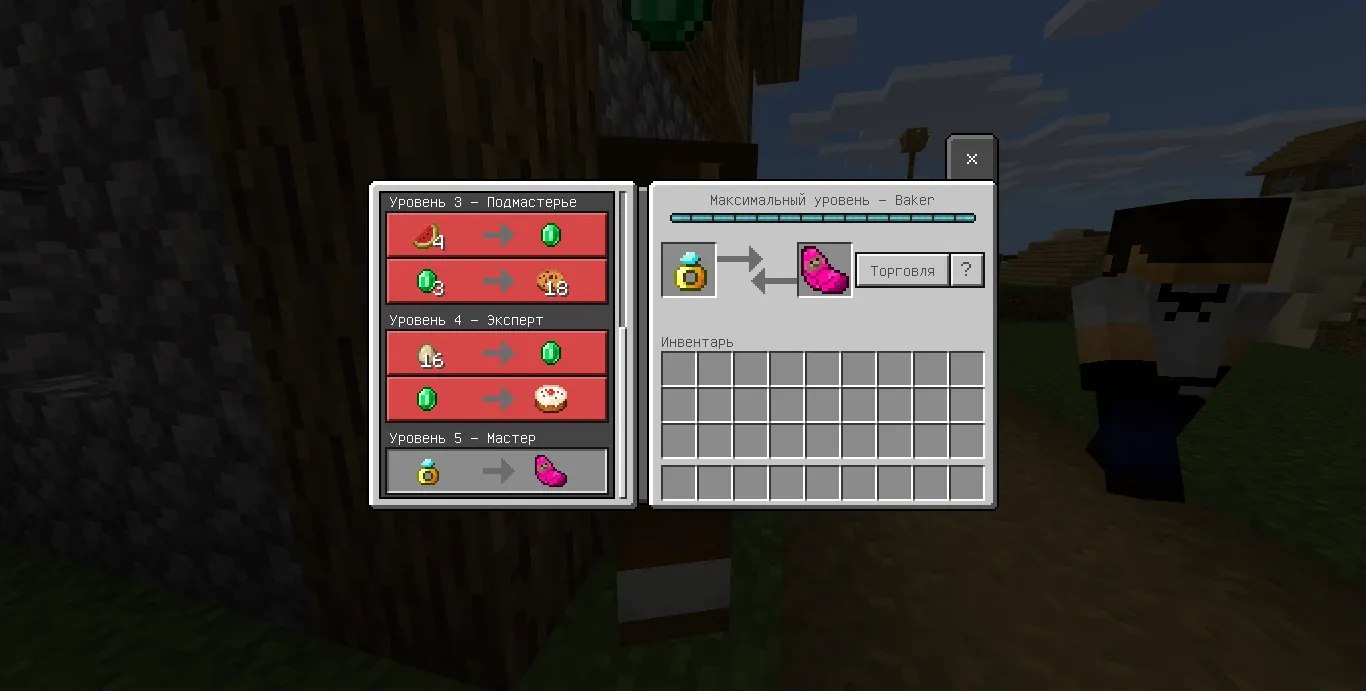
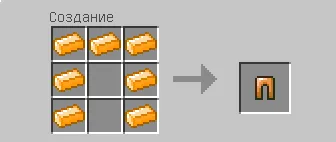
To have a baby you will need a ring, a ring recipe:
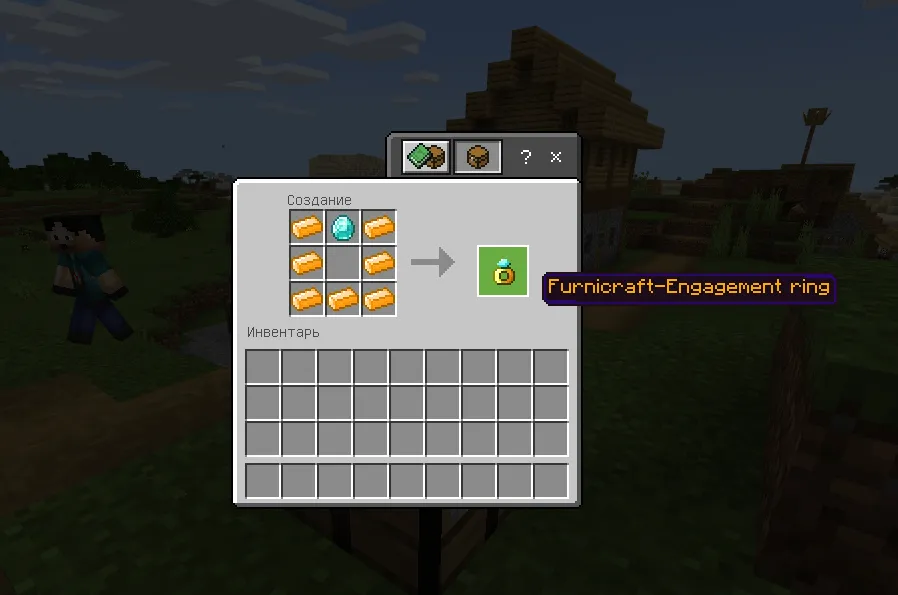
For crafting, you will need Rose gold, which is extracted from a new rose gold ore. The probability of ore generation in mines and caves is average, the highest probability of generation in caves under villages. Once you have received the baby, you need to put it in the crib. In order for the child to start growing, he needs to be given 1 Diamond, it will take about 5 minutes. As soon as the child comes out of the crib, he needs to be fed (cakes, apple, sugar, golden apple).
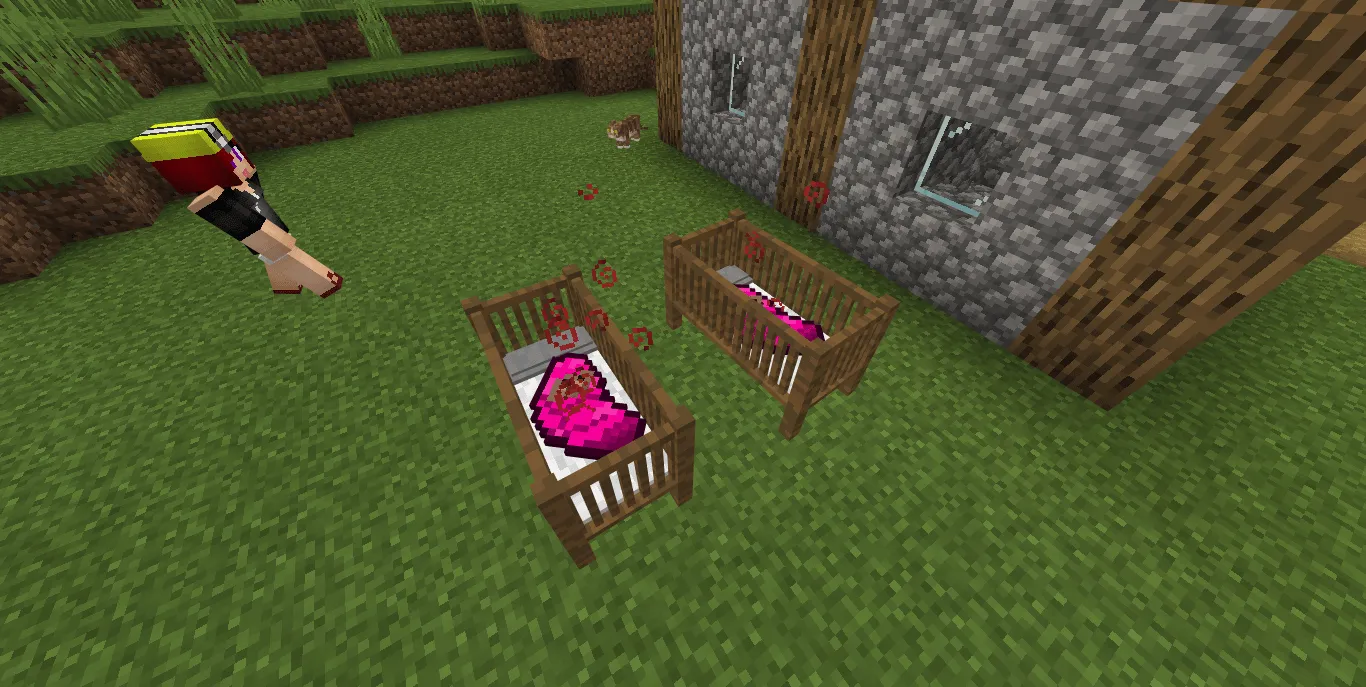
What does an NPC look like in a village:
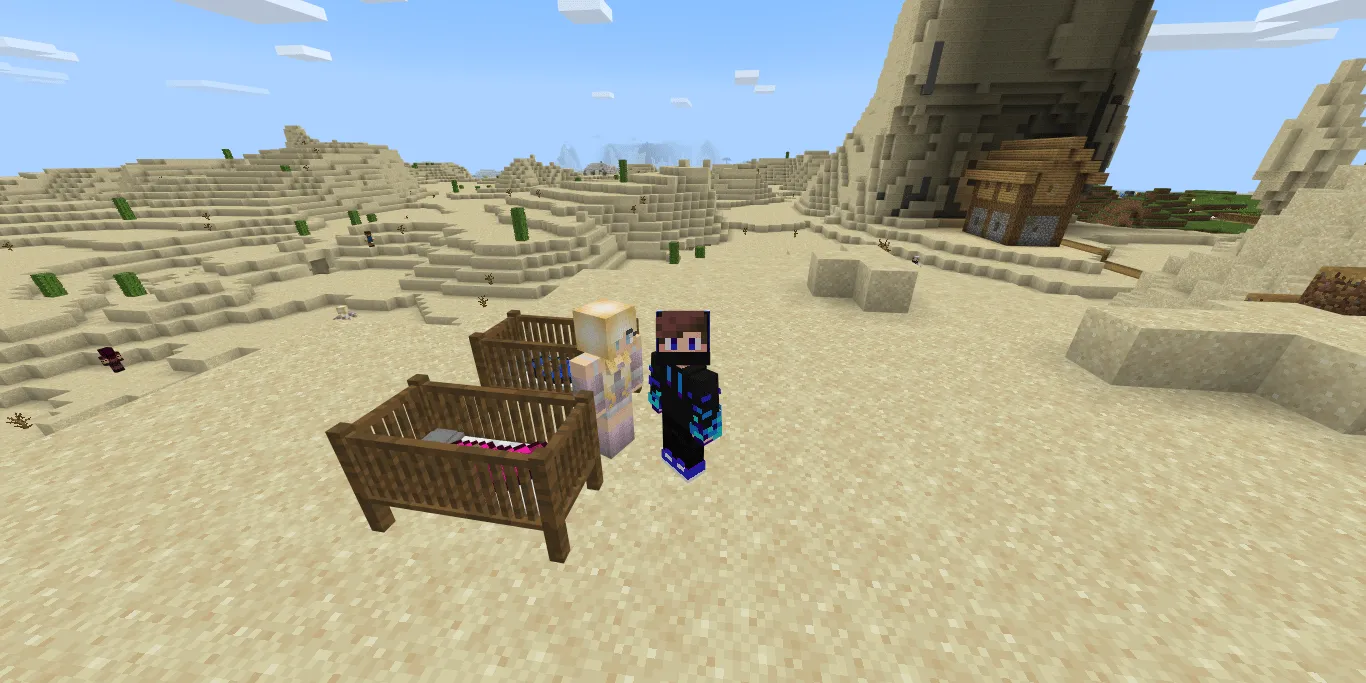
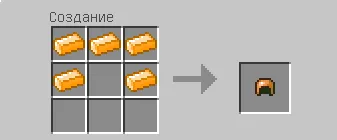
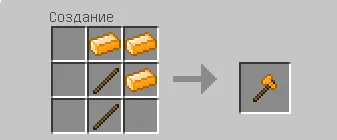
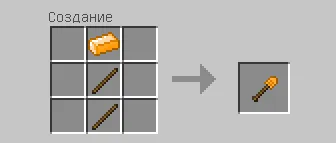
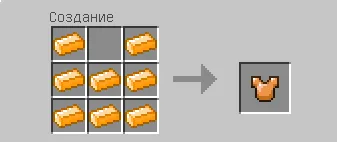
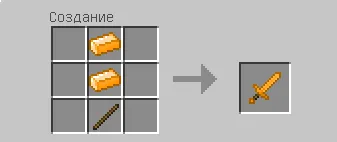
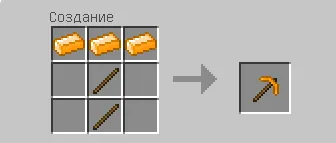
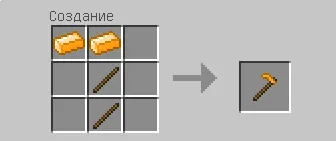
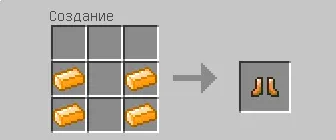
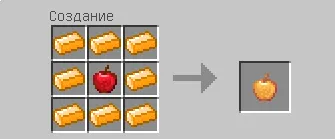
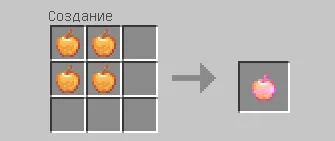
New Rose Gold items have also been added.
Last update: v17.2 (March 21, 2022)
What's new?
- Added support for Minecraft 1.18.12+ and beta versions
- Now all the furniture is made in the form of blocks
- Added new features
- Fixed bugs
Installing the Furnicraft mod (.mcpack):
- Download the mod files marked .mcpack from the link below.
- Just open both files (via ES Explorer on Android) and the game will install everything you need by itself.
- Launch Minecraft and go to edit the world.
- Select Resource packs.
- Find the texture file and activate the set.
- Select Behavior packs.
- Find the add-on file and activate the set.
- The mod is installed, have a nice game!
- Download the mod file marked .mcaddon from the link below.
- Just open the file (via ES Explorer on Android) and the game will install everything you need by itself.
- Launch Minecraft Pocket Edition and go to edit the world.
- Select Texture sets.
- Find the texture file and click on it to activate.
- Select Parameter sets.
- Find the add-on file and click on it to activate.
- The mod is installed, have a nice game!
