Minecraft PE: Worlds and Add-ons Missing
After the Minecraft Pocket Edition 1.0.5 update, players noticed that their worlds, textures, and mods had disappeared and started to panic. But don't worry, it's very easy to fix.
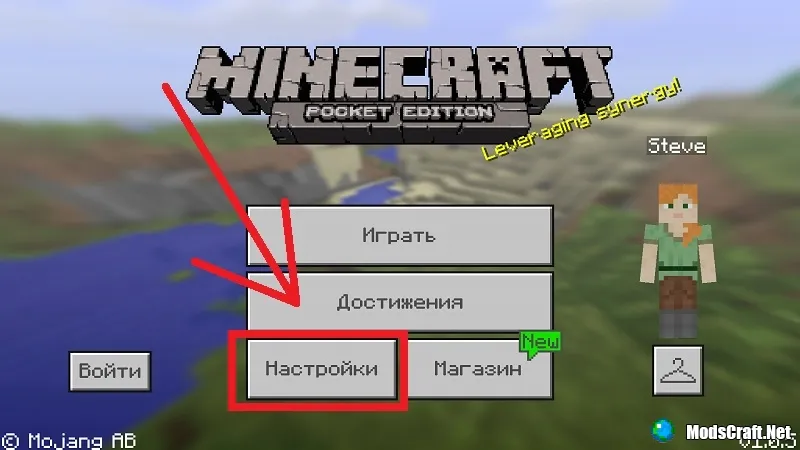
Launch MCPE and go to the game settings.
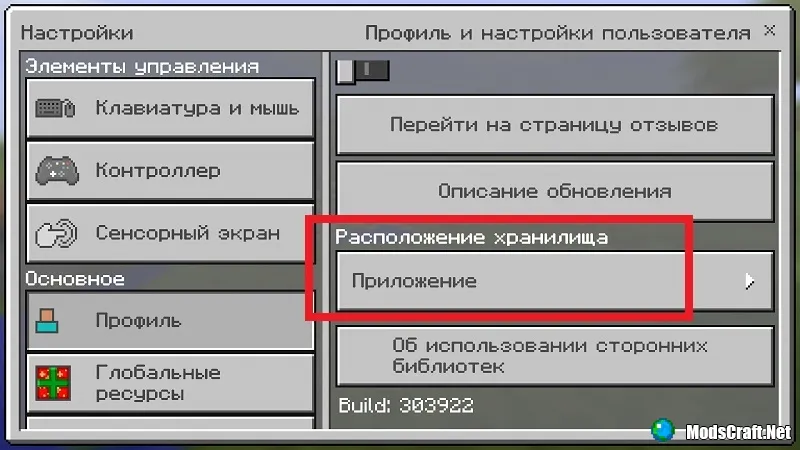
In settings, go to the "Profile" tab and expand the "Storage Location" list.
Set the value to "External".
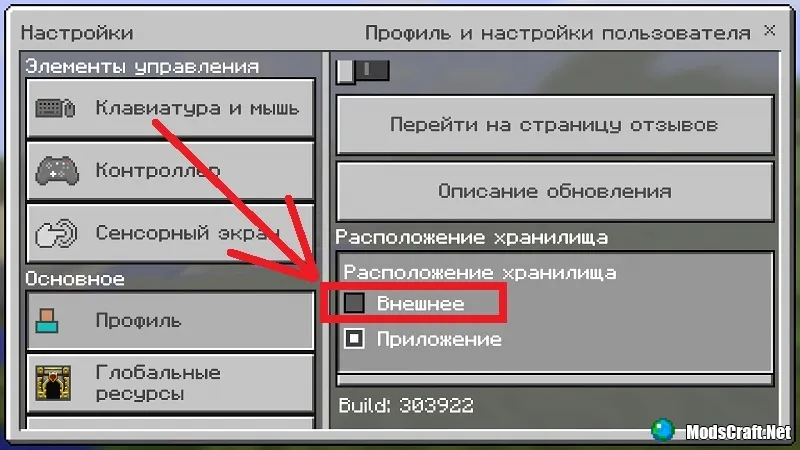
Now your worlds and add-ons will return to the game. Why the developers added this option in the first place is beyond us.
65
comments
Comments in a new tab
