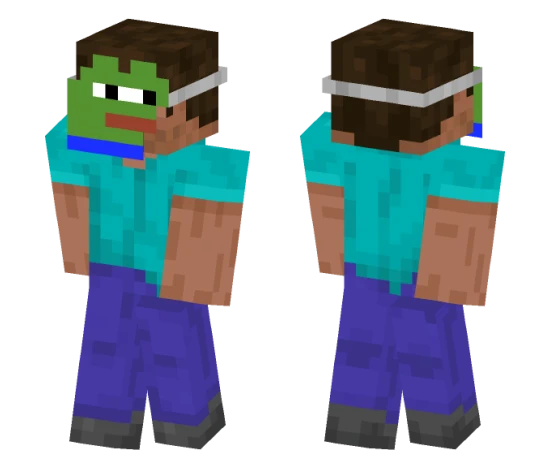
Skin Rainbow creeper 2

Rainbow Creeper skin for Minecraft PE is an unusual variation of the classic mob. The skin shimmers with all the colors of the rainbow, creating a bright gradient on the creeper's body.
This skin will attract the attention of other players and make you stand out on the server. It suits those who like to experiment with appearance and want to add colors to the game.
You can also find the skin installation guide on our website if you need help.
Download skin Rainbow creeper .png
There are no comments, be the first!
Leave a comment, share your impression or ask a question.