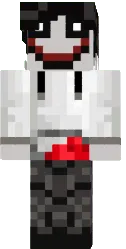
Skin Darth Vader

Darth Vader skin for Minecraft PE lets you become the most recognizable villain in the galaxy. The black cape, helmet and lightsaber complete the look.
This skin is perfect for Star Wars fans. You can build spaceships or engage in lightsaber battles with friends.
You can also find the skin installation guide on our website if you need help.
Download skin Darth Vader .png
There are no comments, be the first!
Leave a comment, share your impression or ask a question.