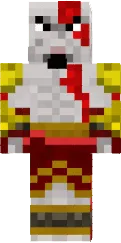
Skin Coronavirus

Coronavirus skin for Minecraft PE is a creative interpretation of the COVID 19 virus. It features distinctive spikes and bright red eyes, making it recognizable.
This skin is suitable for themed games or educational projects. You can use it to draw attention to health issues.
You can also find the skin installation guide on our website if you need help.
Download skin Coronavirus .png
3 comments
Comments in a new tab