ModsCraft » MCPE » Minecraft: Java Edition on Android
Minecraft: Java Edition on Android

WhatsApp
Telegram VKontakte Odnoklassniki Pinterest
Minecraft: Java Edition on Android

Have you ever wanted to run Minecraft: Java Edition with mods directly on your Android device? Now you can with PoJavaLauncher, which lets you run any PC version of the game right on your phone or tablet!

PoJavaLauncher

The primary launcher that all others are based on. It stopped receiving updates in January 2025.

MojoLauncher

A launcher based on PojavLauncher. It supports all the same features as the original but is maintained by third-party developers.

Pojav Glow·Worm

Also based on PojavLauncher and developed by Chinese developers.

How to Use?

The launchers are very similar, and the setup process is nearly identical across them.

  • On the main screen, you can choose an existing installation or create a new one.
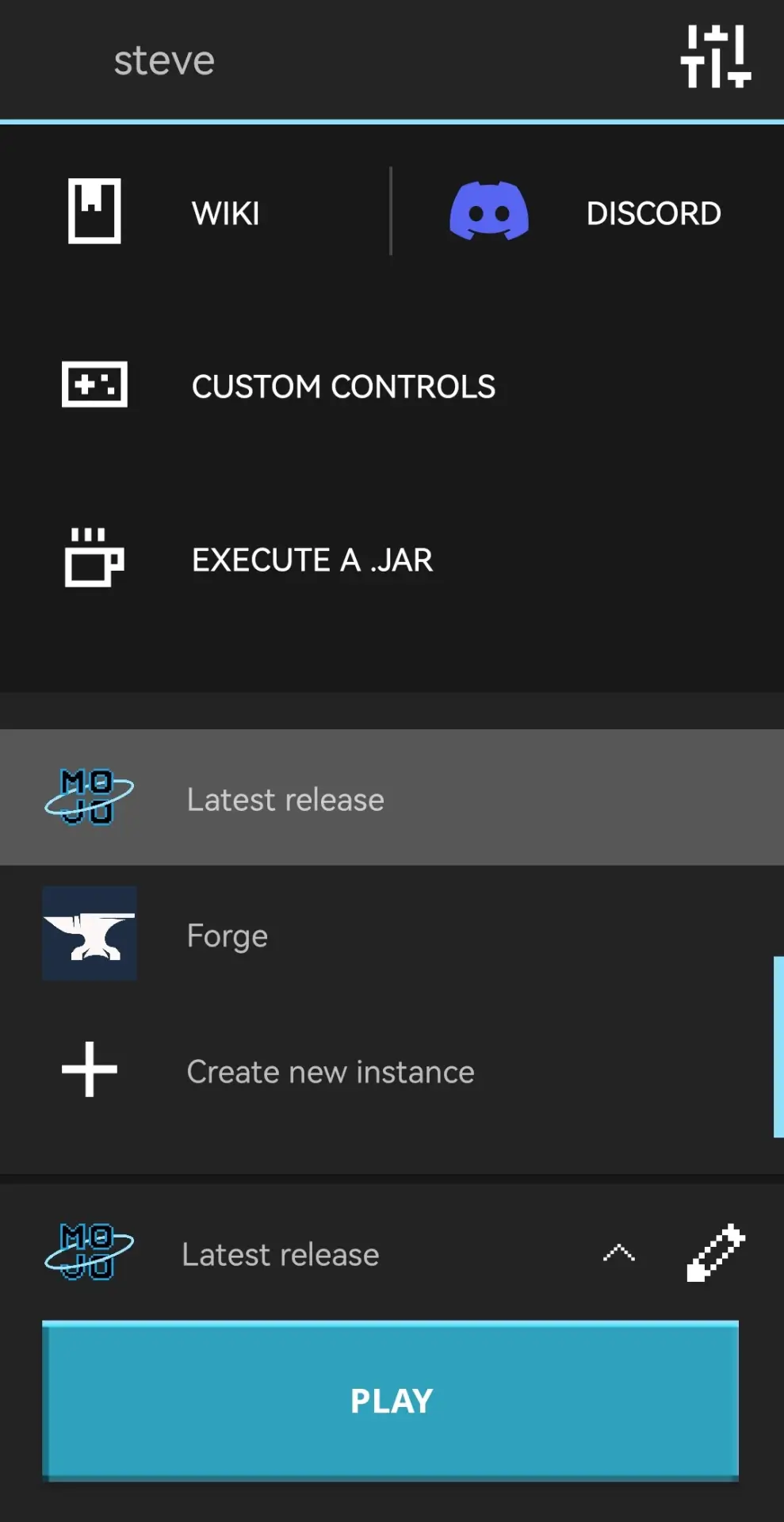
MojoLauncher main menu

  • You can choose Vanilla, OptiFine, Fabric, Forge, and other versions.
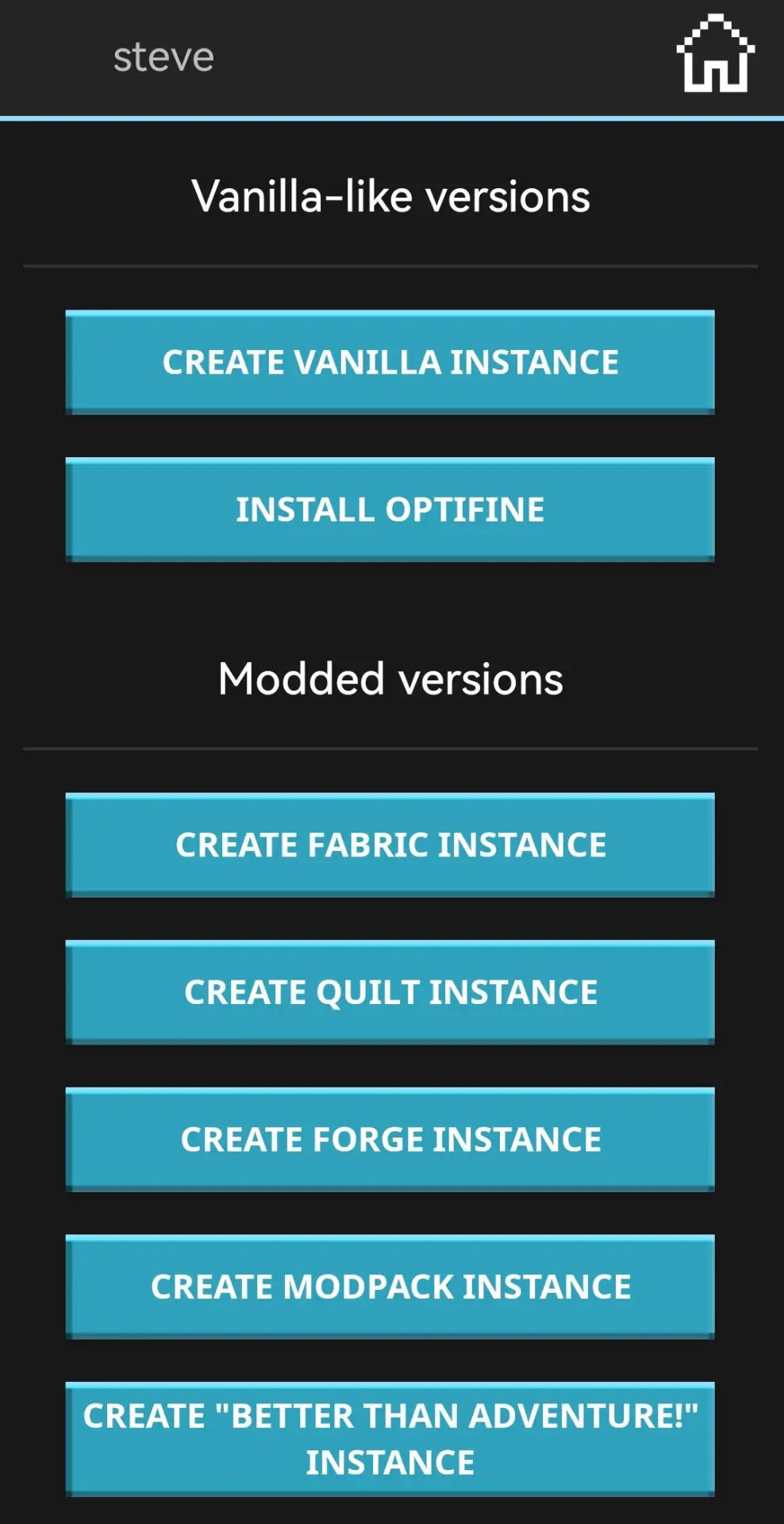
Select Vanilla or modded version

  • For example, choosing Vanilla lets you play early Alpha builds or the latest snapshots.
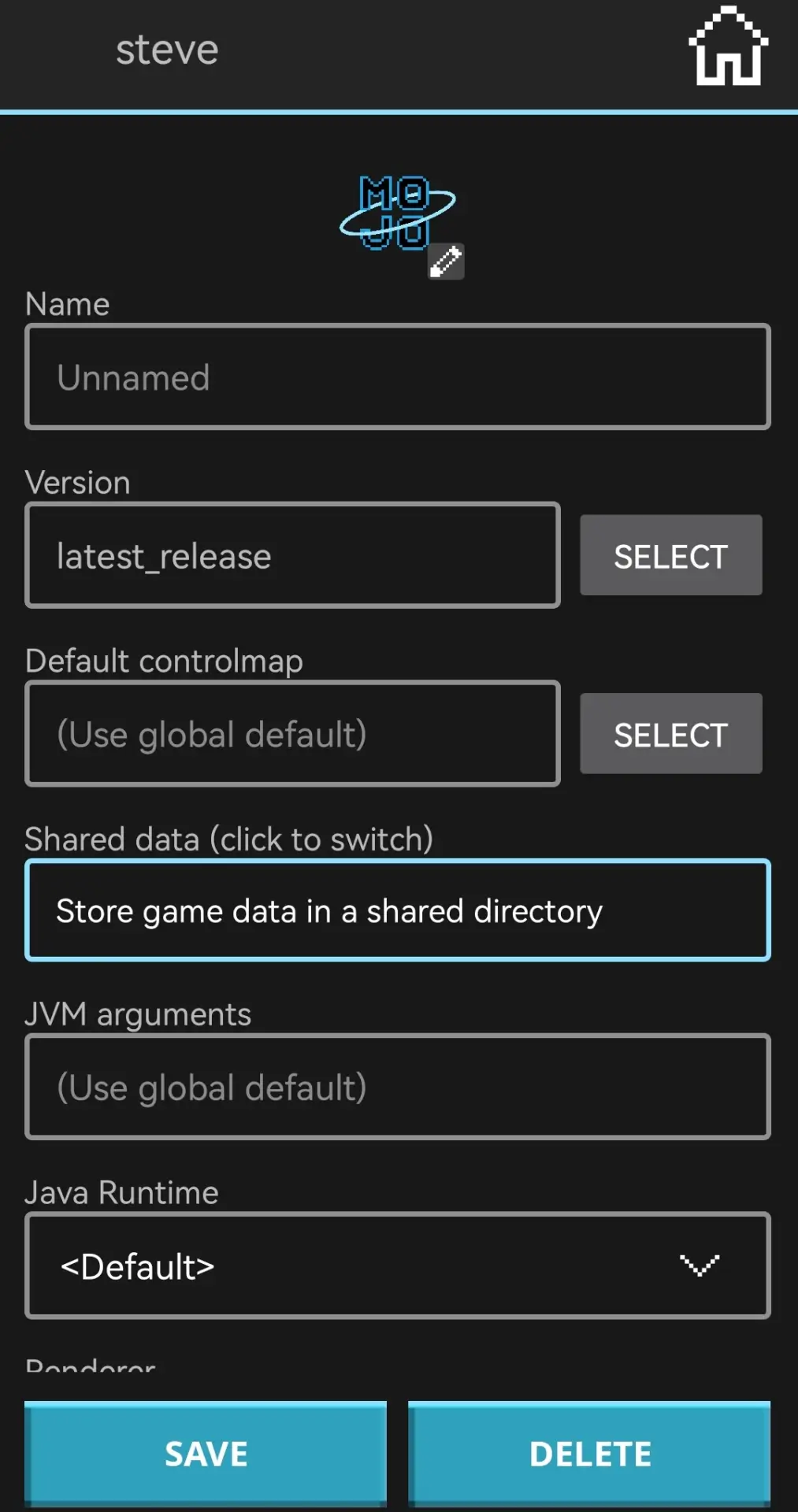
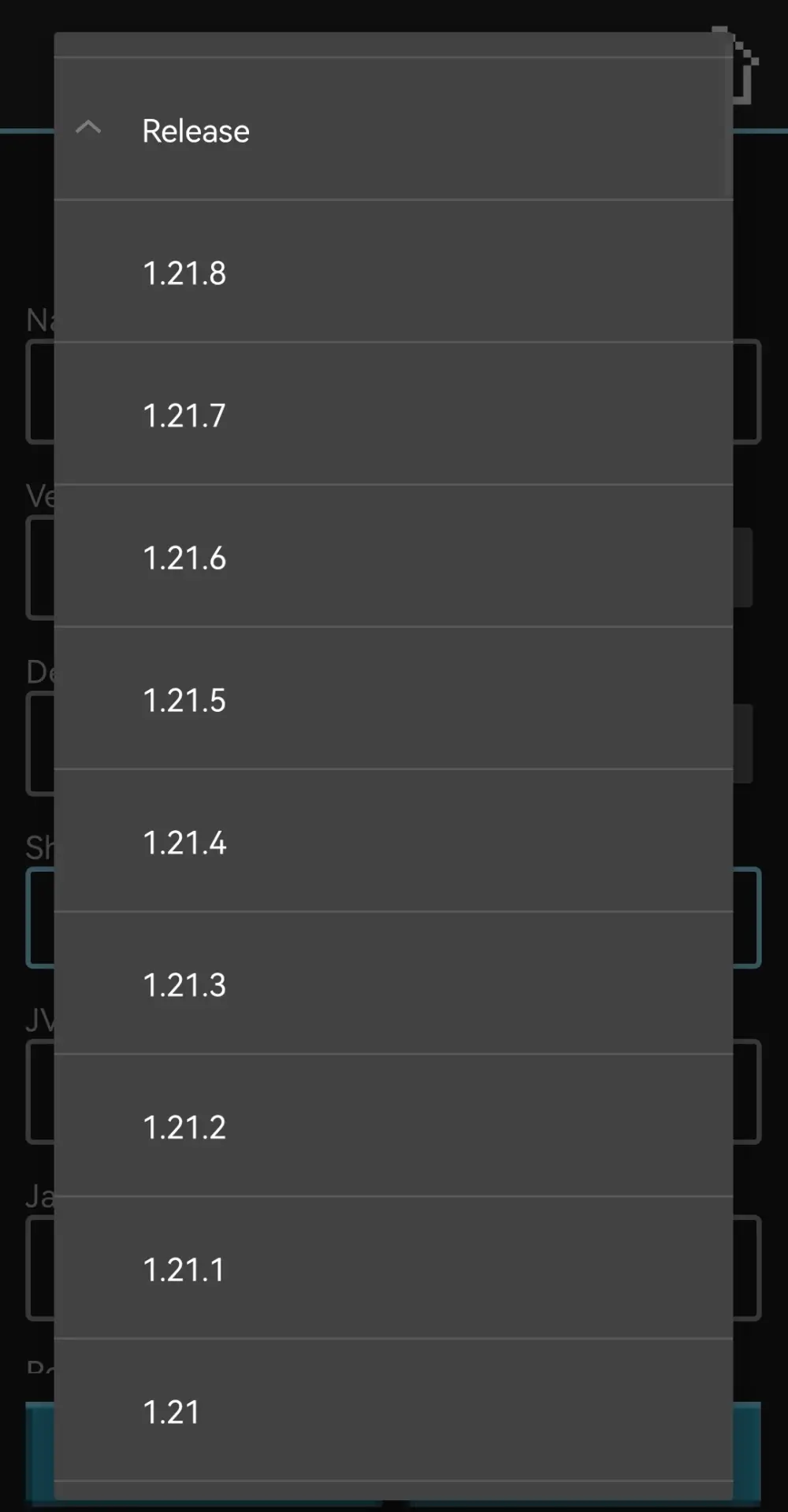
Create installation in launcher

Select Minecraft version in launcher

  • Select the version, wait for installation, and launch the game.
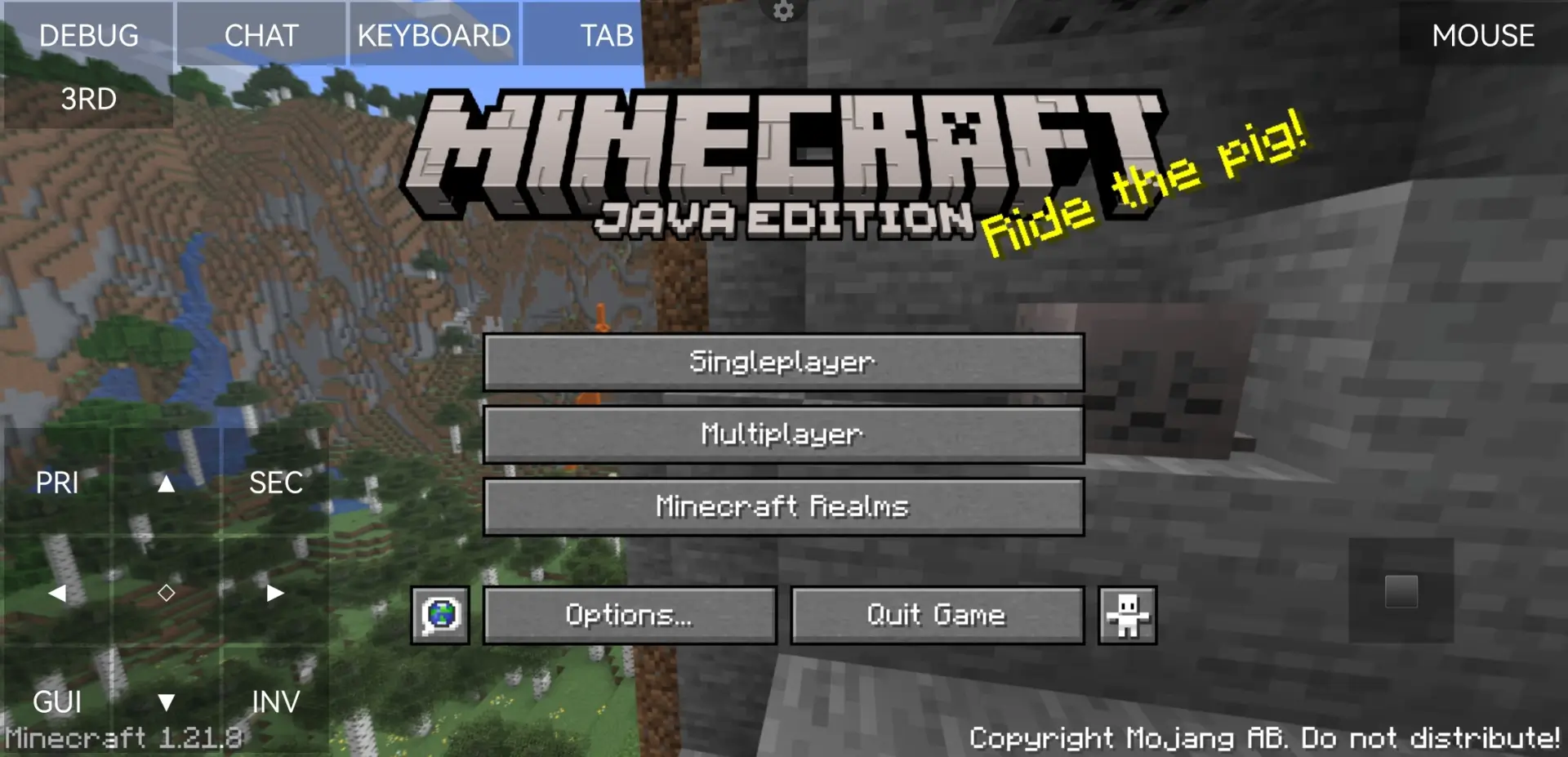
Java Edition main menu on Android

  • Enjoy the game 😀

Alex in a cave with a torch

Warning

If you search for a launcher online, chances are that some of the top results will point to domains with similar names. Do NOT download or install anything from these sources. The same goes for links in YouTube video descriptions or other random sites.

These sites often pose as official projects, but no one knows what their APKs contain or what they might install on your device.

Only follow links from official project pages or trusted platforms like 4PDA.

«Download» implies the possibility of switching to Google Play or another service. You will need a purchased game license to install the update.
1 245 comments
  1. Guest avatar
    Разбойник
    11:59 4 May 26
    Блятб
  2. Guest avatar
    Разбойник
    11:59 4 May 26
    блинчик
    1. Guest avatar
      A816 ✓
      10:44 5 May 26
      Раз вы печёте блинчики, дайте мне)
  3. Guest avatar
    Разбойник
    11:58 4 May 26
    Бляяяяяяяяяяядь
  4. Guest avatar
    Алижан
    20:38 3 May 26
    Нууууу
  5. Guest avatar
    Ильяс
    14:09 2 May 26
    Как играть
    1. Guest avatar
      A816 ✓
      10:41 5 May 26
      Берёшь огромный экран (неважно это ПК или нет), покупаешь с проходник (USB-c usb-c USB-a), покупаешь ещё клавиатуру и мышку, подключаешь,
      1. Guest avatar
        A816 ✓
        10:42 5 May 26
        Почему я случайно нажал "ответить"? Ладно продолжу:

        ... Убираешь элементы управления, и пользуешься мышкой и клавиатурой... Но только даже не смей нажимать на колёсико мышки!
  6. Guest avatar
    Блинчики
    11:40 1 May 26
    Да как зайти блять это полная йухня
  7. Guest avatar
    Вызыватель
    14:07 30 Apr 26
    Ожьидии
  8. Guest avatar
    Разбойник
    13:21 30 Apr 26
    Как скачать minecraft java edition
    1. Guest avatar
      лука
      9:32 3 May 26
      ахахахахахахахахахаххахахахахахахахахахахахахахахахахахахахахахахахахаххахахахахахахахахахахаха штоты делаеш
    2. Guest avatar
      лука
      9:32 3 May 26
      ахахахахахахахахахаххахахахахахахахахахахахахахахахахахахахахахахахахаххахахахахахахахахахахаха штоты делаеш
    3. Guest avatar
      лука
      9:32 3 May 26
      ахахахахахахахахахаххахахахахахахахахахахахахахахахахахахахахахахахахаххахахахахахахахахахахаха штоты делаеш
    4. Guest avatar
      A816 ✓
      10:44 5 May 26
      Раз вы разбойник, пиратьте... Шутка! Никак. Только MojangLauncher, потому что PojavLauncher заблокировали в России
  9. Guest avatar
    Разбойник
    13:18 30 Apr 26
    блинчик
  10. Guest avatar
    Разбойник
    13:18 30 Apr 26
    блинчик

The best Minecraft server! Accessible on all versions!

IP:Port gamepe.me:19132
Online
Version 1.1.5 - 1.26
Play