Minecraft: Java Edition on Android
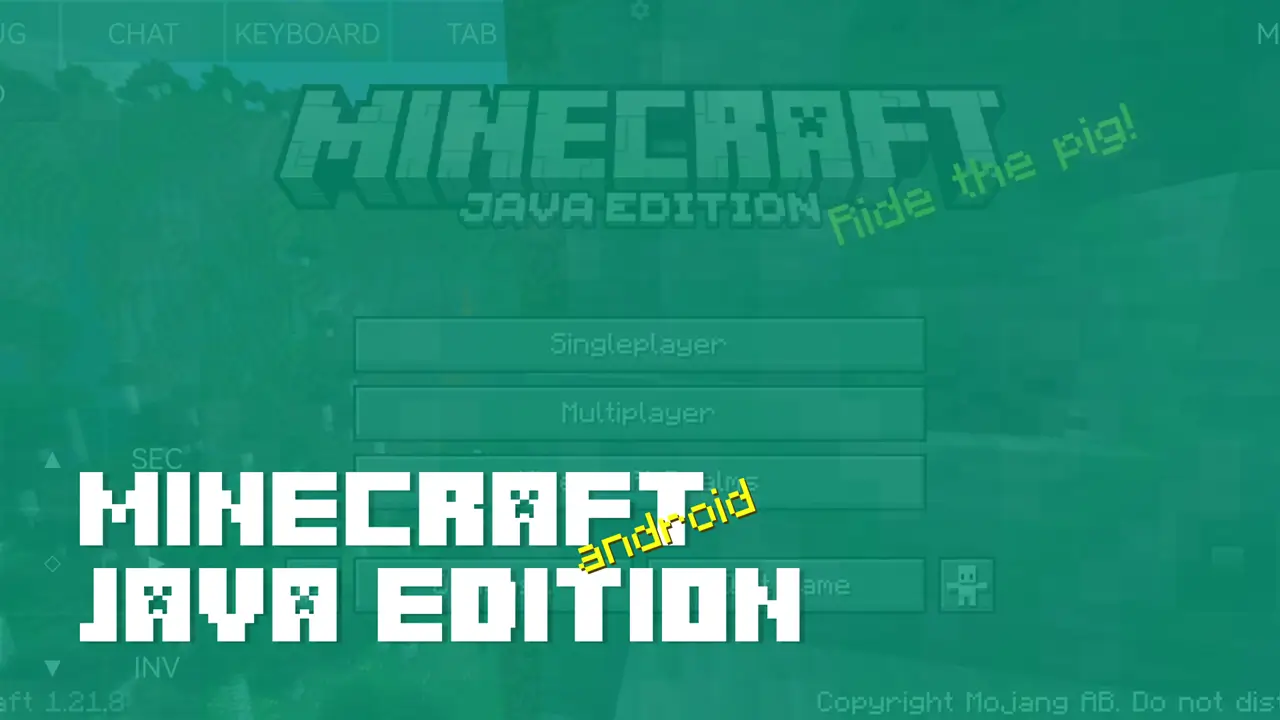
Have you ever wanted to run Minecraft: Java Edition with mods directly on your Android device? Now you can with PoJavaLauncher, which lets you run any PC version of the game right on your phone or tablet!
PoJavaLauncher
The primary launcher that all others are based on. It stopped receiving updates in January 2025.
- Project homepage: https://github.com/PojavLauncherTeam/PojavLauncher
MojoLauncher
A launcher based on PojavLauncher. It supports all the same features as the original but is maintained by third-party developers.
- Project homepage: https://github.com/MojoLauncher/MojoLauncher
- Google Play page: Google Play
- Boosty
Pojav Glow·Worm
Also based on PojavLauncher and developed by Chinese developers.
- Project homepage: https://github.com/Vera-Firefly/Pojav-Glow-Worm
- Google Play page: Google Play
- Boosty
How to Use?
The launchers are very similar, and the setup process is nearly identical across them.
- On the main screen, you can choose an existing installation or create a new one.
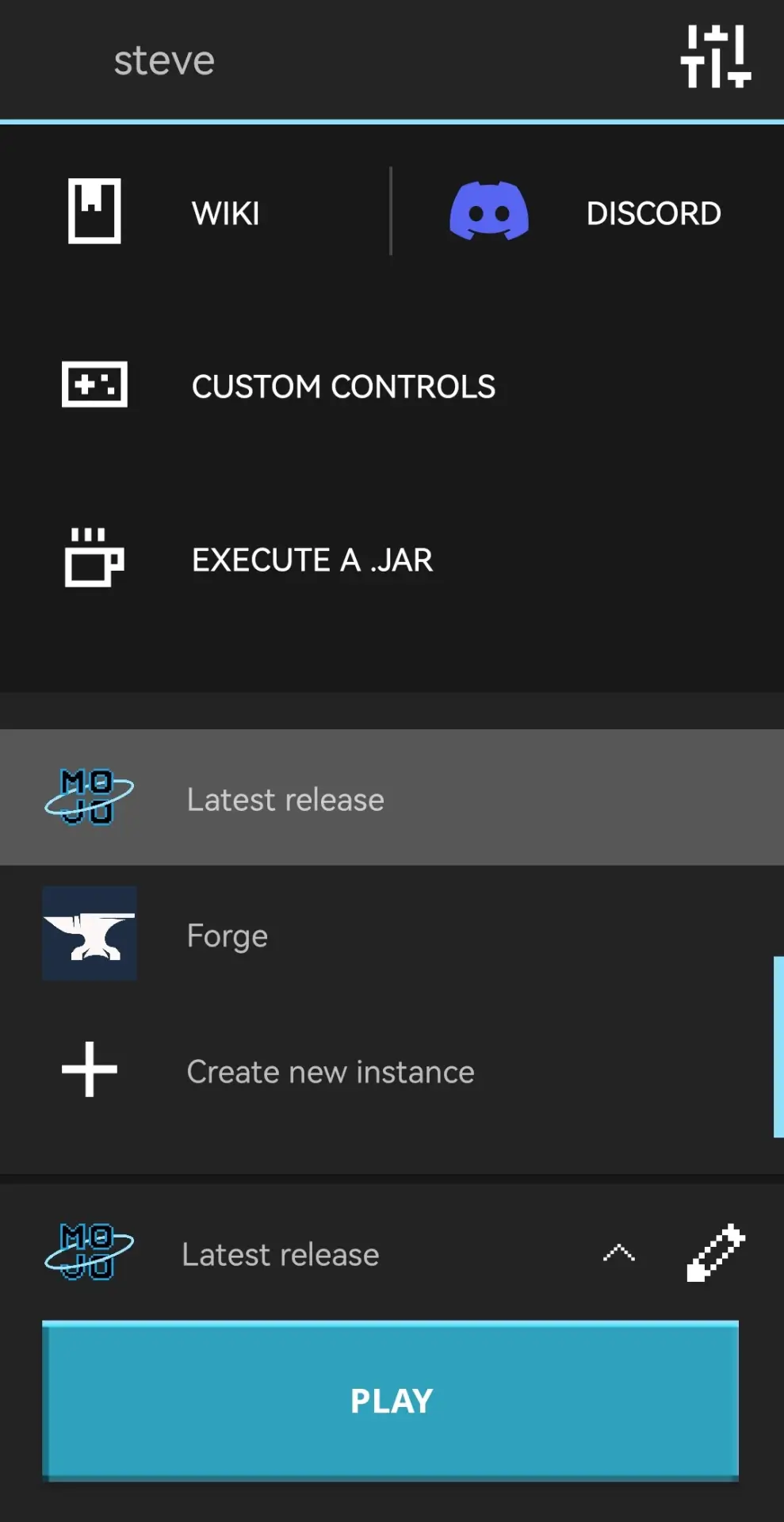
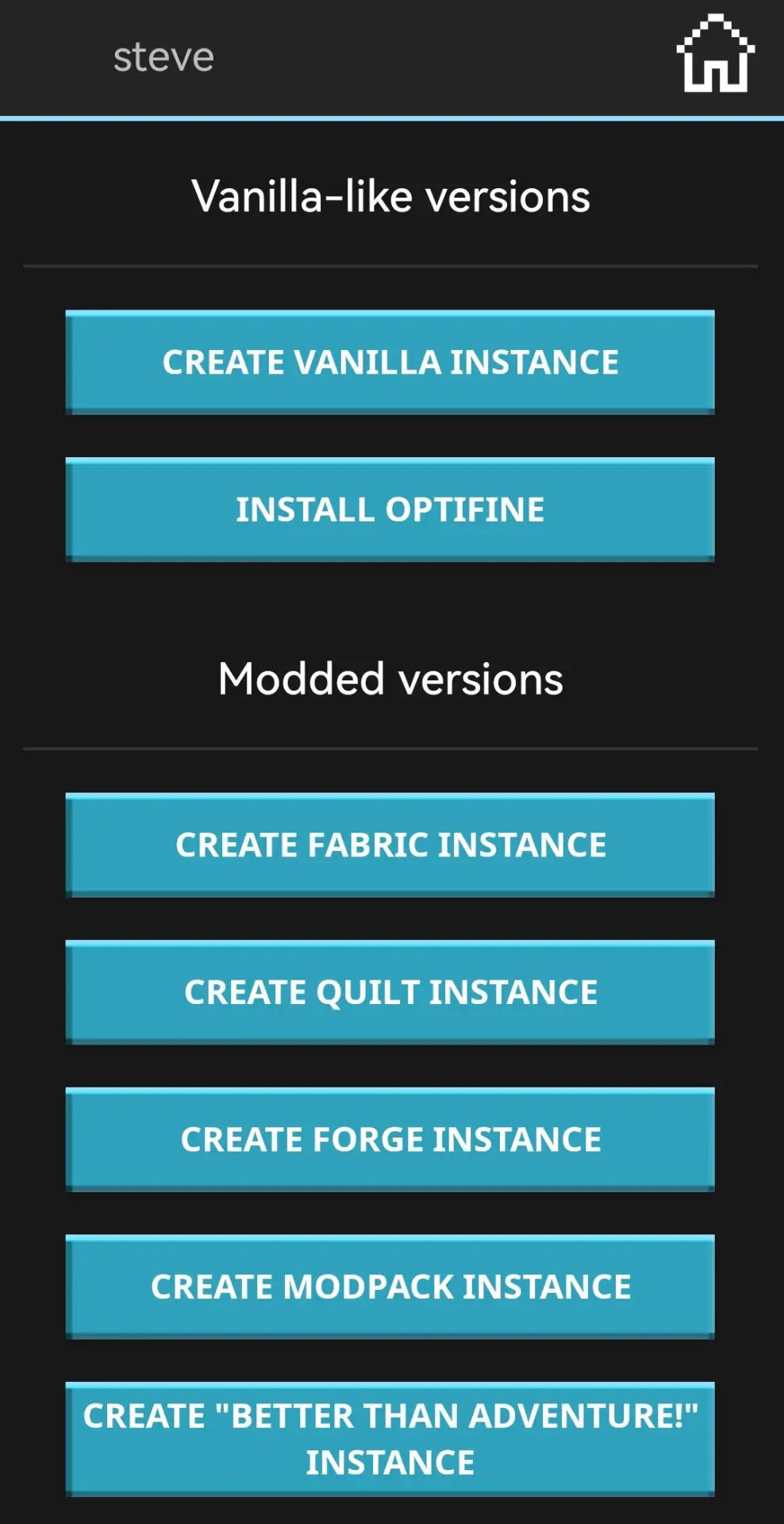
- You can choose Vanilla, OptiFine, Fabric, Forge, and other versions.
- For example, choosing Vanilla lets you play early Alpha builds or the latest snapshots.
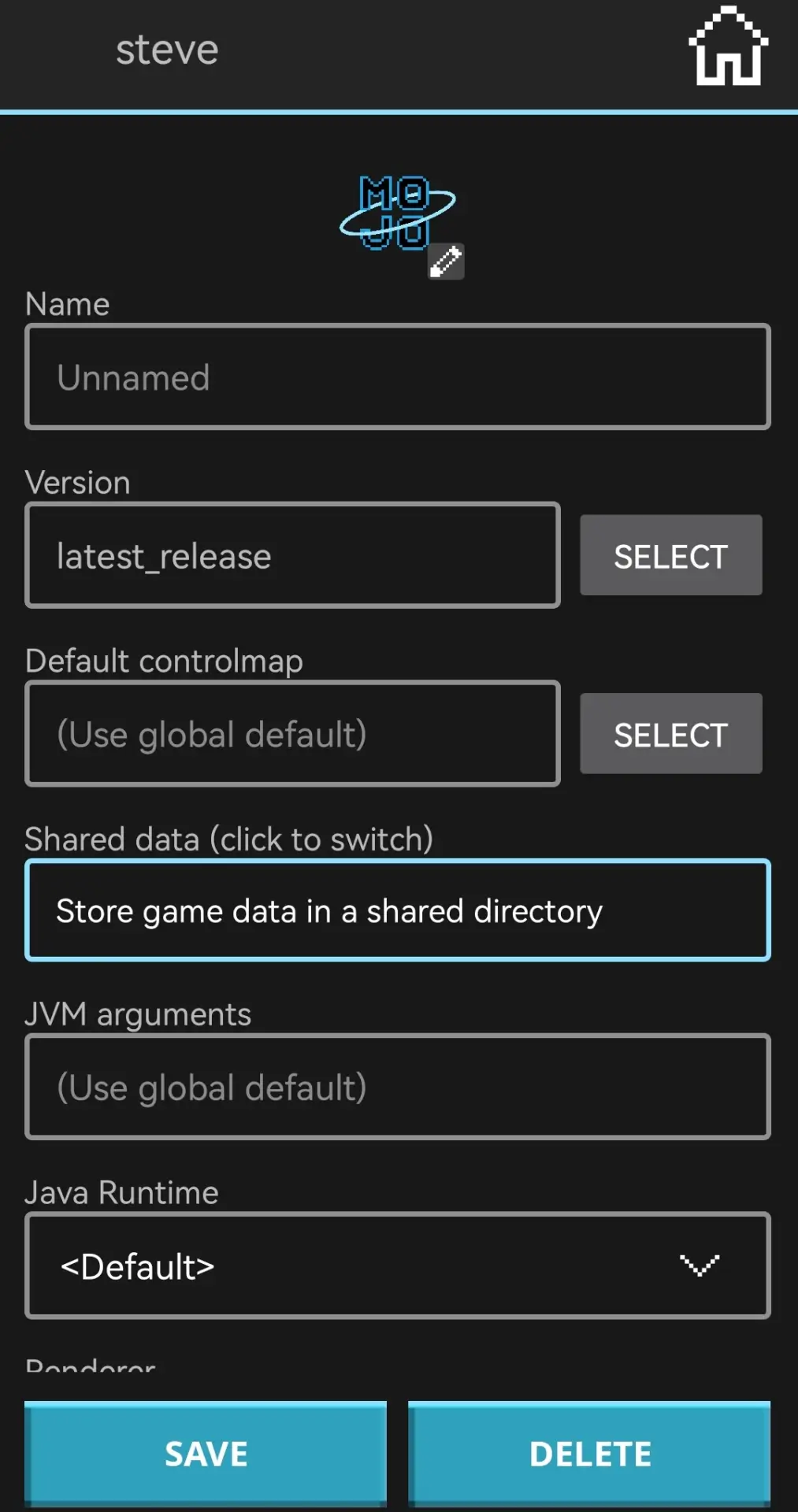
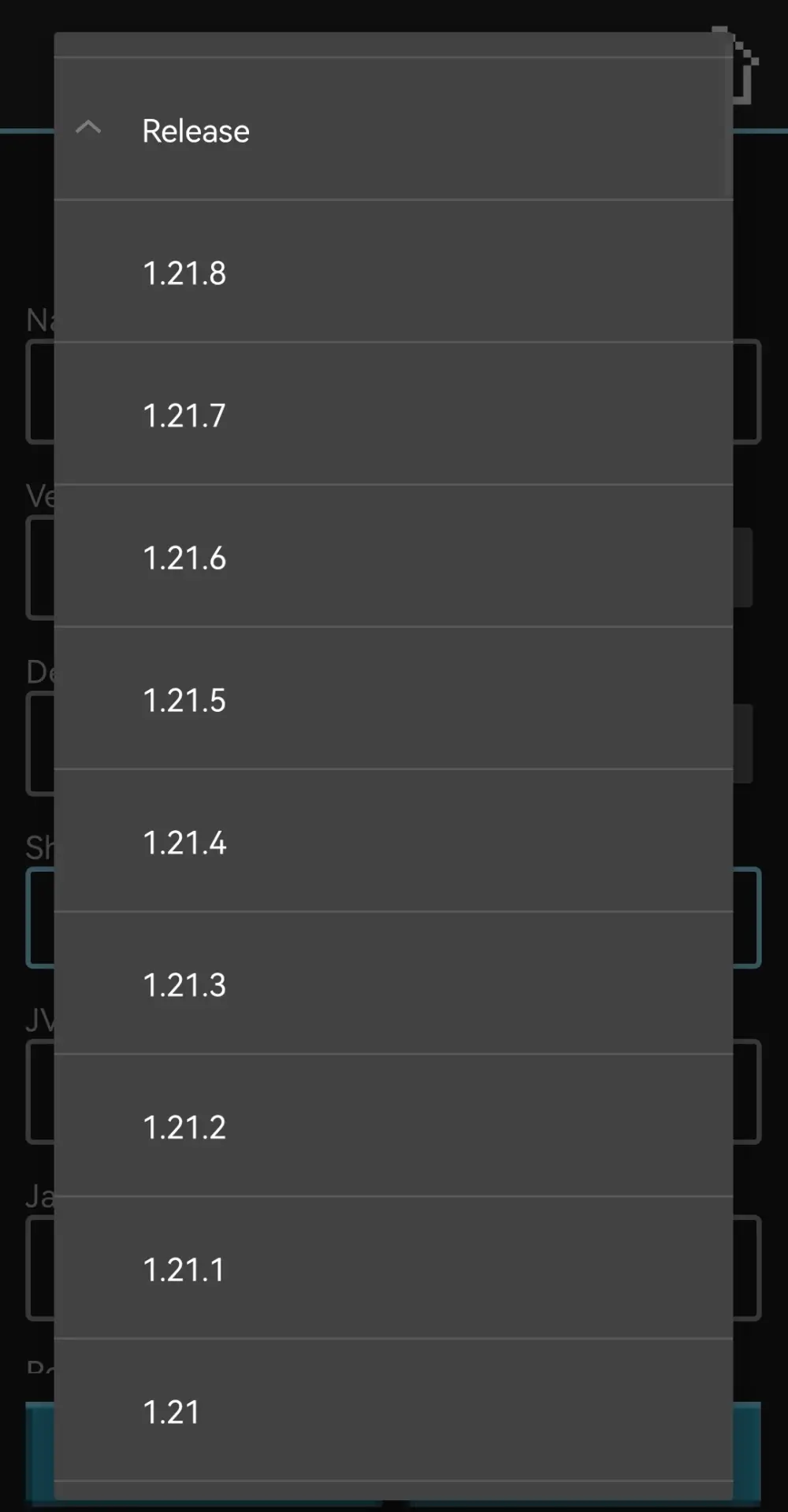
- Select the version, wait for installation, and launch the game.
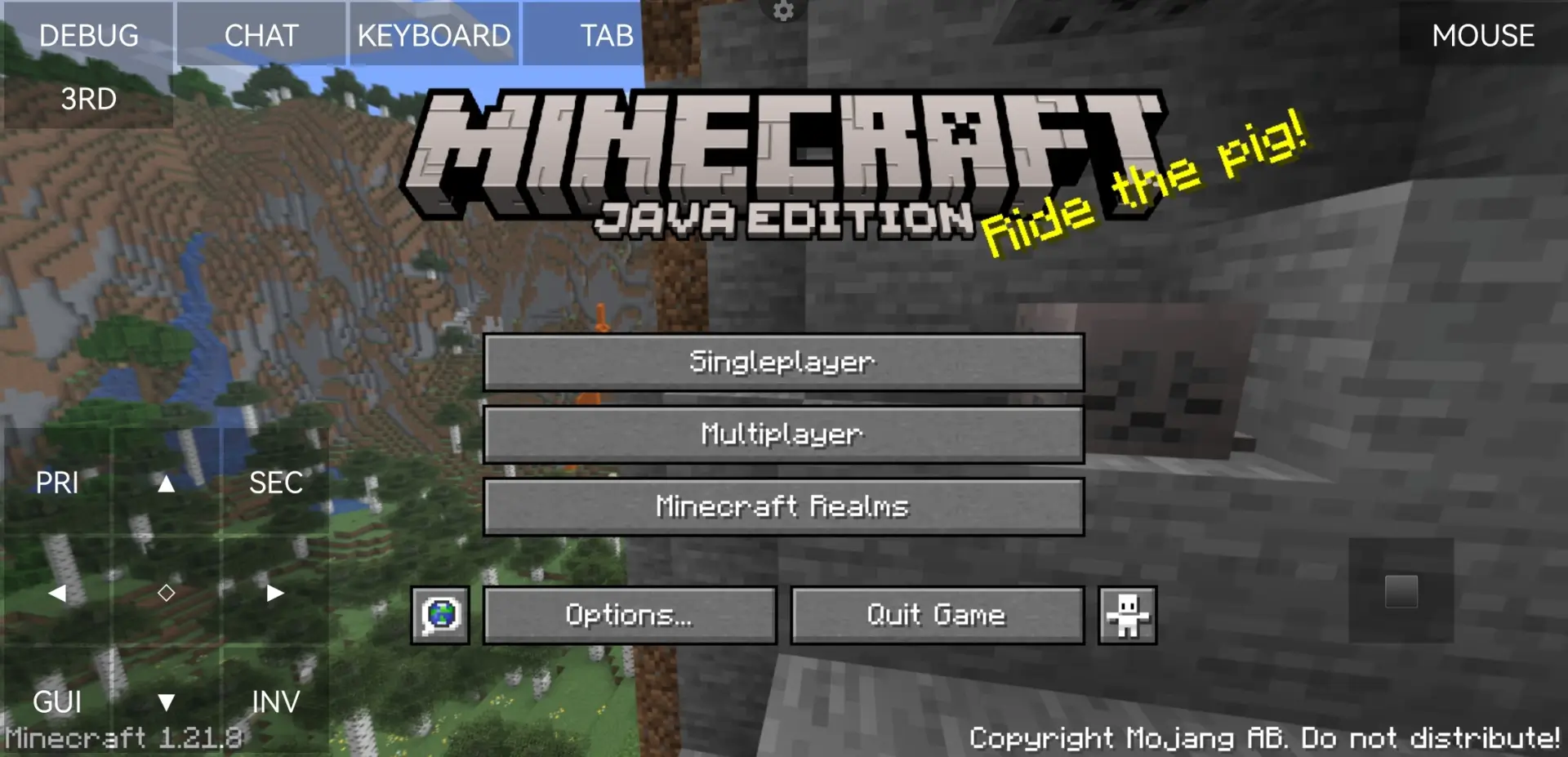
- Enjoy the game 😀

Warning
If you search for a launcher online, chances are that some of the top results will point to domains with similar names. Do NOT download or install anything from these sources. The same goes for links in YouTube video descriptions or other random sites.
These sites often pose as official projects, but no one knows what their APKs contain or what they might install on your device.
Only follow links from official project pages or trusted platforms like 4PDA.
