ModsCraft » MCPE » Minecraft with 4D skins
Minecraft with 4D skins

WhatsApp
Telegram VKontakte Odnoklassniki Pinterest
Minecraft with 4D skins

In Minecraft 4D and 5D skins are prohibited by default, but you can solve this problem by installing a special version of the game that includes working 4D skins. This page presents the latest version of Minecraft 1.18.10 with 4D and 5D skins. All new 4D and 5D skins are available in Character Editing.
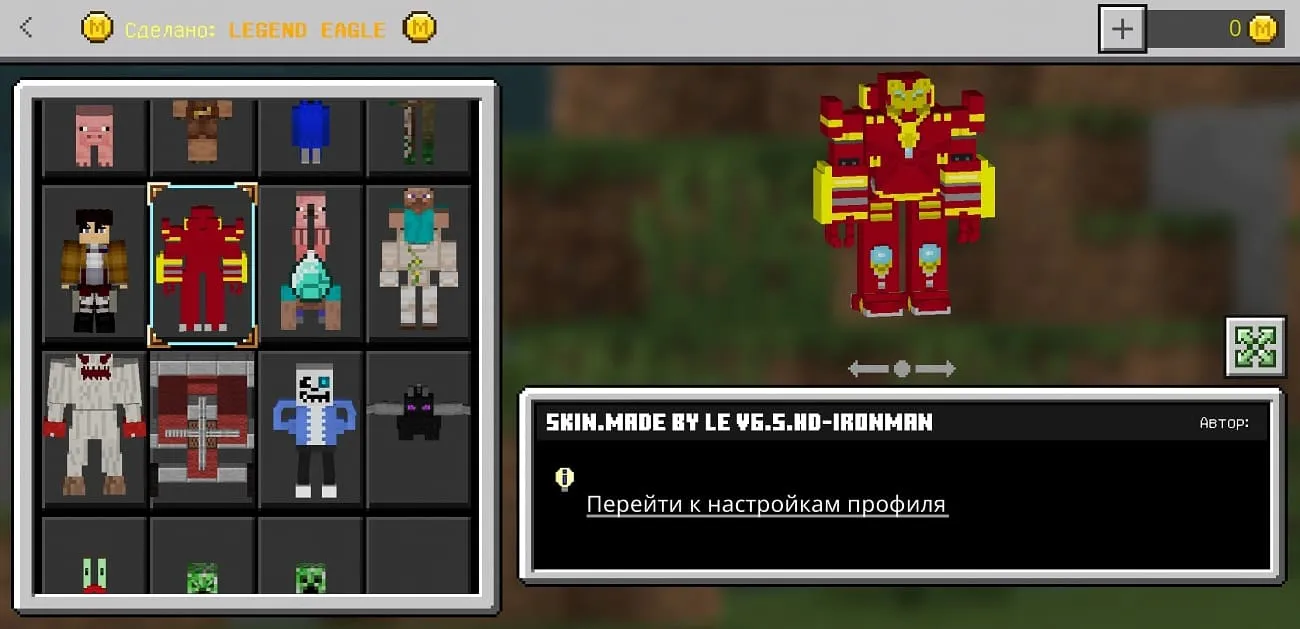
4D Iron Man Skin

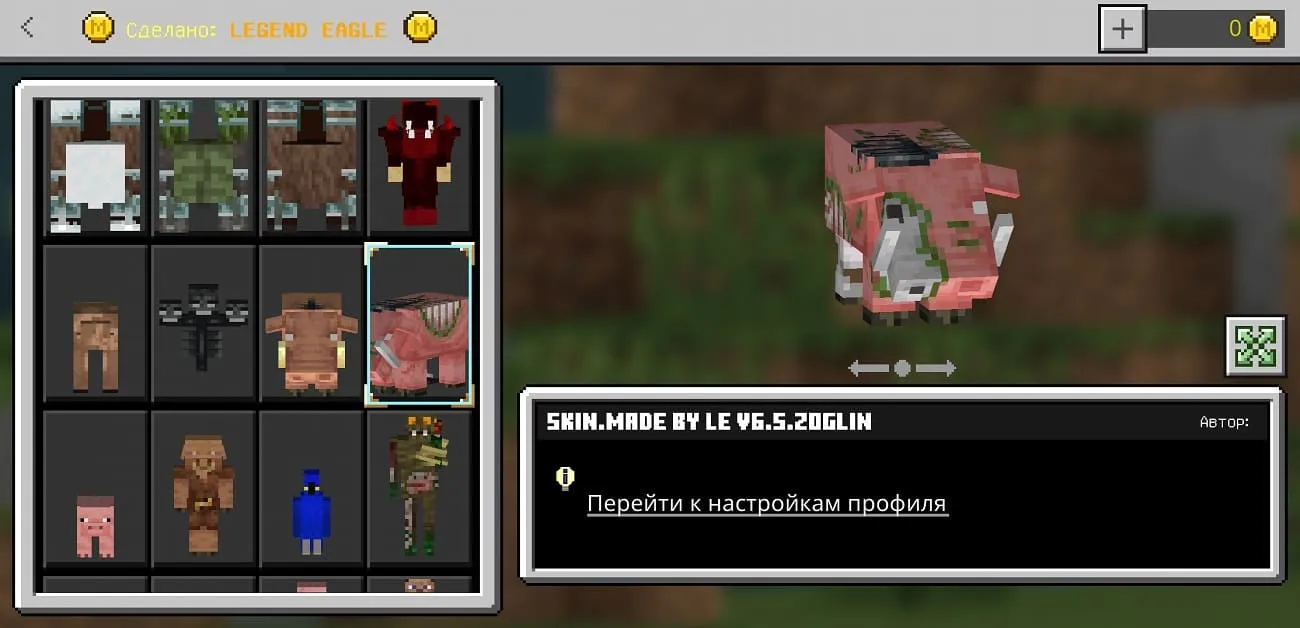
4D Hoglin skin

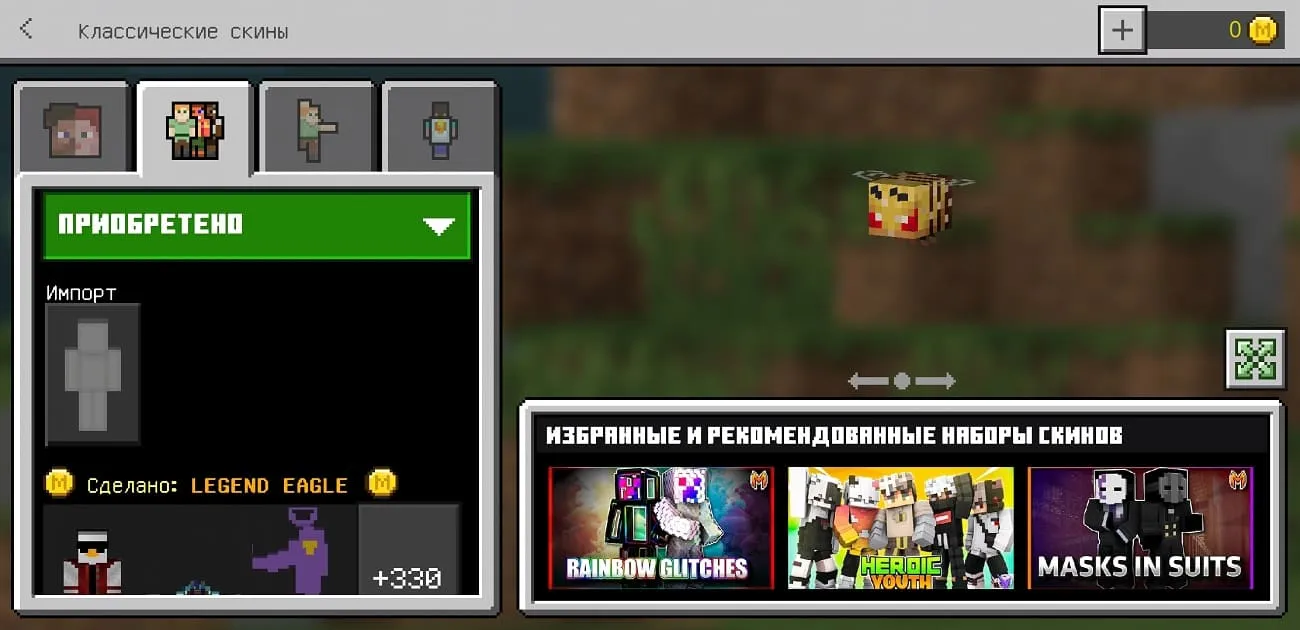
4D Skin bee

Skins work on servers, but not all of them. Also, remember that for using such skins you can get blocked on the server, so be careful.
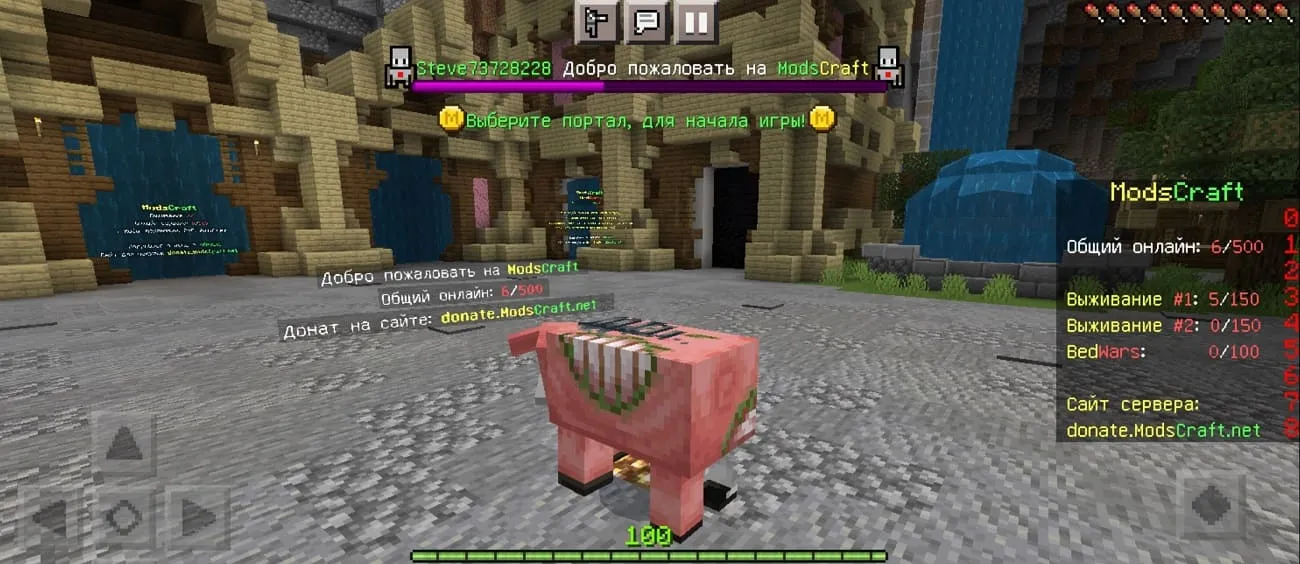
4D skin working on the Minecraft server

How do I install 4D and 5D skins?

The installation of this version is no different from the standard one, but there may be a problem due to which the skins will not load, as shown in the screenshot below.
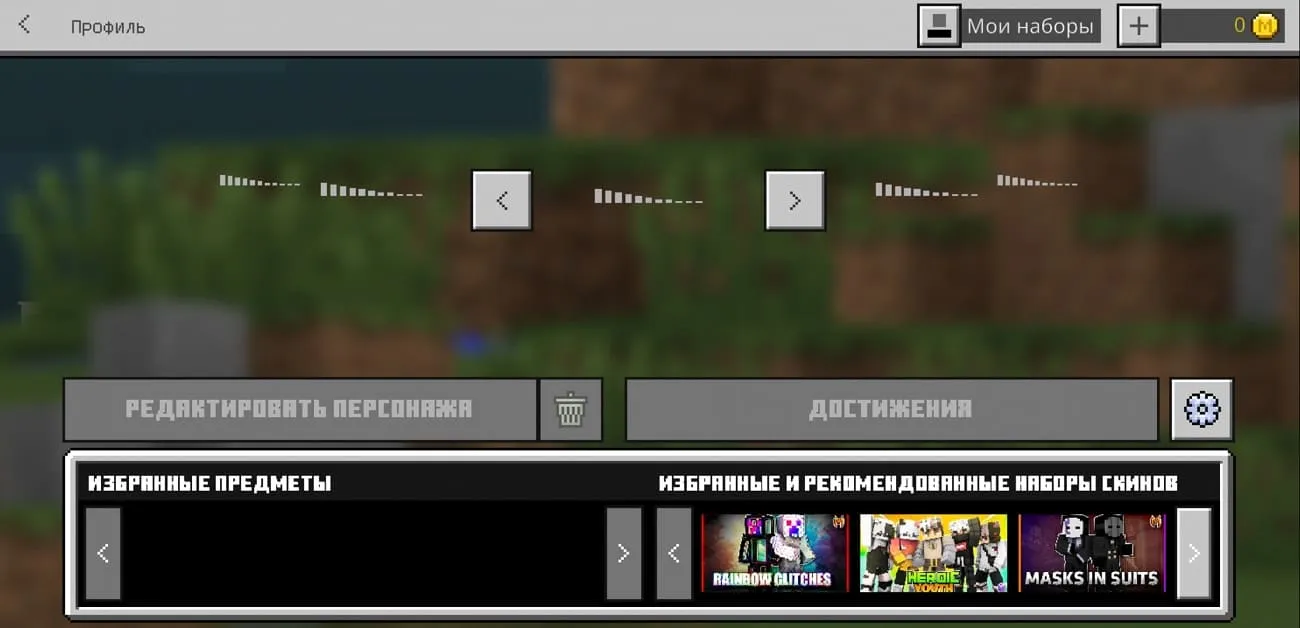
Skins don't load in Minecraft

This error was fixed rapidly and simply. You need to download and install the ByPass kit.
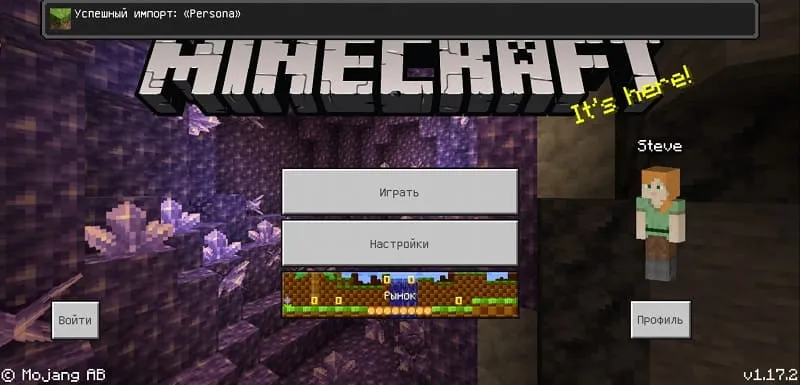
Import Persona ByPass set

After successful import, open Character Editor and all skins will load without issues.
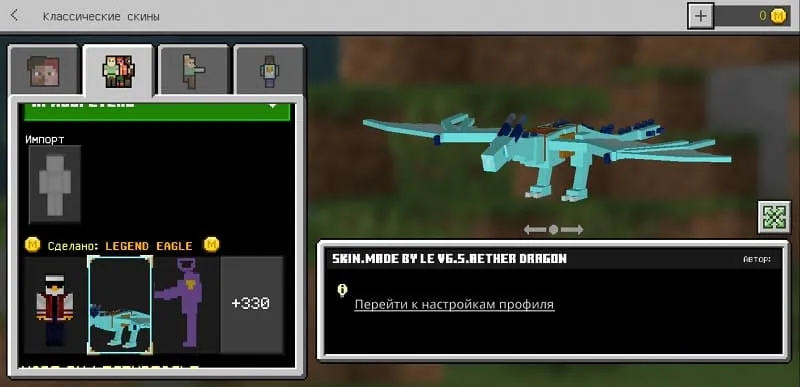
Working 4D skins in MCPE

If you need another version of the game with working 4D skins, then write in the comments.

Latest update of 4D skins

Updated: February 8, 2022. What's new?

  • Updated to 1.18.10
«Download» implies the possibility of switching to Google Play or another service. You will need a purchased game license to install the update.
466 comments
  1. Guest avatar
    Просто милана
    14:27 15 Oct 21
    Круто в новой версии крутые 4д 5д скины чем ранше щас лучше спасибо
  2. Guest avatar
    Назар Бондаренко
    15:32 14 Oct 21
    Почему скины не работают на версии 1.17.11.01 добавьте пожалуйста
  3. Guest avatar
    pechka555
    7:23 14 Oct 21
    Пак очень большой
  4. Guest avatar
    Тень
    22:59 10 Oct 21
    А на бэтки можно
    1. Guest avatar
      Тень
      23:38 10 Oct 21
      По типу 1.18+
      1. Guest avatar
        Ира Монстр
        9:03 16 Oct 21
        1.18+ это более популярная версия
  5. Guest avatar
    Максим
    2:18 10 Oct 21
    А что делать если пишут Byypass что не удалось открыть файл что делать?.
    1. Avatar Admin
      Admin
      19:24 10 Oct 21
      Здравствуйте, пишет что? Файловый менеджер или Minecraft?
      1. Guest avatar
        Не Максим
        0:36 18 Oct 21
        Майнкрафт. Пишет, что набор "persona" уже существует
    2. Guest avatar
      Глеб
      10:48 19 Oct 21
      У тебя должен быть файловый проводник
  6. Guest avatar
    КОТО печенька
    18:01 6 Oct 21
    Ваааууу кррррууууутттооо!!!!!!!
  7. Guest avatar
    Александр
    7:17 3 Oct 21
    Можете добавить такие же скины на версию 1.17.30 пожалуйста
  8. Guest avatar
    Херобрин король монстров
    9:37 30 Sep 21
    сделайте для Майнкрафт 1.14
  9. Guest avatar
    Рр
    11:21 26 Sep 21
    Прозба добавьте Майнкрафт 1.17.20.22
  10. Guest avatar
    Майнкрафт 1.17.30
    16:53 25 Sep 21
    Просьба: добавьте версию 1.17.30

The best Minecraft server! Accessible on all versions!

Clans, Anarchy, Survival, Hardcore, PvP
IP:Port gamepe.me:19132
Online 419 / 2500
Version 1.1.5 - 1.26
Play