Map: Ice Hockey [Minigame]
![Map: Ice Hockey [Minigame]](https://img.modscraft.net/uploads/posts/2017-07/thumbs/1498996413_ice-hockey-9.webp)
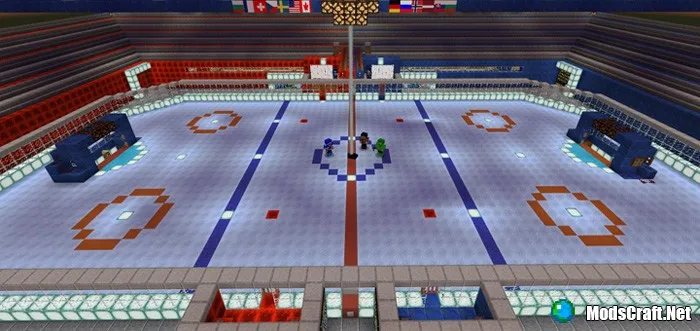
The map "Ice Hockey" was created by one person for Minecraft PE, who was inspired by the popular sports game - hockey, over two months. In the end, a fully functional hockey arena was built on the map, where players must split into two teams and play a match!
How to play?
The map requires at least two players. Find the locker room and take the equipment of the team you want to play for from the chest.
Remember that each hockey stick has its own knockback effect, so we recommend deciding on your choice before going out onto the arena.
![Map: Ice Hockey [Minigame]](https://img.modscraft.net/uploads/posts/2017-07/1498997260_ice-hockey-11.webp)
If more than two players are playing, one of you can be the referee. The referee must watch the game and record goals.
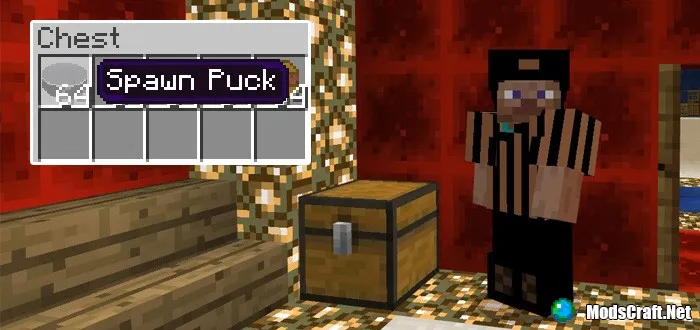
After all players are ready, it's time to step onto the ice and meet the other team in the center. The puck should already be on the ice in the center of the arena, but if it's not there, you'll need to use the puck spawn egg.
Start a countdown from 10 (preferably using the text chat), and then start the game!
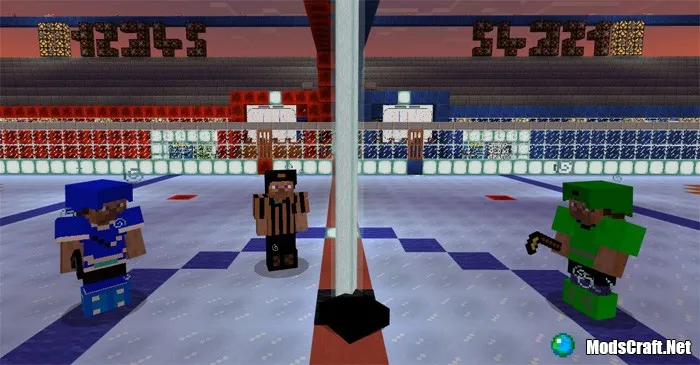
You can hit the puck with your stick.
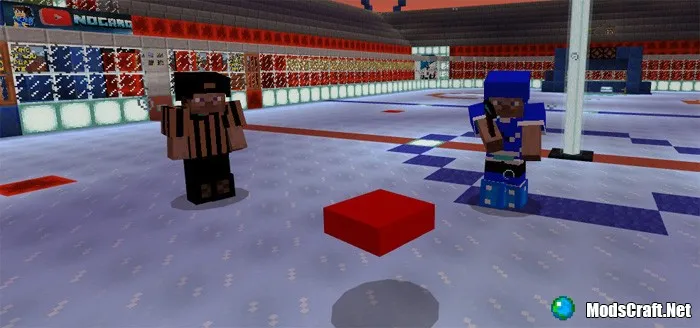
Each team must not only score goals but also watch their own goal to prevent opponents from scoring. Currently, the map does not have an automatic scoring system, so you'll need to keep track of the score yourself.
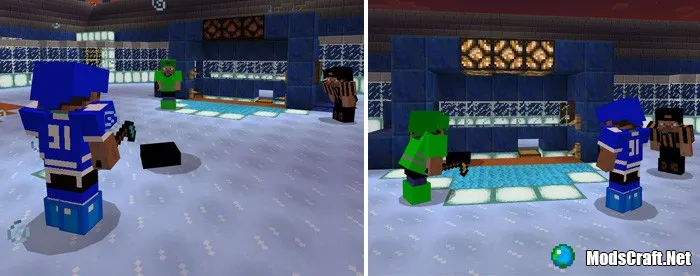
The puck will automatically return to the center of the hockey arena because the entire map works using redstone mechanisms. Simply click on the minecart as soon as it arrives.
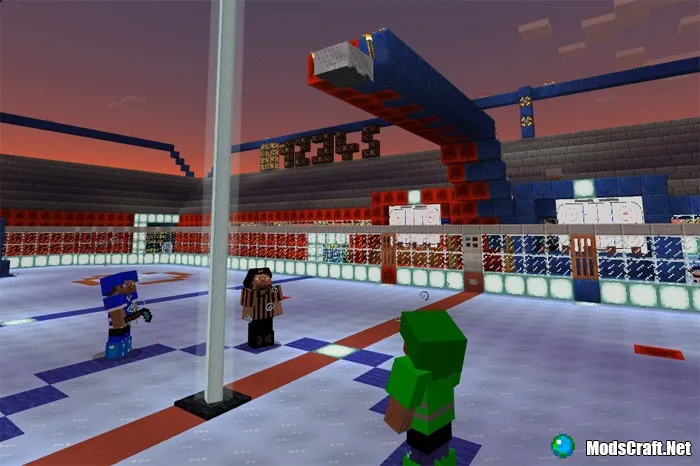
Place the puck in the center of the arena. To do this, push it across the ice.
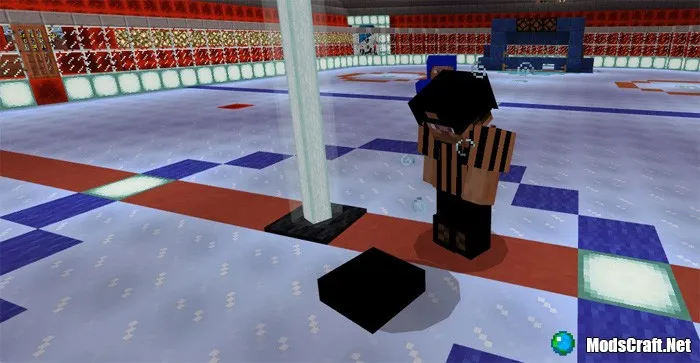
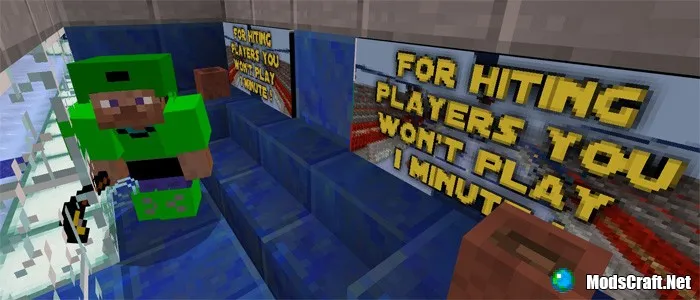
Players are not allowed to attack other players; otherwise, that player must be sent to the penalty box and stay there for 1 minute.
Have fun on the ice!
Installing the Ice Hockey map (.mcworld):
- Download the map file .mcworld from the link below.
- Simply open the file (via ES File Explorer on Android) and the game will install all necessary files automatically.
- Launch Minecraft Pocket Edition and find the map in the world list.
- Start the map and enjoy playing through it!
