Map: SkyFight (PvE) 1.0.5+ [Minigame]
![Map: SkyFight (PvE) 1.0.5+ [Minigame]](https://img.modscraft.net/uploads/posts/2017-04/1492096362_skywars-pvp.webp)
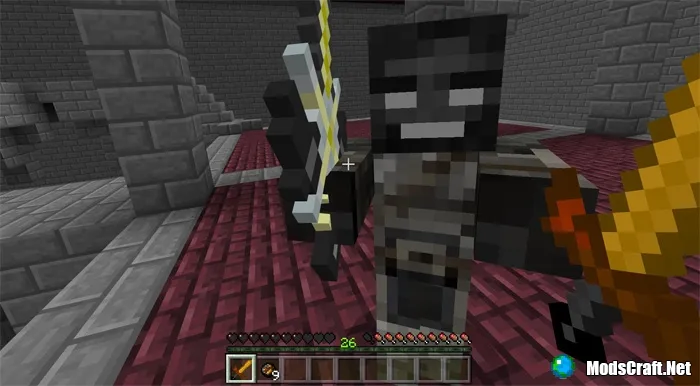
The SkyFight map features an incredibly cool PvE arena where you can fight mobs. There is also a system for choosing classes and controlling the world. At the moment, this is a very simple map, but I hope that in the future it will have even more features!
How to Play?
First, choose your class. This is done by simply pressing one of the buttons. You can see your selected class on the brick wall.
![Map: SkyFight (PvE) 1.0.5+ [Minigame]](https://img.modscraft.net/uploads/posts/2017-04/1492095967_skywars-pvp-3.webp)
- Swordsman
1 iron sword
3 golden apples - Archer
1 bow
arrows - Wither
Netherite sword
Wither potion
There are a couple of other things (like time of day and weather) that you can set in the lobby. Once you have everything set, head to the arena!
After you enter the arena, a countdown will start. After the message "Get Ready!" appears, you will receive your weapons and the battle will begin!
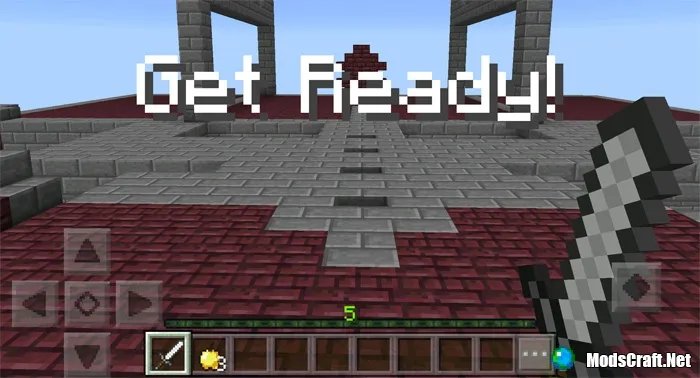
Currently, only one level is available, but the battle on this level is quite challenging. Hopefully, the map creator will add more levels soon.
Installing the SkyFight Map (.mcworld):
- Download the .mcworld map file from the link below.
- Simply open the file (via ES File Explorer on Android) and the game will install all necessary files automatically.
- Launch Minecraft PE and find the map in the world list.
- Start the map and enjoy playing it!
