ModsCraft » Guides » Worlds Missing in Minecraft 1.18.0.21?
Worlds Missing in Minecraft 1.18.0.21?

WhatsApp
Telegram VKontakte Odnoklassniki Pinterest
Worlds Missing in Minecraft 1.18.0.21?

The developers released a new test version of Minecraft 1.18.0.21, but players on Android immediately ran into an issue where all their worlds went missing. In this guide, we've outlined the process to restore your worlds.

This issue arose because the developers updated the location of the world folders.

  • Old path: /games/com.mojang/minecraftWorlds
  • New path: /Android/com.mojang.minecraftpe/files/games/com.mojang/minecraftWorlds

We've outlined two methods to fix this issue.

Method 1

This method is suitable if you don't have a computer or if you want to do everything directly from your mobile device.

On different Android skins, the file manager may vary in appearance, but the functionality is the same.

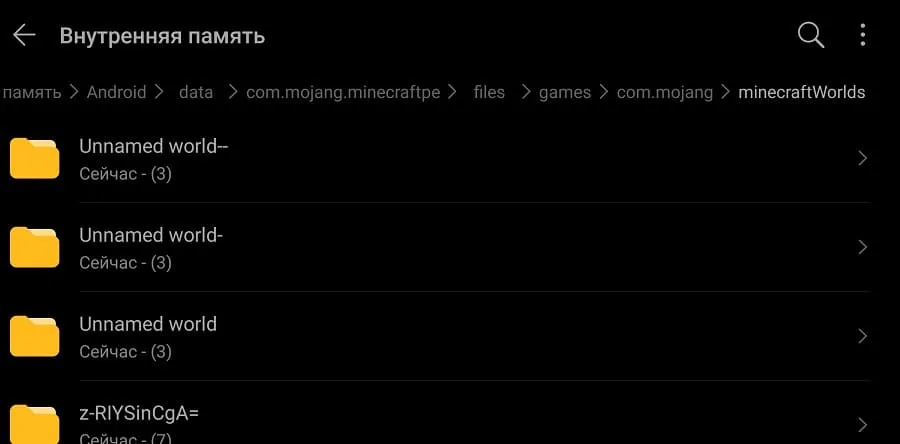
Navigate to the path /games/com.mojang/minecraftWorlds, where all your worlds are stored.

Now select the world folders and choose the move or copy option.
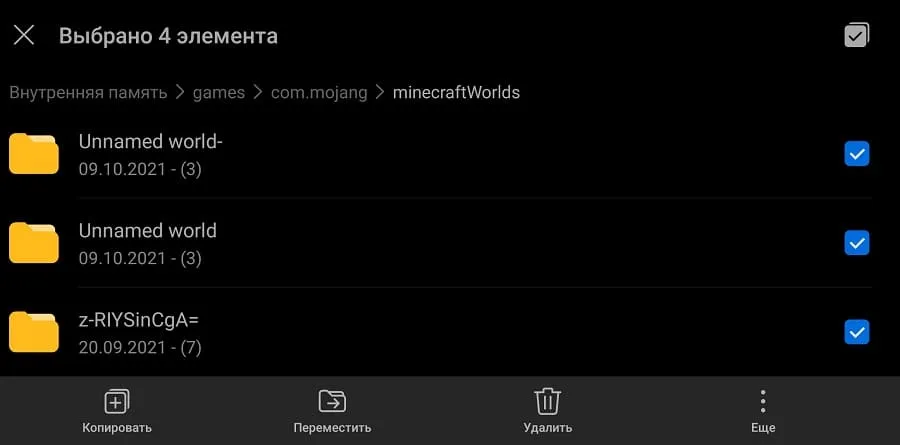
Copying world folders

Navigate to the path /Android/com.mojang.minecraftpe/files/games/com.mojang/minecraftWorlds.
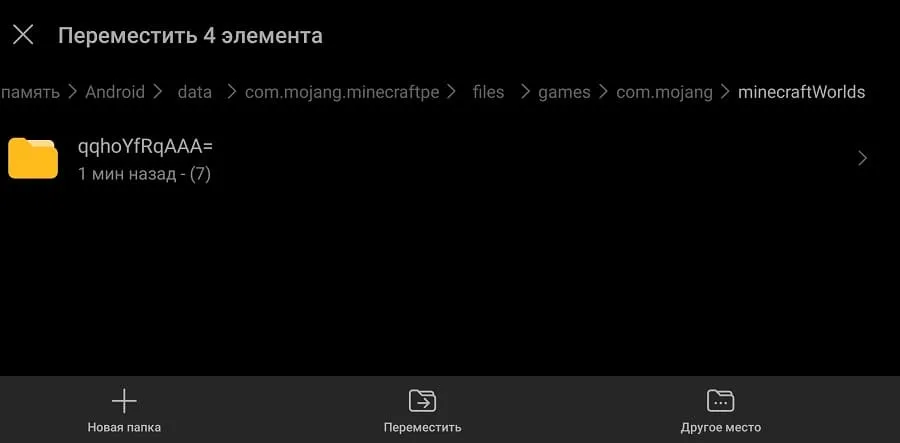
New path for Minecraft world folders

Tap move (or paste).

Moved world folders to new folder

Now all your worlds will reappear in Minecraft!
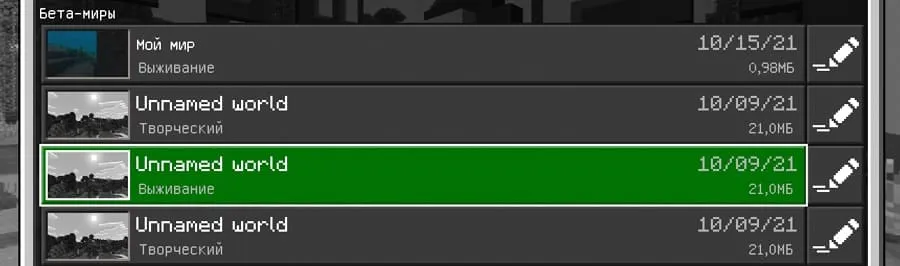
List of maps in Minecraft

Method 2

This method is suitable if you have a computer.

Connect your Android device to the computer via USB and enable File Transfer.
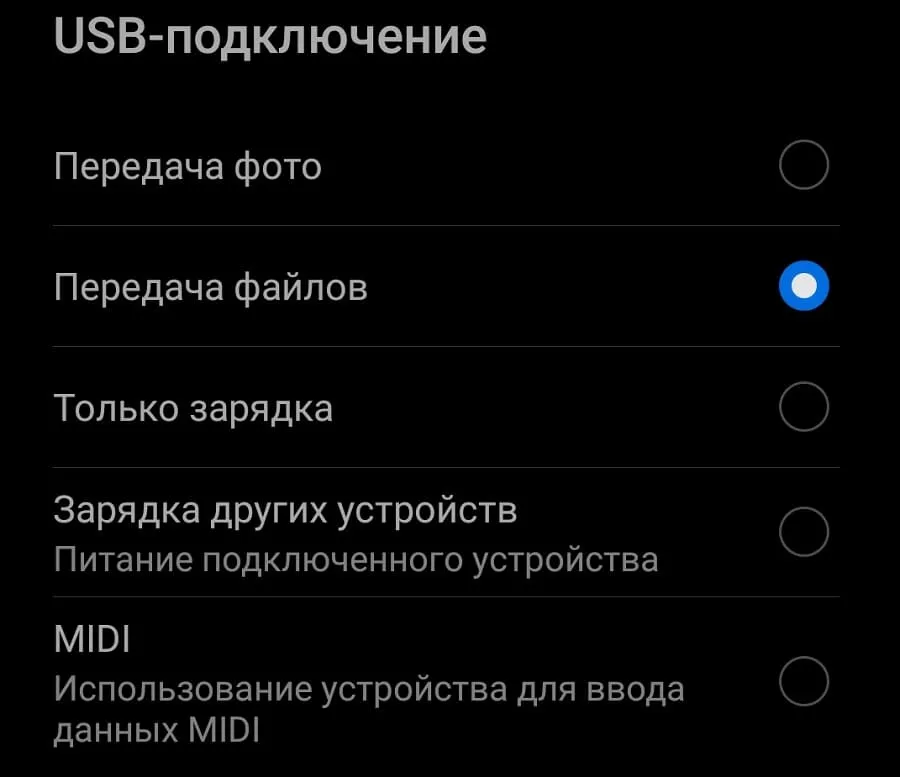
File transfer on Android

Navigate to the old path, select the world folders, and press cut.
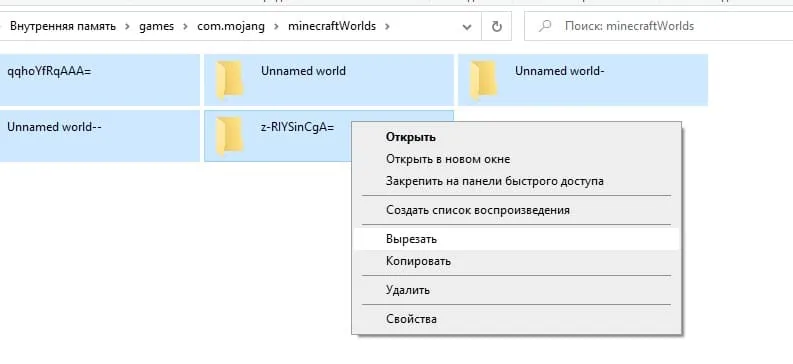
Cut world folders

Navigate to the new path and press paste.
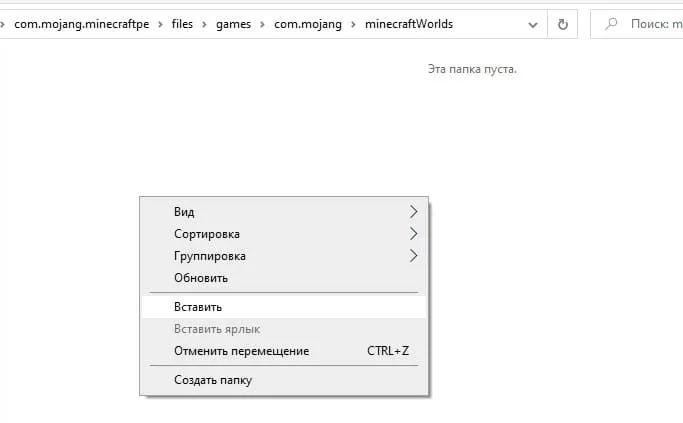
Paste world folders on PC

As a result, your world folders will be in the new location and you can launch the game to play on your worlds.

Pasted world folders on PC

These steps only need to be done once. In future versions, your worlds will not disappear, but you need to remember the new location of the map folder paths.

136 comments
  1. Guest avatar
    Артем
    10:23 22 Jun 25
    Все папки пустые и миров там нет. Ни какие способы не работают.
  2. Guest avatar
    Александр
    18:57 8 May 25
    \Android\data\com.mojang.minecraftpe\files\games\com.mojang\minecraftWorlds
    Посмотрите здесь
  3. Guest avatar
    Silentium33
    16:01 23 Jun 24
    Скажите пожалуйста что делать если в папке files пусто?
  4. Guest avatar
    Император без имени
    7:20 9 Jun 24
    Люди, кароч, я сделал всë как в гайде и не сработало. Если у кого такаяже ересь, попробуйте в настройках майна (настройки/профиль/хранилище) поменять расположение данных. У меня стояло на внешнем и я поставил на приложение. Вмë сработало.
  5. Guest avatar
    .
    11:30 9 Mar 24
    Стоит внешние но мира в папке нет,
    играю на 1.18.0
    что делать
  6. Guest avatar
    Леонард
    15:19 8 Feb 24
    Нету папки minecraftWorlds что делать?
    1. Guest avatar
      Гений
      14:12 13 Feb 24
      Создать эту папку
      1. Guest avatar
        ПИЗДЕЦ
        23:30 18 Jun 24
        рил гений
  7. Guest avatar
    Виктория
    22:26 10 Jan 24
    Нет у меня этих папок, что делать? Я уже всё пересмотрела, фигня какая-то. Как и куда миры сохранять?
  8. Guest avatar
    Дима
    0:17 26 Sep 23
    Всем привет что мне делать я поставил внешние хранилище 1.20.15 и я когда я создаю мир он не появляется в папке minecraftWorld что делать
  9. Guest avatar
    Станислав
    0:15 13 Sep 23
    Конец миру, который я строил целый месяц из-за тупорылой файловой политики Моджанга. Моего мира нет ни в games, ни в Android.
    Совет тем, кто больше не хочет терять карты: сохраняйте их на других носителях, можете даже в черновик в каком-нибудь из мессенджеров отправить, чтобы потом скачать.
    1. Guest avatar
      Diamond 228045
      10:35 11 Jun 24
      Вот я строил карту 2 года на 1.17.40 и решил перейти на 1.20.15 и миры все мои миры пропали из файлов
  10. Guest avatar
    Демон
    9:58 29 Jul 23
    У меня миры в файлах не сохраняются

Immerse yourself in a unique adventure with classic survival, anarchy, a clan system, and constant events!…

PvP, Survival
IP:Port craft.pe:19132
Online 302 / 1501
Version 1.1 - 1.26
Play