Guide to Minecraft Earth
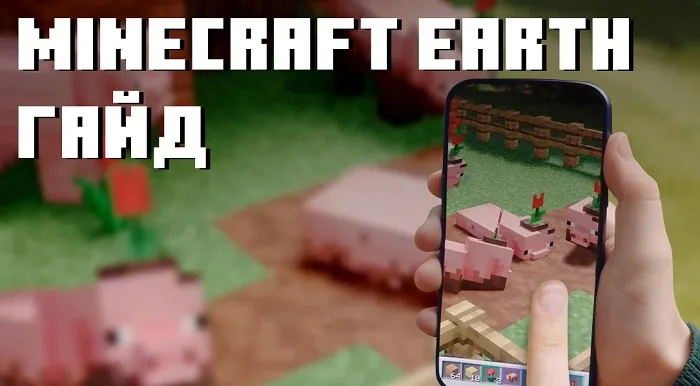
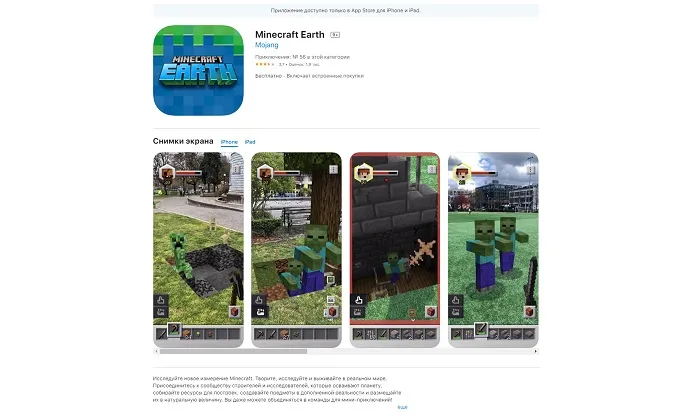
Minecraft Earth is a mobile augmented reality game for Android and iOS. The game was developed and is supported by Mojang Studios, and published by Xbox Game Studios (Microsoft).
Although Minecraft Earth was released back in 2019, the game is still in early access, and developers are constantly testing, changing, and fixing bugs found by players.
And since the game is actively being developed, we've decided to write a detailed guide for Minecraft Earth on this page!
How to Play Minecraft Earth on Android/iOS?
To play on Android, you need OS version 8.0 or higher, and the device must support ARCore, which enables augmented reality in Minecraft Earth. If your device has Android 8.0+ and supports ARCore but you can't download the game from Google Play, you can download it from our site on the page Minecraft Earth for Android.
To play on iOS, you need OS version 12.0 or newer, and almost all smartphones and tablets starting from iPhone 6S are supported.
What's the Point of the Game?
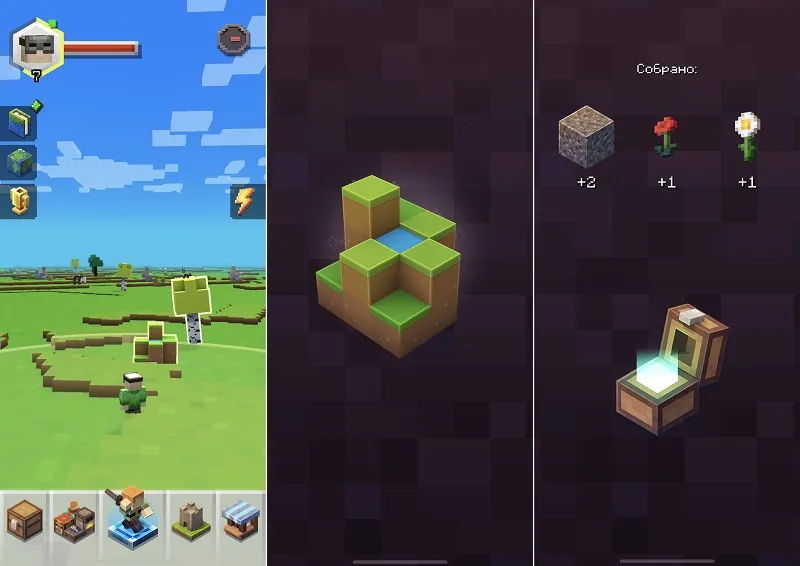
The simplest answer is collecting items, blocks, and mobs.
While completing tasks, collecting items, and going through adventures, you'll constantly receive various resources that will appear not only in your inventory but also in a special journal.
The journal contains a list of all collected items, blocks, and mobs, and in a separate window you can view detailed information — name, description, rarity, and other info.
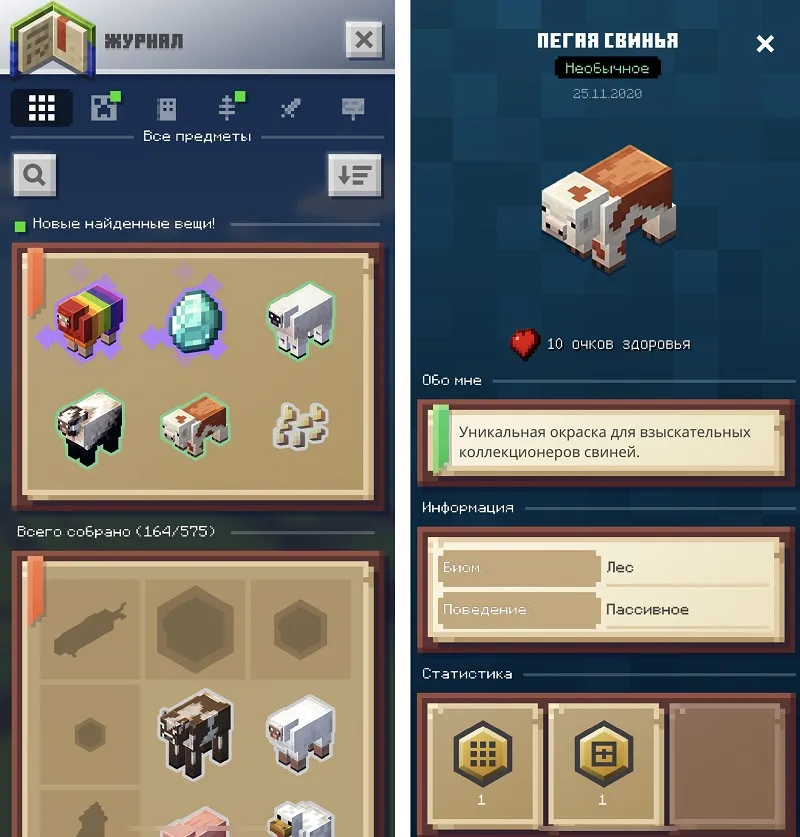
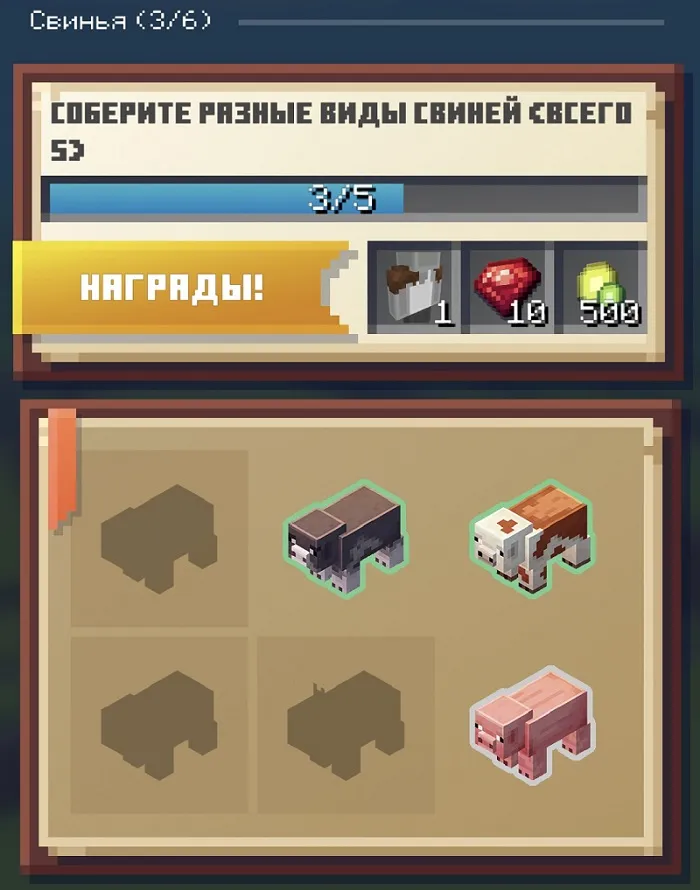
Collecting mobs will earn you certain rewards. For example, collecting five different types of pigs gives you a Character Creator element, 10 rubies, and 500 experience.
Buildplates
Buildplates have two game modes — Create and Play. In Create mode, you can use a miniature version of the build to create, and you can invite your friends to build together. In Play mode, your creation will be on a larger scale.
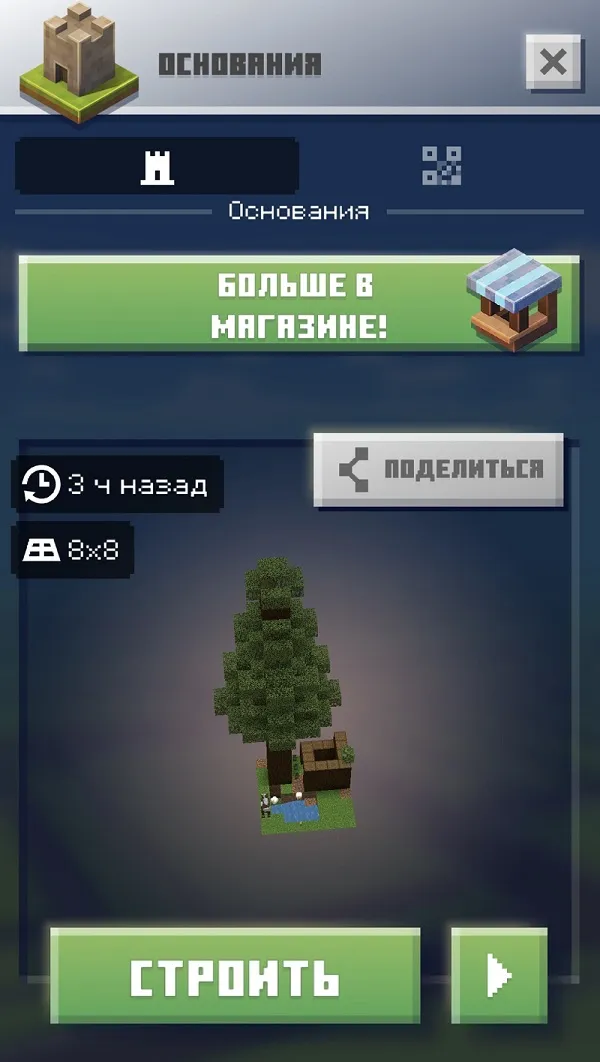
In Build mode, you'll have access to your entire inventory and can create freely.

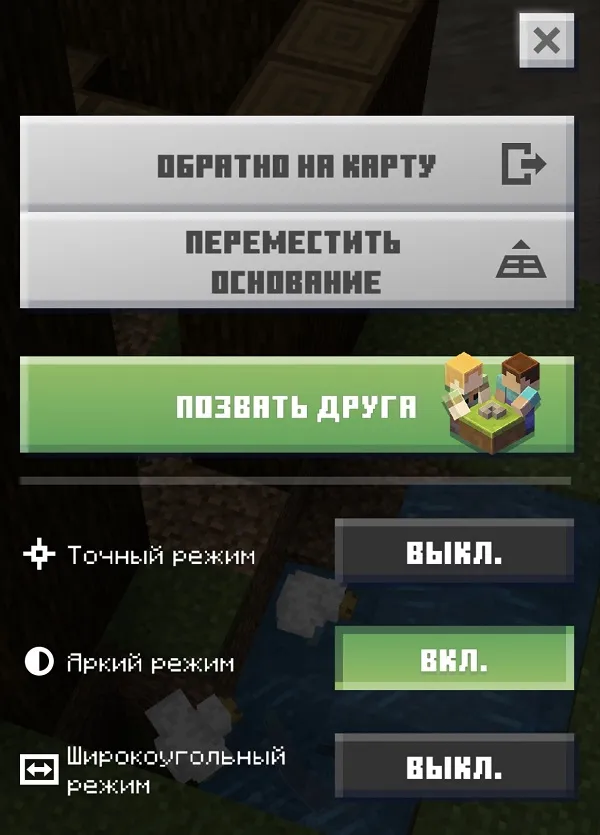
If you open the pause menu during gameplay, you'll see several useful options:
- Move buildplate/adventure — useful if you can't reach an object.
- Invite a friend — your friend will need to scan a special QR code.
What Are Adventures and How to Play Them?
In adventures, you can gather resources — blocks, ores, kill mobs that will fill the journal, but most importantly, each adventure has a chest that gives valuable resources when opened.
Adventures come in different qualities:
- Common.
- Uncommon — uncommon adventure crystals can be found during common adventures or obtained as a season completion reward.
- Rare — rare adventure crystals can be found during uncommon adventures.
- Epic — epic adventure crystals can be found during rare adventures.
Accordingly, the rewards for completing them will differ.
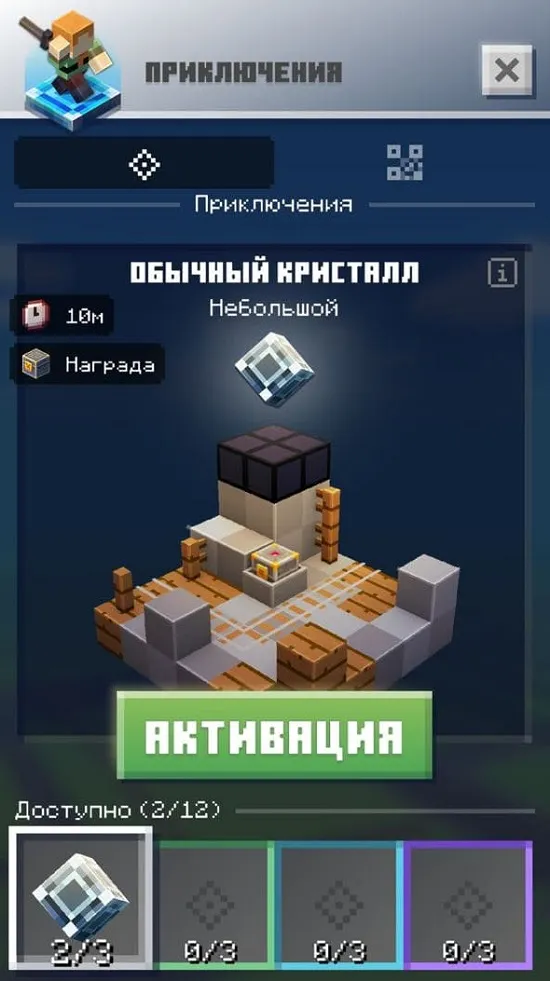
Every day, each player is given one adventure crystal, but they can also be found randomly in chests. Here are some tips for adventures:
- Make sure you have enough light around you. Daylight is best, but if you're playing at night, ensure enough light. Lack of light may cause Minecraft Earth to not track the adventure properly, and it may move randomly or become invisible.
- Make sure you have enough space. Adventures may require you to move around a bit, so you'll need some room. If you're playing indoors, watch out for furniture and other obstacles.
- Make sure your device is charged. Minecraft Earth can quickly drain your battery. Location tracking, high brightness, camera use, and even running the game contribute to battery drain.
- Don't wait. Adventures created from adventure crystals last no more than ten minutes, so only create them when you're ready.
You need to prepare for an adventure, specifically:
- Weapon. You should have at least one sword in your inventory, preferably stone quality or better.
- Tools. Various tools like axes, shovels, and pickaxes work similarly to vanilla Minecraft, so they can be useful. You can break most things by hand, but it will take much longer. For more difficult resources, you'll need at least a pickaxe. Again, we recommend at least stone.
- Food. The lack of armor and shields in Minecraft Earth means combat can be deadly. Make sure you have some food to heal if needed. If you die, you lose all resources obtained in the adventure and your inventory.
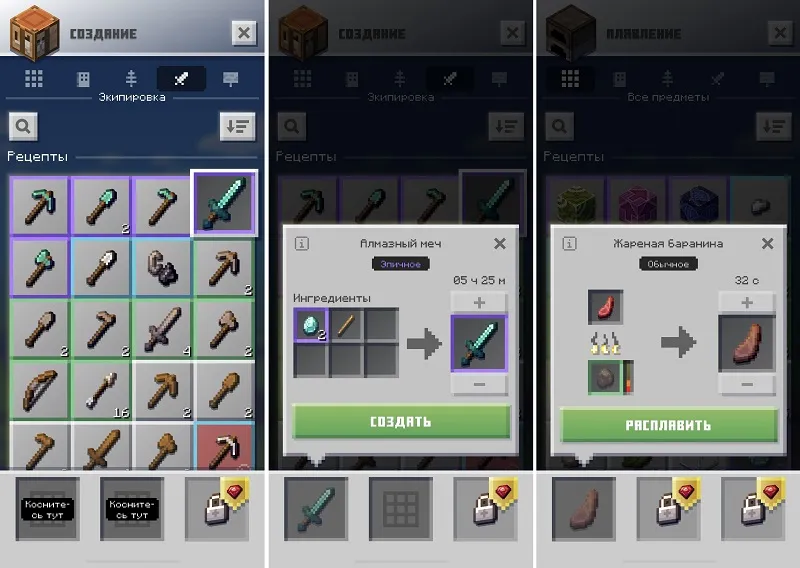
You can craft tools and weapons in a crafting table, and cook food in a furnace.
Combat System
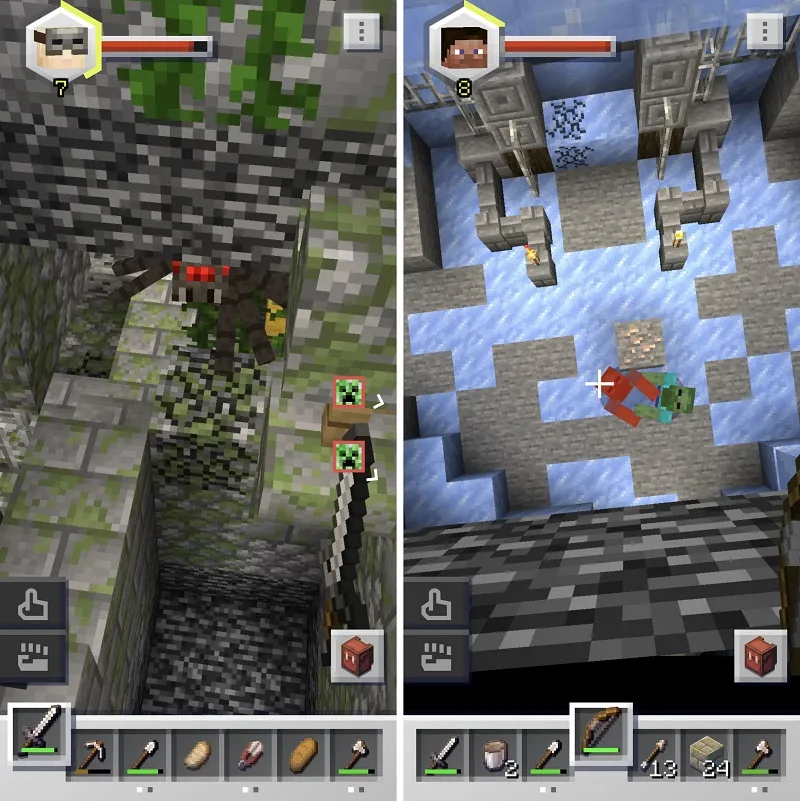
Minecraft Earth also has a combat system. You can randomly get, earn from quests, or simply craft weapons — a sword or a bow. The game also has snowballs that you can throw at mobs.
Just remember that the bow requires arrows, and all tools in the game also have durability.
Crafting System
As in the original version, Minecraft Earth has a crafting table and a furnace, but there are significant differences.
The crafting table and furnace each have three slots — two are free (one in the crafting table, one in the furnace), and the rest must be purchased with rubies.
Rubies in Minecraft Earth
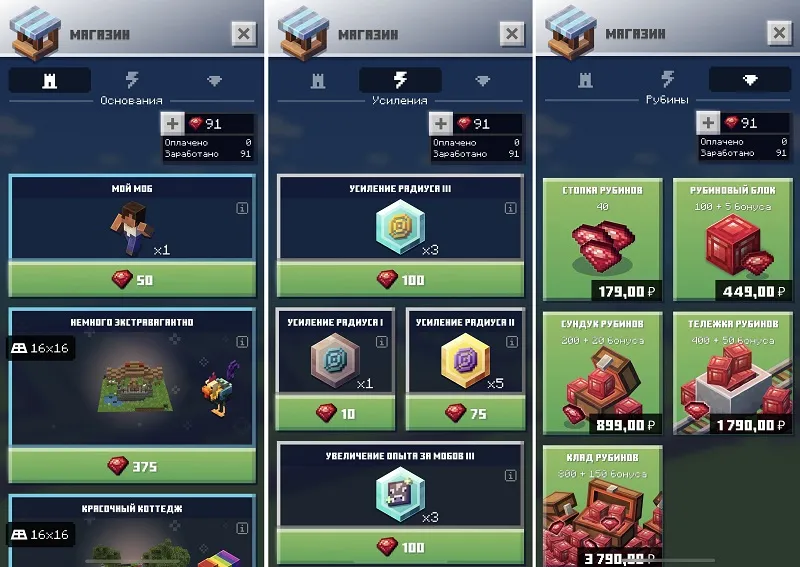
We advise not to waste rubies, but to save them for unlocking new slots in the crafting table and furnace. They will offer you speed boosts for crafting, purchase of buildplates, boosts, etc., but there's no point. Better to just save, since the real money cost of rubies is quite high.
Boosts
If you want to speed up building, crafting, increase experience gained, etc., boosts will help. But note that boosts don't last forever, only for a certain period, so use them wisely.
The following types of boosts are available in the game:
- Range Boost — you can place blocks farther away.
- Mob XP Boost — killing mobs gives more game experience.
- Crafting Speed Boost — crafting time in the crafting table is reduced.
- Smelting Boost — smelting time in the furnace is reduced.
- Preservation Boost — on death, your hotbar and experience are kept.
- Inventory Boost — on death, your inventory is kept.
- Protection Boost — take less damage from all sources.
- Attack Boost — your damage is increased.
- Mining Speed Boost — block breaking is sped up.
- Adventure XP Boost — completing adventures gives more game experience.
- Food Boost — food restores more health.
- Health Boost — your health increases.
Additionally, boosts also differ in quality. Accordingly, the effect and duration increase.
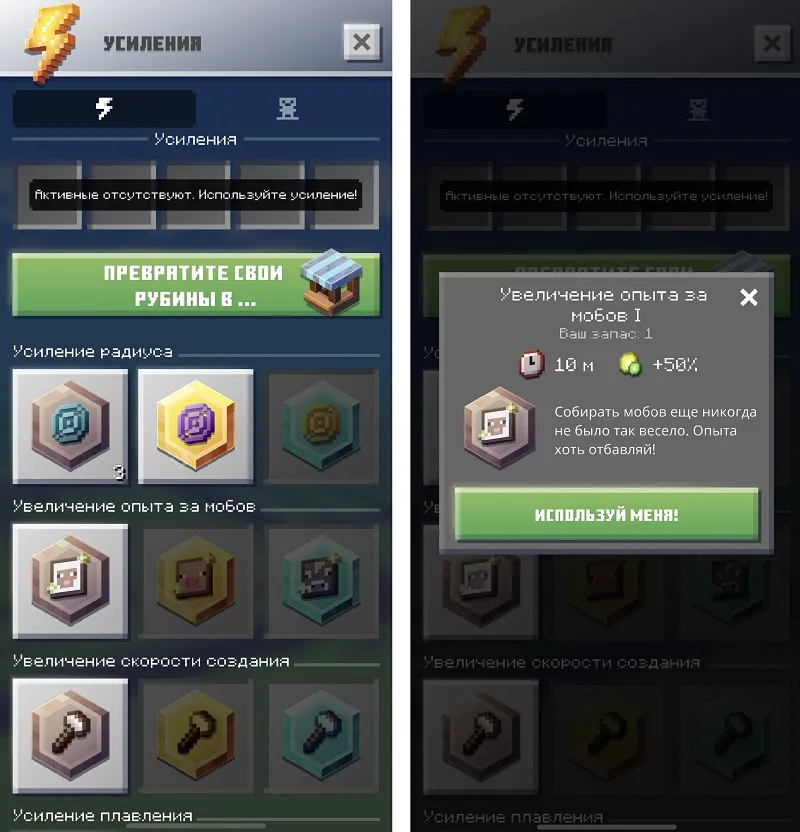
We do not recommend buying boosts with rubies, as it's better to save them for unlocking new slots in the crafting table and furnace. Boosts can be easily obtained from chests and by completing tasks for free.
Level System
Minecraft Earth has a level system, each level gives a certain reward, and every fifth level unlocks a free Buildplate.
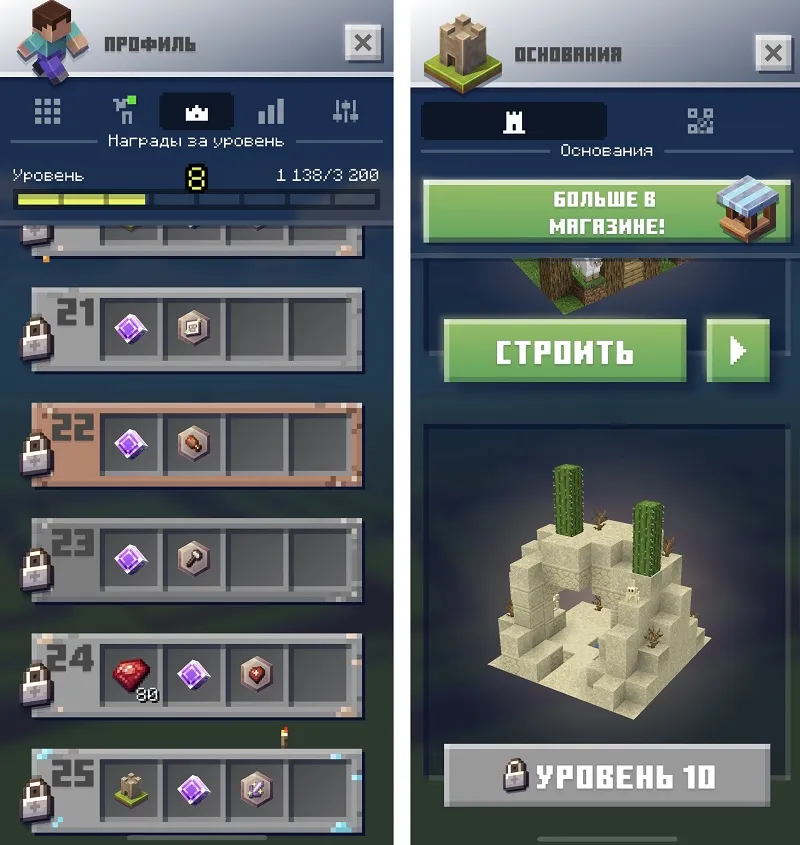
Experience needed to level up can be gained by completing challenges, seasonal tasks, killing mobs, and mining ore.
In Minecraft Earth, each season is time-limited, and completing its tasks will earn you various rewards — items, blocks, experience, mobs, Character Creator elements, etc.

Character Creator
All your purchased skin packs from Minecraft Bedrock will sync with Minecraft Earth as well, of course, if you use the same Microsoft Live account.
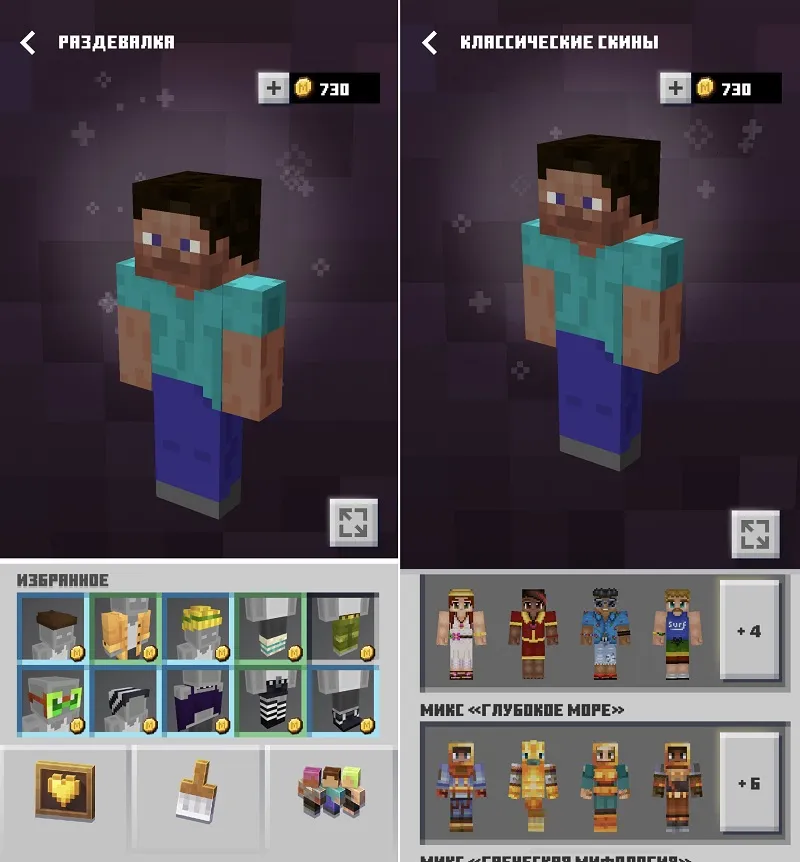
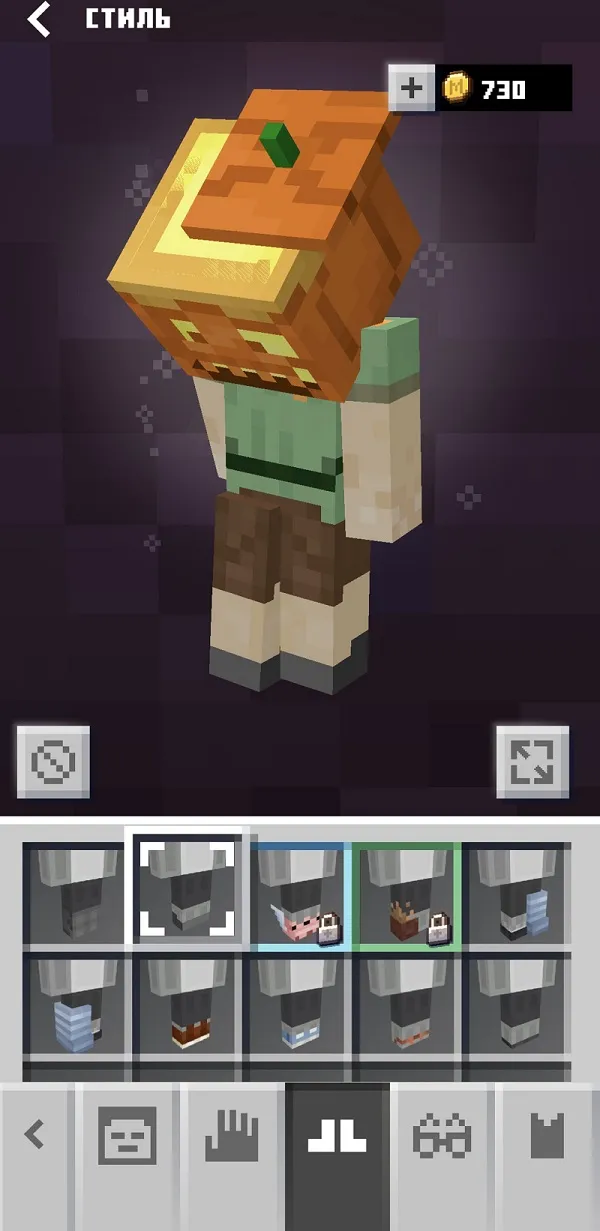
In the Character Creator, you can create your own unique skin from individual body parts and various accessories. Some are available for free, others are given for completing tasks or as part of events, and some are purchased with Minecoins (the main in-game currency in Minecraft: Bedrock Edition).
Minecraft Earth Latest Version for Android
The most current version of the game is available on Google Play, but if for some reason you can't download it, visit the page Download Minecraft Earth for Android.
Frequently Asked Questions
Help us complete the page. If you have any questions or suggestions, leave them in the comments!
