How to make a cursor on a map?
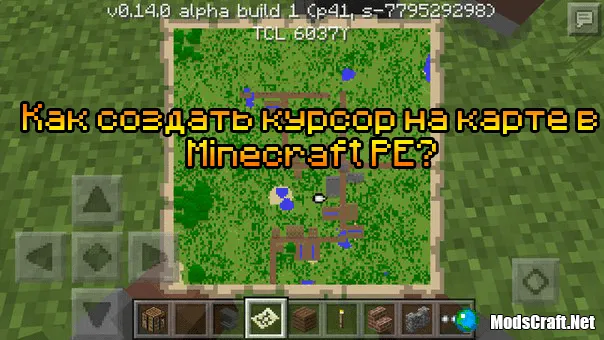
After creating a map, many players start asking questions about not having a player cursor on the map. You can only make a cursor by upgrading the map in an anvil.
So, let's get started. First, you need to get a normal map. How to do that is written here - how to create a map.
Now that you have a map, you need to get an anvil and a compass. After you have all the necessary items, it's time to upgrade the map. Place the anvil anywhere and open it. Put the normal map in the first slot and the compass in the second slot, as shown in the screenshot.

Now click on the result icon to get an upgraded map with a pointer.
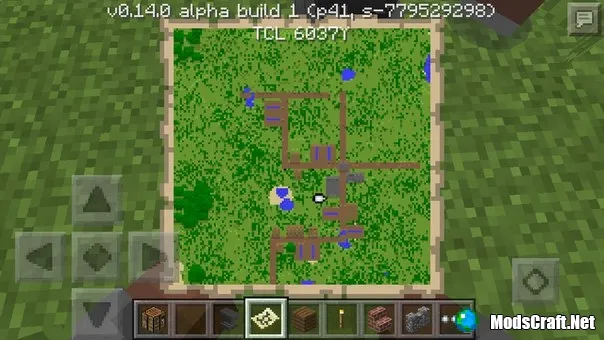
The cursor will look like a white arrow on the map and will follow your movement.
1
comment
Comments in a new tab
