How to Create a Map in Minecraft PE?
Many MC:PE players know that Minecraft Pocket Edition added maps that help you navigate the terrain. Unfortunately, not many know how to create a map, so we've written this guide especially for you.
How to Create a Mini Map?
Crafting it is quite simple - just 9 pieces of paper. Paper can be made from sugar cane in a crafting table, which usually grows near water.

Now you need to craft an empty map. It is also crafted in a crafting table from 9 paper.

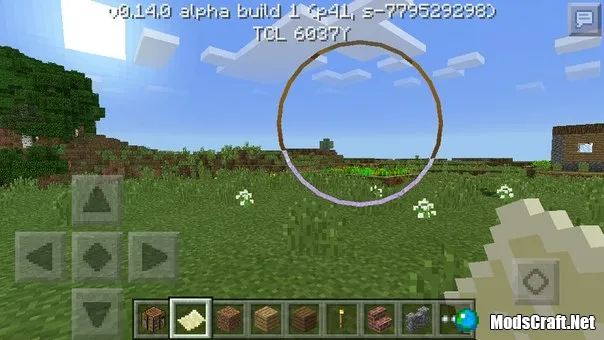
Now hold the empty map in your hand. It won't show the terrain yet; for that, you need to get a normal map. To do this, simply hold your finger on the screen while holding the empty map.
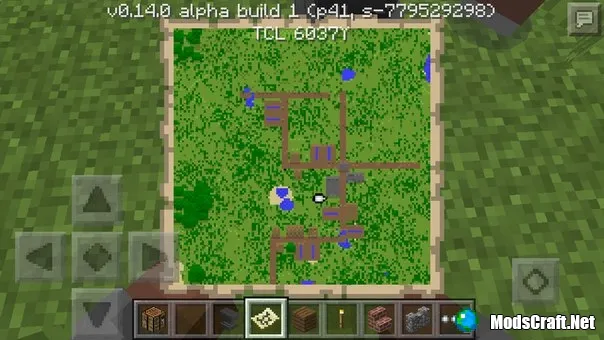
Now we have created a normal map that shows the terrain in a 128x128 block radius.
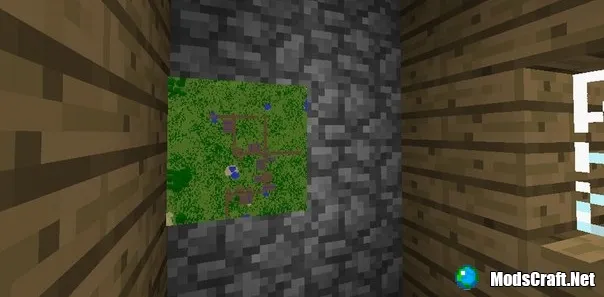
You can hang the map on an item frame to decorate your house or save inventory slots.