Skin Pepe

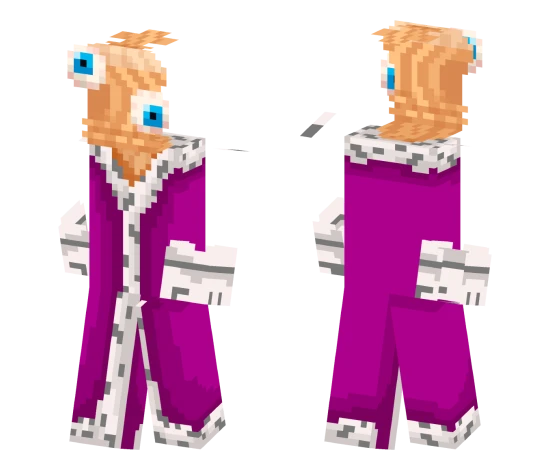
The Pepe skin is a pixel version of the popular frog meme. The character is completely green, with large eyes and a characteristic facial expression.
This skin is great for those who love internet humor and want to add some meme culture to Minecraft. It will be recognizable among players familiar with this character.
You can also find the skin installation guide on our website if you need help.
Download skin Pepe
There are no comments, be the first!
Leave a comment, share your impression or ask a question.