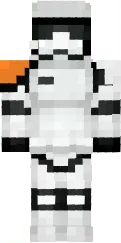
Skin Bendi

Skin Bendi for Minecraft PE takes you into the world of the popular horror game Bendy and the Ink Machine. The character is designed in a black-and-white style with distinctive features: large eyes, a wide smile, and horns. This skin is perfect for fans of creepy and mystical looks.
The skin accurately captures the original atmosphere, preserving all details. It will look great on themed maps or at night. If you are a horror fan and want to add some fear to the game, Skin Bendi is your choice.
You can also find the skin installation guide on our website if you need help.
Download skin Bendi
There are no comments, be the first!
Leave a comment, share your impression or ask a question.