Shader: Newb Shader
Newb Shader is a package of aesthetic shaders for Minecraft PE. This shader aims to improve the existing vanilla shader so that it looks more aesthetically pleasing and realistic without destroying the existing gameplay and sacrificing the performance of weak devices.
These shaders are suitable for MCPE 1.17.40 and higher.
Features and changes:
UI:
- Customizable screensavers and prompts on the loading screen
- Custom color of the touch circle
Sky:
- Three-color gradient
- New colors of the sky
- New textures of the sun and moon
The clouds:
- Smooth 2D clouds
- Smooth transition of rain
- You can configure
Lighting model:
- Smooth shadows from above
- Elaborate flare lighting
- The glow of the torch
- Nether and End
- You can configure
Water:
- Reflection of clouds
- Reflection of the sky
- Biome coloring
- You can configure
Underwater:
- Fake water animation
- Fake refraction
- Color adjustment
Wave animation:
- Water — swinging
- Lantern — swinging
- Swinging plants:
- Foliage, vine, grass
- Carrots, beets, wheat, potatoes
- Seaweed
- Optional: Swinging flowers (off by default)
- You can configure
Fake volume:
- Light fog
- You can configure
Rainy weather:
- Humidity on the upper surface
- Rain atmosphere
- New cloudy sky
- Rainy wind
Entities:
- Easy edge selection
- Subtle shadow gradient
- Reflection on wet surfaces
Screenshots:
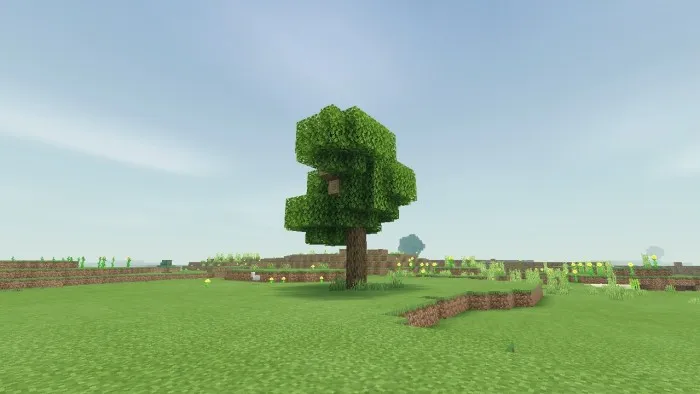
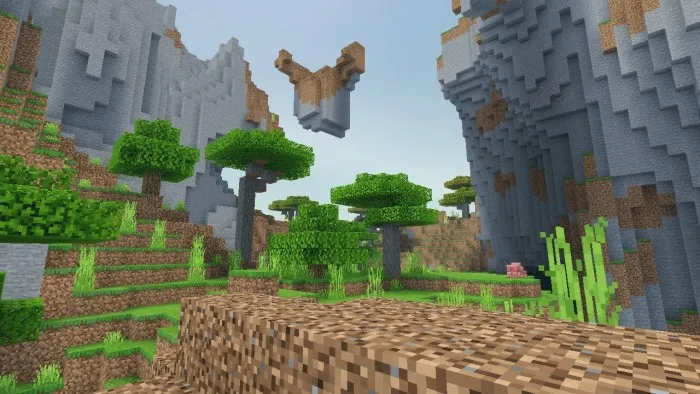
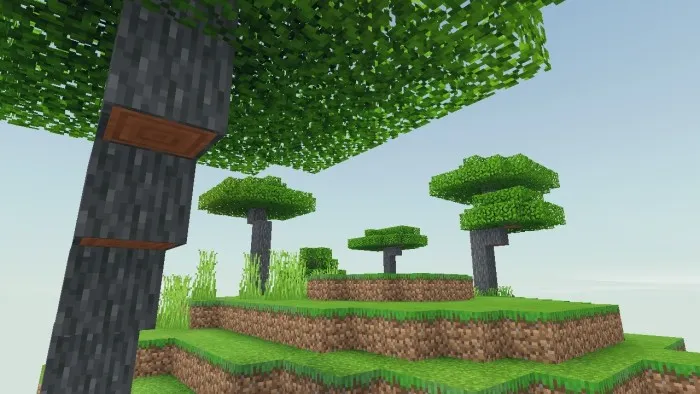
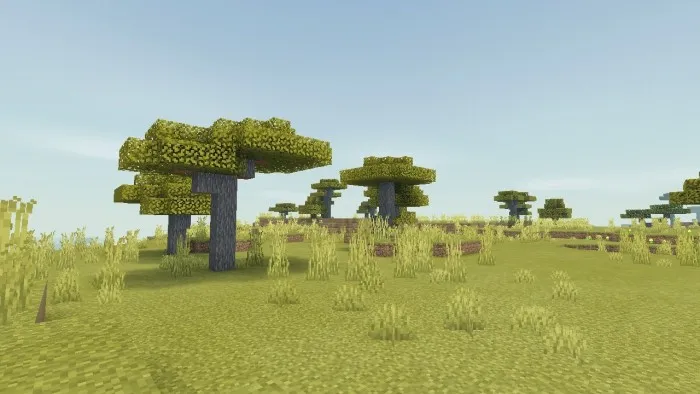
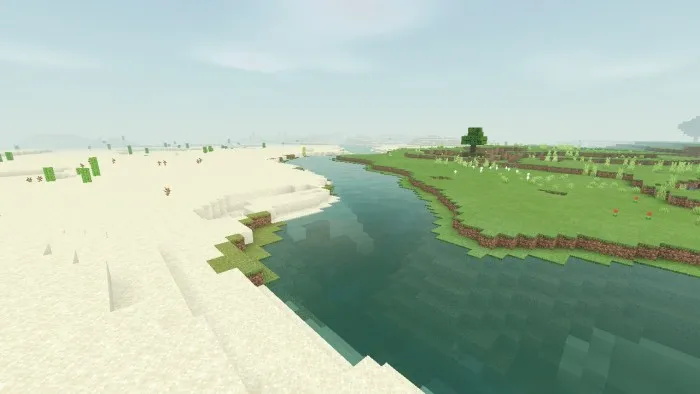
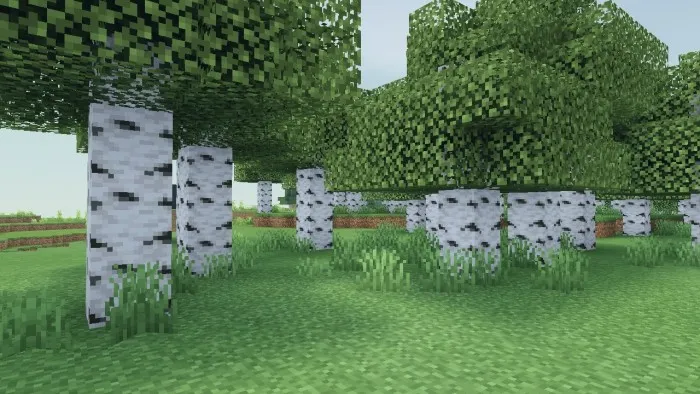
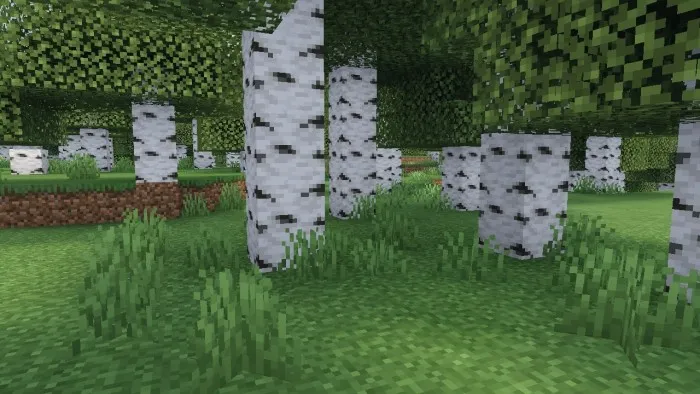
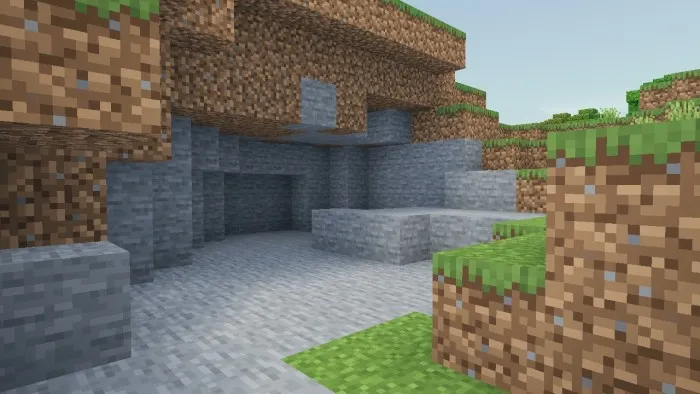
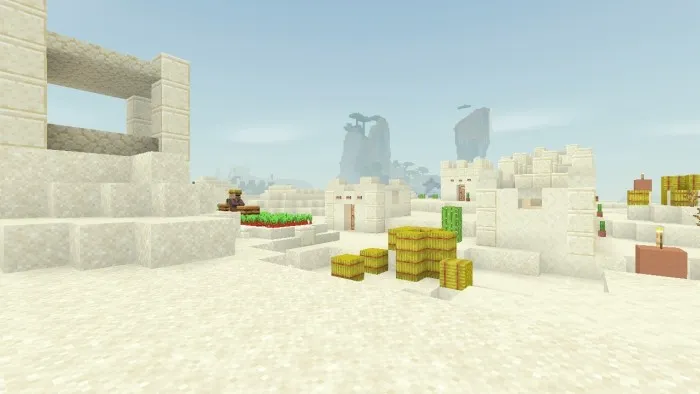
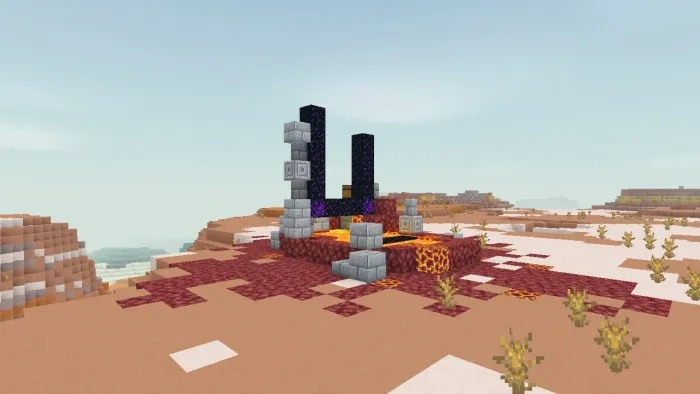
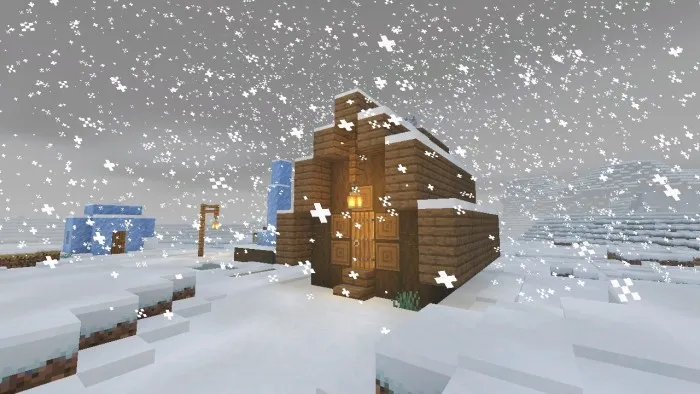
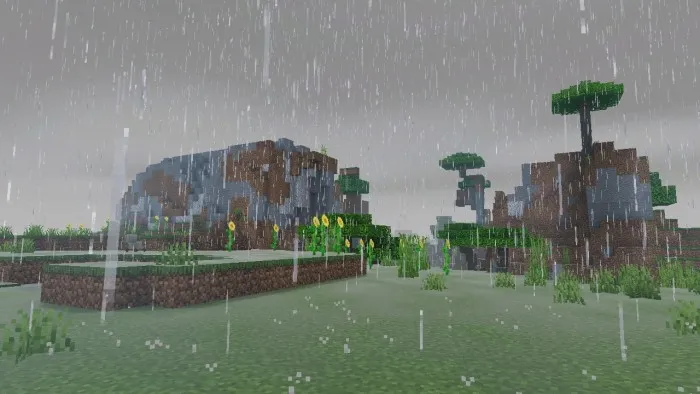
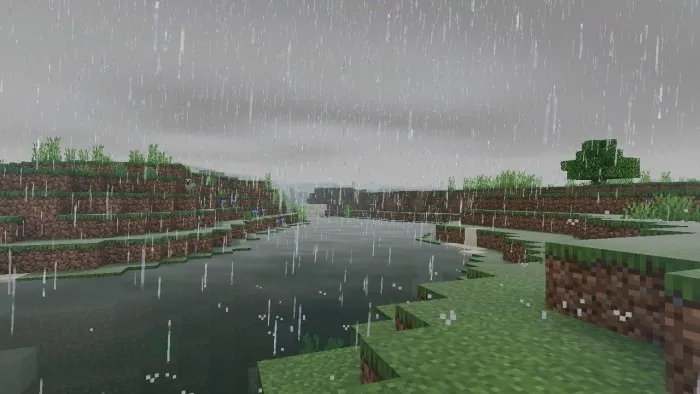
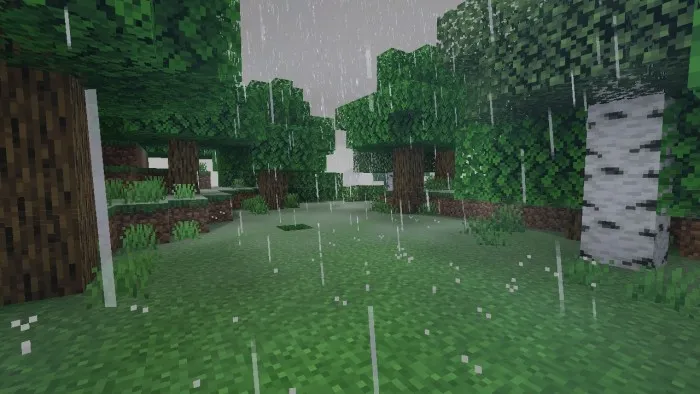
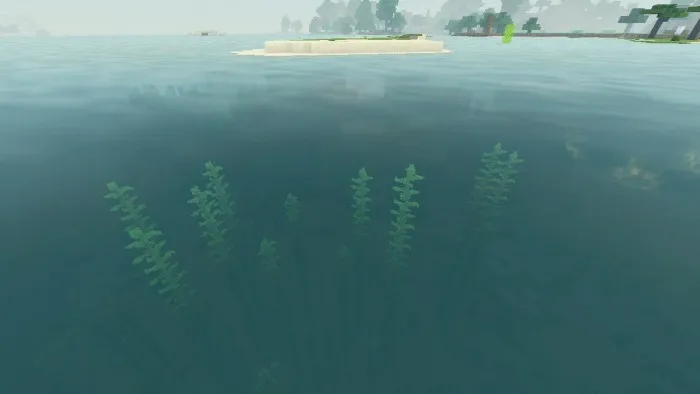
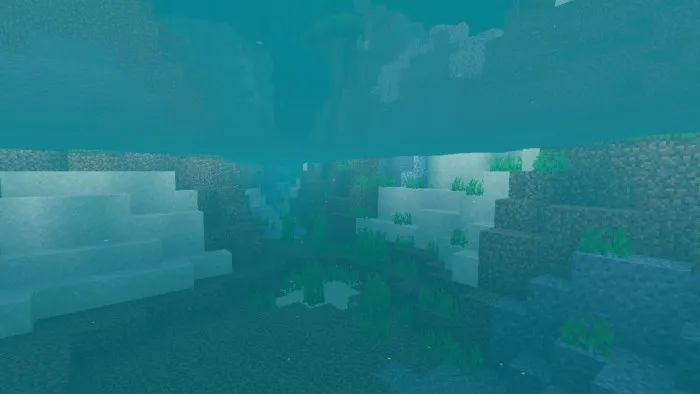
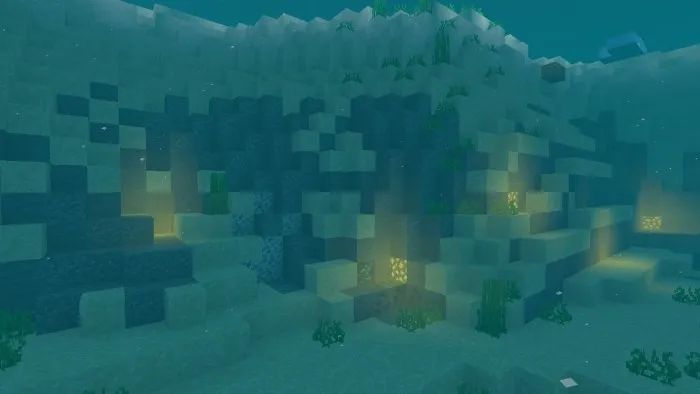
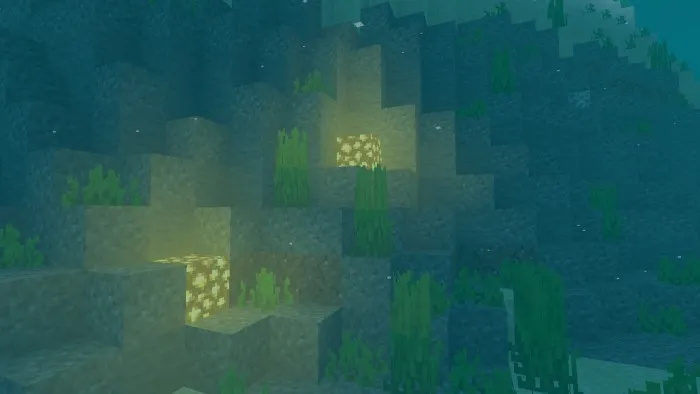
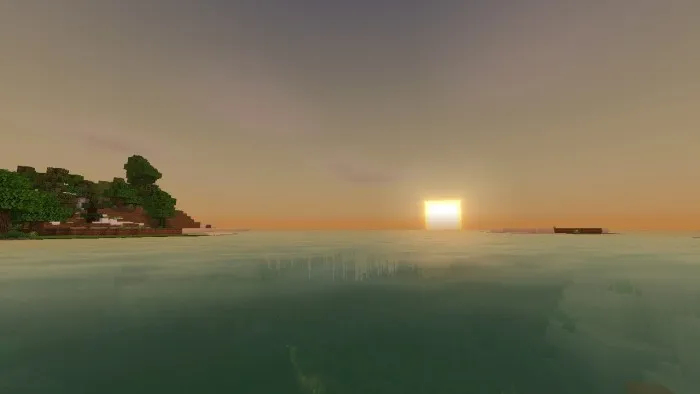
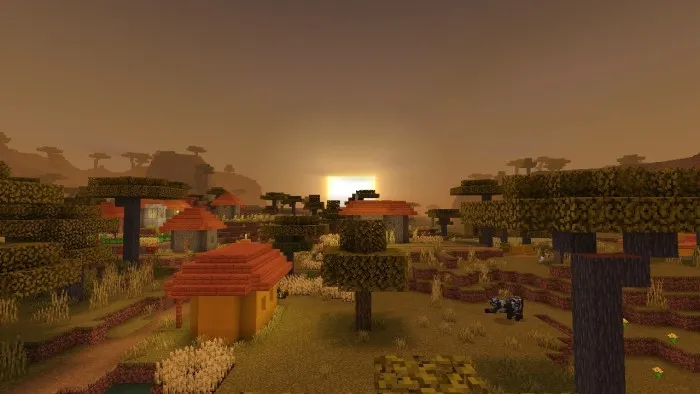
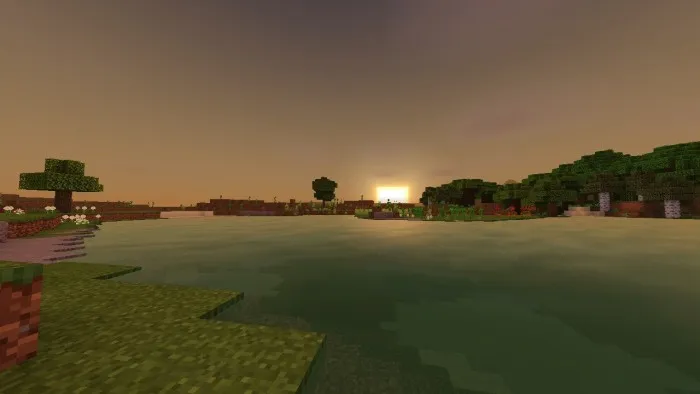
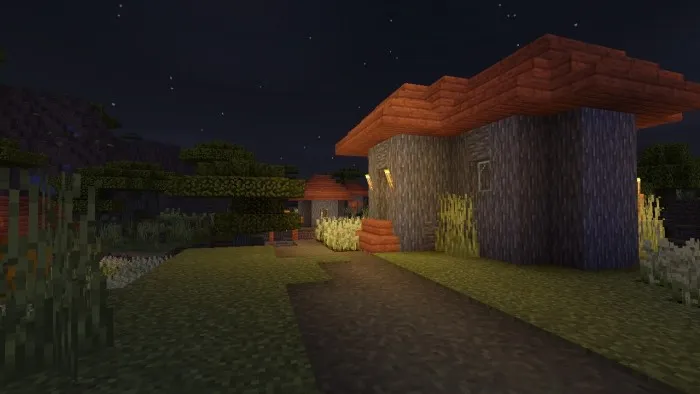
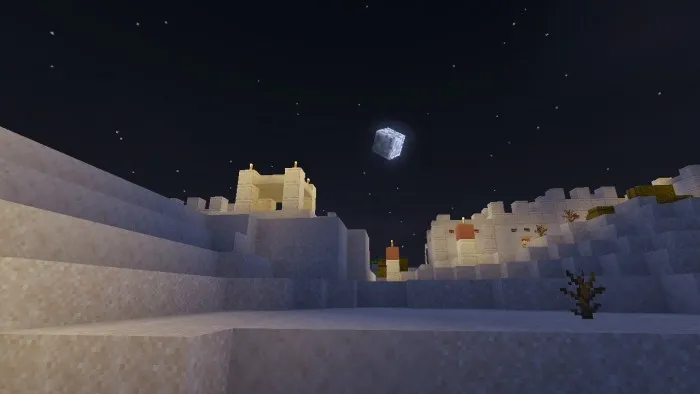
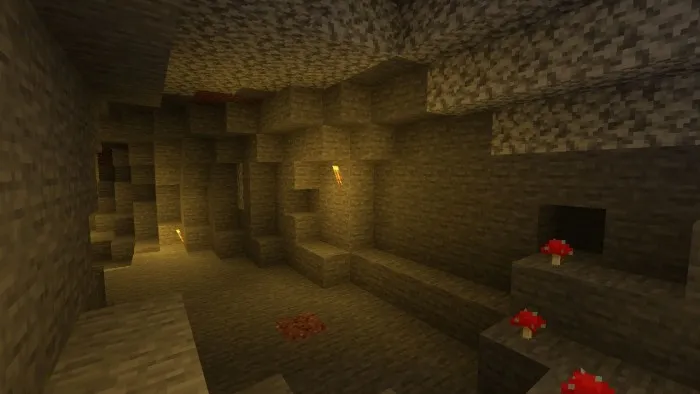
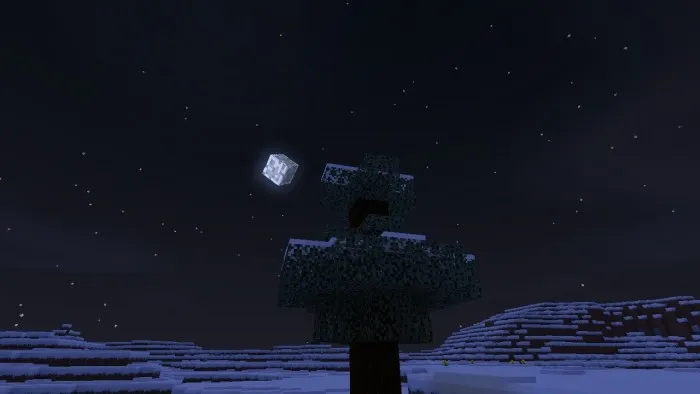
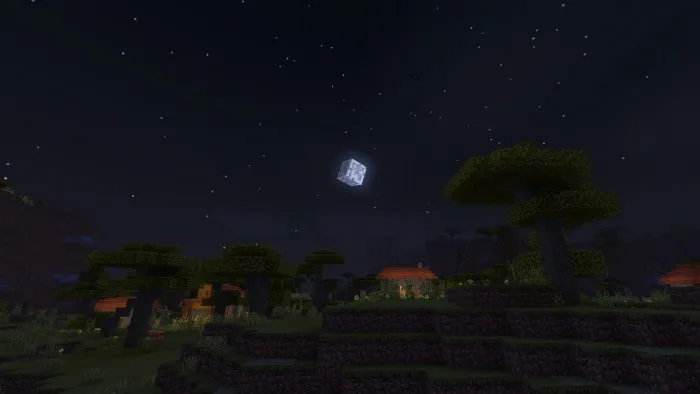
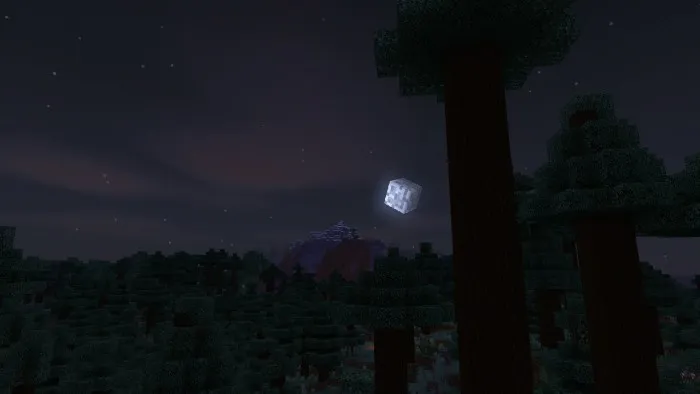
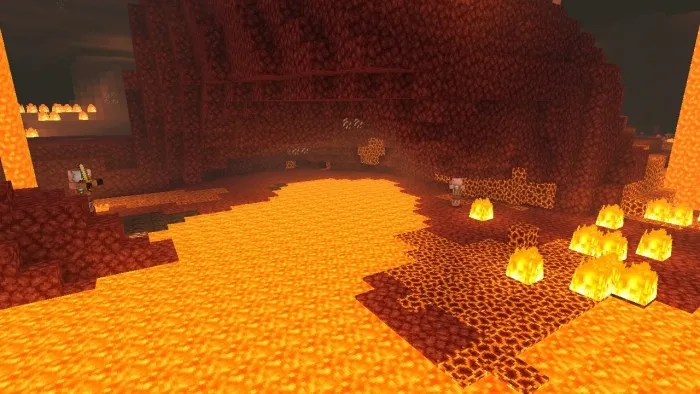
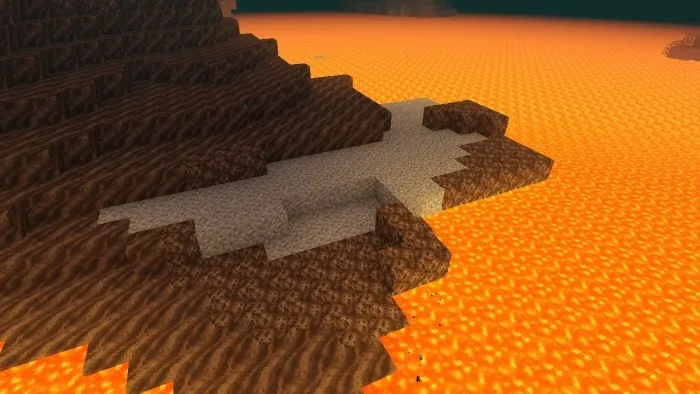
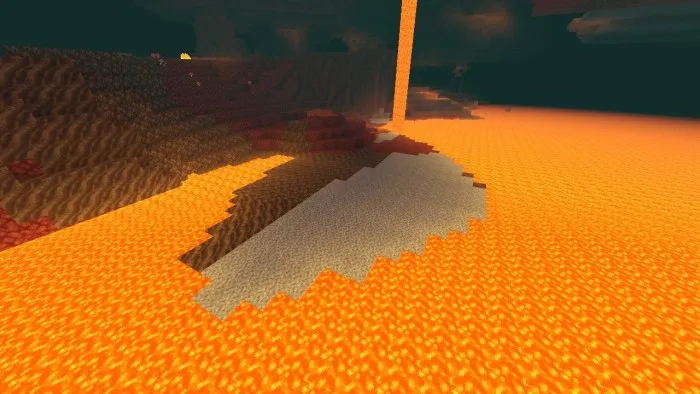
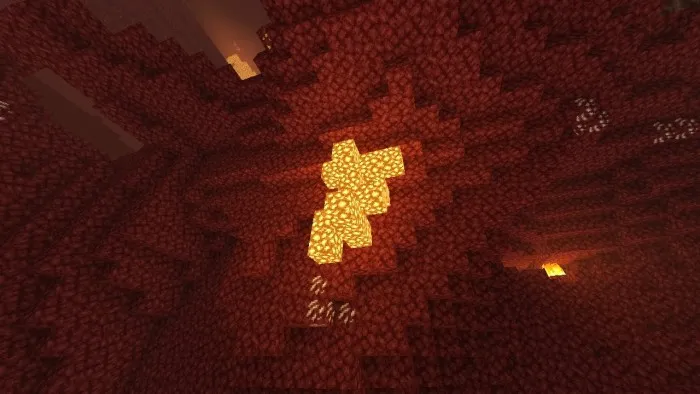
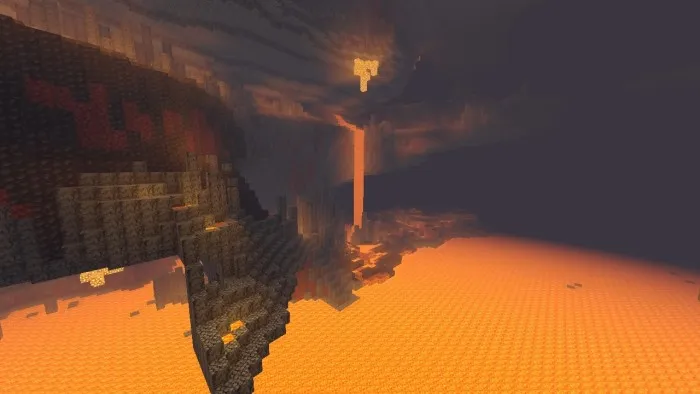
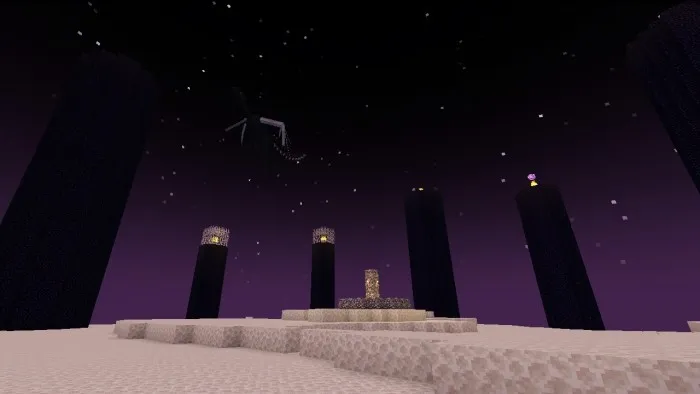
Recommended settings:
- Beautiful sky — included
- Smooth lighting — enabled
- Clouds — enabled
- Brightness — 100%
A couple of comments:
This shader will not lead to a significant drop in performance, since most of the functions are optimized and implemented in other shaders. Since this shader uses a lot of conditional expressions, there may be slight delays on some devices.
Customization:
To access the shader settings files, you must use "External Storage" in the MCPE settings.
Warning: Making incorrect changes to the settings files will cause the shader to crash!
- Upload the world to MCPE.
- After downloading the world, go to the phone's home screen and open the file manager.
- Then go to:
/games/com.mojang/resource_packs/NewbShader/shaders/ - The settings can be found in:
.../shaders/glsl/settings/main_settings.h
.../shaders/glsl/settings/terrain_settings.h
.../shaders/glsl/settings/misc_settings.h
.../shaders/glsl/utilities/color.glsl - Open it with a text editor and make changes (it is recommended to make a backup);
- Save the file and open the MCPE to see the changes;
- Read the fileReadme.txt for more information;
- Use a file manager/text editor, such as NMM File Manager/ Text Edit (Android).
Last update: v1.1.9 (February 6, 2022)
What's new?
- Improved sky
- Glow of ores
- Smooth Aurora borealis
- Improved lighting
- Fixed bugs
