Shaders: Energy Shaders
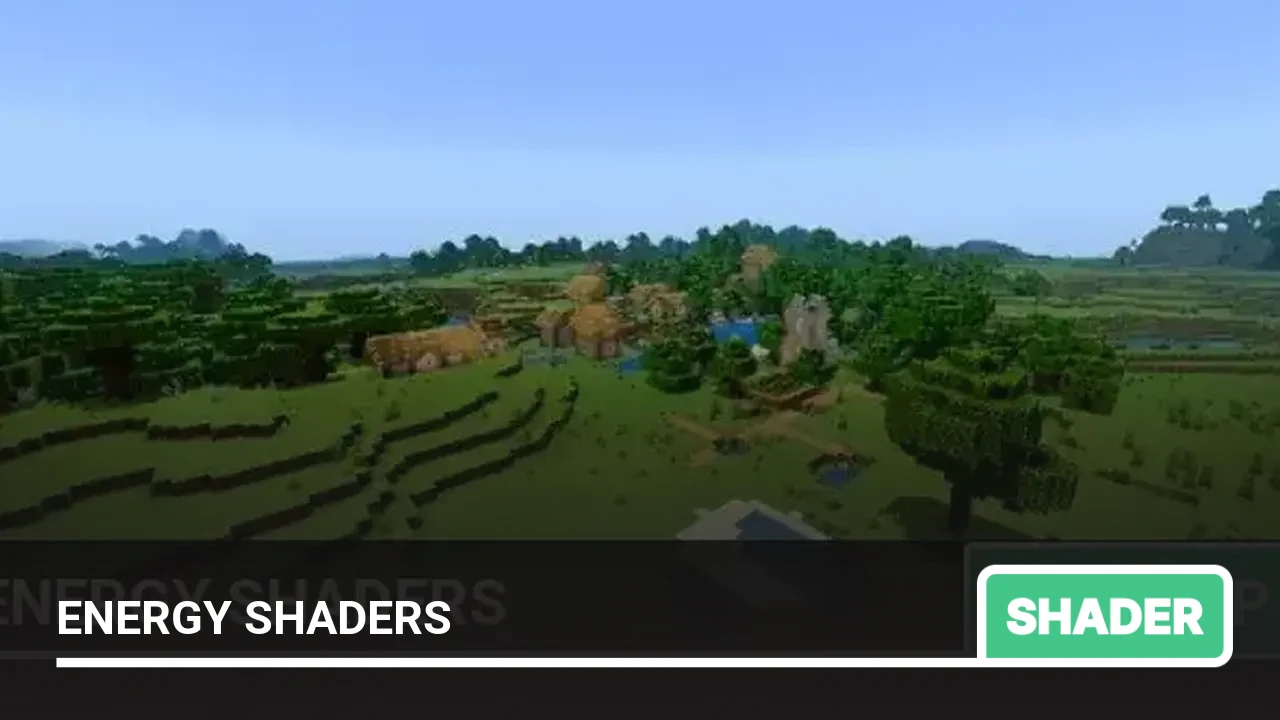
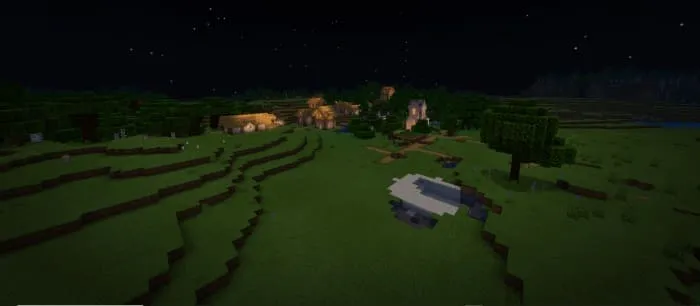
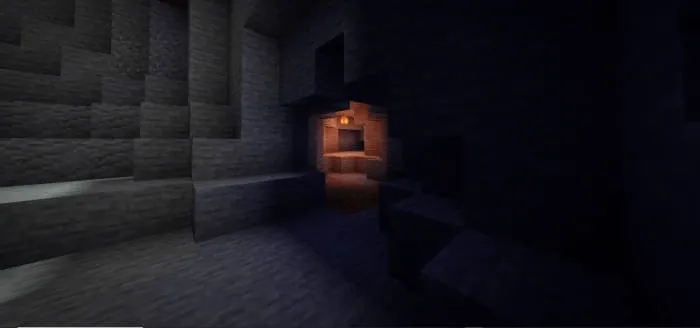
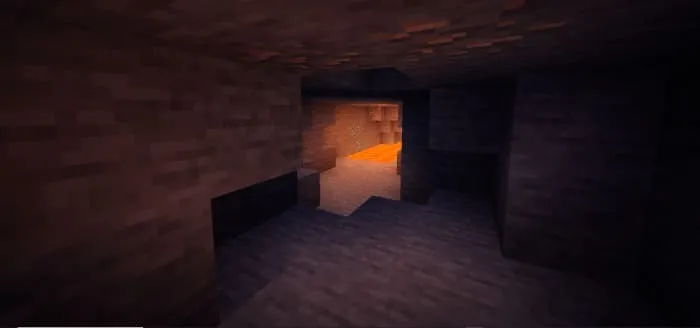
Shaders Energy Shaders will completely transform the world of Minecraft PE! Now in MCPE there will be more realism thanks to new realistic shades, fog, sky, and water. Also, with these shaders in MCPE, all vegetation, foliage, and water will sway, adding even more realism.

Installing Energy Shaders texture (.mcpack):
- Download the .mcpack texture from the link below.
- Run the downloaded file so the game installs all components automatically.
- Open Minecraft PE and go to game settings.
- Select Global Resources.
- Find the texture and tap on it to activate.
- Restart the game.
- Texture pack installed, enjoy the game!
Installing Energy Shaders (.zip):
- Download the shader archive from the link below.
- Extract the folder from the archive to /games/com.mojang/resource_packs/.
- Open Minecraft PE and go to game settings.
- Select Global Resources.
- Find the shader and tap on it to activate.
- Restart the game.
- Shaders installed, enjoy the game!
Files
Files in a new tab
Download Energy Shaders (.mcpack)
1
comment
Comments in a new tab
Loading…
Loading…
Loading…
