Shaders: DGR_SHADERS 1.16.100+
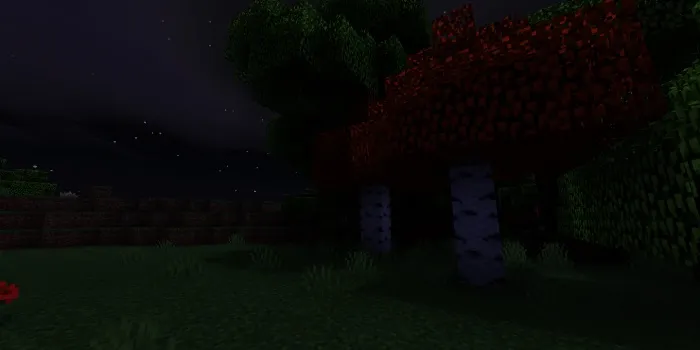
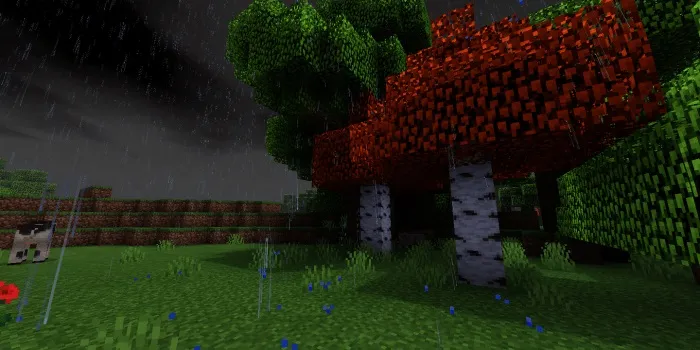
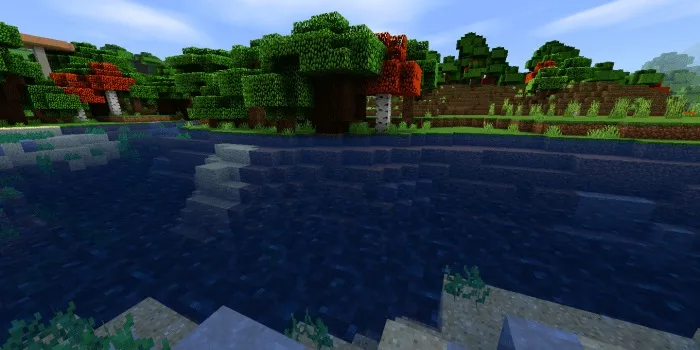
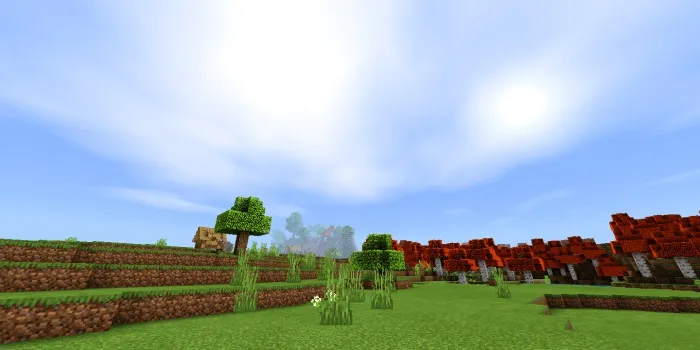
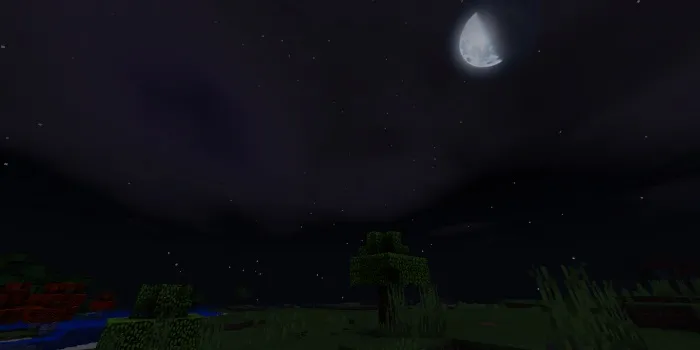
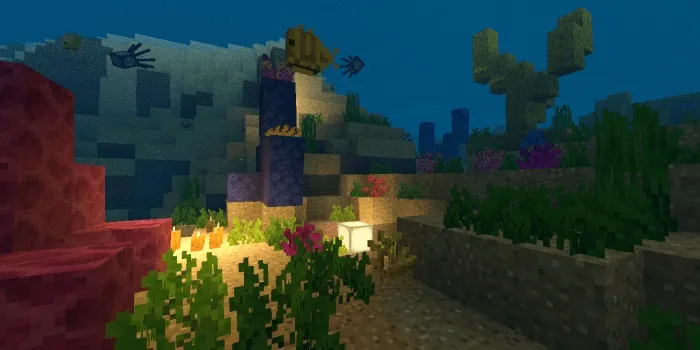
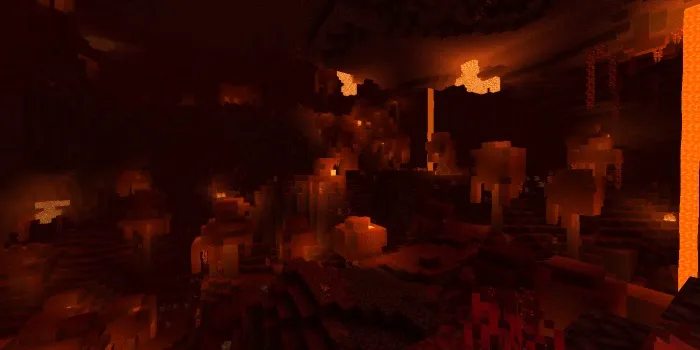
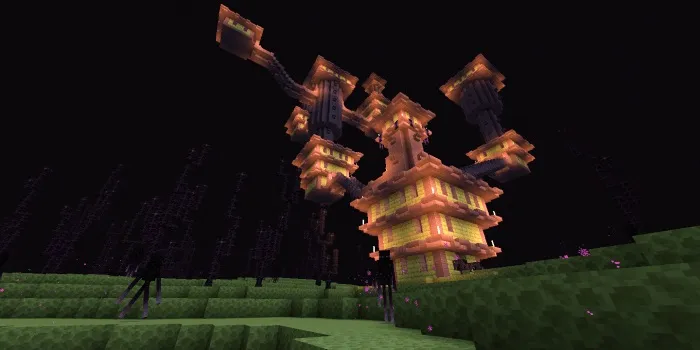
Introducing the amazing shaders «DGR_SHADERS» for Minecraft PE, which will completely transform the graphics in the game, making it even better thanks to new textures, stunning lighting, realistic clouds, and much more!
Shaders only work on Android devices!
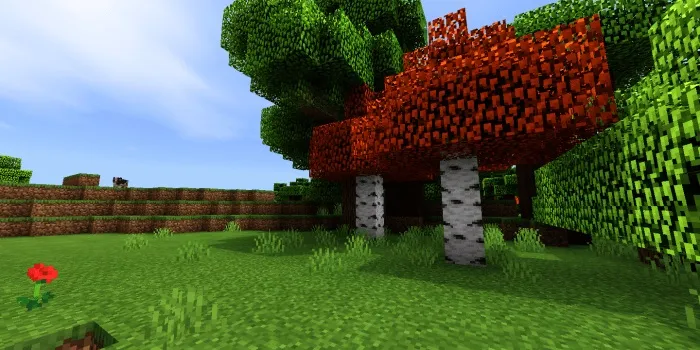
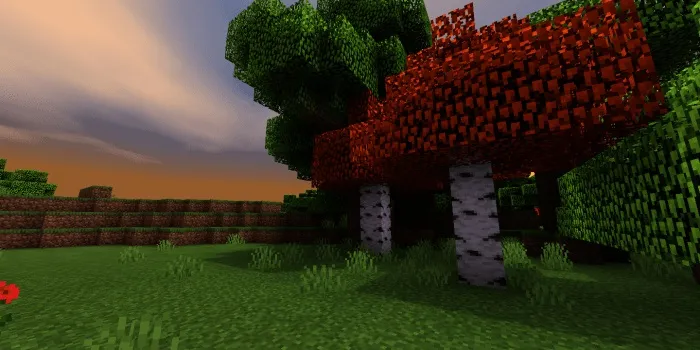
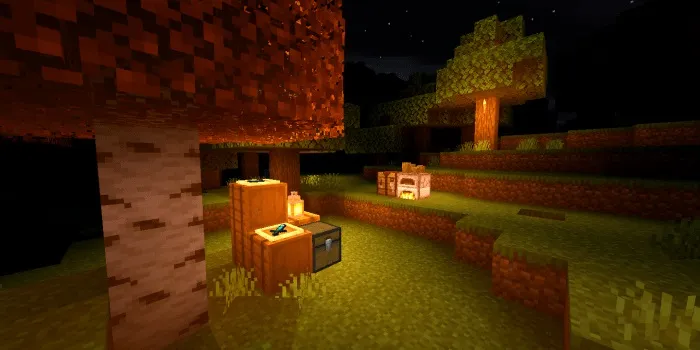
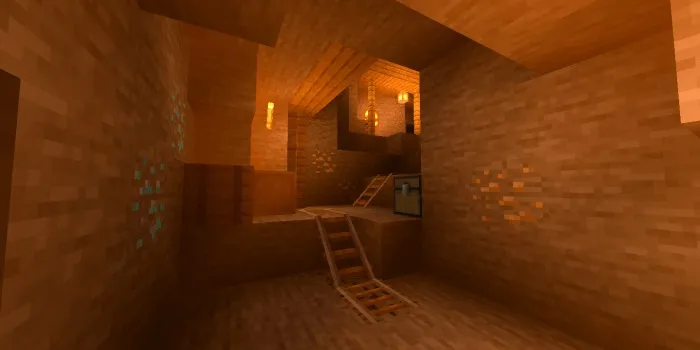
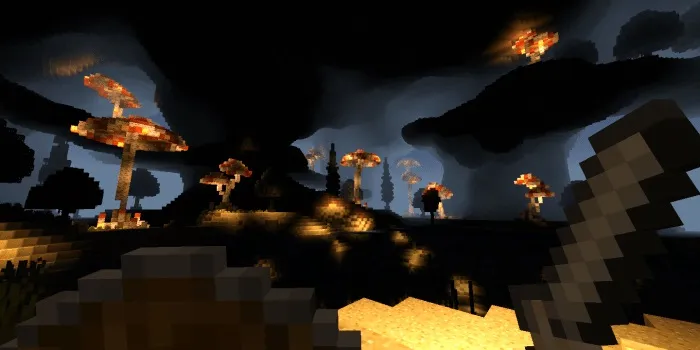
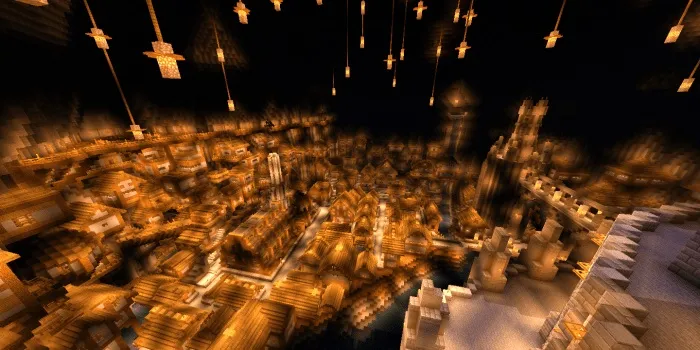
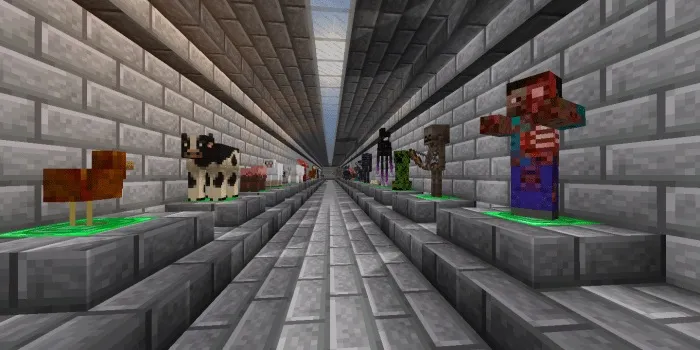
Updated mob textures:
Updated ore textures:
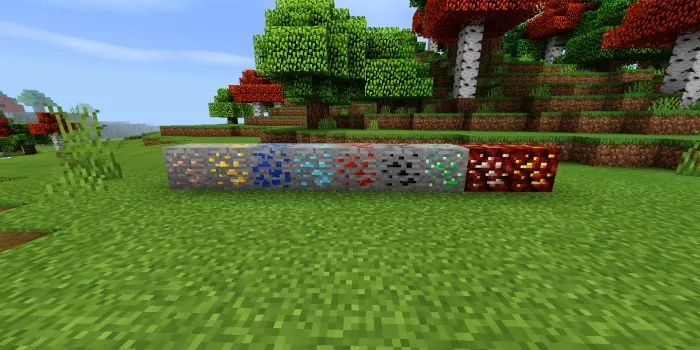
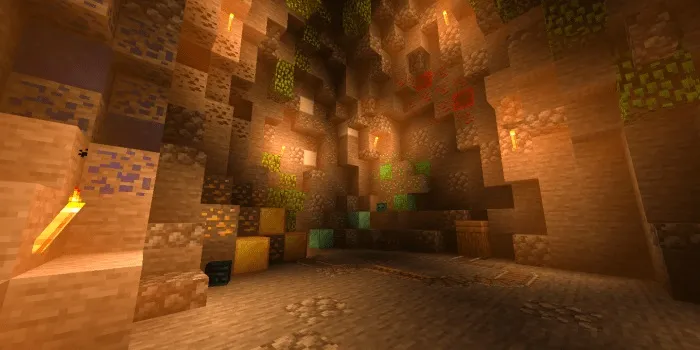
Shader features:
- New lighting day and night.
- Orange torch light.
- Realistic clouds.
- Realistic Sun and Moon.
- Waving foliage.
- Underwater movement.
- Nether movement.
- New mob textures.
- New tool and weapon textures.
- New ore textures.
- New water texture.
Installing DGR_SHADERS shaders (.mcpack)
- Download the .mcpack shader file from the link below.
- Run the downloaded file and the game will install the pack automatically.
- Go to world settings and open the "Resource Packs" tab.
- Find the pack and activate it.
- Enjoy the game!
Files
Files in a new tab
Download DGR_SHADERS shader (no movement/.mcpack)
Download DGR_SHADERS shader (with movement/.mcpack)
Supported versions
Minimum required game versions to run
1.16.100
28
comments
Comments in a new tab
Loading…
Loading…
Loading…
