Shaders: Round World 1.0/0.17.0
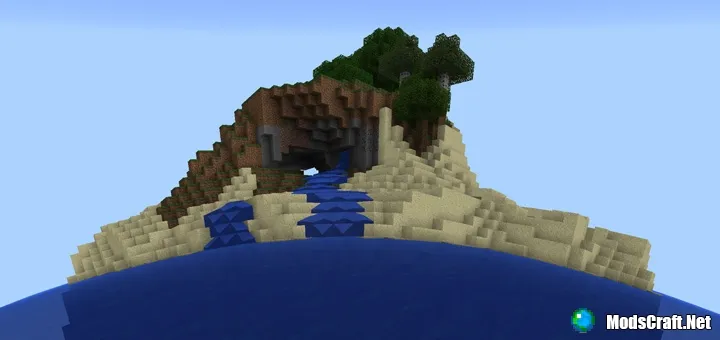
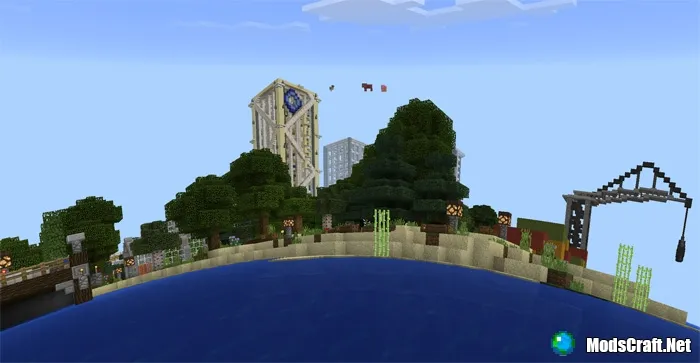
The Round World shaders will make the world in Minecraft PE more round! Although there are bugs in the shaders, it still looks really cool! Be careful, as you might even feel nauseous, but the shader can always be easily disabled.
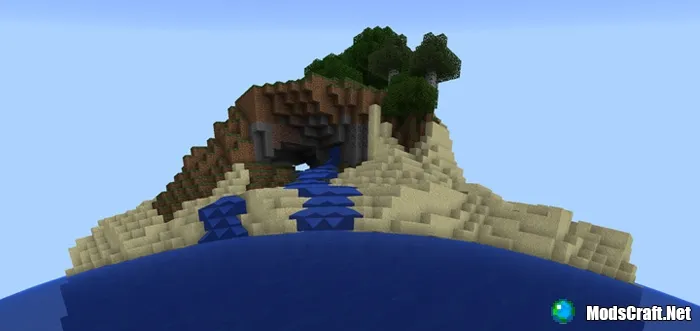
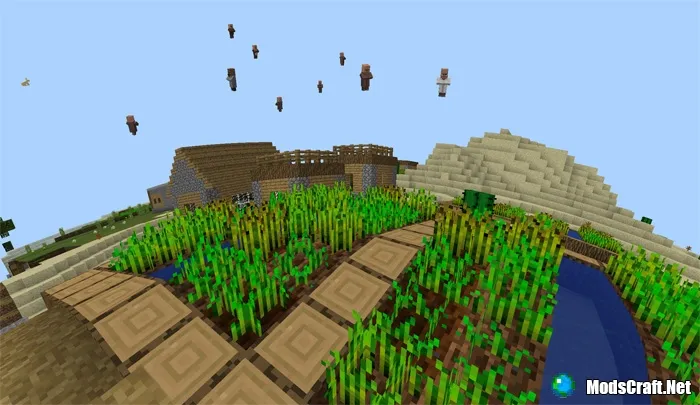
Entities that are far away will not be affected by the change. This includes mobs, signs, paintings, etc.
Installing Round World shaders (.mcpack):
- Download the .mcpack shader from the link below.
- Run the downloaded file so the game installs all components automatically.
- Open Minecraft PE and go to game settings.
- Select Global Resources.
- Find the shader and tap on it to activate.
- Restart the game.
- Shaders installed, enjoy the game!
Files
Files in a new tab
Download Round World shader (.mcpack)
12
comments
Comments in a new tab
Loading…
Loading…
Loading…
