Mod: IndustrialCraft 2 (Inner Core)
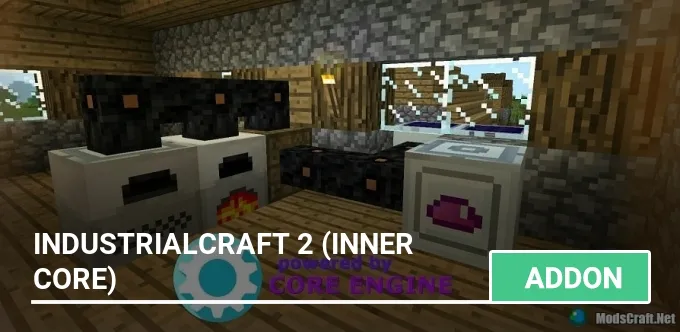
The IndustrialCraft mod is a highly accurate port of one of the most popular mods for Minecraft on PC. It includes essential machines, generators, and an energy system.
The article below may not be relevant for the Inner Core client and version 2.0 of the mod. Please direct any questions to the developers' group.
What's in the mod?
- Ores: Copper, Tin, Lead, and Uranium
- New furnace types: Electric, Iron, and Induction
- New items: Tools, Armor, Drills
- ...and much more!
This mod is incredibly large and may be confusing for beginners. Just a reminder: it is based on the PC mod, so you can find tons of guides on YouTube and check out the IndustrialCraft 2 Wiki.
Getting Started
First, you need to progress the same way as in regular Minecraft PE survival. Gather wood and wool to make a bed, craft a crafting table and a furnace, and create the necessary tools (axe, pickaxe, shovel). Also, don't forget to build a shelter to stay safe from monsters at night!
Next, you should start looking for rubber trees (Hevea). Rubber is made from resin, which is one of the most important materials in the mod! Avoid breaking the rubber tree trunks — resin will regrow over time.
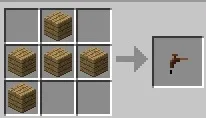
To collect resin, you need to craft a Treetap.
Tap the resin spots on the tree using the treetap to collect it.
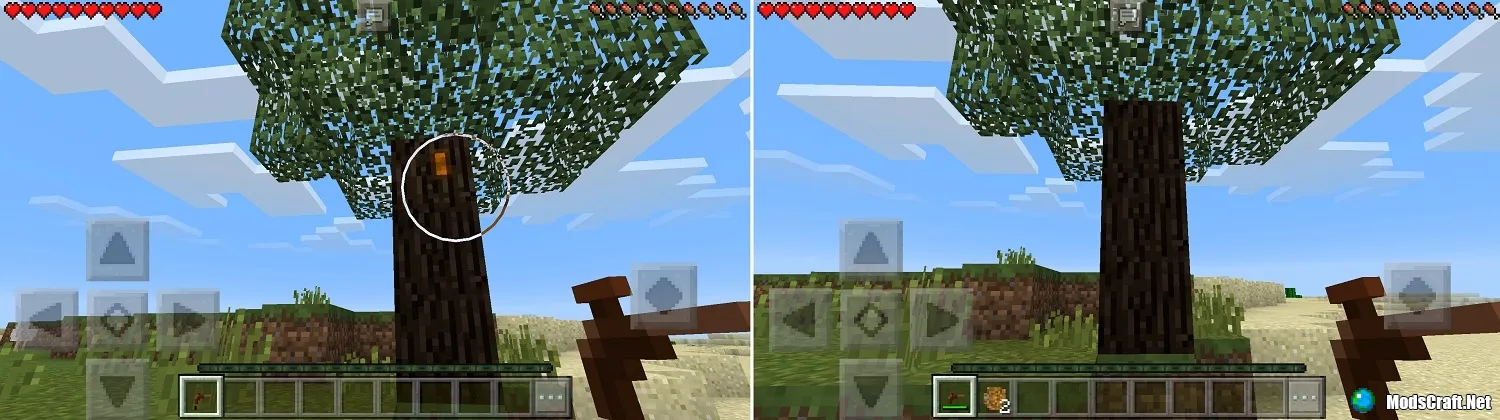
You can also try getting rubber tree saplings from the leaves and plant them near your home to create a small rubber farm.
New ores can be found deep underground in caves. You can smelt each ore into a specific ingot.
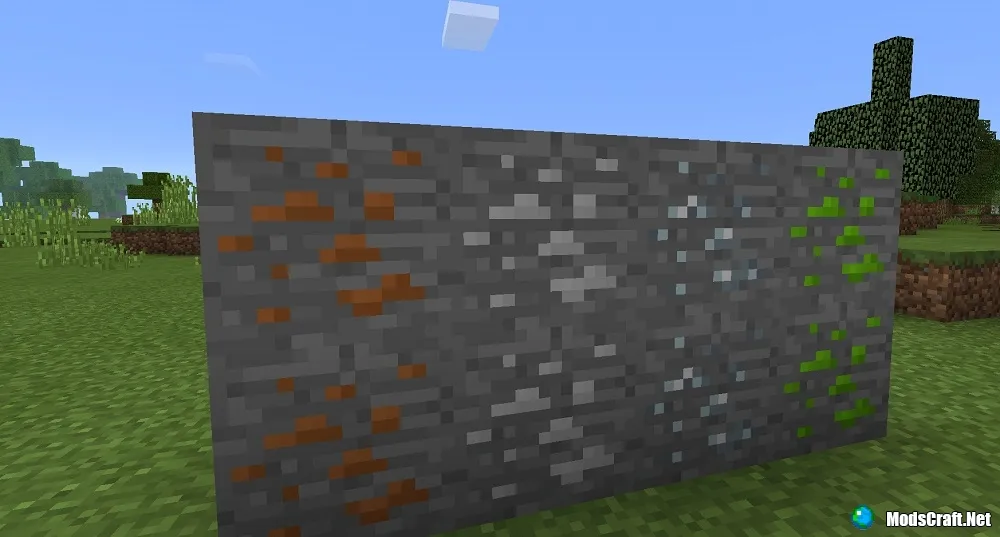
Also, don't forget about the standard MCPE ores. Iron is the most important resource in the IC mod because it is used to craft almost everything.
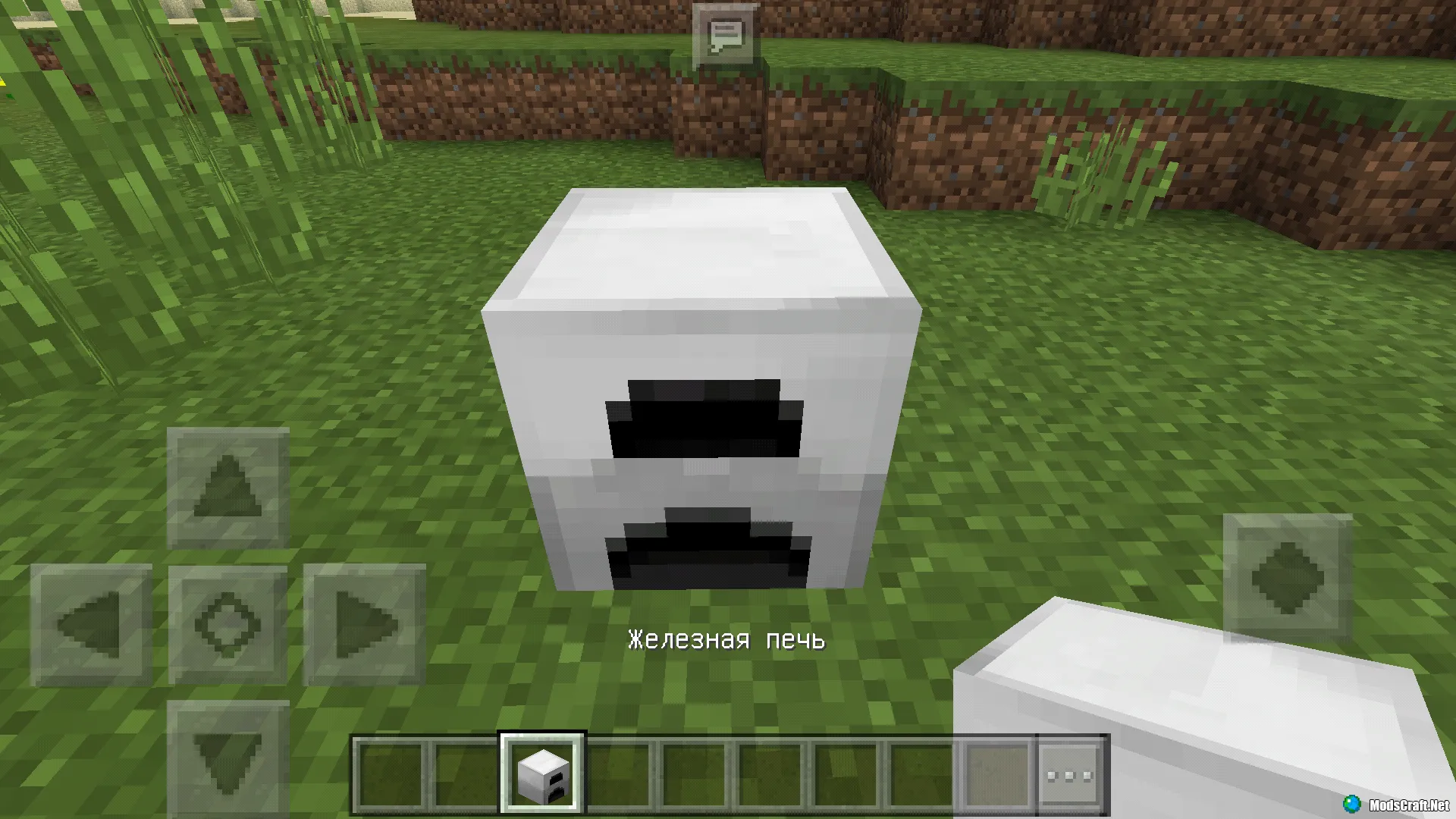
Use iron and other materials to craft an Iron Furnace. It differs from a regular furnace because it smelts items faster — in 8 seconds instead of 10.
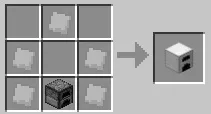
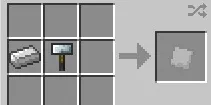
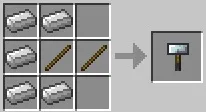
Industrial Development
Electrical Engineering
Once you gather enough rubber, redstone, copper, iron, and tin, you can start crafting a Generator — your first source of electrical energy — and an Electric Furnace, the first machine that uses electricity. The Electric Furnace works almost twice as fast as a regular one.
Mining
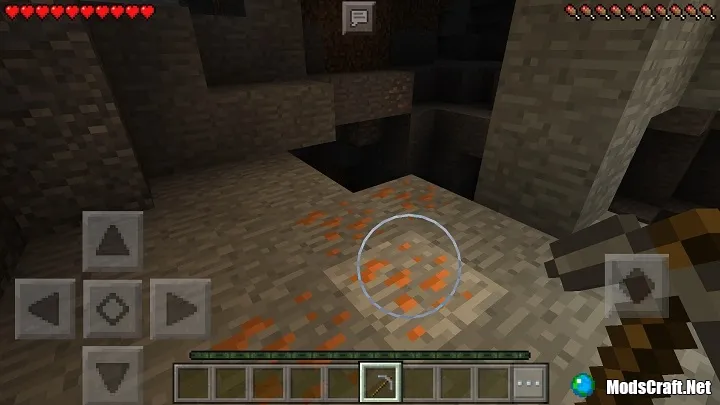
You will often need iron for crafting recipes, so I recommend stocking up on stone pickaxes and one iron pickaxe and heading into the mines. Spend at least an hour mining to collect various resources. This will help you avoid constantly going back for materials later.
This mod is huge and complex, so we will keep updating and expanding this guide! You can find more tutorials and tips by searching on Google!
You can download the latest version of Core Engine at vk.com/core_engine.
Last Update: October 16, 2017
What's New?
- You can now till Podzol using the Electric Hoe.
- Fixed the Electric Saw.
- Fixed the Geothermal Generator crafting recipe in survival mode.
How to Install the IndustrialCraft Mod (Inner Core) (.zip)
- Download and install InnerCore.
- Download the mod archive and extract it.
- Move the IndustrialCraft² folder to /games/com.mojang/mods/.
- The mod is now installed — enjoy the game!
How to Install the IndustrialCraft Mod (Core Engine):
- Download and extract the mod archive (.zip).
- Also download Core Engine (.modpkg).
- Install the ICRender.apk addon as an app.
- First, install Core Engine.
- Open BlockLauncher and go to Settings.
- Select ModPE Script and click Add.
- Find the .modpkg file and tap to install.
- Move the industrial-craft folder to /sdcard/games/com.mojang/mods/.
- Restart BlockLauncher.
- The mod is now installed — enjoy the game!
