Mod: PlaneCraft Addon
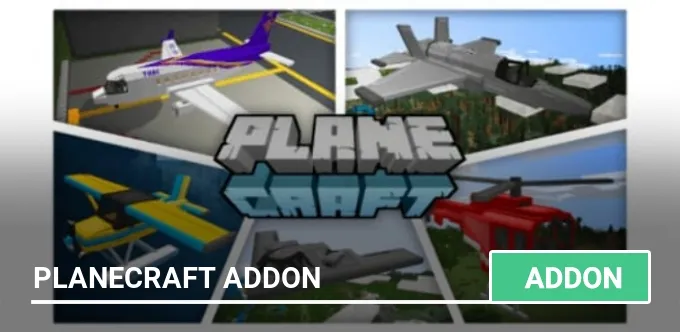
Do you want to complement the world of MCPE with airplanes and helicopters? Then install the only mod with animation and sounds of takeoff and landing PlaneCraft!
In this addon, 8 types of planes and helicopters will be added. The advantage of the add-on is the animation of takeoff and landing. During landing, the landing gear will be extended. During the flight, you will be accompanied by the pleasant sound of the aircraft engines. Also, this addition is distinguished by the ease of control of aircraft.
Take-off is carried out by the direction of the camera up, and landing, respectively, by the direction of the camera down, everything is simple, download and try it yourself!

Information about PlaneCraft aircraft
With the addition of PlaneCraft, 7 planes and a helicopter of various colors will be available to you.
Small airplane (Cornhusker)

- 4 seats
- The flight speed is 0.4.
Seaplane
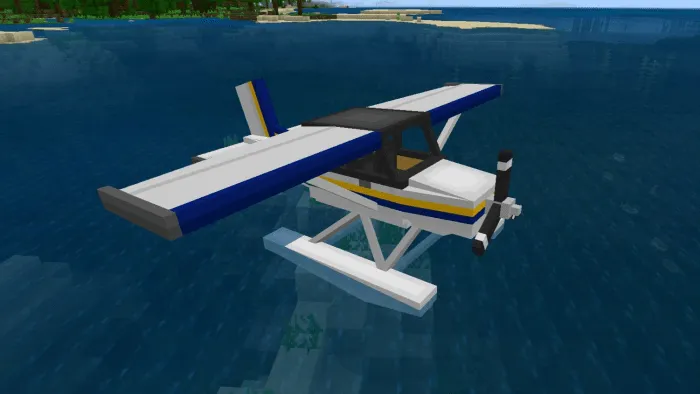
- 4 seats
- Flight speed 0.4
- On this plane, you can move on the water and put it on the water.
Helicopter
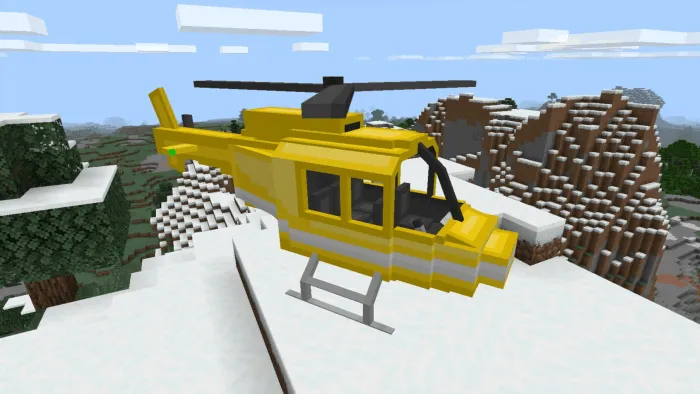
- 5 seats
- Speed 0.3.
Private jet

- Seats - 7
- Speed 0.8.
Stealth Fighter

- 1st place
- Speed 1,2
- A special opportunity is the release of missiles (/give @p zern:missile 64). To shoot, click on the screen (from the phone) or right mouse button (from the computer).
Stealth Bomber
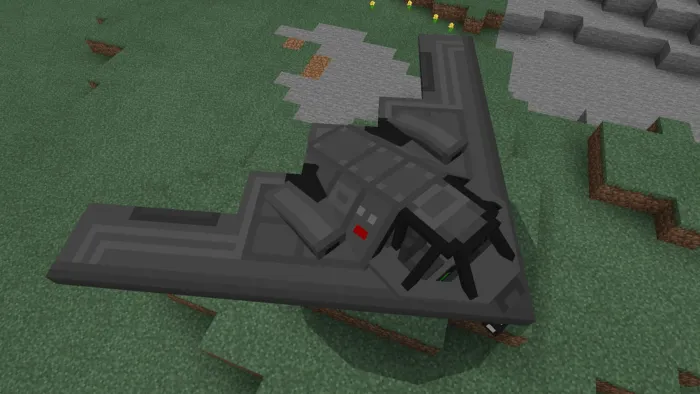
- Seats - 2
- Speed 0.8
- A special feature is the dropping of bombs (/give @p zern: bomb 64). To drop a bomb, click on the screen (from your phone) or right mouse button (from your computer).
Boeing 747 (Jumbo Jet) - passenger aircraft
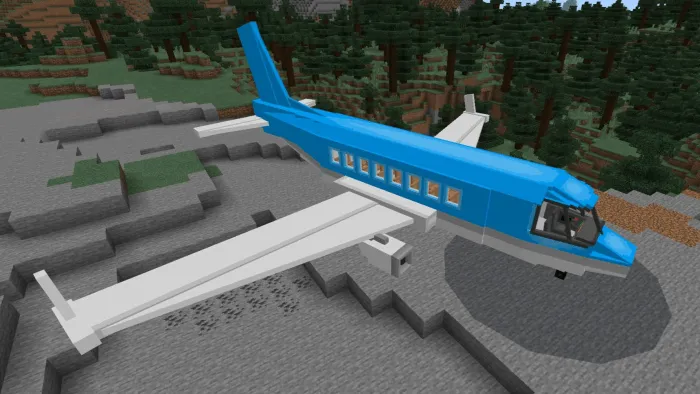
- Seats - 34
- The speed is 0.7.
Cargo plane

- Seats - 2
- Speed - 0.7
- There is a roomy container for transporting items.
Added a version for people who don't like griefers. The version does not contain a fighter and a bomber.
Installing the PlaneCraft mod (.mcaddon):
- Download the mod file marked .mcaddon from the link below.
- Just open the files (via ES Explorer on Android) and the game will install everything you need by itself.
- Launch Minecraft and go to edit the world.
- Select Resource Packs.
- Find the texture pack and activate it.
- Select Parameter sets.
- Find the add-on and activate it.
- The mod is installed, have a nice game!
