Mod: Builder's Paradise
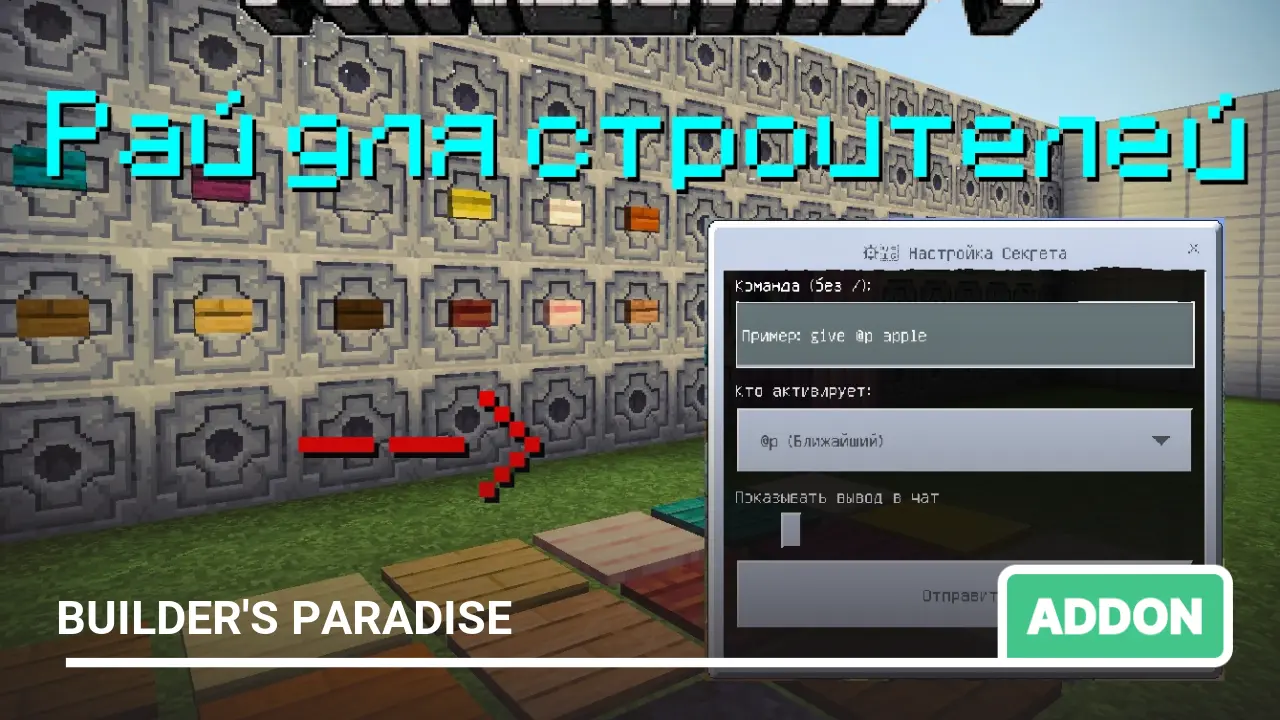
Have you ever built a magnificent castle or cozy base and been frustrated that you need to drill holes and ruin it with command blocks? I've always wanted an ordinary button on the wall to "know" what to do on its own. Without digging deep pits in the floor, without redstone confusion, and without extra clutter in the interior.
The author created this mod for those who love to build beautifully. Now any button, lever, or pressure plate in your world is a hidden control center that doesn't ruin the view.
Author: Oleg Chechetka
The controls are as intuitive as possible. Everything is divided into two modes: Setup and Activation.
Buttons and Levers
Wall-mounted and floor-mounted.
How to configure a command:
- Approach the button or lever.
- Crouch (press Shift).
- Right-click on the block (or simply tap it on your phone as if opening a chest).
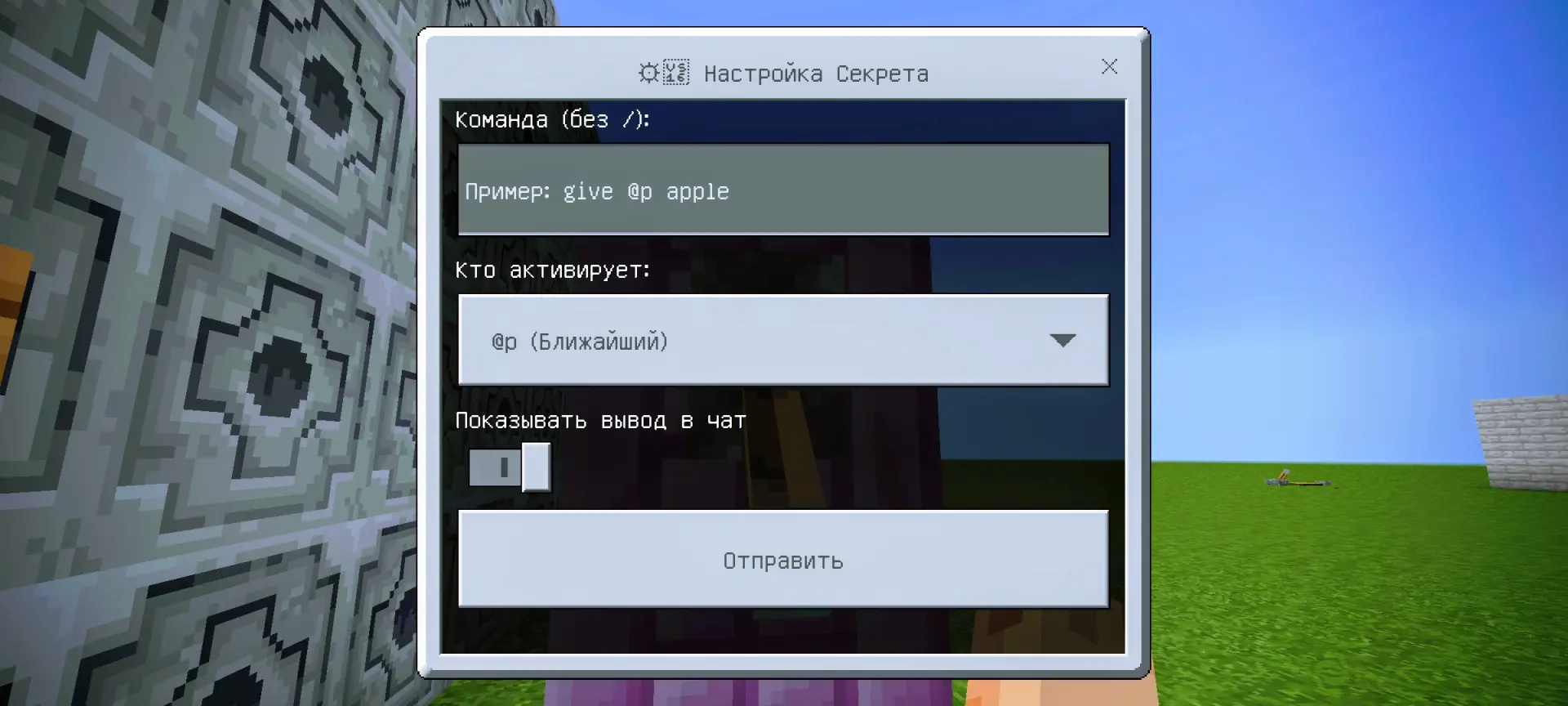
- A menu will appear—enter the command as you would in a command block and press "Save".
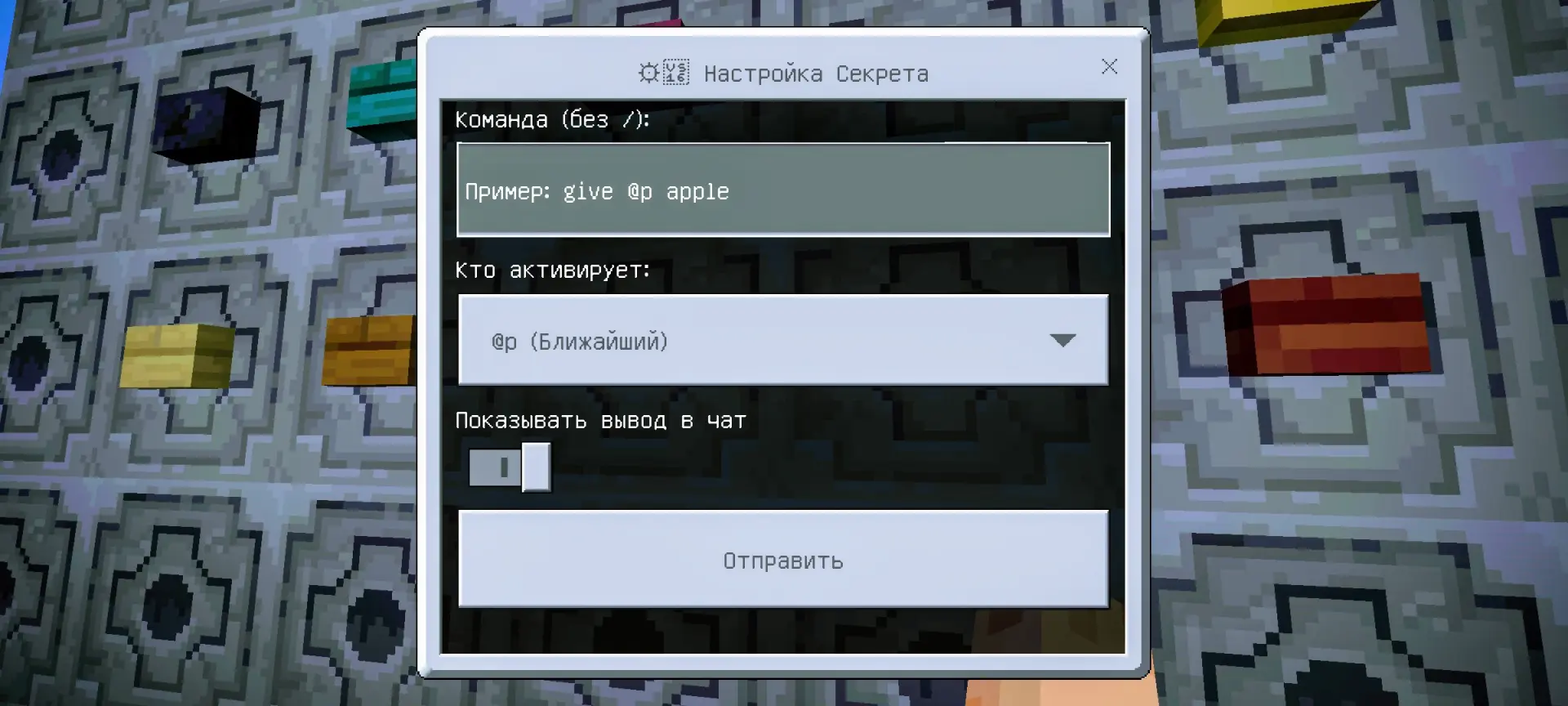
How to activate: Simply press the button or flip the lever as you normally would. The command will execute instantly!
Pressure Plates
Floor-mounted.
How to configure:
- Stand on the pressure plate.
- Crouch (press Shift).
- The same configuration menu will open.
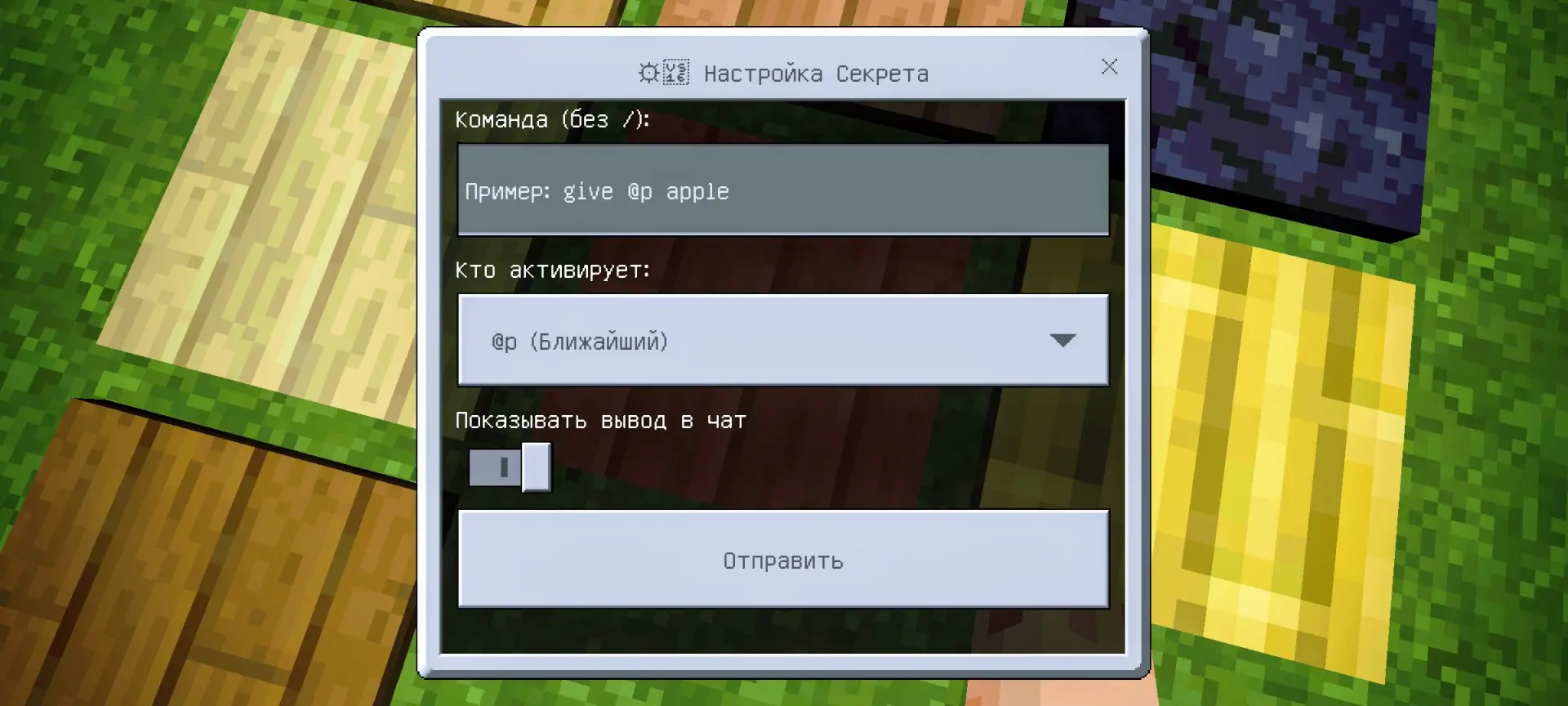
How to activate: Simply walk over the pressure plate. The mod will "sense" your steps and execute the command.
The mod works with all types of buttons, levers, and pressure plates.
A couple of important points:
- If the menu doesn't open: Check if the button is already claimed by someone else. The mod has protection: if your friend configured the button first, you won't be able to take it over (unless you're an admin with the admin tag).
- Sound cues: Hear a "ding" (experience sound)? That means the command was saved. Hear a low rumble? That means you're trying to configure someone else's button or the command has an error.
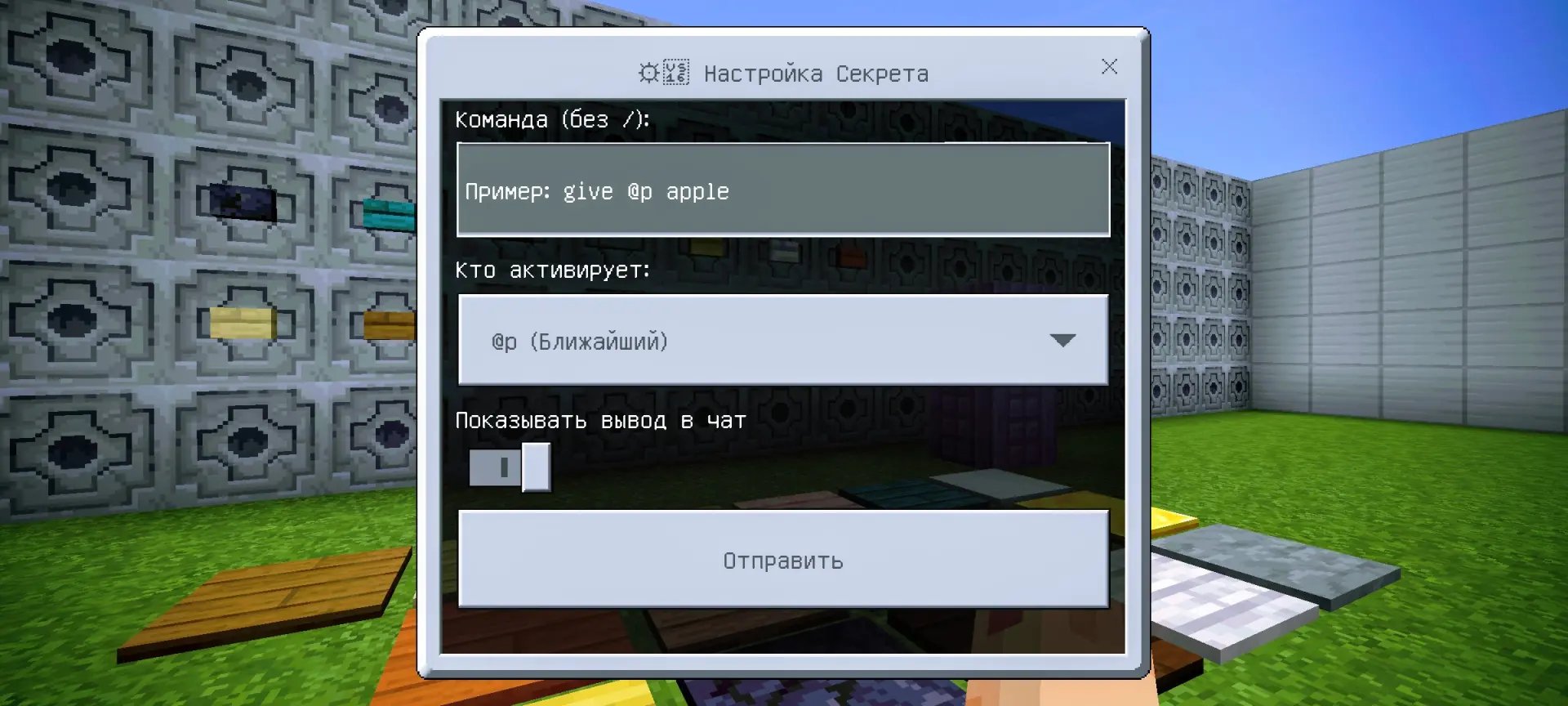
Important: For the mod to work, you must enable "Beta APIs" in the world settings (under the "Experiments" tab).