ModsCraft » MCPE » Minecraft with 4D skins
Minecraft with 4D skins

WhatsApp
Telegram VKontakte Odnoklassniki Pinterest
Minecraft with 4D skins

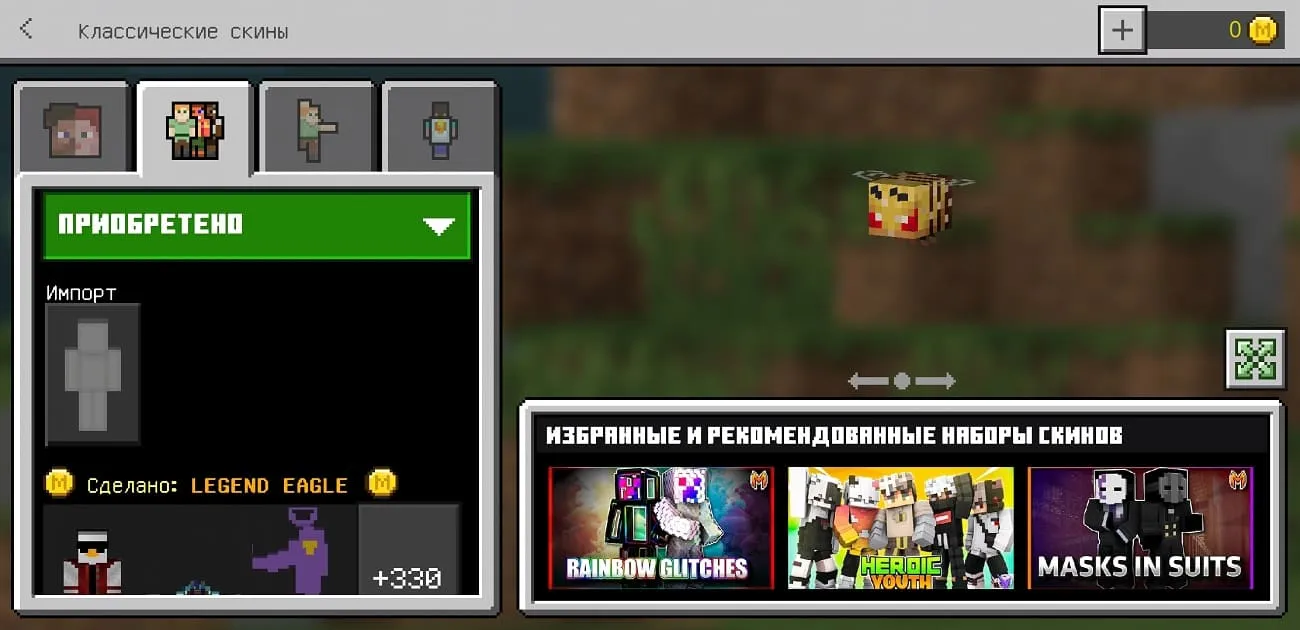
In Minecraft 4D and 5D skins are prohibited by default, but you can solve this problem by installing a special version of the game that includes working 4D skins. This page presents the latest version of Minecraft 1.18.10 with 4D and 5D skins. All new 4D and 5D skins are available in Character Editing.
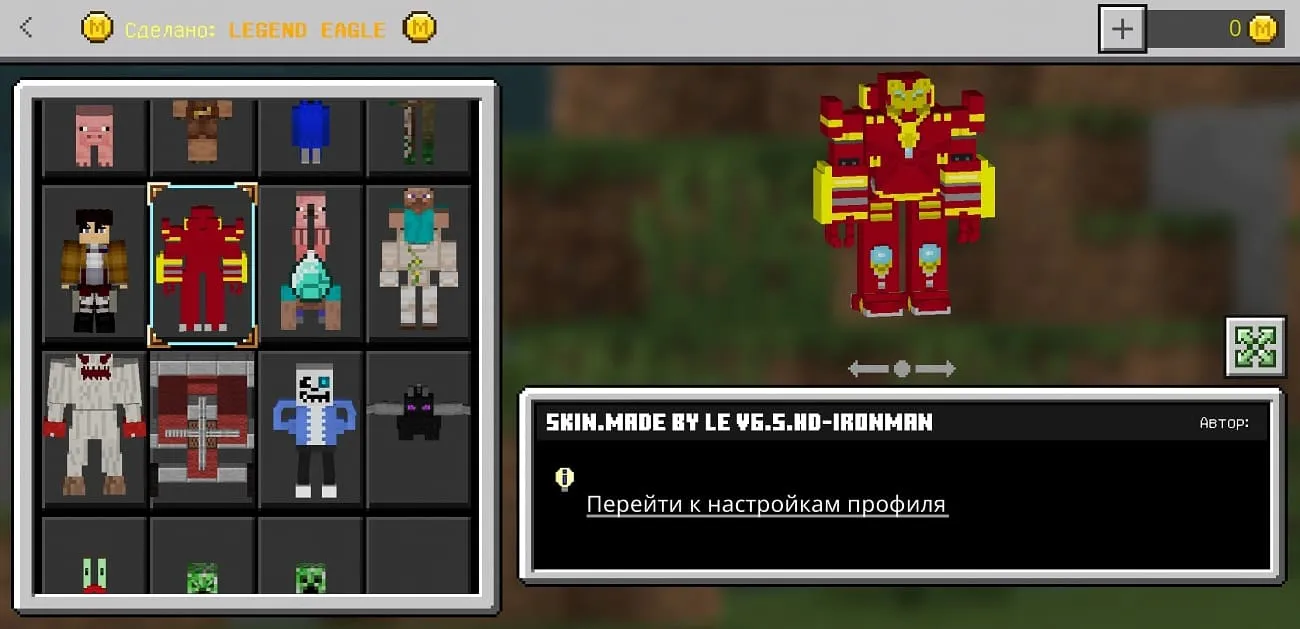
4D Iron Man Skin

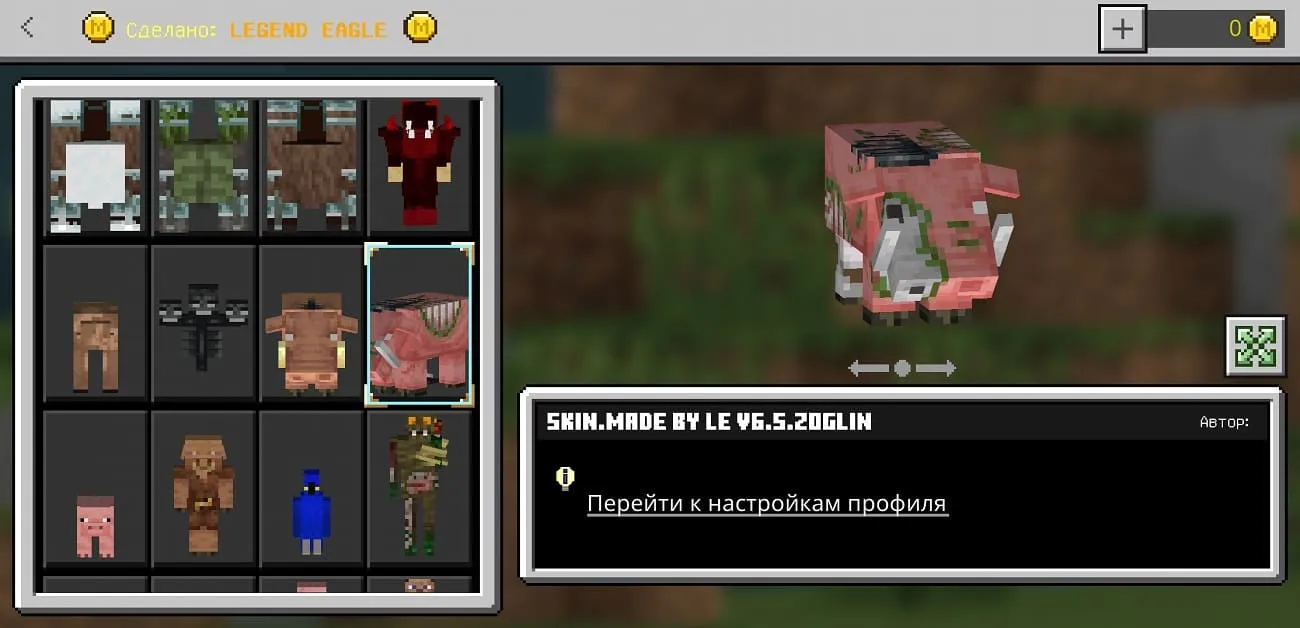
4D Hoglin skin

4D Skin bee

Skins work on servers, but not all of them. Also, remember that for using such skins you can get blocked on the server, so be careful.
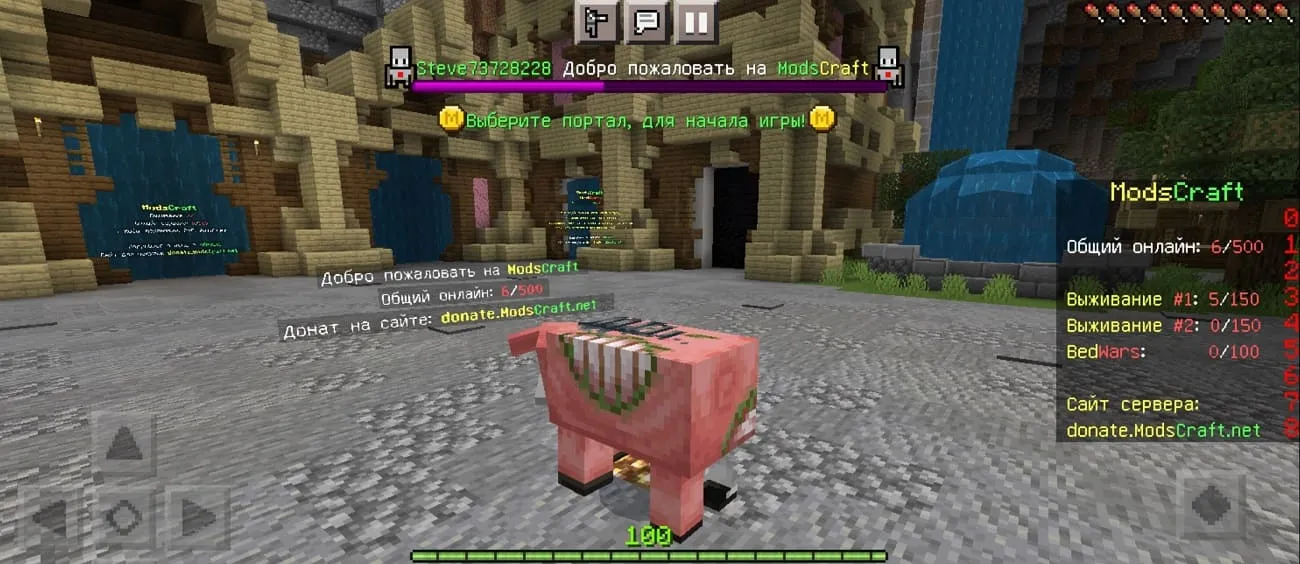
4D skin working on the Minecraft server

How do I install 4D and 5D skins?

The installation of this version is no different from the standard one, but there may be a problem due to which the skins will not load, as shown in the screenshot below.
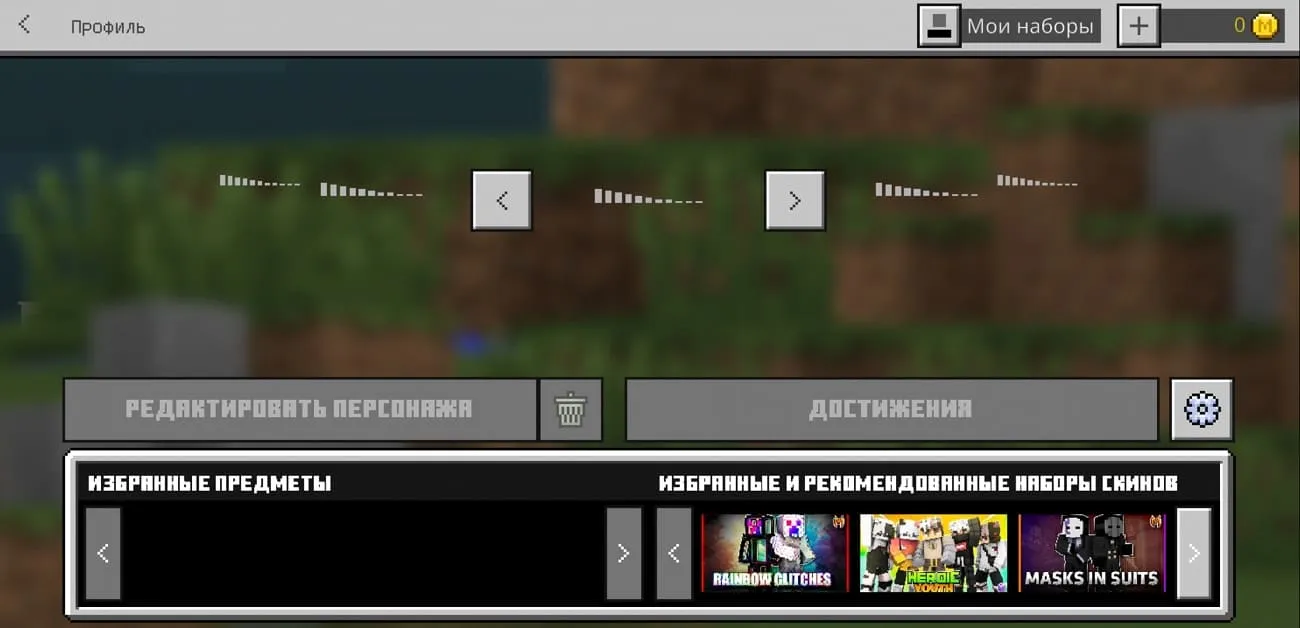
Skins don't load in Minecraft

This error was fixed rapidly and simply. You need to download and install the ByPass kit.
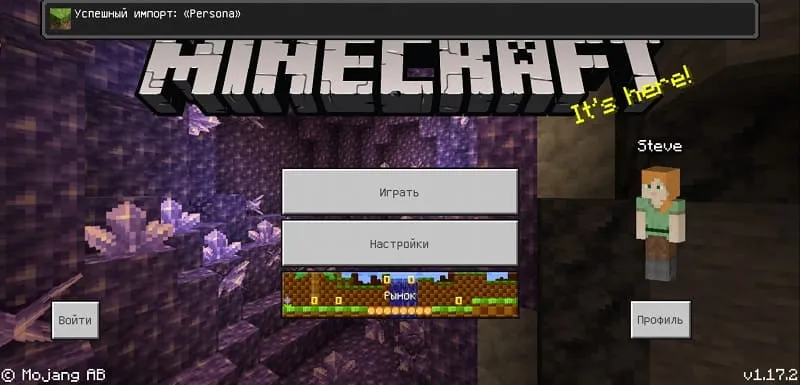
Import Persona ByPass set

After successful import, open Character Editor and all skins will load without issues.
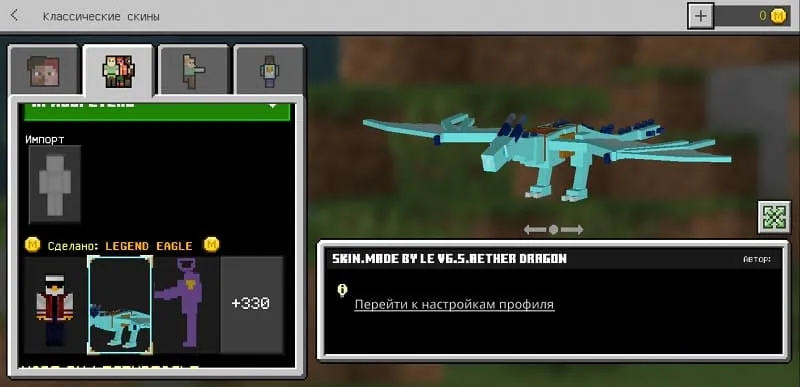
Working 4D skins in MCPE

If you need another version of the game with working 4D skins, then write in the comments.

Latest update of 4D skins

Updated: February 8, 2022. What's new?

  • Updated to 1.18.10
«Download» implies the possibility of switching to Google Play or another service. You will need a purchased game license to install the update.
468 comments
  1. Guest avatar
    Сава
    19:12 10 Oct 22
    Сделайте на версию 1.19.20 пожалуйста очень хочу
  2. Guest avatar
    No name
    9:24 19 Sep 22
    Я всё зделал скачал эту версию с скинами и открыл Bypass.mcpack Только есть проблема почему я не могу надеть эти скины?
  3. Guest avatar
    .
    17:15 10 Sep 22
    Не открывается bypass.mcpack на 11 андроиде
  4. Guest avatar
    Андрей
    13:02 30 Aug 22
    Есть проблема приложение не устанавливается что делать? Обычный майн грузит, а этот не хочет даже устанавливать
  5. Guest avatar
    ДобрынЯ
    17:24 14 Aug 22
    Почему у меня кнопка "Надеть" в "5D" скинах не отображается?
    Судя по отзывам (Ниже/Верху) не только у меня такая проблема.
    Исправьте пожалуйста, буду рад.
    :)
    1. Guest avatar
      Просто помощь
      14:00 29 Aug 22
      Скачай bypass и открой в майнкрафте тогда все сработает если bypass не открываетца то зайди в "android>data>com.mojang.minecraftpe>files>games>com.mojang>skin_pack" и удалите "persona"
  6. Guest avatar
    Джоджо фаг
    13:30 5 Aug 22
    Зделайте пожайлусто на 1.16.2
  7. Guest avatar
    Рома
    21:06 4 Aug 22
    Сделайте аж на 1.19.10.3
    1. Guest avatar
      Рома
      21:08 4 Aug 22
      Пожалуйста
  8. Guest avatar
    Steve
    10:07 27 Jul 22
    Подскажите почему на версии 1.18.10 не работают 4д скины нету кнопки надеть
    1. Guest avatar
      Minikotik
      18:25 13 Aug 22
      Сама не знаю кнопки тоже нет, понять не могу как это работает, после перезапуска телефона скины вообще перестпли грузиться
    2. Guest avatar
      добрынЯ
      17:26 14 Aug 22
      Тоже не понимаю, аж хочется высказаться об этом Нецензурной речью, но мне этого не позволяет востипание
  9. Guest avatar
    Имя
    22:01 22 Jul 22
    ByPass мне на х** не нужен всё и без него работает
    1. Guest avatar
      Minikotik
      18:26 13 Aug 22
      А какая у тебя версия не подскажешь?
  10. Guest avatar
    Японский кхм
    8:05 22 Jul 22
    Кому пришло в голову 3D скины в 4D и 5D называть

Immerse yourself in a unique adventure with classic survival, anarchy, a clan system, and constant events!…

PvP, Survival
IP:Port craft.pe:19132
Online 574 / 1501
Version 1.1 - 1.26
Play