Map: Hospital [Horror]
![Map: Hospital [Horror]](https://img.modscraft.net/uploads/posts/2024-11/1731450074_mcpe-hospital-map.webp)
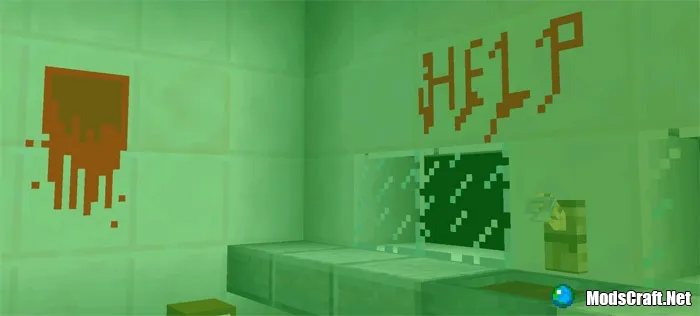
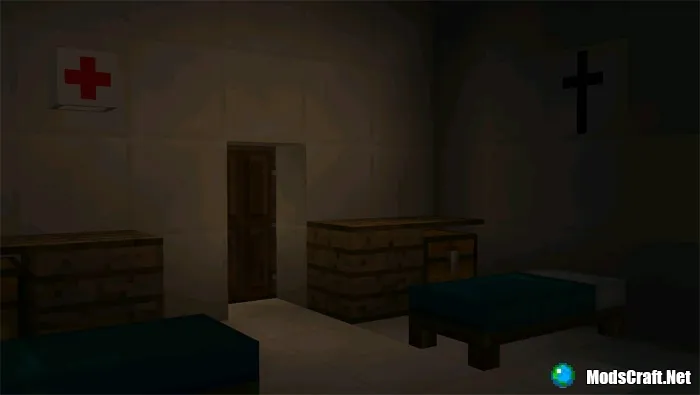
You wake up and realize you're in a hospital. How you got there is unclear. Soon you realize something is wrong with this hospital. There's no light and it's almost impossible to see anything. You manage to find a camera in one of the chests, but what awaits you there in the dark?
How to Play?
Almost the entire map is quite dark. If you're afraid of the dark, find a camera in the chest. You can turn on the camera by simply tapping it on the ground. Each camera has limited battery, so use them wisely!
Don't worry, I won't spoil anything else.
This map will only work with Minecraft PE version 1.1 or higher!
Installing the Hospital Map (.mcworld):
- Download the .mcworld map file from the link below.
- Simply open the file (via ES File Explorer on Android) and the game will install all necessary files automatically.
- Launch Minecraft PE and find the map in the worlds list.
- Start the map and enjoy playing through it!
Files
Files in a new tab
Download Hospital Horror map (.mcworld)
Supported versions
Minimum required game versions to run
1.1
21
comment
Comments in a new tab
Loading…
Loading…
Loading…
