Map: Ocean Monument
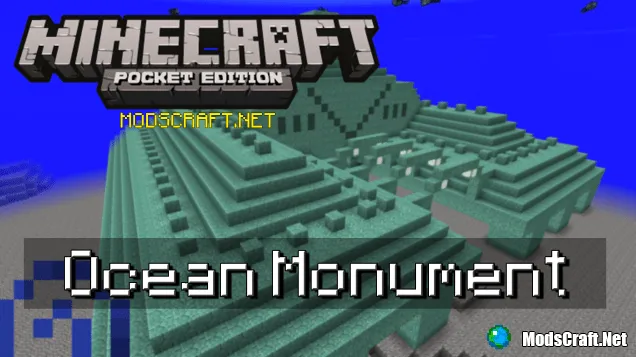
The Ocean Monument map takes you to the Underwater Fortress from the PC version of Minecraft right into Minecraft PE!
The map comes with a special texture pack that changes the appearance of some blocks. We recommend using MCPE versions 0.14.0 or higher but no higher than 0.15.0 realms, as textures may not work on other versions, and they are very important for the map.
How to find the underwater fortress?
When you spawn in the world, you'll see Ender Chests near you containing various items (they are actually regular chests). Take everything you need and move forward as shown in the screenshot below.
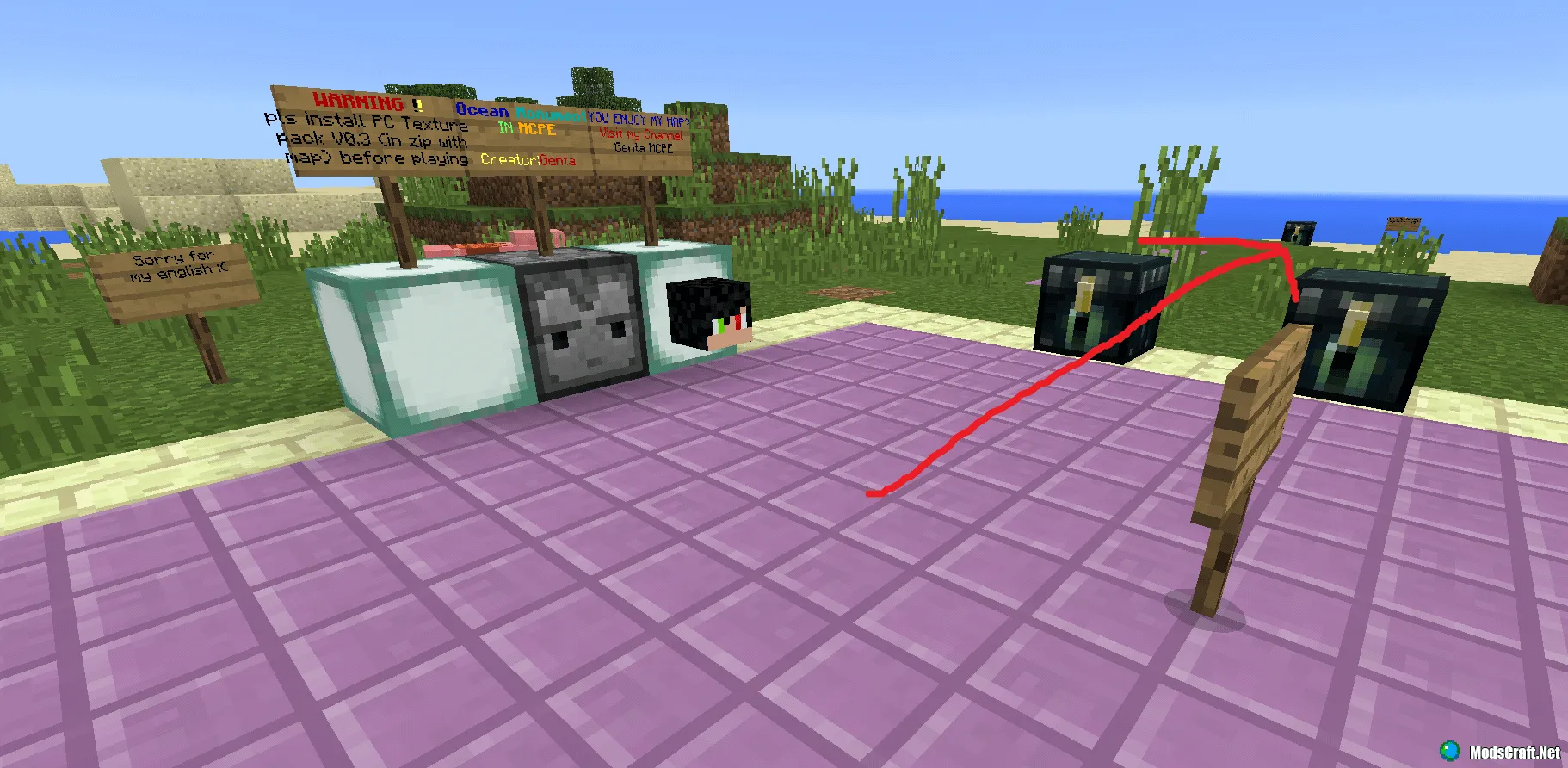
From the chest in the screenshot below, you can take a boat to reach the Fortress faster.
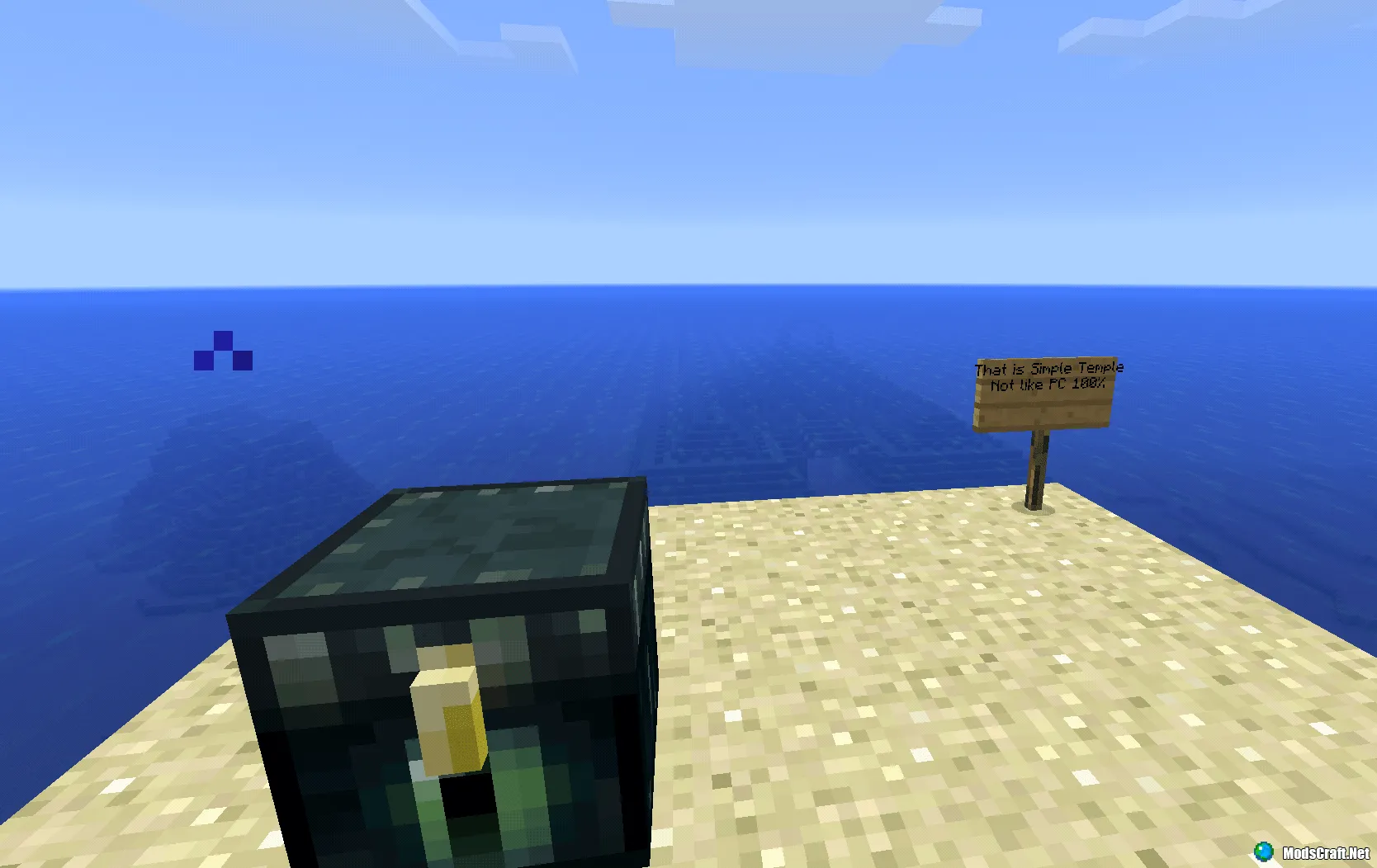
In the Underwater Fortress, you won't find Guardians like on PC, but there are many squids and even Iron Golems swimming around.
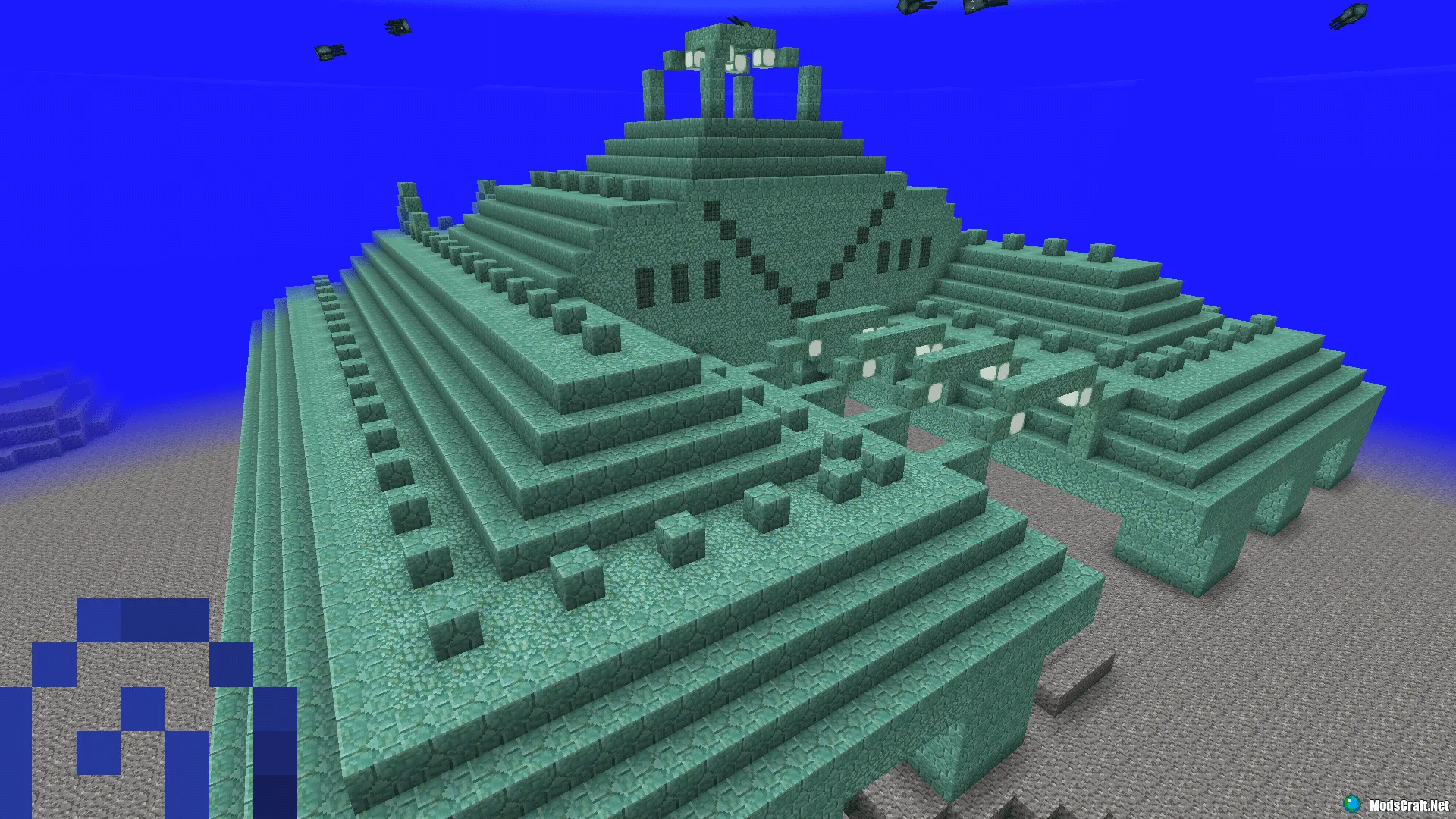
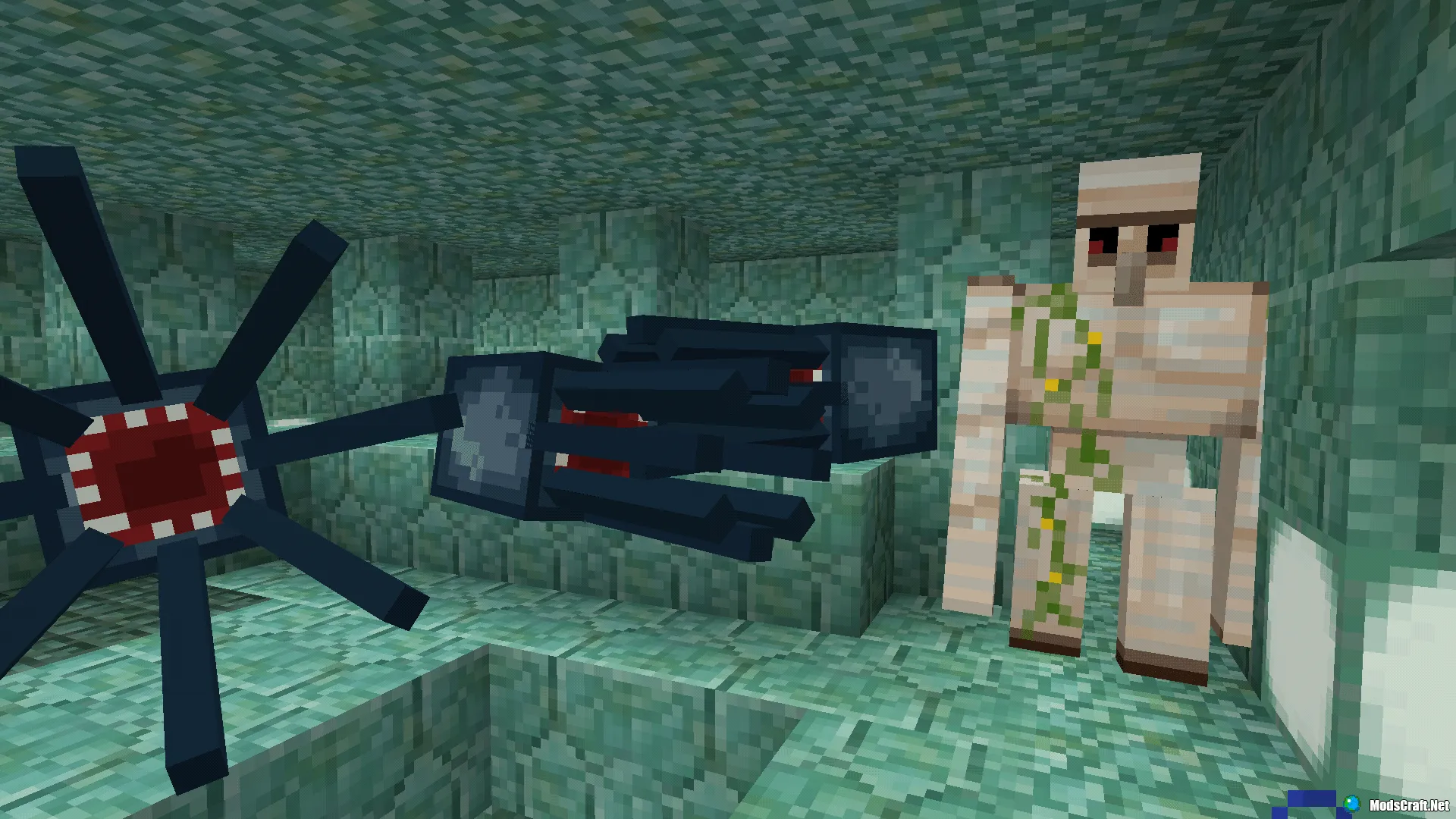
You can also survive on this map, but you'll have to play with the texture pack, which might confuse you with blocks.
Installing the Ocean Monument map
- Download the archive with the map and texture from the link below and extract it
- Move the Ocean Monument folder to /games/com.mojang/MinecraftWorlds/
- Install the texture pack (0.14.2 FIXED )PC Texture...zip in BlockLauncher
- The map is installed, enjoy the game!
