Map: Metro / Subway [Creation]
![Map: Metro / Subway [Creation]](https://img.modscraft.net/uploads/posts/2017-05/1494425134_metro-subway.webp)
On the territory of the Metro / Subway map, there are more than five fully automated subway stations, thanks to which you can easily get to another point. This map also includes a special texture pack for Minecraft PE, which adds more realism.
How does it work?
There are several subway stations that can be found at ground level. We recommend installing the map with the texture pack, as it will add some details.
![Map: Metro / Subway [Creation]](https://img.modscraft.net/uploads/posts/2017-05/1494425033_metro-subway-1.webp)
Use the button in the subway to get a minecart. Everything is automated, just wait 5-10 seconds!
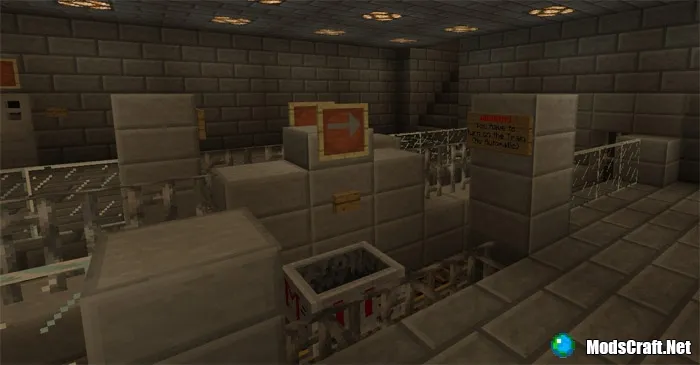
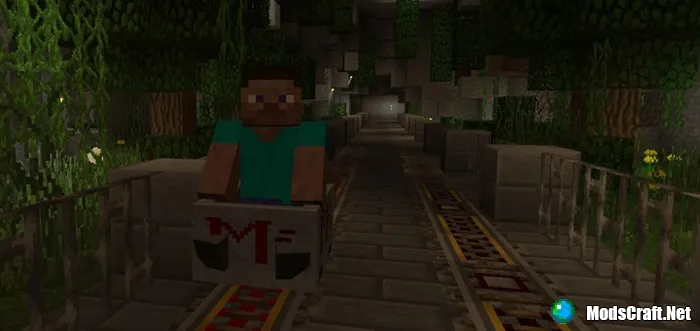
The subway is naturally always underground, but the environment has been set up to make the journey more interesting and enjoyable.
Installing the Metro / Subway map (.mcworld):
- Download the .mcworld map file from the link below.
- Simply open the file (via ES File Explorer on Android) and the game will automatically install all necessary files.
- Launch Minecraft PE and find the map in the worlds list.
- Start the map and enjoy it!
Files
Files in a new tab
Download Metro / Subway map (.mcworld)
Download Metro / Subway map with texture (.mcworld)
6
comments
Comments in a new tab
Loading…
Loading…
Loading…
