Map: Self-Building House 1.0.5+ [Redstone]
![Map: Self-Building House 1.0.5+ [Redstone]](https://img.modscraft.net/uploads/posts/2017-03/1489756133_self-building-house-jpg-1.webp)
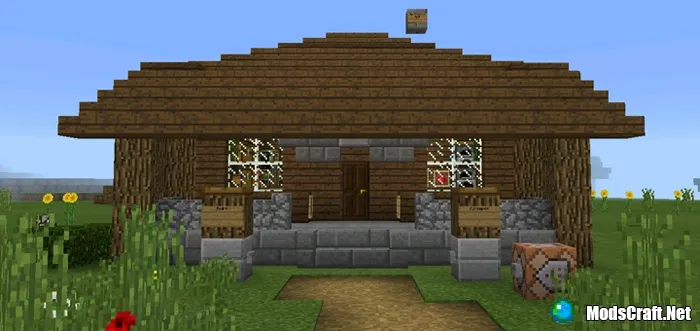
On the Self-Building House map, you will find a very interesting redstone mechanism that creates a house right in front of you at the push of a button! The mechanism works using command blocks, which were added in Minecraft PE 1.0.5, so make sure to update to that version or higher.
Building the house takes a few seconds. Then you can use another button to make it disappear again. It's really simple and very cool!
How does it work?
The house is built in two stages. First, you need to activate the path leading to the house. Press the Build button at spawn to start this process.
![Map: Self-Building House 1.0.5+ [Redstone]](https://img.modscraft.net/uploads/posts/2017-03/1489755752_self-building-house-jpg-3.webp)
After a while, you will arrive at an empty lot and see two pillars with buttons on each. Press the Build button to activate the automatic house construction. In a few seconds, the house will appear right in front of you!
Installing the Self-Building map (.mcworld):
- Download the .mcworld map file from the link below.
- Simply open the file (using ES File Explorer on Android) and the game will install all necessary files automatically.
- Launch Minecraft PE and find the map in your worlds list.
- Start the map and enjoy playing through it!
