ModsCraft » Guides » Minecraft Xbox Live on PlayStation 4
Minecraft Xbox Live on PlayStation 4

WhatsApp
Telegram VKontakte Odnoklassniki Pinterest
Minecraft Xbox Live on PlayStation 4

At the end of 2019, the developers of Minecraft Bedrock Edition finally released an updated version for PlayStation 4, replacing the old one and giving players cross-platform play, infinite worlds, and many other features!

This guide describes the process of signing in to Xbox Live on PlayStation 4.


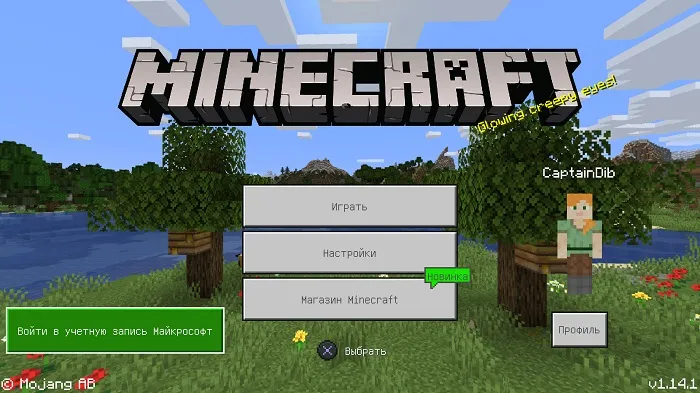
On the main screen of Minecraft Bedrock PS4, you will see a button labeled "Sign in to Microsoft account", which you need to press.
Minecraft Xbox Live on PlayStation 4

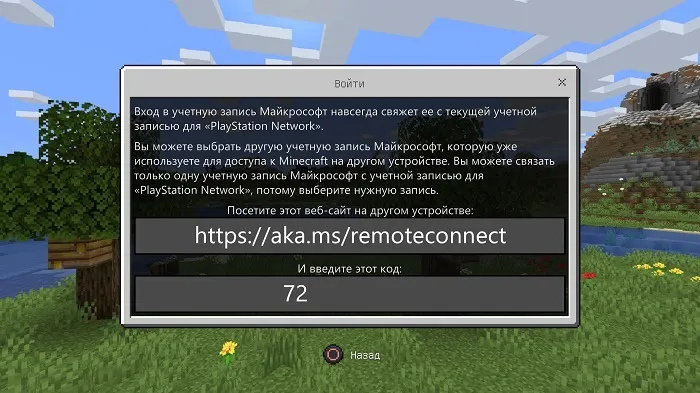
After that, the game will display a link (aka.ms/remoteconnect) and a code.

You will need to go to this link from any other device, or through the console's built-in browser.
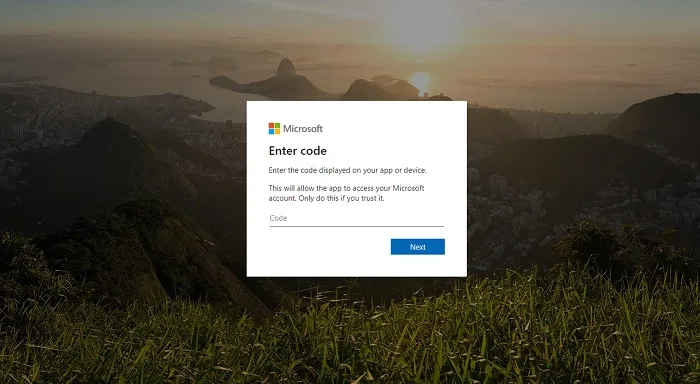
On the page that opens, you will need to enter the code you received.
Next, you will need to enter the login and password for your Microsoft account.
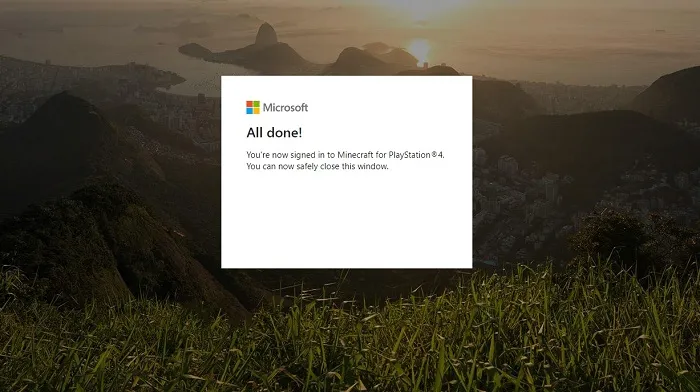
If you entered everything correctly, the game will automatically authorize your profile.
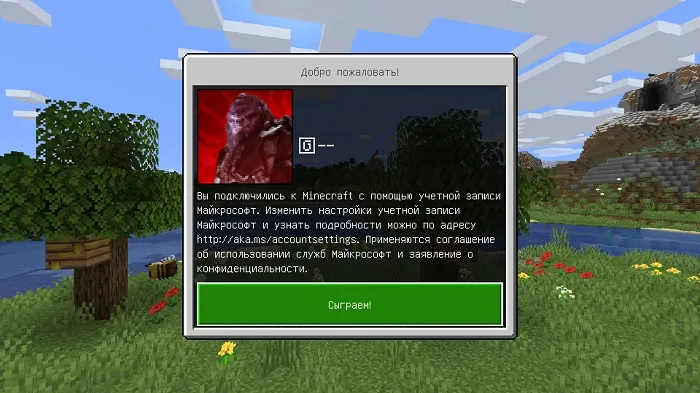
Remember that the Minecraft Bedrock version for PlayStation 4 uses tokens, not coins. Coins are not available on PS4, and tokens are not available on all other platforms.

Additionally, the developers note that some Marketplace packs purchased on one platform may not be available on another.


34 comments
  1. Guest avatar
    Саша
    8:40 20 Aug 20
    Всем привет. Вожу все по инструкции, пишет что уч.запись уже привязана к PSN. Но я создал новую уч.запись в Майкрософт. Зачем все эти сложности, купи игру ещё потом мучайся...
    1. Guest avatar
      Саша
      8:42 20 Aug 20
      Уже часа 2 сижу, не могу войти в уч.запись
      1. Guest avatar
        Ворон
        19:57 7 Nov 20
        Я тоже
        1. Guest avatar
          Саша Гербер
          19:48 12 Jan 21
          Тоже самое бл*ть
  2. Guest avatar
    алексей
    9:26 17 Aug 20
    раз 5 ввел код авторизовался и ничего не происходит
  3. Guest avatar
    Игорь
    11:21 9 Jun 20
    Я зашёл на сайт, и не понимаю куда ввести код. Объясните подробнее, куда надо нажать, что бы ввести код???
  4. Guest avatar
    Глеб
    12:02 28 May 20
    Мне сказали дождаться электронного письма А его нету ГДЕ МОЁ ПИСЬМО
  5. Guest avatar
    Морана
    12:17 9 May 20
    Все привязала,пишет ошибка не удалось подключится.
  6. Guest avatar
    Саня
    20:08 24 Apr 20
    Спс брат
  7. Guest avatar
    Masse grise
    14:25 15 Apr 20
    спасибо теперь всё понятно

Immerse yourself in a unique adventure with classic survival, anarchy, a clan system, and constant events!…

PvP, Survival
IP:Port craft.pe:19132
Online 400 / 1501
Version 1.1 - 1.26
Play