Minecraft Xbox Live on PlayStation 4
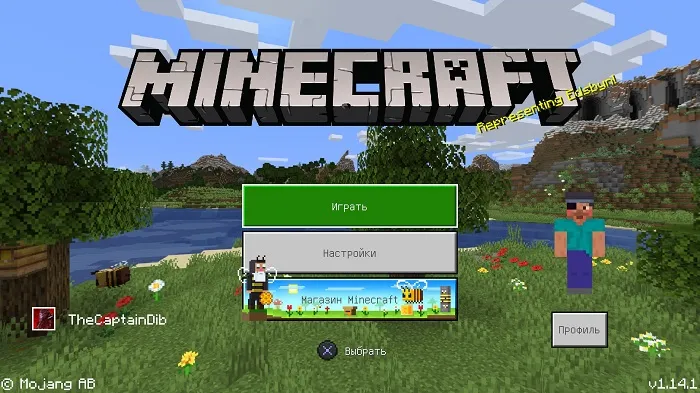
At the end of 2019, the developers of Minecraft Bedrock Edition finally released an updated version for PlayStation 4, replacing the old one and giving players cross-platform play, infinite worlds, and many other features!
This guide describes the process of signing in to Xbox Live on PlayStation 4.
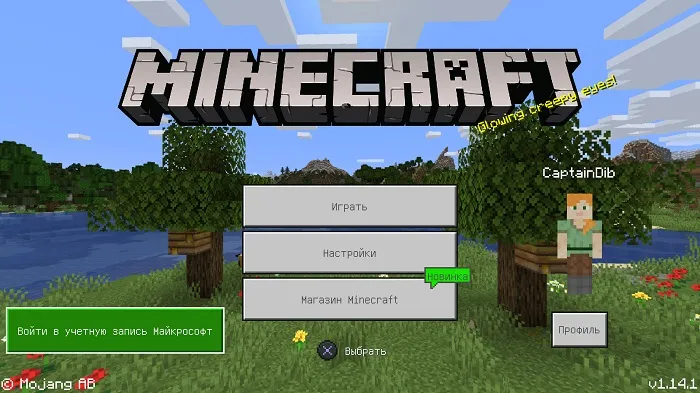
On the main screen of Minecraft Bedrock PS4, you will see a button labeled "Sign in to Microsoft account", which you need to press.
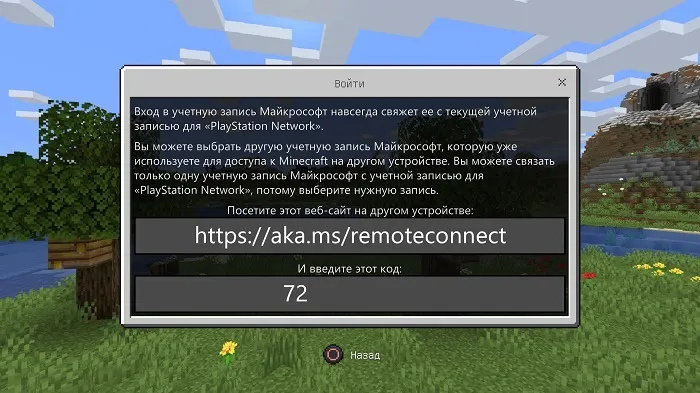
After that, the game will display a link (aka.ms/remoteconnect) and a code.
You will need to go to this link from any other device, or through the console's built-in browser.
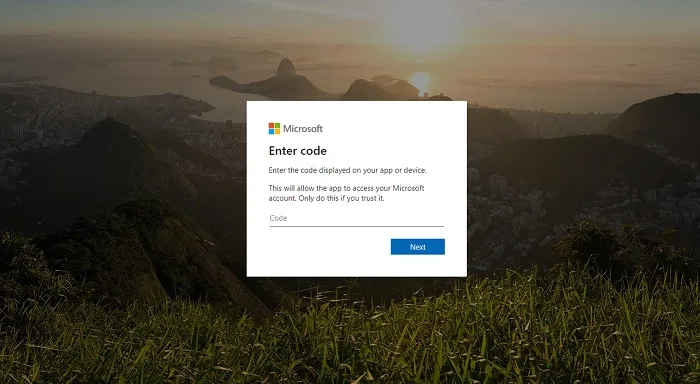
On the page that opens, you will need to enter the code you received.
Next, you will need to enter the login and password for your Microsoft account.
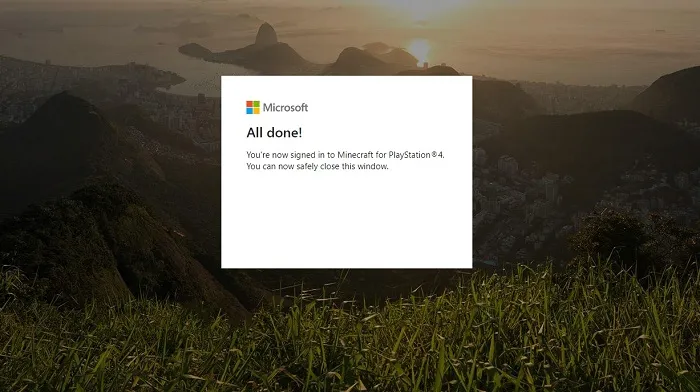
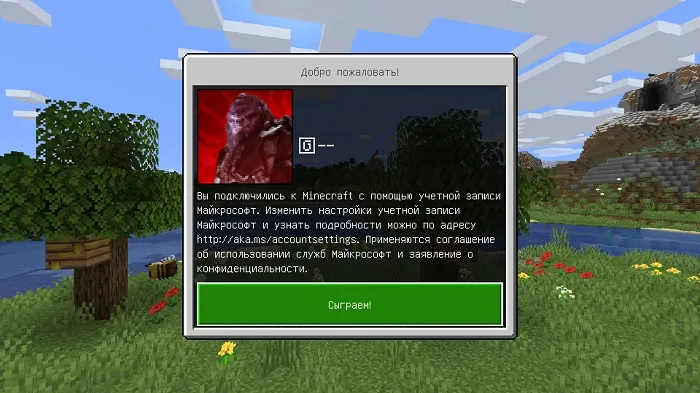
If you entered everything correctly, the game will automatically authorize your profile.
Remember that the Minecraft Bedrock version for PlayStation 4 uses tokens, not coins. Coins are not available on PS4, and tokens are not available on all other platforms.
Additionally, the developers note that some Marketplace packs purchased on one platform may not be available on another.
