ModsCraft » Guides » How to Download Add-ons on iOS?
How to Download Add-ons on iOS?

WhatsApp
Telegram VKontakte Odnoklassniki Pinterest
How to Download Add-ons on iOS?

Installing add-ons (maps, textures, mods) for Minecraft on iOS is fairly simple, but many people have questions, so we've put together this short guide to help you download and install add-ons in just a few clicks.

First of all, remember that you can only install maps, textures, skin packs, and mods with the following extensions: .mcworld, .mcpack, .mcaddon. On our website, all files have labels indicating the extension of the downloadable file.
How to Download Add-ons on iOS?

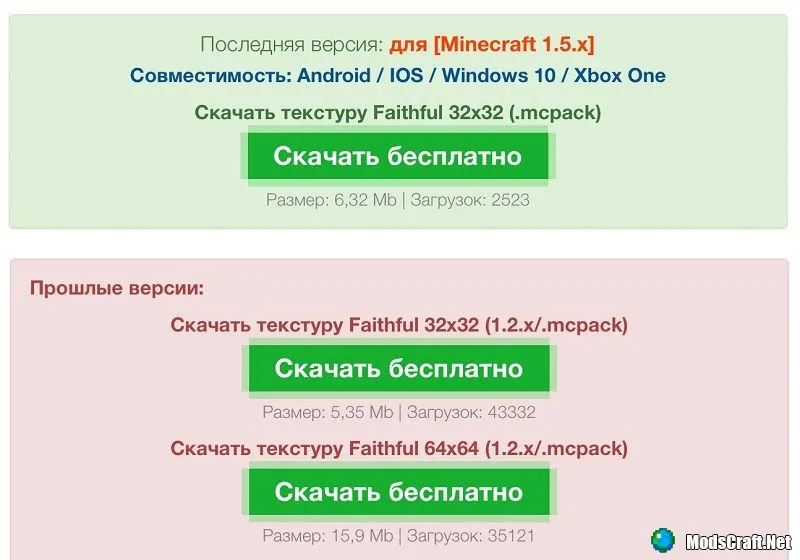
Go to the download page and wait for the Download button to appear.
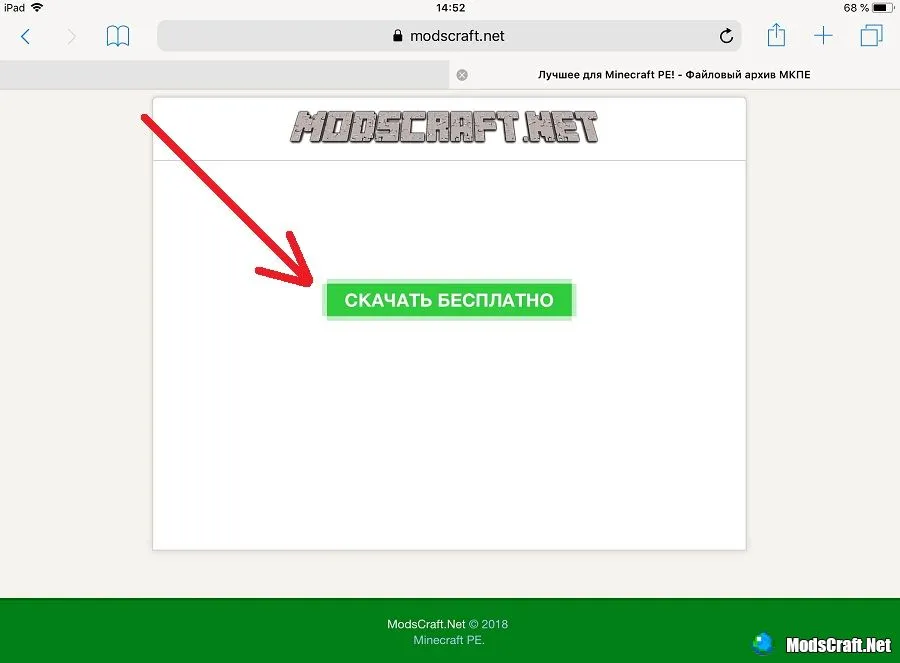
After a moment, a window will appear asking you to open the file with Minecraft.
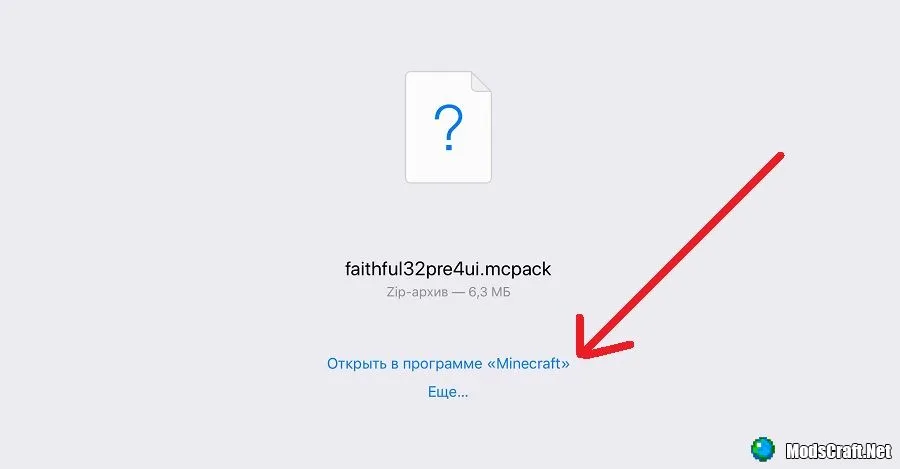
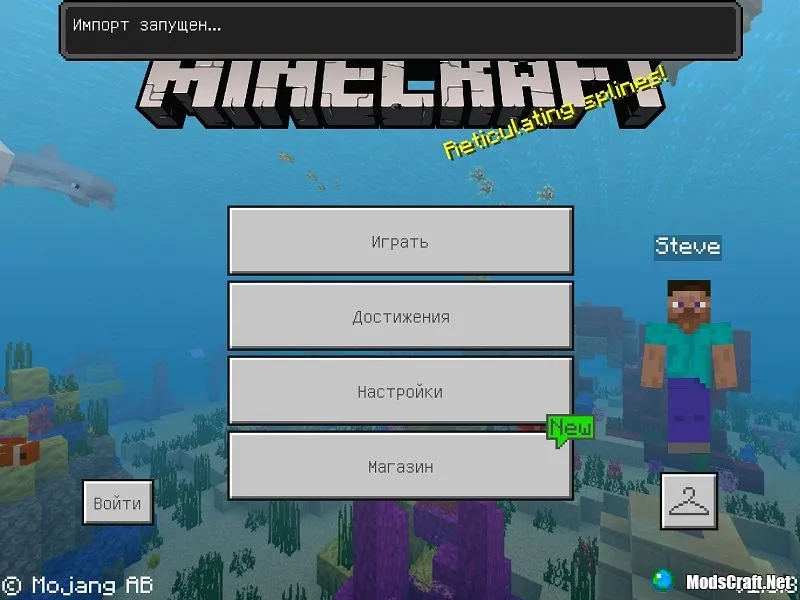
The game will launch automatically and start installing the add-on you downloaded.
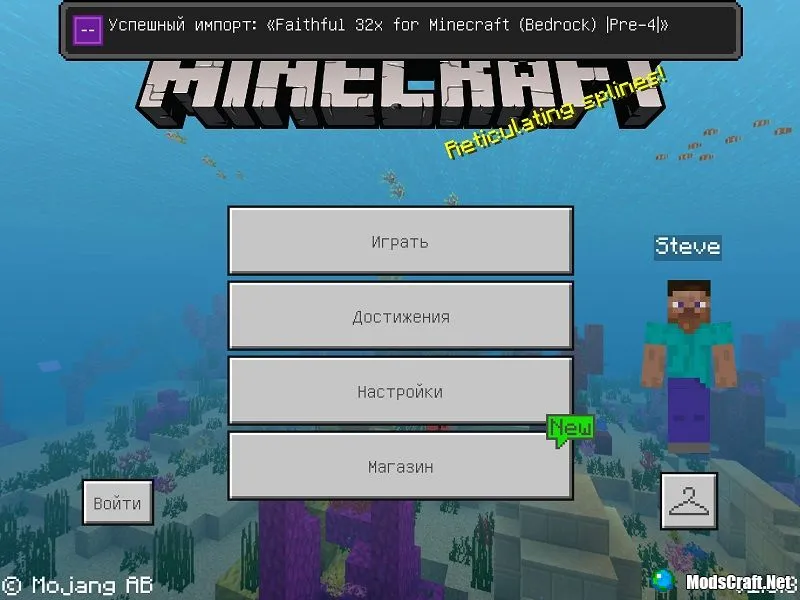
After successful installation, you will see an informational message.
That's it! We hope this short guide helps you!


relieved
36 comments
  1. Guest avatar
    Игры ютуб и т.д
    15:42 22 Aug 18
    А Майнкрафт например 1.6 (не релиз) здесь на iOS нельзя скачать?
    1. Avatar Admin
      Admin
      10:16 23 Aug 18
      Бета версии никогда не выходят для IOS
  2. Guest avatar
    Dasha Rasha
    9:37 19 Aug 18
    А Майнкрафт я так поняла нельзя установить с помощью этого сайта у меня 1.4.3 а когда я хочу установить даже мою версию то он только для андроида
    1. Avatar Admin
      Admin
      10:22 19 Aug 18
      Можете попробовать способом https://modscraft.net/mcpe/1175-download-mcpe-1.0.5-full-for-ios-free.html, но не гарантируем, что он работает сейчас.

Immerse yourself in a unique adventure with classic survival, anarchy, a clan system, and constant events!…

PvP, Survival
IP:Port craft.pe:19132
Online 400 / 1501
Version 1.1 - 1.26
Play