How to Download Add-ons on iOS?
Installing add-ons (maps, textures, mods) for Minecraft on iOS is fairly simple, but many people have questions, so we've put together this short guide to help you download and install add-ons in just a few clicks.
First of all, remember that you can only install maps, textures, skin packs, and mods with the following extensions: .mcworld, .mcpack, .mcaddon. On our website, all files have labels indicating the extension of the downloadable file.
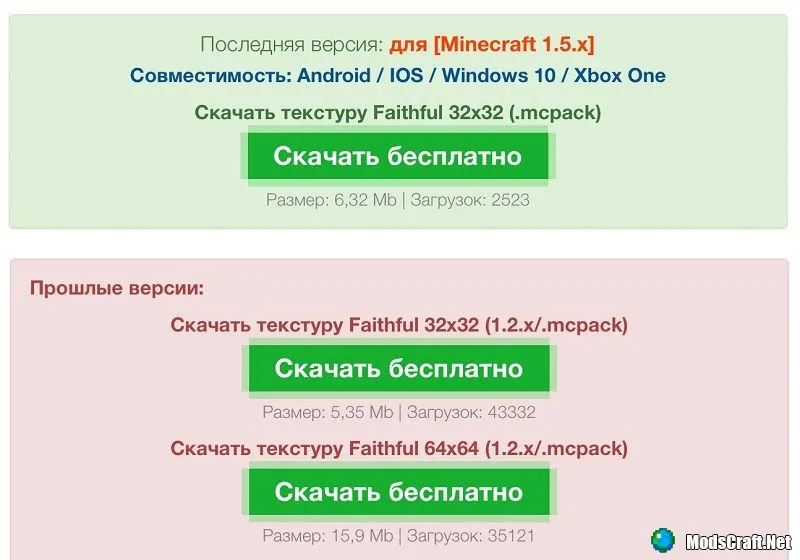
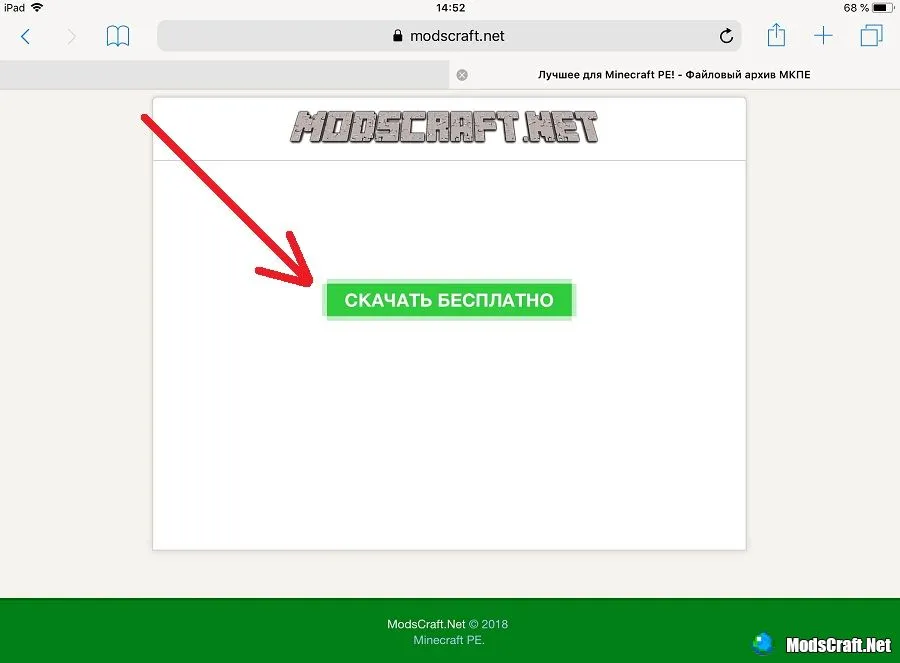
Go to the download page and wait for the Download button to appear.
After a moment, a window will appear asking you to open the file with Minecraft.
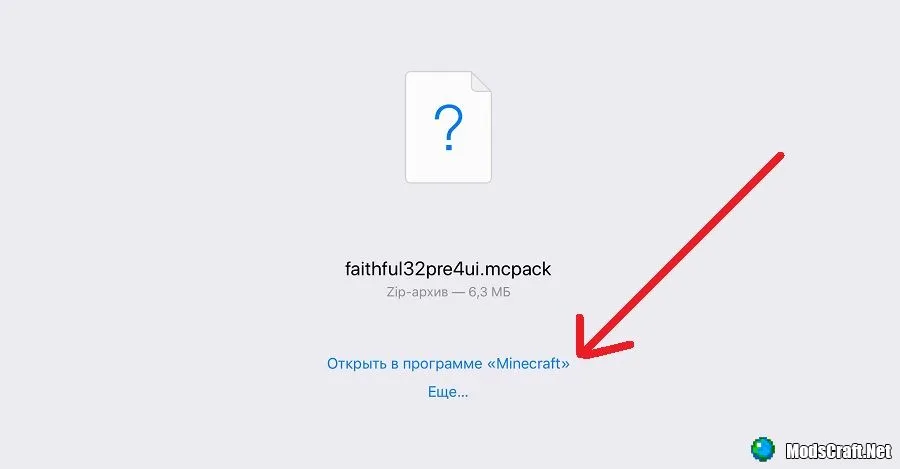
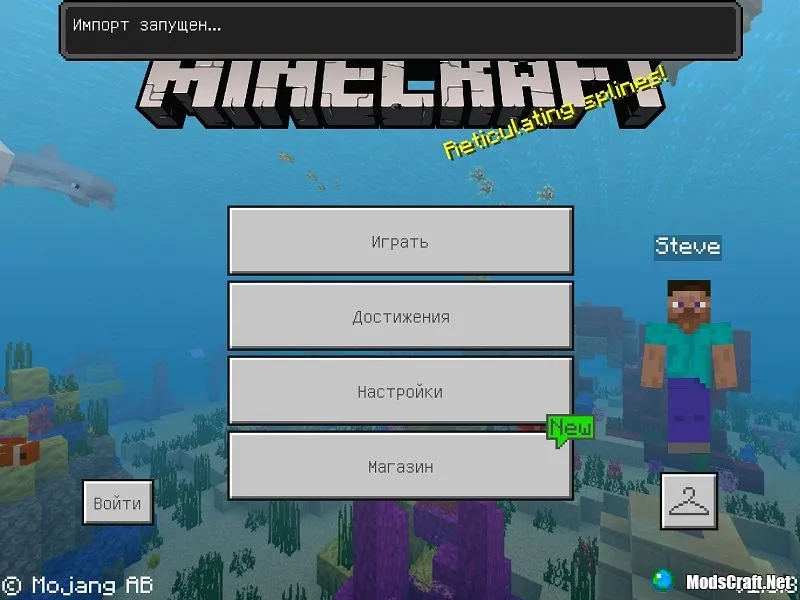
The game will launch automatically and start installing the add-on you downloaded.
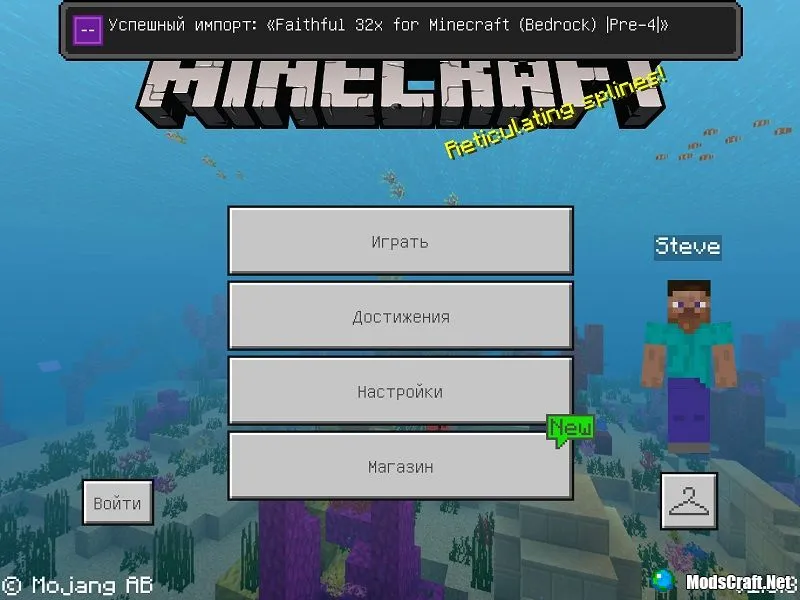
After successful installation, you will see an informational message.
That's it! We hope this short guide helps you!

