Showcase in Minecraft [GUIDE]
![Showcase in Minecraft [GUIDE]](https://img.modscraft.net/uploads/posts/2017-08/1503343624_guide-1-logo.webp)
In this guide, you'll learn a cool trick that lets you make an awesome showcase using an armor stand in Minecraft! To not keep you waiting, I recommend watching the video tutorial below:
Now let's move on to the text version. First, you need to get a command block. You can do this with the command /give @p command_block in chat.
I also strongly recommend entering the command /gamerule commandblockoutput false.
![Showcase in Minecraft [GUIDE]](https://img.modscraft.net/uploads/posts/2017-08/1503345014_commandblockoutput.webp)
Find the spot where you want to make the showcase, break one block at the bottom, and place the command block there.
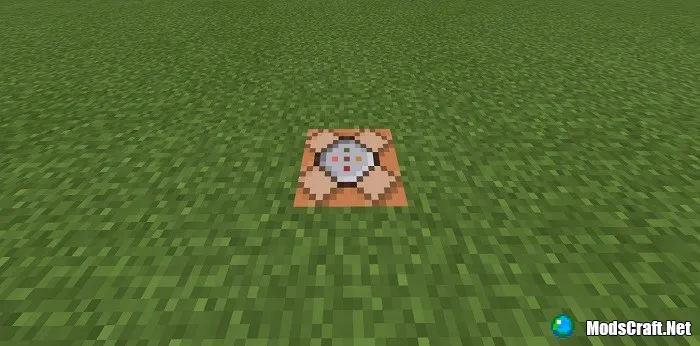
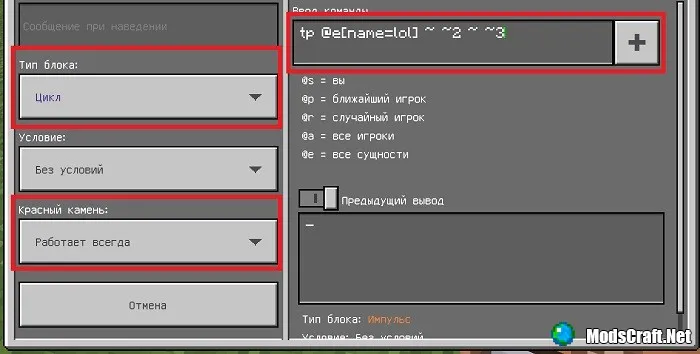
Tap it to open the block interface and enter the following: tp @e[name=NAME] ~ ~2 ~ ~3. Replace NAME with any value (preferably short); I'll explain why below.
Also, don't forget to set the command block type to Repeat and Always Active:
Next, place the armor stand itself and an anvil somewhere. Then take a name tag and use the anvil to give it the name you entered in the command block.
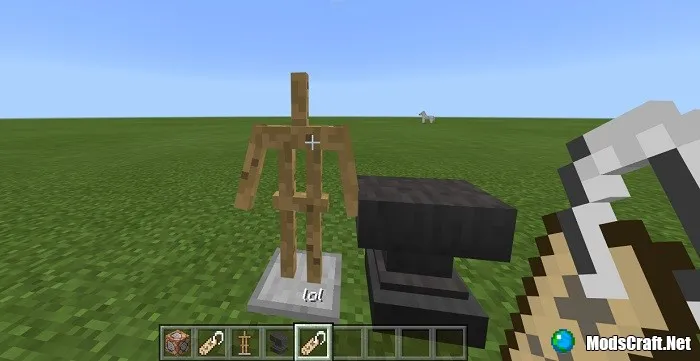
After that, simply tap the armor stand with the name tag, and it will automatically teleport to the command block.
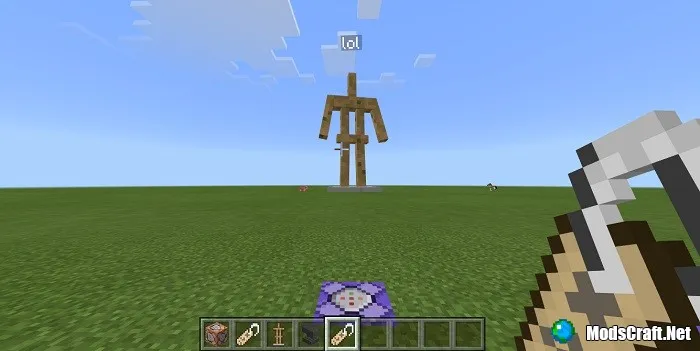
If you need more showcases, enter a different name for each command block and assign it to other armor stands accordingly.
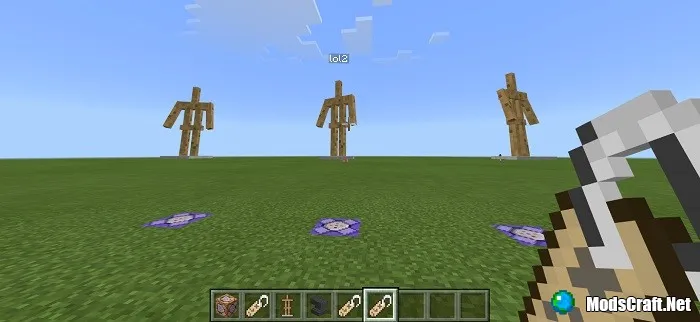
Don't forget to put armor on the stand and give it an item if you want, of course. Place another block above the command block so your showcase isn't just floating in the air.
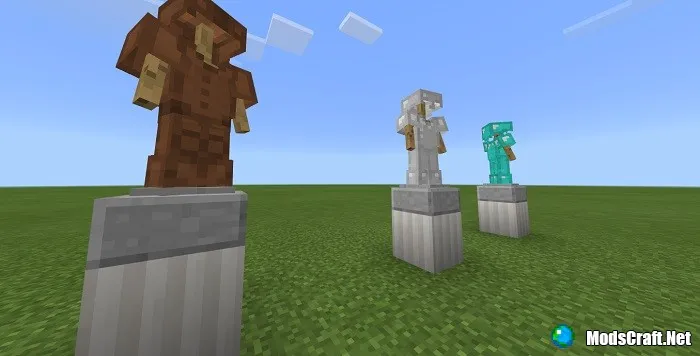
Then, using a glass block, a piston, and a redstone block, push the glass block into the armor stand.
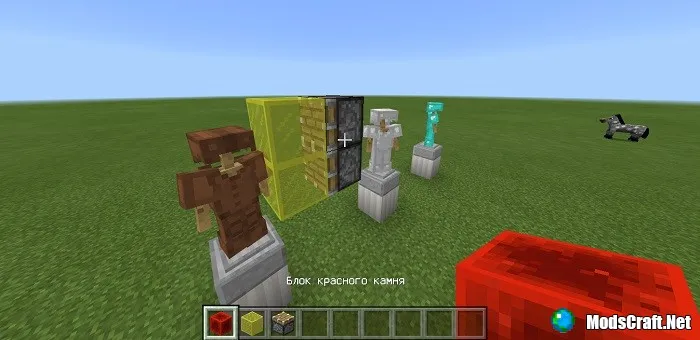
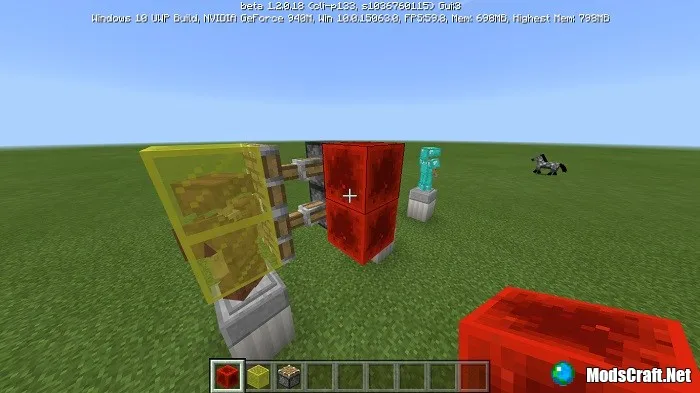
If you do everything correctly, you'll end up with this:
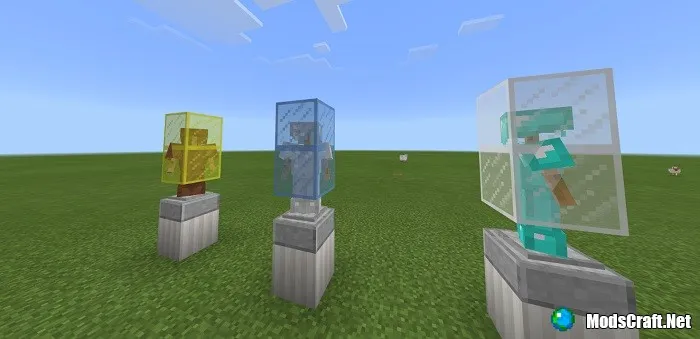
The armor stands will rotate, creating an extra effect. And that's it! I hope you enjoyed this guide!
