Minecraft PE: How to Make a Gravity Gun?
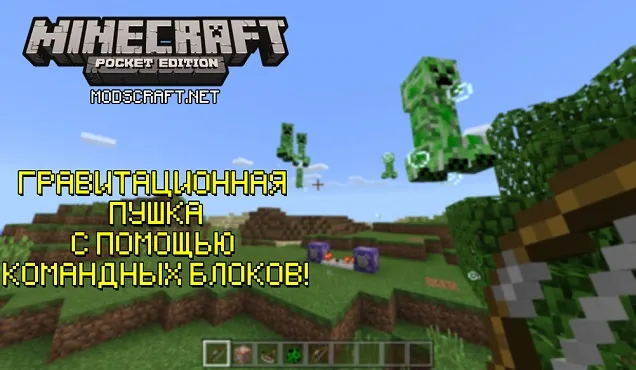
In this guide, I would like to tell you about a simple way to create a gravity gun in Minecraft Pocket Edition.
First, you need to get command blocks in MCPE. Use the command /give @p command_block 10 - where 10 is the quantity.
After that, create this scheme of command blocks, a comparator, and a repeater.
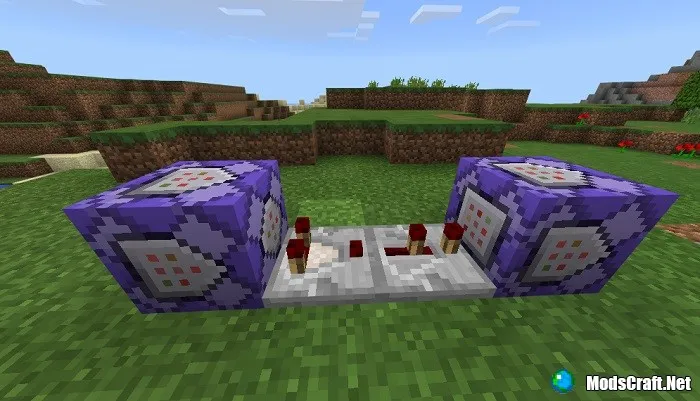
Don't forget to set the block type to Repeater. And in the left block, set Redstone: Always Active.
Now fill in the commands.
In the left command block, enter the following command from the screenshot below. Simply put, it checks for the presence of an item in the world.

Optionally, you can specify a radius after arrow.skeleton by adding values to the r and rm parameters. For example, setting a value of 5 means the levitation effect will not work beyond five blocks.

Now in the second command block, enter the following command:

If there is an arrow in the world or within a certain radius, the block will create a levitation effect at the arrow's coordinates with a radius of five blocks for 10 seconds and level 3. If you set a higher level, the creature will fly up faster.
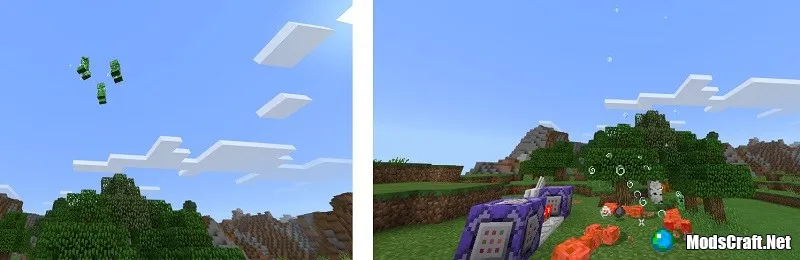
That's how, with this guide, you can easily create a gravity gun on your Minecraft PE map.

