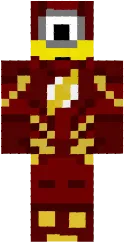
Skin Ugly Spongebob

The Ugly Spongebob skin for Minecraft PE is a parody of the famous cartoon character. His face has distorted features and a crazy expression, giving the look a comical yet slightly creepy vibe. This skin is perfect for fans of dark humor and unconventional characters.
Thanks to its recognizability, Ugly Spongebob will attract attention on any server. It suits players who want to stand out and are not afraid to experiment with their character's appearance.
You can also find the skin installation guide on our website if you need help.
Download Ugly Spongebob skin
2 comments
Comments in a new tab