Skin GigaChad

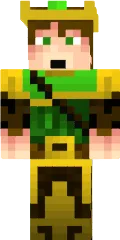
The GigaChad skin for Minecraft PE embodies the popular internet meme featuring a muscular man with a square jaw and a confident gaze. This skin is perfect for players who want to stand out and showcase their strength and dominance in the game world.
With detailed muscle rendering and distinctive facial features, the character looks realistic and imposing. The skin suits both solo adventures and multiplayer servers, where you can impress other players.
You can also find the skin installation guide on our website if you need help.
Download skin GigaChad
4 comments
Comments in a new tab