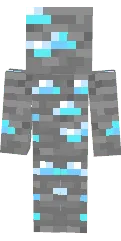
Skin Maryana_Ro

Skin Maryana_Ro for Minecraft PE recreates the look of a famous video blogger. Long dark hair, bright makeup, and stylish clothes make it recognizable.
This skin is suitable for Maryana's fans who want to add personality to their character in the game. It looks great in any Minecraft world.
You can also find the skin installation guide on our website if you need help.
Download skin Maryana_Ro
There are no comments, be the first!
Leave a comment, share your impression or ask a question.