Skin Charmeleon

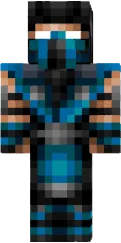
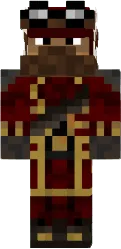
The Charmeleon skin represents an evolved form of Pokemon with bright red scales and a fiery tail. The aggressive facial expression and claws emphasize the fighting nature of the character.
This skin is suitable for players who love dynamic battles and want to look intimidating. Charmeleon looks great in the desert or nether, where its fire theme is especially appropriate.
You can also find the skin installation guide on our website if you need help.
Download skin Charmeleon
There are no comments, be the first!
Leave a comment, share your impression or ask a question.