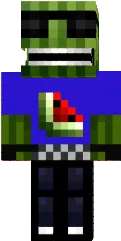
Skin Rainbow

This skin is colored in all rainbow hues, creating a bright and memorable look. The shimmering shades make the character visible from afar.
Perfect for creative players who want to express their individuality and add color to the Minecraft PE world. The skin boosts mood and attracts attention.
You can also find the skin installation guide on our website if you need help.
Download skin Rainbow
2 comments
Comments in a new tab