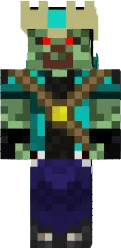
Skin Ogi Melon
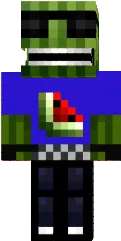
The Ogi Melon skin for Minecraft PE is designed as a watermelon. The character becomes green with red stripes and black seeds, making it funny and recognizable.
This skin is suitable for players who love bright and unusual looks. It will add fun to the gameplay and make you stand out.
You can also find the skin installation guide on our website if you need help.
Download skin Ogi Melon
There are no comments, be the first!
Leave a comment, share your impression or ask a question.