Skin Turtle

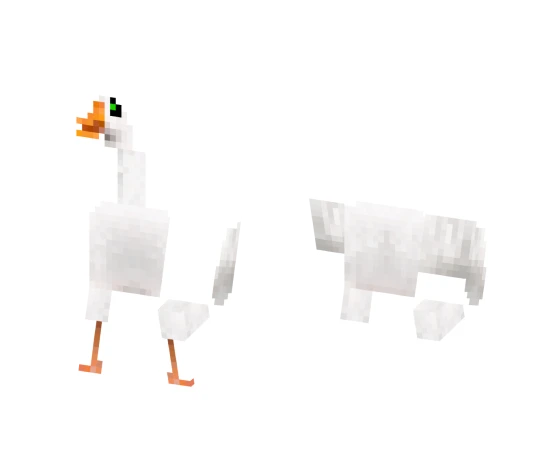
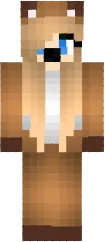
The Turtle skin turns your character into a cute reptile with a green shell and yellow belly. The model includes characteristic flippers and a smiling face, giving it a friendly look.
It is perfect for players who want to add a bit of nature and coziness to the game. This skin will be especially good on thematic servers or in survival mode where you build your home by the ocean.
You can also find the skin installation guide on our website if you need help.
Download skin Turtle
There are no comments, be the first!
Leave a comment, share your impression or ask a question.