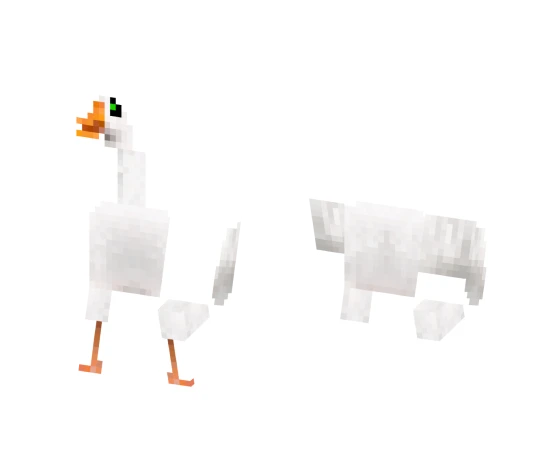
Skin Dark Spirit

The Dark Spirit skin embodies the image of a mysterious and gloomy ghost. Dark tones and semi transparent elements create an atmosphere of mystery and fear. This skin is perfect for players who love horror themes and roleplaying.
Due to its dark aesthetic, the skin looks great against dark locations such as caves, abandoned mines, or the Nether. It will add an element of mysticism to your game and make your character truly unique.
You can also find the skin installation guide on our website if you need help.
Download skin Dark Spirit .png
There are no comments, be the first!
Leave a comment, share your impression or ask a question.