Skin Simonph

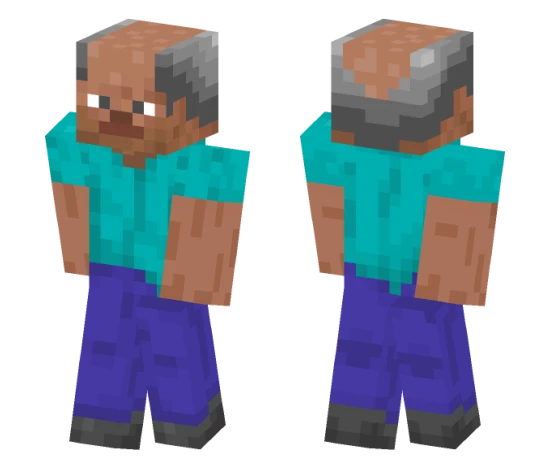
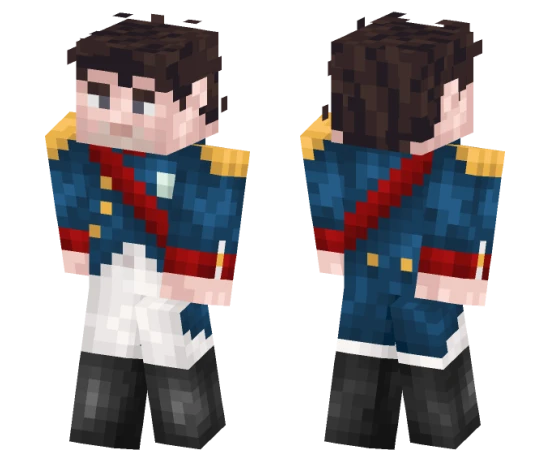
The Simonph skin for Minecraft PE features a character in modern street style. A dark hoodie, jeans, and sneakers create the look of an urban dweller ready for adventures.
This skin suits players who prefer realistic and fashionable looks. Simonph looks cool and minimalistic, not overloaded with details, making it versatile for any gameplay situation.
You can also find the skin installation guide on our website if you need help.
Download skin Simonph
There are no comments, be the first!
Leave a comment, share your impression or ask a question.