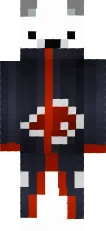
Skin PUBG Player

This skin brings the PUBG soldier look to Minecraft PE. It features camouflage clothing, body armor, and a helmet, giving your character a rugged military appearance.
Perfect for players who enjoy tactical games and want to stand out on PvP servers. The details are well crafted, and the color scheme resembles real army patterns.
You can also find the skin installation guide on our website if you need help.
Download PUBG Player skin
There are no comments, be the first!
Leave a comment, share your impression or ask a question.