Shaders: BLPE Shaders 1.1.0.9+
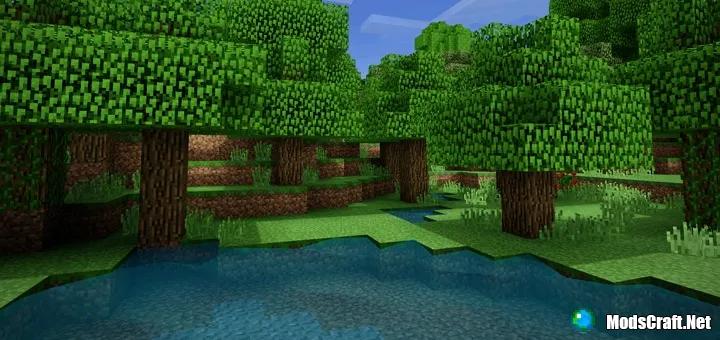
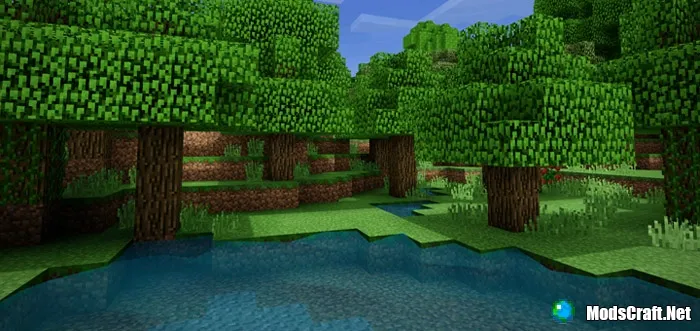
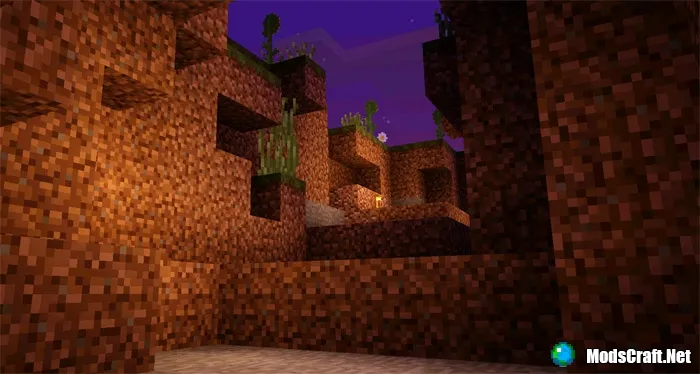
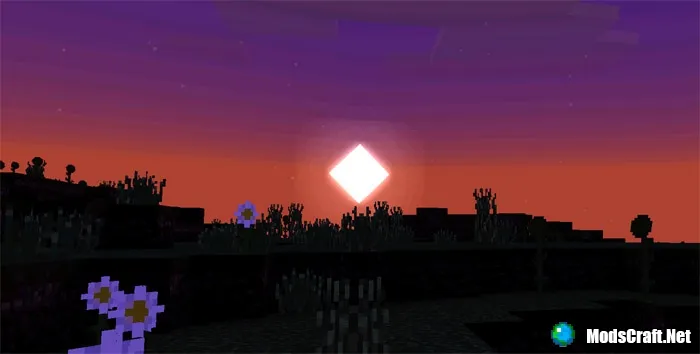
Want to enjoy stunning graphics in Minecraft PE? Then install shaders called BLPE on MCPE. Grass, foliage, and other blocks in Minecraft PE will now look brighter, but in addition, water will also look more shiny and realistic. However, since this is the first release, there are some shortcomings in the shaders that will be fixed in future versions!
Installing BLPE Shaders Texture (.mcpack)
- Download the shader file labeled .mcpack from the link below.
- Simply open the file (via ES File Explorer on Android) and the game will install all necessary components.
- Open Minecraft PE and go to game settings.
- Select Global Resources.
- Find the shader and tap on it to activate.
- Shaders installed, enjoy the game!
Files
Files in a new tab
Download BLPE shader (.mcpack)
44
comments
Comments in a new tab
Loading…
Loading…
Loading…
