Shaders: SEUS PE 1.1/1.0/0.17.0/0.16.0
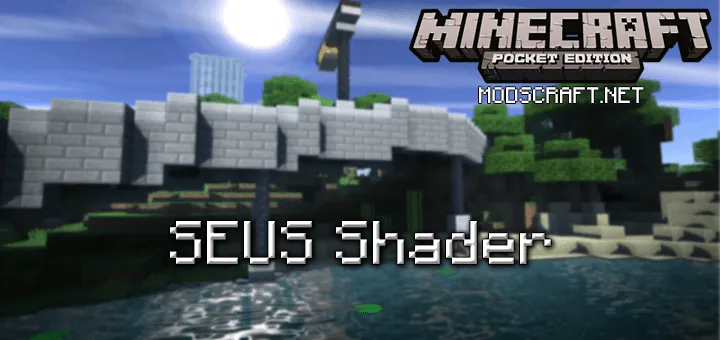
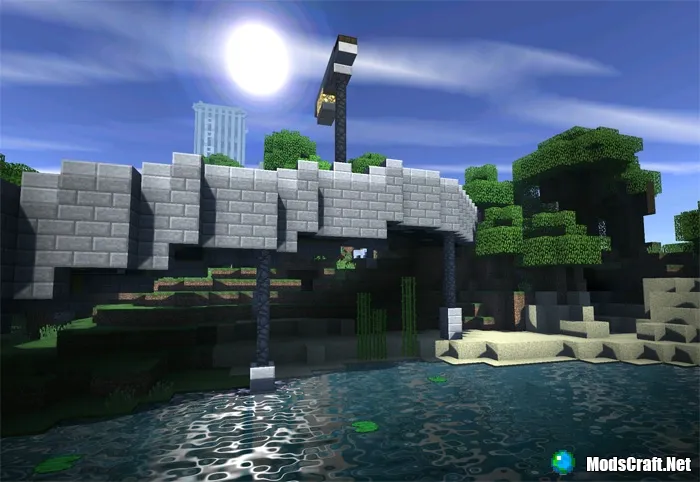
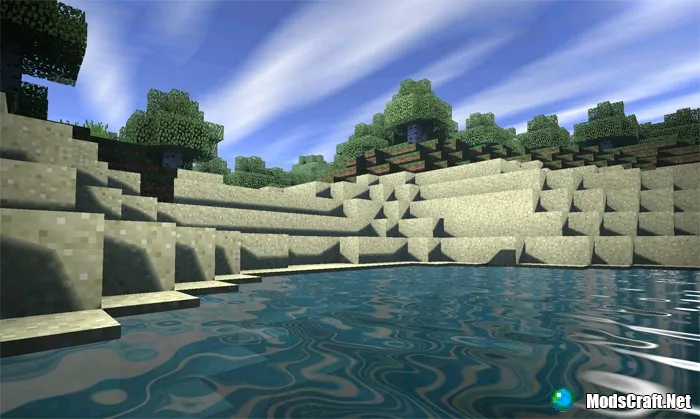
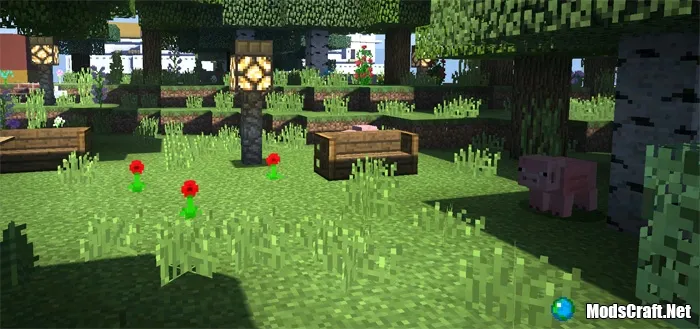
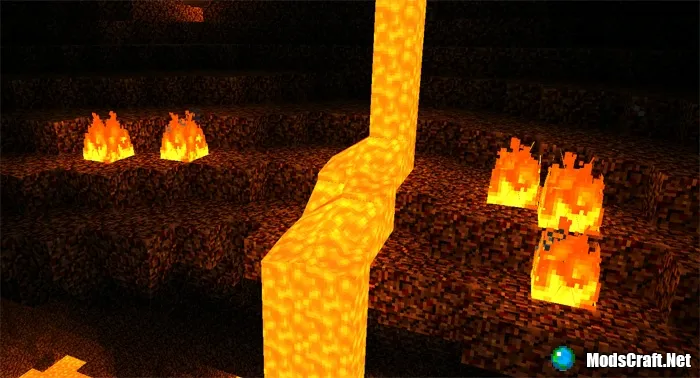
SEUS PE - these are the most realistic shaders for Minecraft PE today! The light from the sun and moon will beautifully shimmer on the water. The world of Minecraft PE will gain new colors thanks to new shadows and clouds. These are truly beautiful shaders and we recommend you try them yourself!
Shaders are available in three versions. Low - for weak devices, Medium - for medium-power devices, and Ultra - for powerful devices.
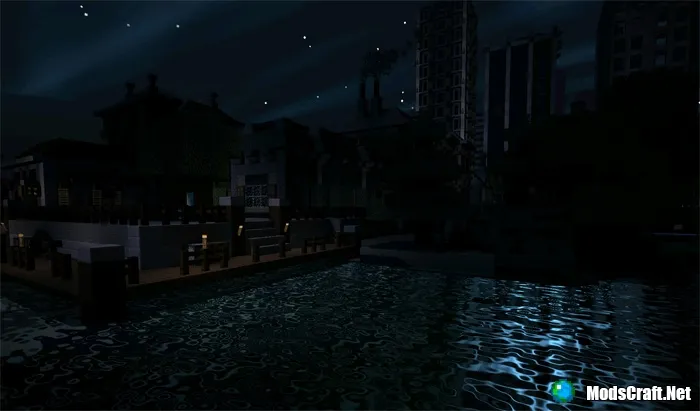
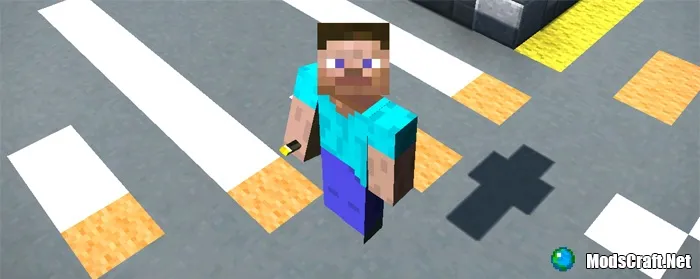
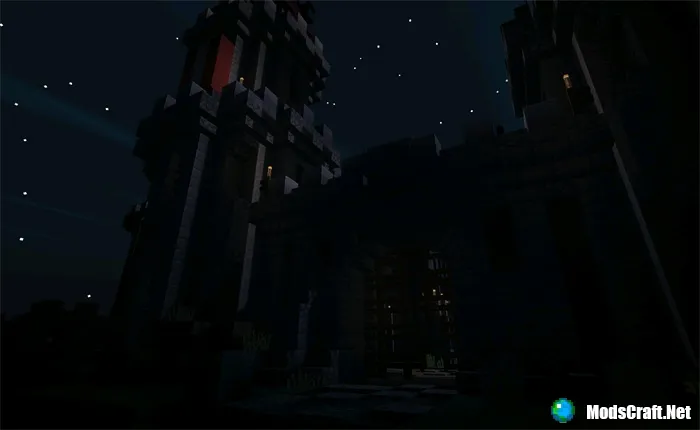
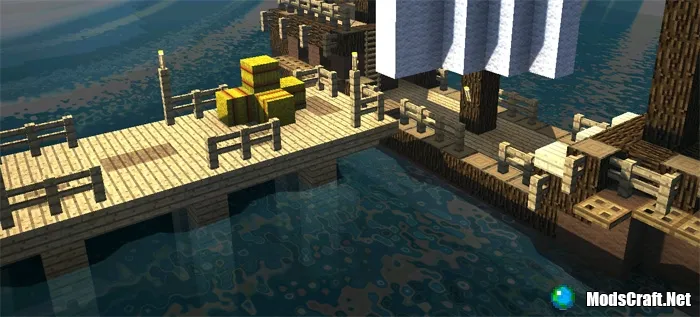
Installing Energy Shaders texture (.mcpack)
- Download the shader file marked .mcpack from the link below.
- Simply open the file (via ES File Explorer on Android) and the game will install all necessary components.
- Open Minecraft PE and go to game settings.
- Select Global Resources.
- Find the shader and tap on it to activate.
- Shaders installed, enjoy the game!
Installing Energy Shaders (.zip):
- Download the shader archive from the link below.
- Extract the folder from the archive into /games/com.mojang/resource_packs/.
- Open Minecraft PE and go to game settings.
- Select Global Resources.
- Find the shader and tap on it to activate.
- Shaders installed, enjoy the game!
Files
Files in a new tab
Для МКПЕ 1.1.0.1:
Download SEUS PE shader (.mcpack)
Для МКПЕ ниже 1.1.0.1:
Low
Download SEUS PE shader (.mcpack)
Medium
Download SEUS PE shader (.mcpack)
Ultra
Download SEUS PE shader (.mcpack)
Download SEUS PE shader (.zip)
25
comments
Comments in a new tab
Loading…
Loading…
Loading…
