Shaders: Enhanced Biomes
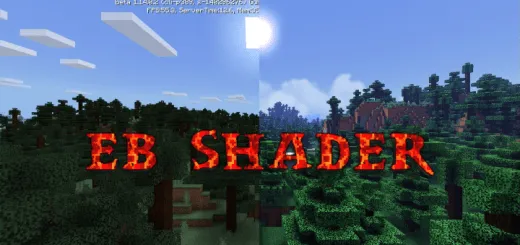
If you think the default biomes and shaders in Minecraft PE are too boring and simple, then the "Enhanced Biomes" shader is definitely for you! Installing the "Enhanced Biomes" shader will make your Minecraft PE world shine with new colors and animation! These shaders are only for Minecraft PE (Android and iOS).
Let's take a look at how Minecraft PE will look with the "Enhanced Biomes" shader installed.
Beautiful realistic sky:
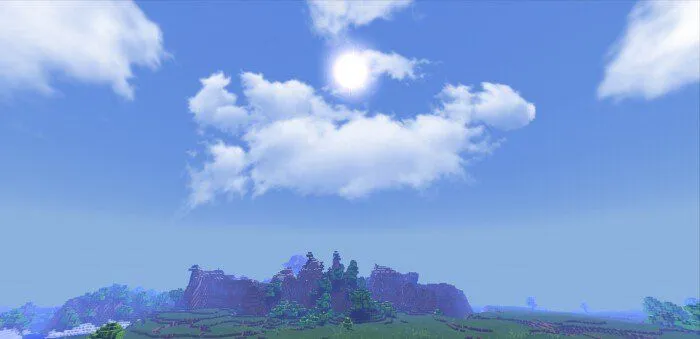
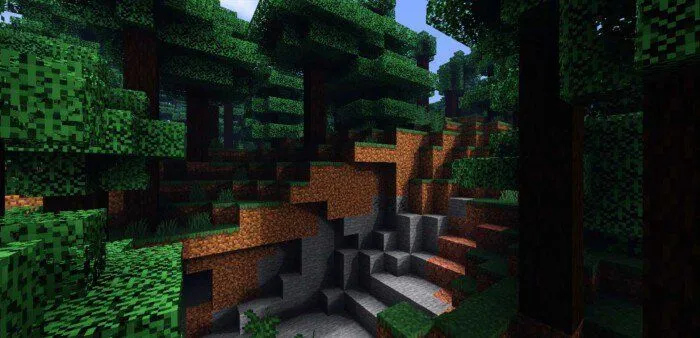
Great shadows:
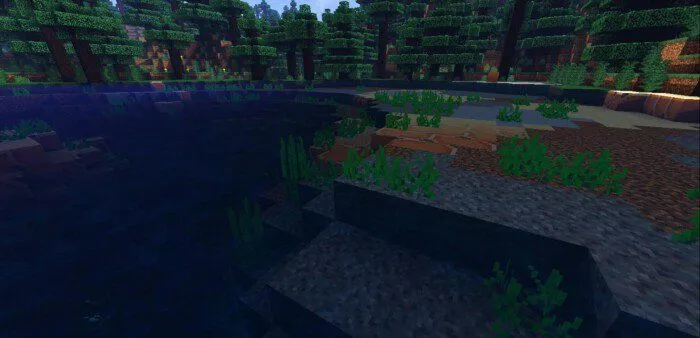
Crystal clear water:
Wind-swaying tree leaves and grass:
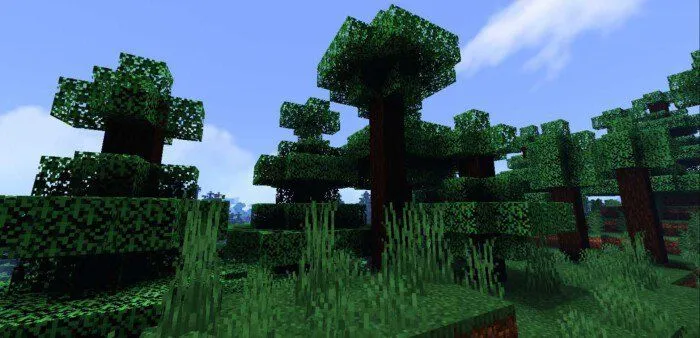
Fog:

For a visual comparison, picture without shader/with shader:
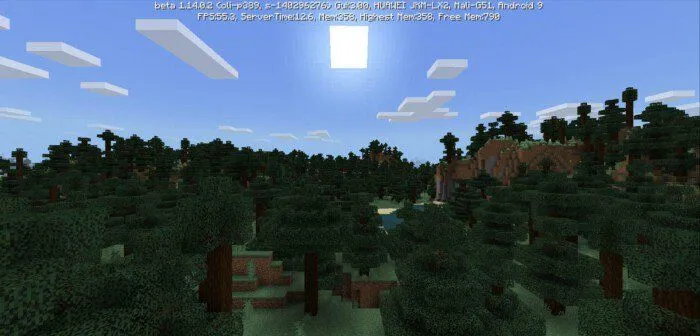
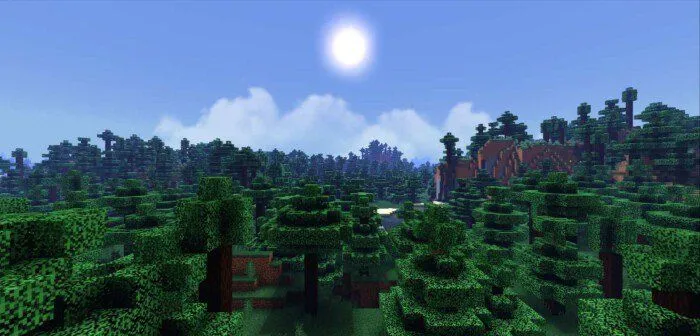
Dawn:
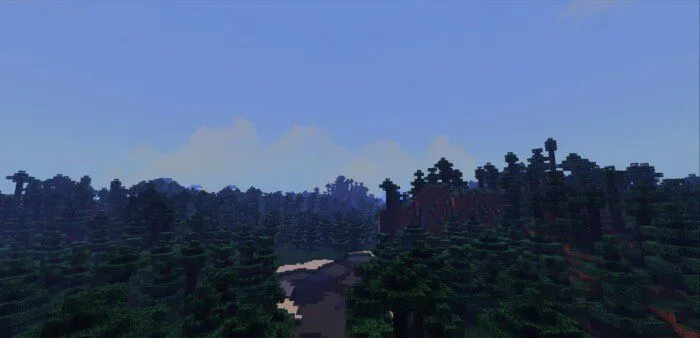
Day:
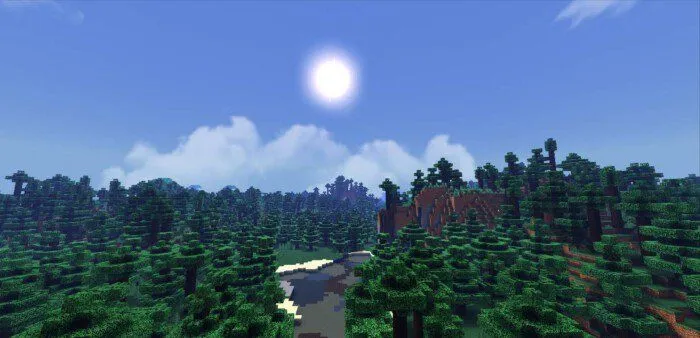
Noon:
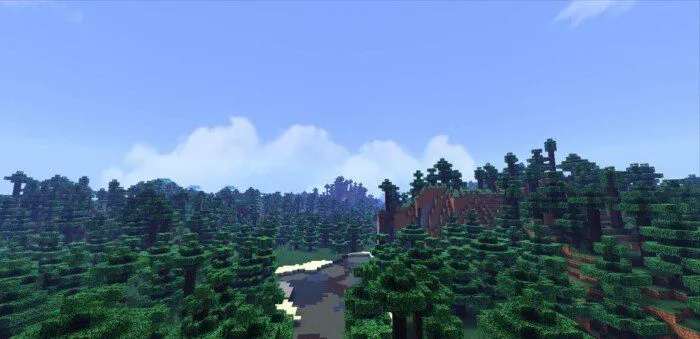
Sunset:
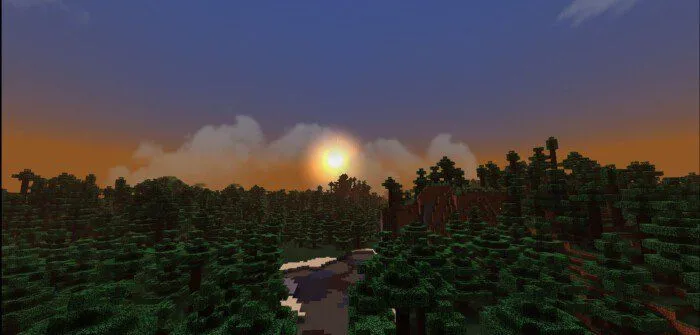
Night:
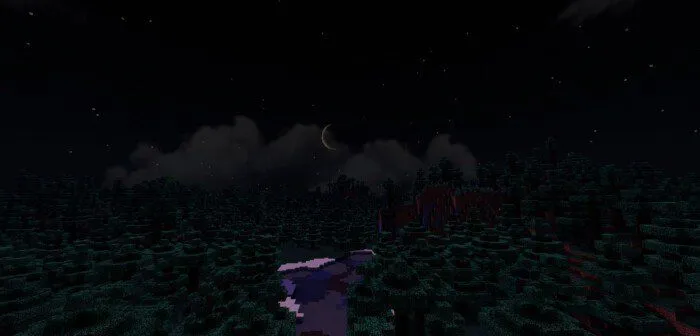
Midnight:
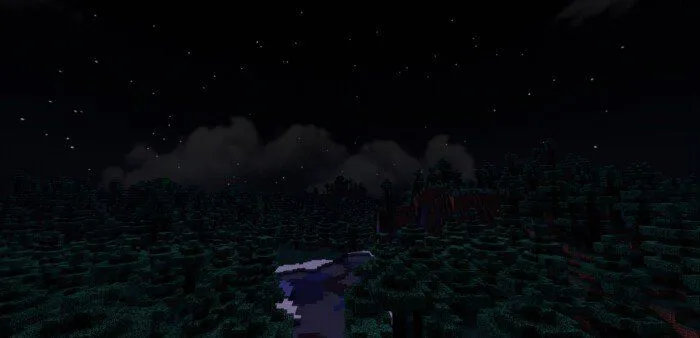
Rainy weather:
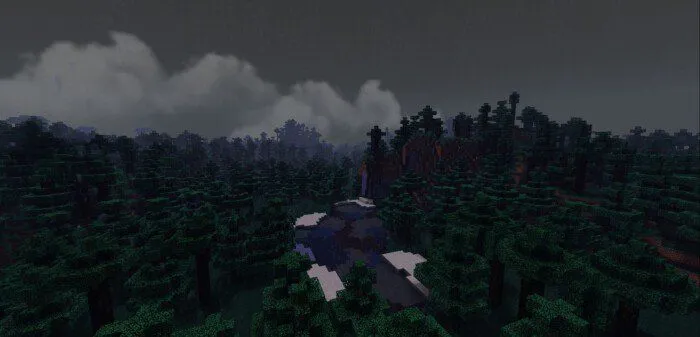
Clear weather:
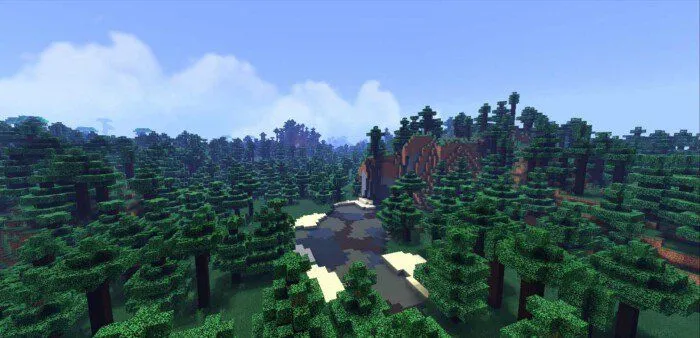
Taiga village (day):
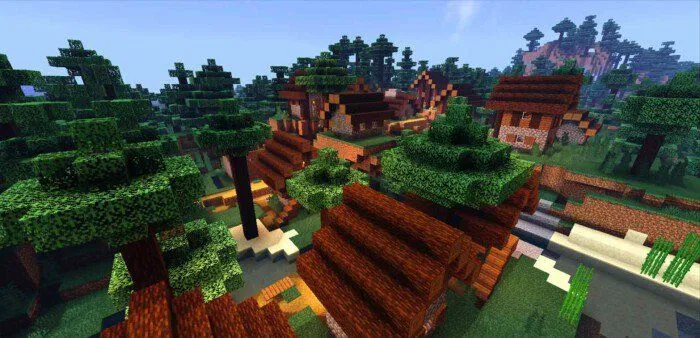
Taiga village (night):
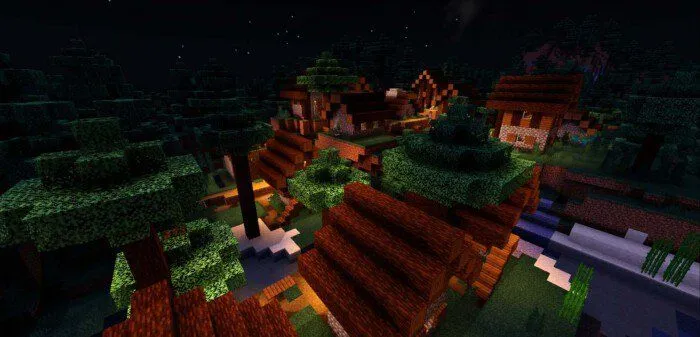
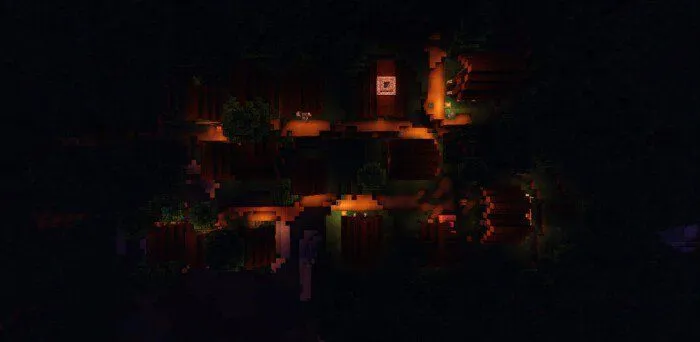
Taiga village (midnight, top view):
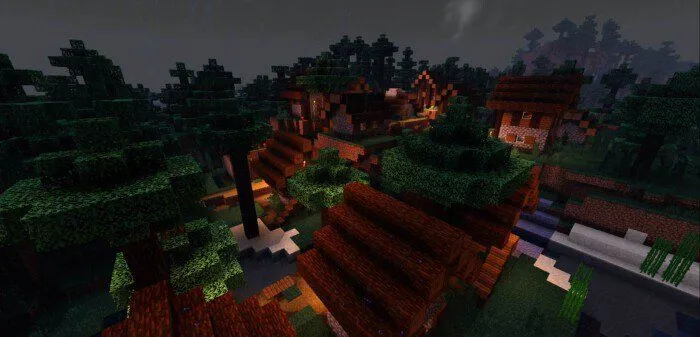
Taiga village during rain:
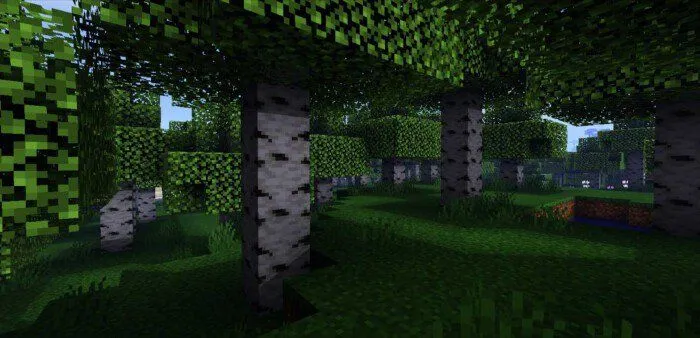
Birch forest:
Nether:
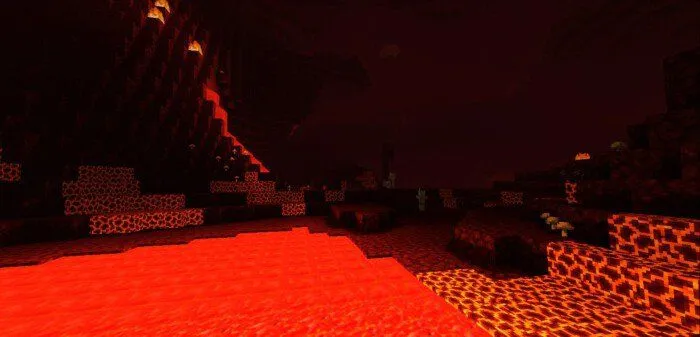
Savanna:
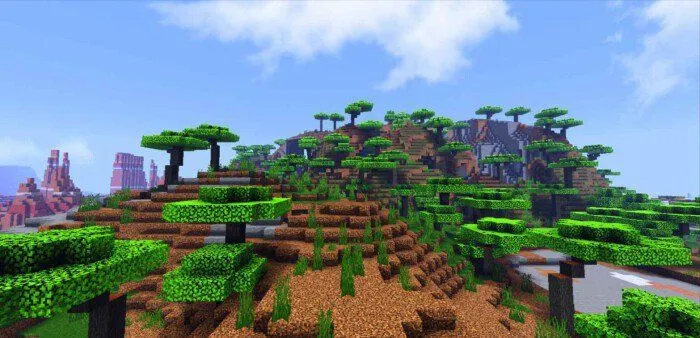
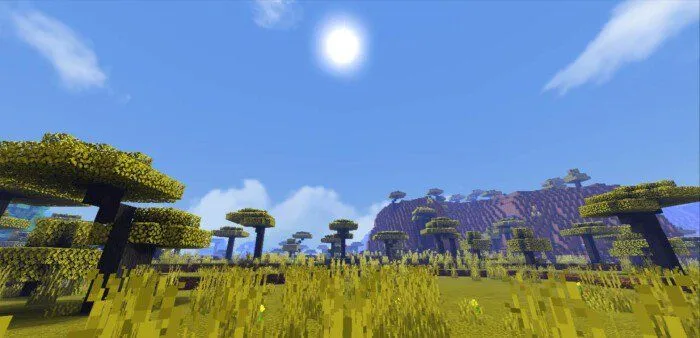
Swamp shore:
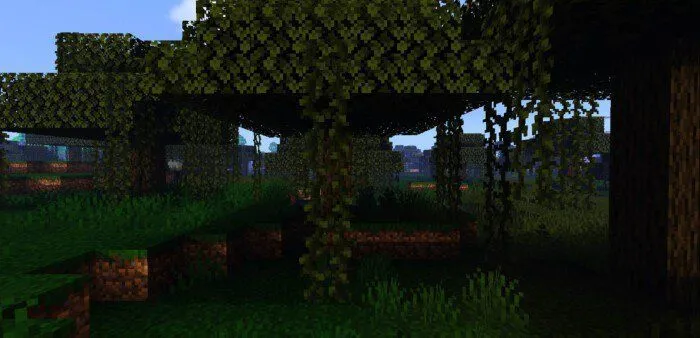
Taiga:
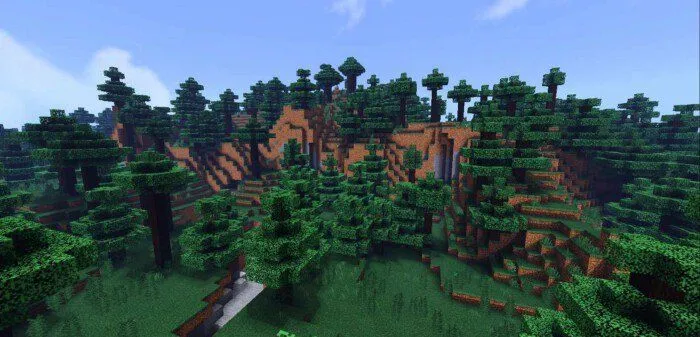
Ice spikes:

Terracotta:

Savanna village:
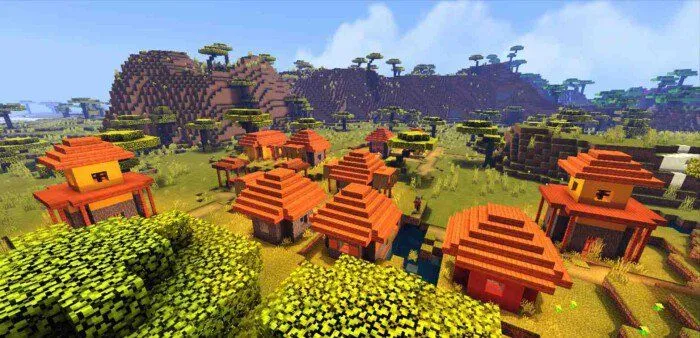
Installing Enhanced Biomes shaders (.mcpack)
- Download the .mcpack shader file from the link below.
- Run the downloaded file and the game will install the pack automatically.
- Go to world settings and open the "Resource Packs" tab.
- Find the pack and activate it.
- Enjoy the game!
