Shaders: Tint Shader (Windows 10)
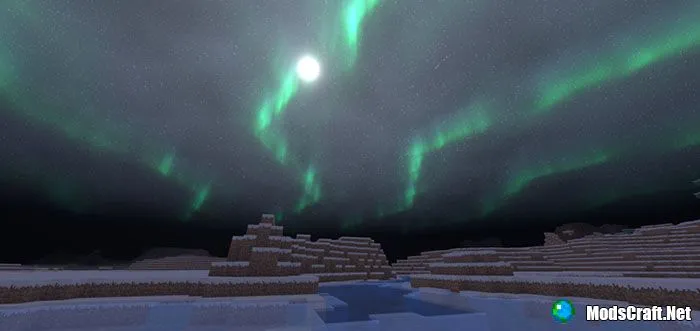
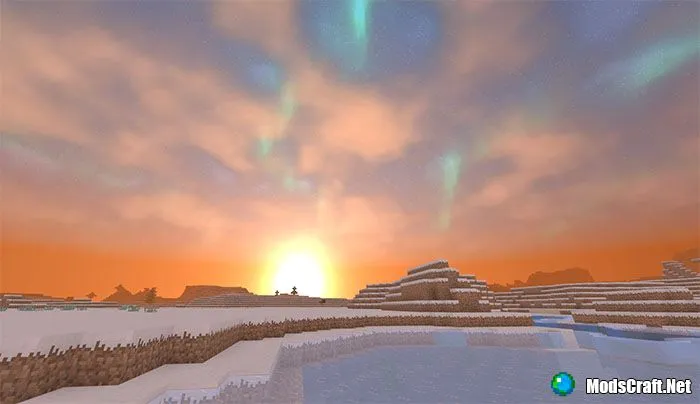
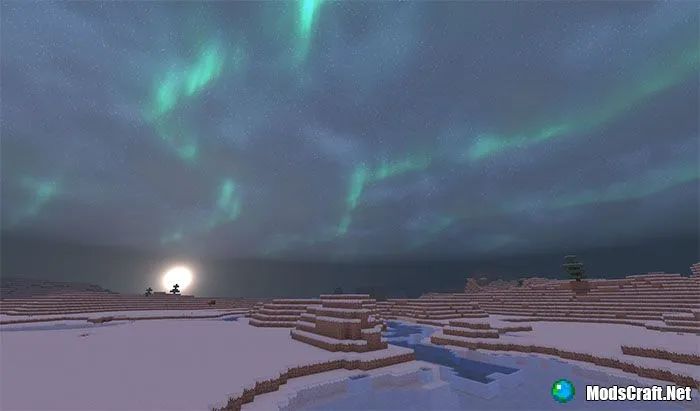
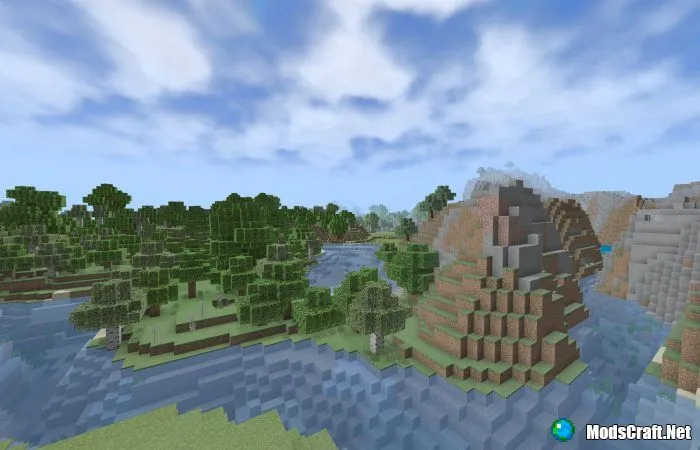
The Tint Shader shaders will update the sky, shadows, and lighting in Minecraft Bedrock Edition. Due to some limitations, they are only available for Windows 10 (PC) players. The night sky looks especially beautiful, shimmering with northern lights!
Installing Tint Shader (.mcpack):
- Download the addon file with the .mcpack extension from the link below.
- Simply open the file (via ES File Explorer on Android) and the game will install everything automatically.
- Launch Minecraft and go to world editing.
- Select Resource Packs.
- Find the shader and activate it.
- The addon is installed, enjoy the game!
Files
Files in a new tab
Download Tint Shader (.mcpack)
22
comments
Comments in a new tab
Loading…
Loading…
Loading…
