Shaders: EVO Shaders Mod 0.16.1/0.16.0
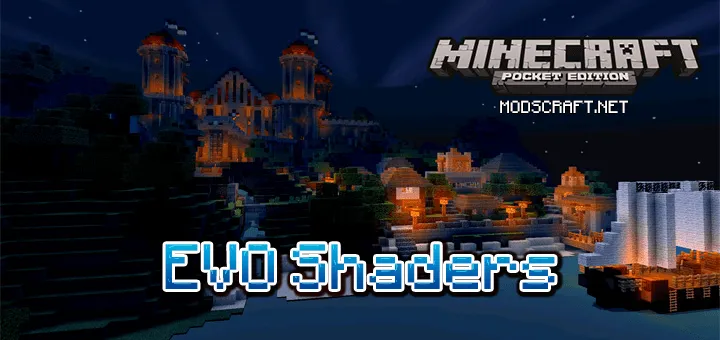
EVO is an amazing shader for Minecraft PE that will make the game world much more beautiful and pleasant. Lava in the Nether will become brighter and more vibrant, making the entire Nether world truly hellish. The Overworld will also become more realistic and lively. For example, stunning blue skies with realistic clouds, leaves that sway in the wind, and beautiful clear water.


The shaders come in three versions. Lite - for less powerful devices, Standard - for mid-range, and Ultra for high-end devices.
System Requirements (minimum):
- OS: Android/iOS/Windows 10
- Dual-core processor at 1.1 GHz+
- GPU: Adreno 305+, Mali 400MP+, Tegra 4+
System Requirements (recommended):
- OS: Android/iOS/Windows 10
- Dual-core processor at 1.7 GHz+
- GPU: Adreno 405+, Mali T860+, Tegra K1+
Installing EVO Shaders (.mcpack):
- Download the .mcpack shaders from the link below.
- Open the downloaded file to let the game install all components automatically.
- Open Minecraft PE and go to game settings.
- Select Global Resources.
- Find the shaders and tap on them to activate.
- Shaders installed, enjoy the game!
Files
Files in a new tab
Download EVO Lite shader (.mcpack)
Download EVO Standard shader (.mcpack)
Download EVO Ultra shader (.mcpack)
Supported versions
Minimum required game versions to run
0.16.0
0.16.1
5
comments
Comments in a new tab
Loading…
Loading…
Loading…
